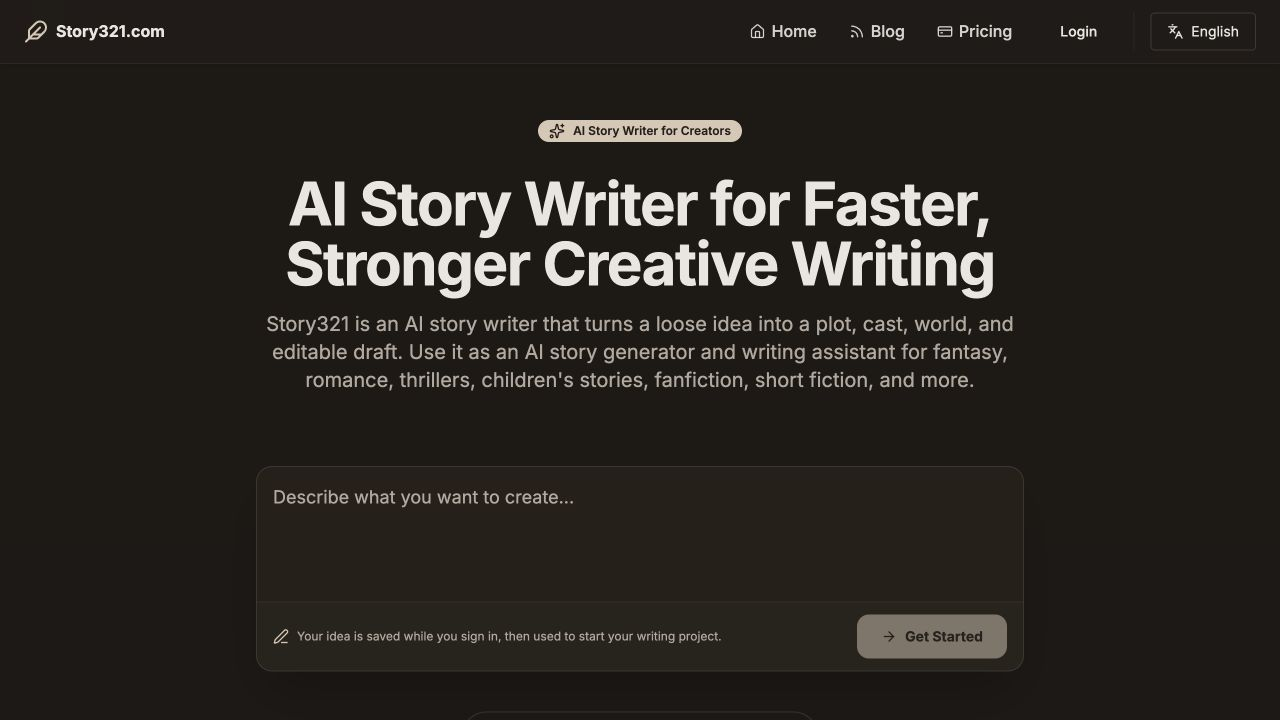
Write and Revise Stories with AI
Describe a premise, scene, or conflict to start writing. Return to your draft to revise it and decide what happens next.
Open the story writerFor writers and creators
Use Story321’s AI storytelling tools to write stories, create characters, make podcasts, or turn your manuscript into an illustrated book. Choose a tool, edit your work, and share it when it is ready.
Start with an idea, a brief, a topic, or a manuscript.
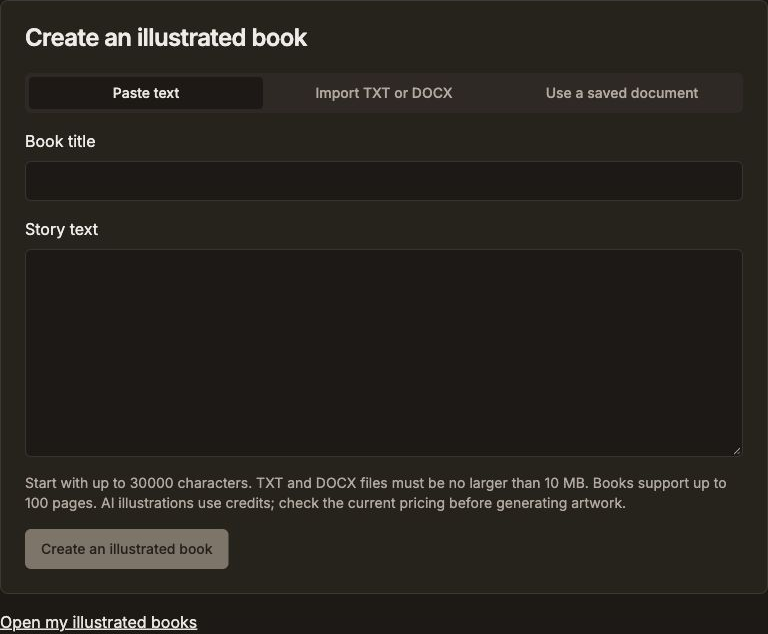
Explore the actual Story321 interfaces for writing, characters, podcasts, and illustrated books. Choose a tool to start your own work.
Describe a premise, scene, or conflict to start writing. Return to your draft to revise it and decide what happens next.
Open the story writer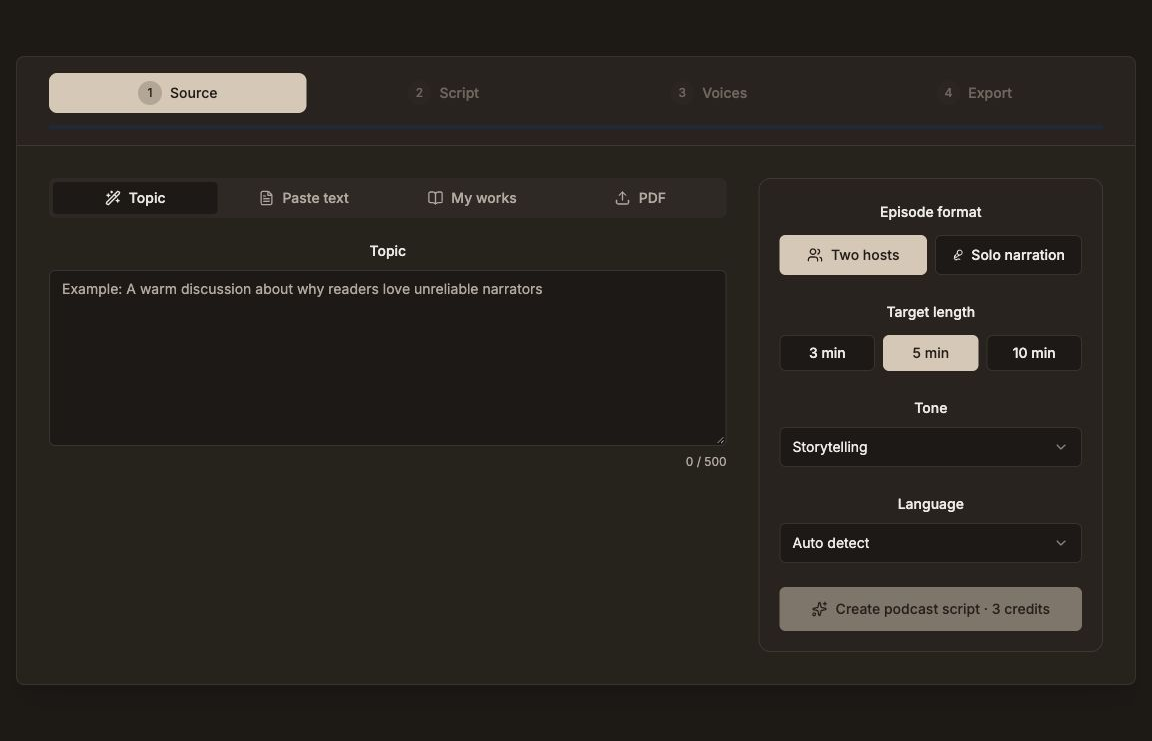
Start from a topic, text, a saved document, or a PDF. Review the script, choose voices, and generate audio you can listen to and download.
Open Podcast Studio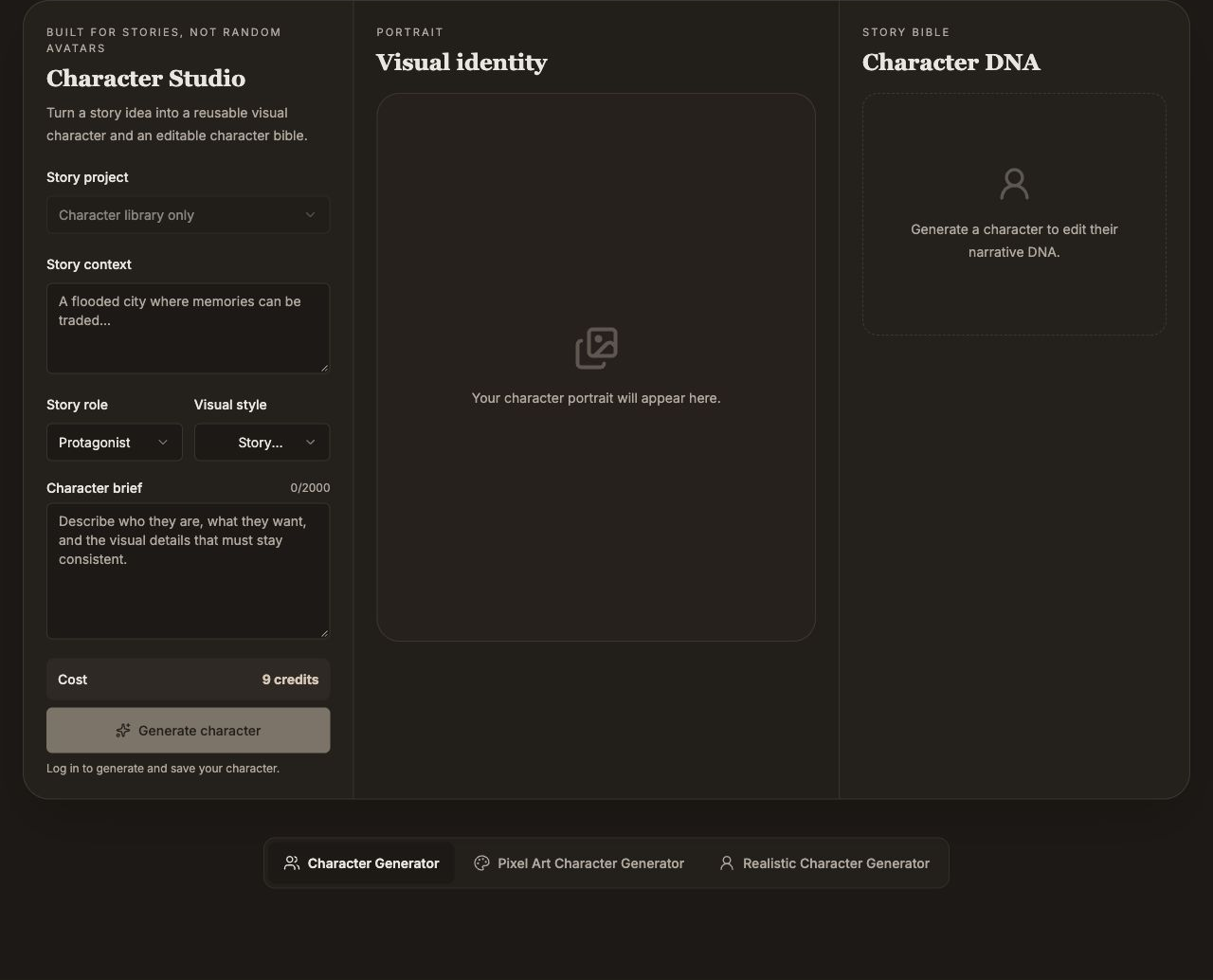
Develop appearance alongside motivation, flaws, voice, and a narrative arc. Save an approved profile and explore visual variations.
Open Character StudioPaste text, import a TXT or DOCX manuscript, or select a saved document. Edit pages and illustrations, then preview, share, or print the book.
Open the book makerAI storytelling supports the creative process. You choose the direction and review the final result.
Pick a product and bring the material it needs: an idea, a brief, a script, or a manuscript. You do not need to use every tool.
Use the relevant editor to shape the text, character, audio script, or book pages. Check the result and regenerate media when needed.
Review your work before sharing a link or exporting an available format. Sharing and export options depend on the product.
AI storytelling uses artificial intelligence to help develop narratives, characters, and their visual or spoken expression. Story321 gives you focused tools for that work, with drafts and references you can return to.
Reopen your writing, revise a scene, or develop the next part. Your decisions shape the voice, structure, and direction.
Select a Story321 document in the podcast tool, then review its spoken script and choose voices before generating audio.
Use a saved document or import your text into the illustrated book maker. Arrange pages and choose the artwork for each scene.
Save a character’s profile and approved images for later reference. Review new writing and images against those creative decisions.
AI storytelling uses artificial intelligence to support ideas, drafting, character development, revision, and visual or spoken expression. The creator chooses the direction, checks the output, and decides what to share.
You can develop written stories, create character portraits and profiles, make two-host or solo podcast audio, and turn your own manuscript into an illustrated book. Each product has a dedicated workflow and editor.
No. Writing and character creation can begin with an idea or brief, and a podcast can begin with a topic or text. The illustrated book maker starts with story text you supply, import, or select from a saved document.
Yes. Review and edit your story, character profile, podcast script, or book pages in the relevant tool. Changes to a script or illustration brief may require generating new audio or artwork.
Story321 supports shareable views for stories, podcasts, characters, and illustrated books. Available exports differ by product: podcasts include downloadable audio and a creator pack, while illustrated books provide a reading view and browser printing. Check the relevant product before choosing a delivery format.
AI generation uses credits, with usage depending on the product and operation. Review the current plans and the cost shown in the tool before generating. You can choose a product and prepare your starting material before committing to a generation.
Write a story, develop a character, make a podcast, or turn your manuscript into an illustrated book. Choose the tool that fits your next project.