Picture Clearer - Sharpen, Enhance, and Improve Any Image Instantly
Looking to make your picture clearer? Use our Picture Clearer tools to remove blur, sharpen details, and restore image clarity instantly. Fast, easy, and free to use online.
Klik om een afbeelding te selecteren
of sleep deze hierheen
Ondersteunde formaten: JPG, JPEG, PNG, WEBP, GIF • Max. 10MB
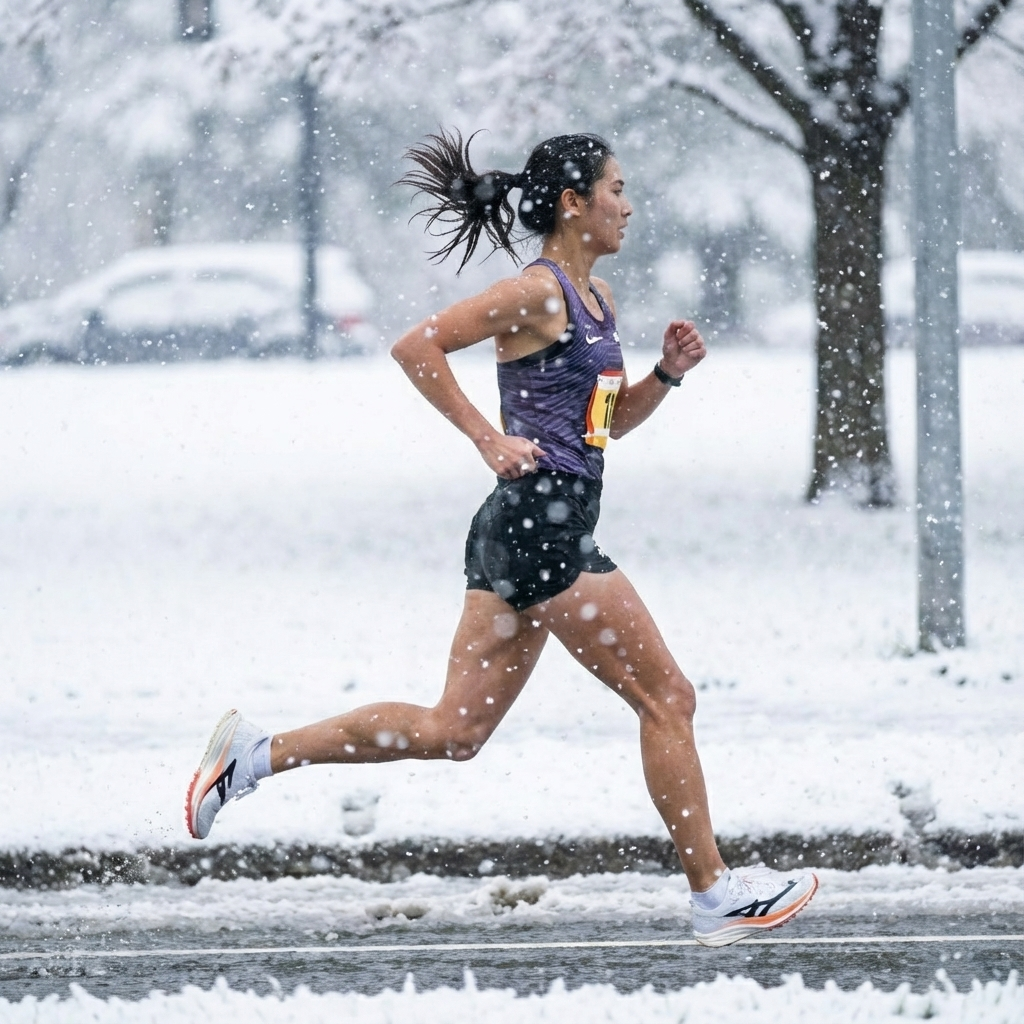
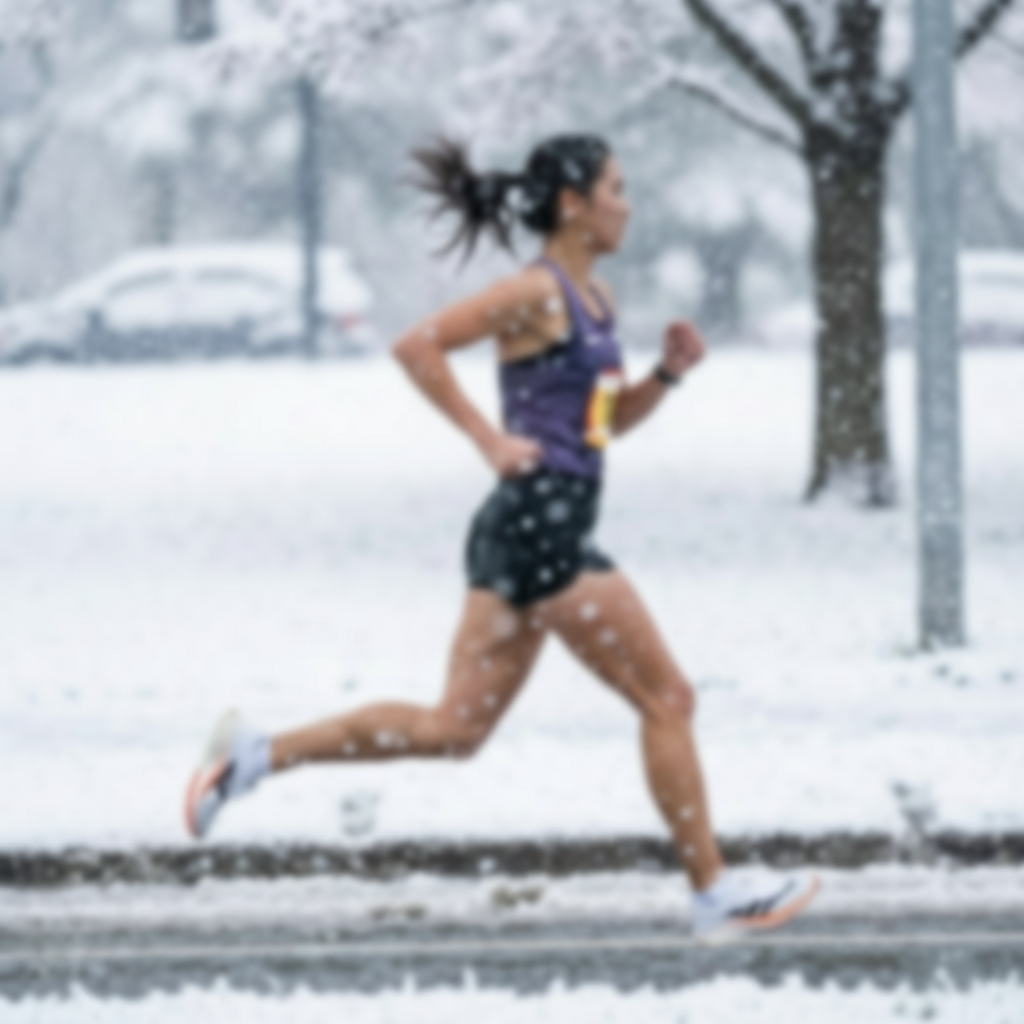
What is Picture Clearer?
"Picture Clearer" refers to a set of tools, technologies, and techniques used to improve the clarity and sharpness of images. Whether you’re dealing with a blurry photo, low-resolution image, or grainy snapshot, Picture Clearer solutions help enhance the visual quality. These tools are essential for photographers, marketers, content creators, and everyday users looking to bring life back to their images.
Why Use Picture Clearer Tools?
Have a special moment captured in a blurry photo? Need to make a professional image crisper? Picture Clearer tools are the go-to solution for anyone who wants to improve image quality with minimal effort. These tools work by applying AI-powered sharpening, noise reduction, and resolution enhancement techniques.
Benefits include:
- Increased detail and sharpness
- Enhanced textures and edges
- Removal of noise or pixelation
- Easy-to-use interface for fast results
How to Use a Picture Clearer Tool
- Upload Your Image: Drag and drop or select a photo you want to enhance.
- Apply Enhancements: Choose from clarity improvement, deblurring, noise removal, or sharpening options.
- Preview and Adjust: See real-time previews and fine-tune clarity levels.
- Download Your Clearer Picture: Save the enhanced image in high resolution.
No technical skills needed — our Picture Clearer tools are designed for anyone to use.
Features of the Picture Clearer Tool
- AI-Powered Enhancement: Our Picture Clearer tool uses artificial intelligence to analyze and improve image clarity automatically.
- Multiple Modes: Choose between standard, high-definition, and ultra-HD clarity modes.
- Noise Reduction: Eliminate grain and artifacts while preserving details.
- Edge Sharpener: Accentuate the important lines and borders in your photo.
- Batch Processing: Clear multiple pictures in one go.
- Mobile & Web Friendly: Use Picture Clearer on desktop or mobile browsers.
Use Cases for Picture Clearer
1. Photographers
Sharpen your raw or JPEG photos with Picture Clearer to create professional-grade outputs.
2. E-commerce Sellers
Make product photos pop by increasing their clarity. Clear images result in better conversion rates.
3. Social Media Creators
Enhance selfies, lifestyle photos, or travel memories to ensure your posts stand out.
4. Document Restorers
Bring old, scanned images back to life by improving the clarity of text and visuals.
5. Students and Educators
Use Picture Clearer to improve the quality of visual materials for assignments or lectures.
Benefits of Using Picture Clearer
- Save Time: Enhance images in seconds.
- Save Money: No need for expensive software or professional editing services.
- Instant Results: See your clearer picture in real time.
- Boost Image Value: Higher clarity means greater visual impact.
- Accessible for All: No downloads, no installations — just upload and go.
Picture Clearer vs Traditional Tools
| Feature | Picture Clearer Tool | Photoshop | Online Filters |
|---|---|---|---|
| AI Enhancement | Yes | Limited | No |
| Real-Time Preview | Yes | No | Sometimes |
| Requires Skills | No | Yes | No |
| Free to Use | Yes | No | Often Yes |
| Fast Processing | Yes | Moderate | Fast |
Common Limitations of Picture Clearer Tools
- Not Perfect for Every Image: Extremely low-res or heavily pixelated images may not be fully recoverable.
- Over-sharpening Risks: Some images may look unnatural if processed too aggressively.
- Internet Required: Online tools need an internet connection.
Frequently Asked Questions (FAQ)
Q1: Is Picture Clearer free to use? Yes! Our core Picture Clearer tool is 100% free for basic enhancement features.
Q2: Can I use Picture Clearer on mobile? Absolutely. Picture Clearer is mobile-optimized and works in any modern browser.
Q3: Will it work on scanned documents? Yes. Picture Clearer is great for scanned texts, restoring legibility and contrast.
Q4: Is my photo safe? Yes. We do not store any images. All uploads are deleted after processing.
Q5: What image formats are supported? JPEG, PNG, BMP, and even WebP are supported.
Make Your Picture Clearer Today
Whether you're editing photos for business, school, or personal memories, Picture Clearer tools provide an intuitive, powerful way to improve image quality. Say goodbye to blurry or dull photos — and hello to sharp, vibrant, high-clarity visuals.
Try Picture Clearer now – it’s fast, free, and remarkably effective.