Wan 2.5 - 图像转图像
使用阿里云 Wan 2.5 AI 模型转换和增强图像。支持 480p、720p 和 1080p 分辨率,并具有高级图像编辑功能。
Save Your Creations
Login to save, manage and share all your generated images
Community Showcase


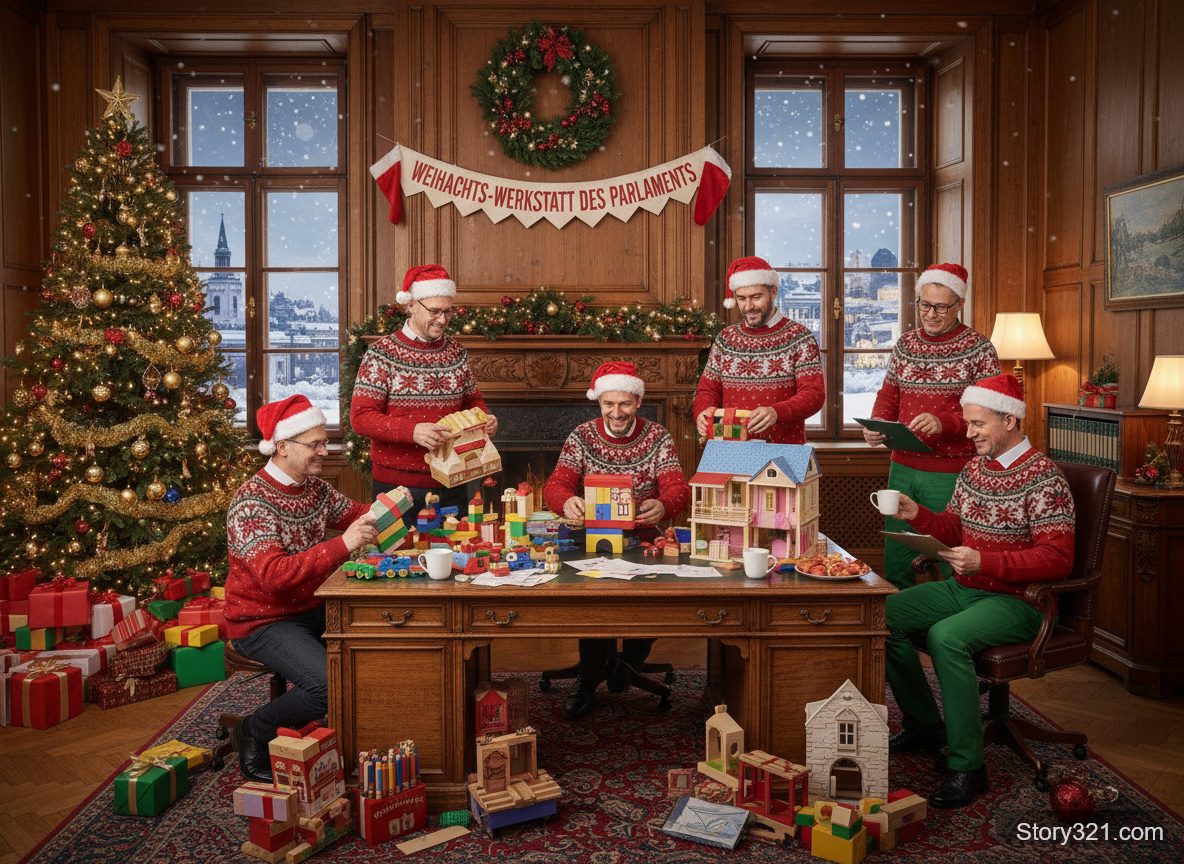

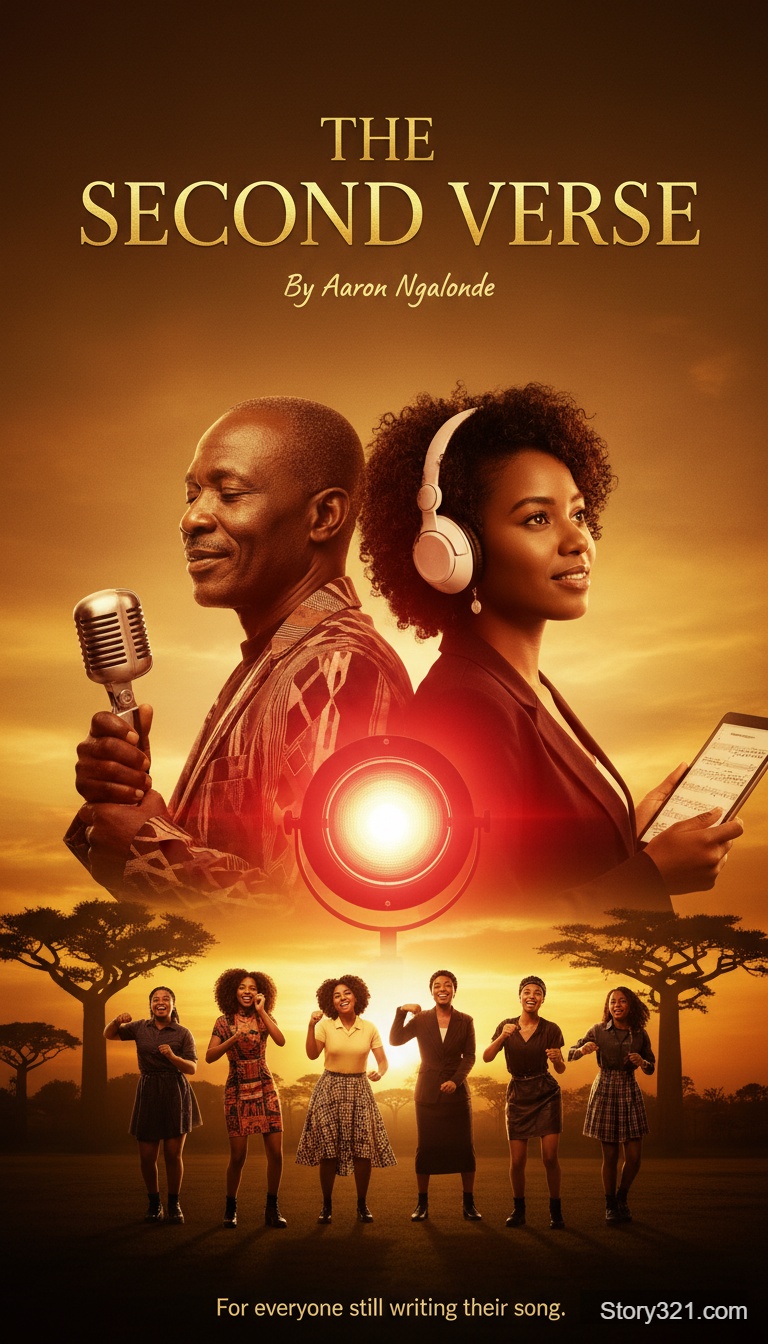
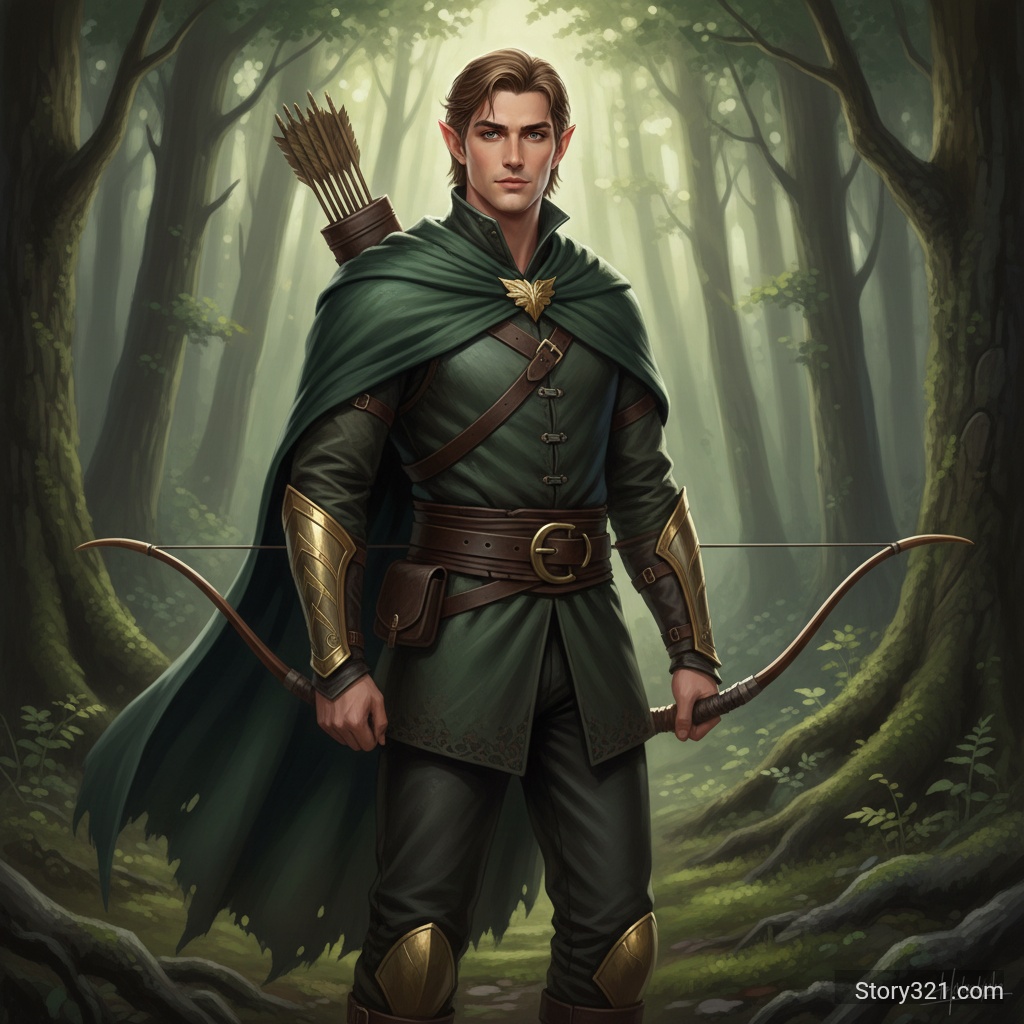
Wan 2.5 能做什么?
强大的 AI 变换
利用阿里云先进的 Wan 2.5 模型进行高质量图像变换,具有出色的风格迁移能力。
多种分辨率选项
从 480p、720p 或 1080p 输出分辨率中进行选择,以平衡质量和处理速度,满足您的需求。
智能提示词扩展
启用自动提示词扩展以增强您的指令,并获得更详细、更精致的结果。
灵活的宽高比
支持自动、16:9、9:16 和 1:1 宽高比,以适应从社交媒体到专业项目的各种用例。
如何使用 Wan 2.5 图像转图像
- 1
上传您的图像
从您的设备中选择一张图像。该图像将被上传并准备进行转换。
- 2
设置您的参数
选择您偏好的分辨率(480p/720p/1080p)、宽高比,以及是否启用提示词扩展。
- 3
描述 & 生成
写下您的转换提示词,然后点击“生成”。Wan 2.5 将处理您的图像,并在片刻之内提供结果。
常见问题
Wan 2.5 支持哪些分辨率?
Wan 2.5 支持三种分辨率选项:480p 用于快速预览,720p 用于平衡质量,1080p 用于高清输出。
什么是提示词扩展?
提示词扩展是一项自动用其他细节增强您的提示词的功能,可帮助 AI 更好地理解和执行您的愿景。
有哪些可用的宽高比?
Wan 2.5 支持自动(保持原始比例)、16:9(横向)、9:16(纵向)和 1:1(正方形)宽高比。
使用 Wan 2.5 进行图像转换需要多长时间?
处理时间因分辨率而异:480p 大约需要 10-15 秒,720p 大约需要 15-25 秒,1080p 大约需要 25-40 秒。
定价
提供免费套餐
- 图像转图像
- 11 个积分
- 文本转图像
- 10 个积分
技术规格
| 支持的格式 | PNG, JPG, WebP |
|---|---|
| 最大文件大小 | 10MB |
| 输出分辨率 | 480p / 720p / 1080p |
| 宽高比 | 自动, 16:9, 9:16, 1:1 |
| 提示词扩展 | 可用 |
| 处理时间 | 10-40 秒 |