Wan 2.5 Image Editor
Edit one uploaded image with a prompt, selectable 480p, 720p, or 1080p output, and practical framing controls.
Save Your Creations
Login to save, manage and share all your generated images
Community Showcase

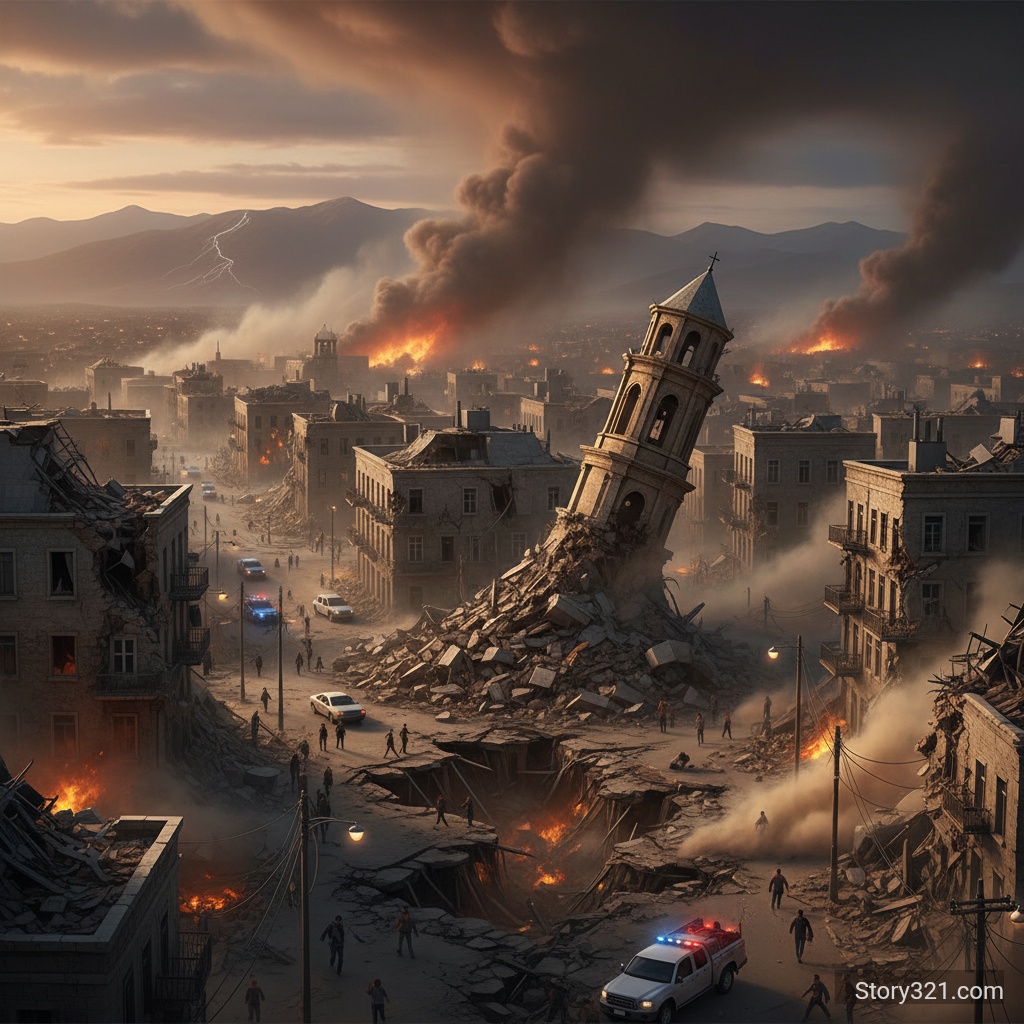
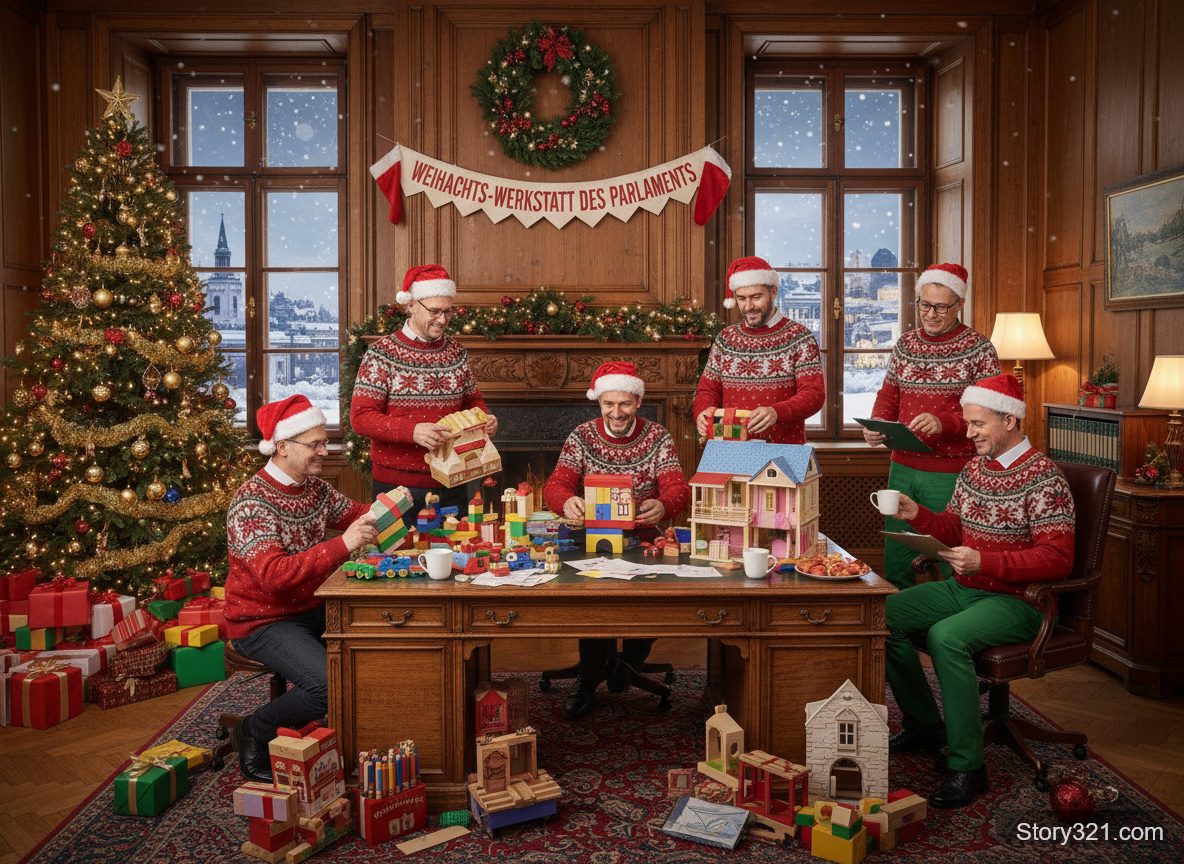
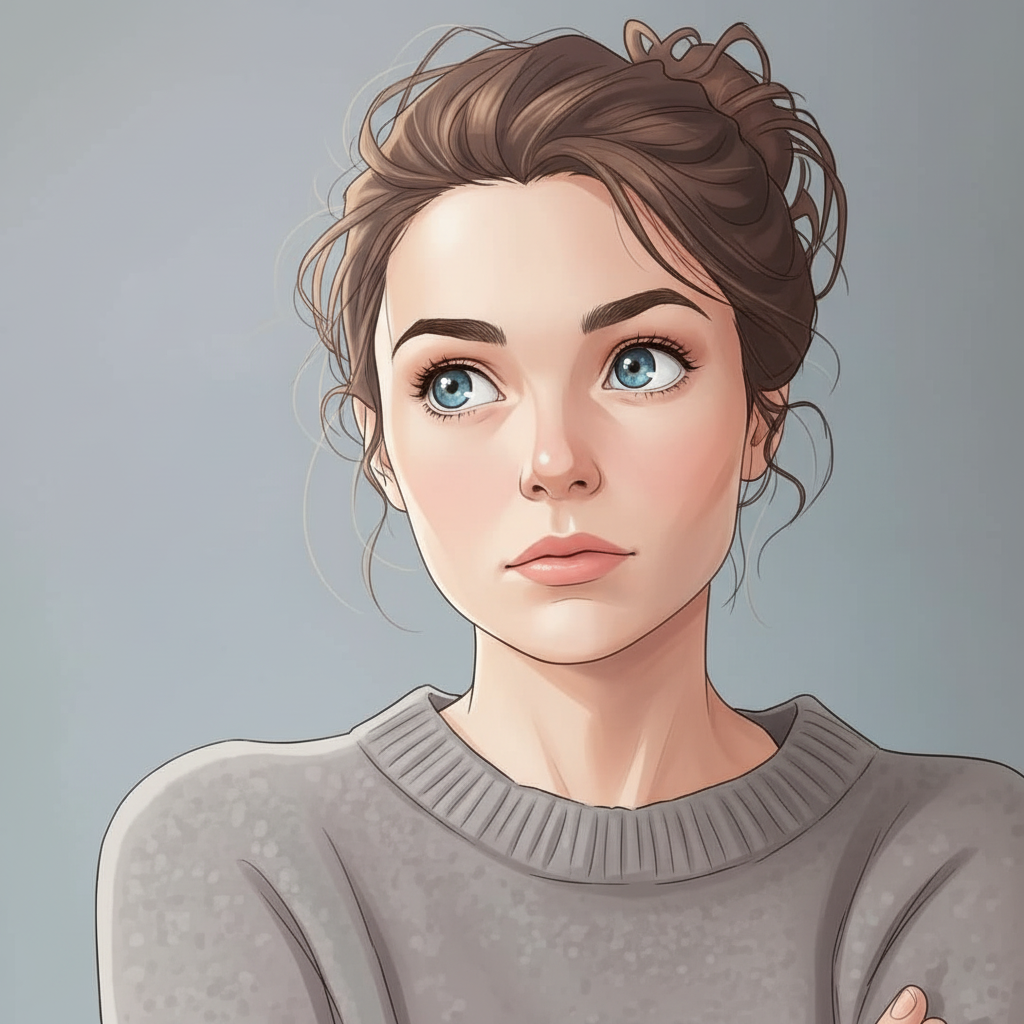
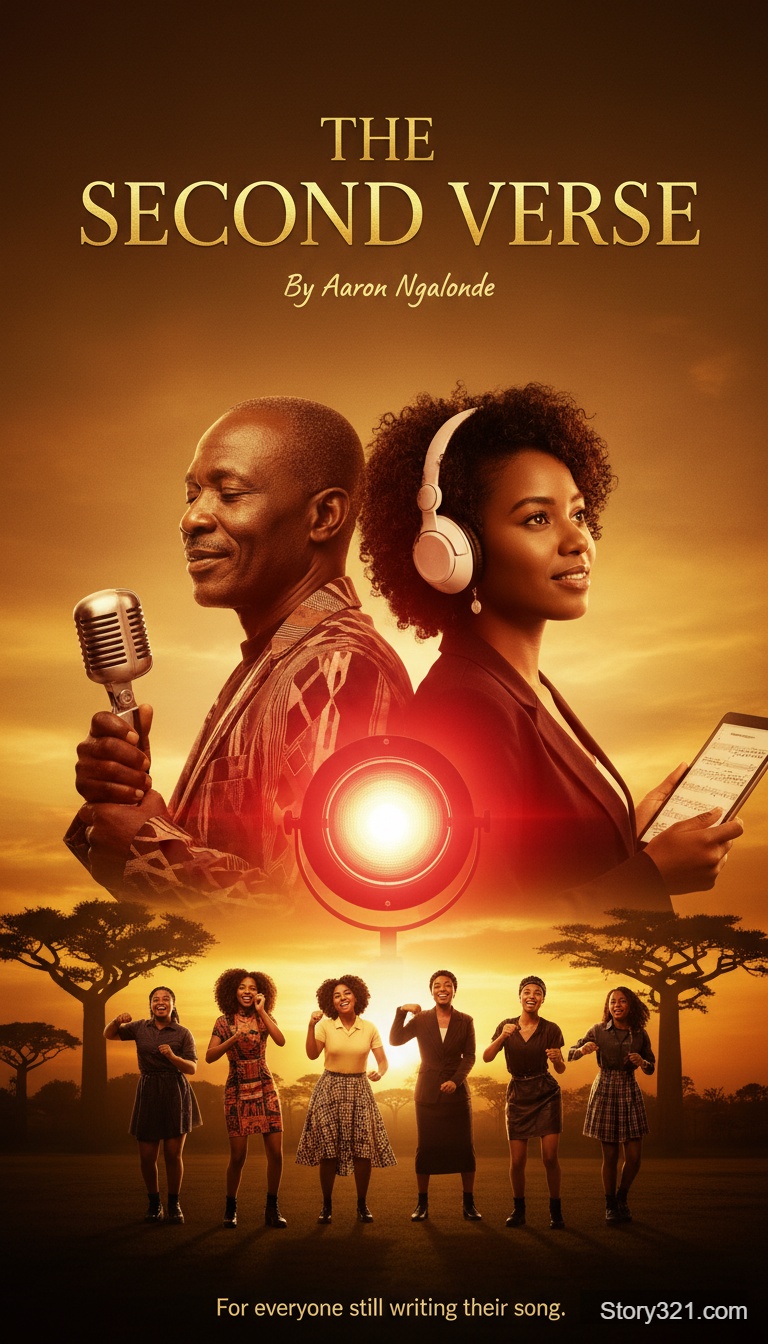
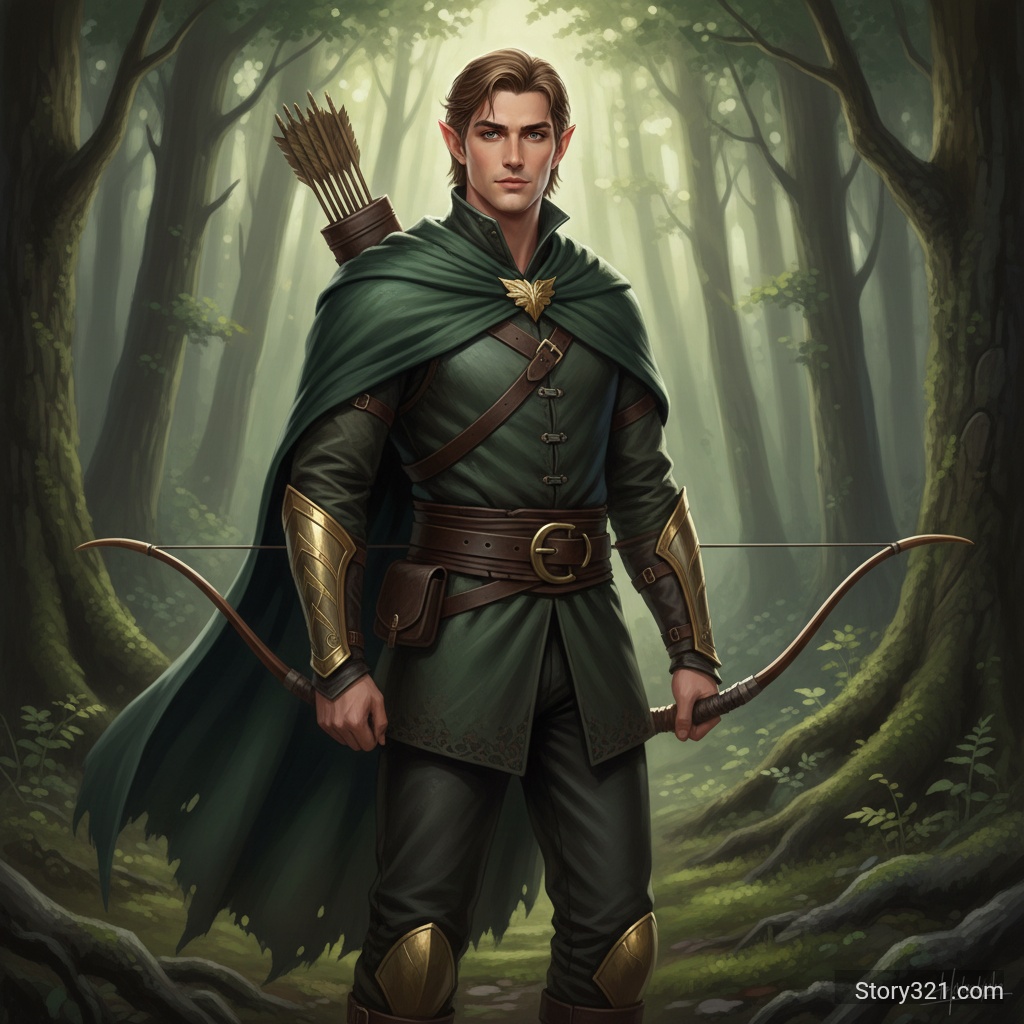
When should I use Wan 2.5 for image editing?
Use Wan 2.5 when you want a prompt-led edit from one source image and need to choose 480p, 720p, or 1080p output. Write the requested change clearly, then review the full result because a generative edit can affect details outside the intended area.
Wan 2.5 controls on Story321
One source image
Start with one uploaded image and use it as the reference for the requested edit.
Selectable output resolution
Choose 480p, 720p, or 1080p in the Story321 form according to the review or delivery context.
Practical framing options
Use Auto, 16:9, 9:16, or 1:1 when the output needs a particular composition.
Prompt expansion option
Enable prompt expansion for a broad starting brief, or keep it off when you need to keep a detailed instruction more literal.
How to edit with Wan 2.5
- 1
Upload a source image
Choose an image you have permission to edit.
- 2
Set the output controls
Choose the output resolution and framing that suit the placement you are testing.
- 3
Describe the edit
State what should change first, then describe the visual details you want to retain.
- 4
Review the generated result
Check the edited area, composition, text, and small details before using the result.
Wan 2.5 editing use cases
Background direction
Explore a new setting or visual mood while keeping the original source image as context.
Style exploration
Test a different illustration, material, or color direction from an existing reference.
Campaign revisions
Create a focused alternate visual direction for an existing asset before a final production pass.
Format planning
Test square, portrait, or landscape framing for the intended destination.
Wan 2.5 review notes
- Story321 exposes one source-image workflow; do not assume every provider capability is available in this form.
- Generative results can change adjacent objects or fine details, so inspect the complete image.
- Use a source image you are allowed to edit and validate the output for your publishing requirements.
Compare image editors
Image-to-Image Tools
Compare all available Story321 editing workflows.
Compare modelsNano Banana Pro
Choose 1K, 2K, or 4K for a resolution-led workflow.
Open Nano Banana ProGPT Image 2.5
Use quality and variation controls for focused edits.
Open GPT Image 2.5
Frequently Asked Questions
Which output resolutions can I choose?
The Story321 Wan 2.5 form offers 480p, 720p, and 1080p output selections.
Which aspect ratios are available?
The form offers Auto, 16:9, 9:16, and 1:1 framing.
How much does a Wan 2.5 edit cost?
A Wan 2.5 image edit is 11 credits on Story321. Confirm the displayed amount before generating.
Will the edit preserve every detail?
No. Treat it as a generative output and review text, people, logos, proportions, and the full composition.
Wan 2.5 image editing credits
- Image edit
- 11 credits per image
Wan 2.5 workflow specifications
| Input | One uploaded image and an edit prompt |
|---|---|
| Output resolution | 480p, 720p, or 1080p |
| Framing | Auto, 16:9, 9:16, or 1:1 |
| Prompt expansion | Optional |
Official model reference
Wan image model guide“Wan2.5-i2i-preview supports image editing.”
Edit an image with Wan 2.5
Upload one source image, select the framing and resolution you need, then describe a focused edit.
Open Wan 2.5