AI Image Combiner: Combine Images with AI
Upload 2–10 images, describe the composition you want, and create one AI-generated visual from your references.
Save Your Creations
Login to save, manage and share all your generated images
Community Showcase
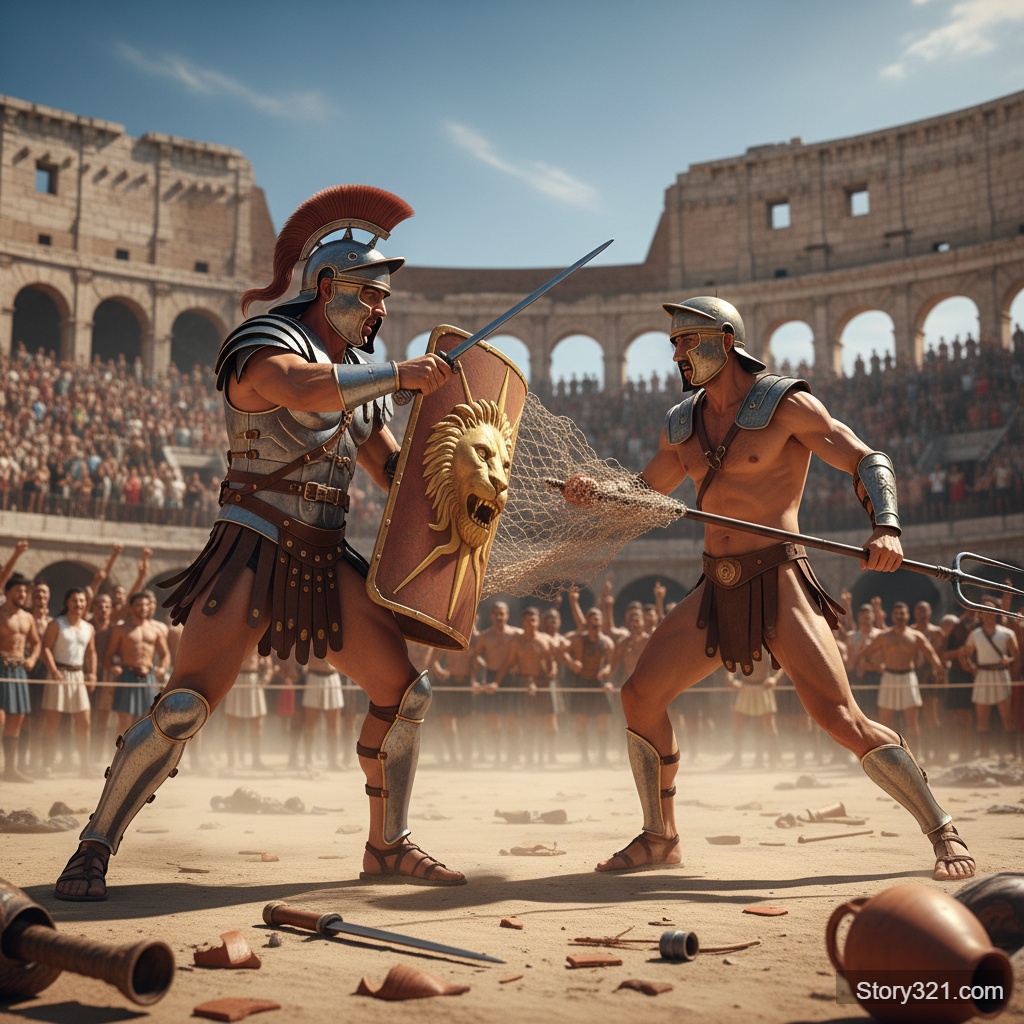
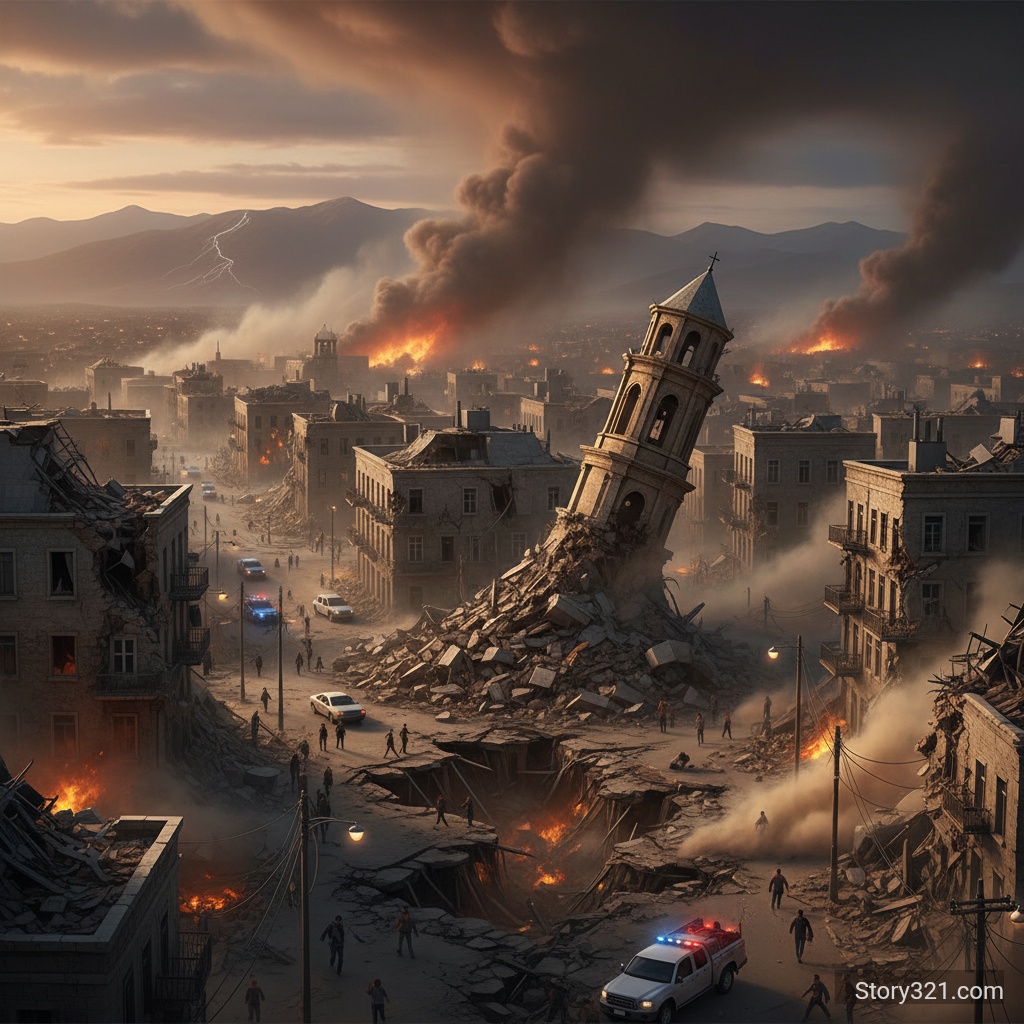
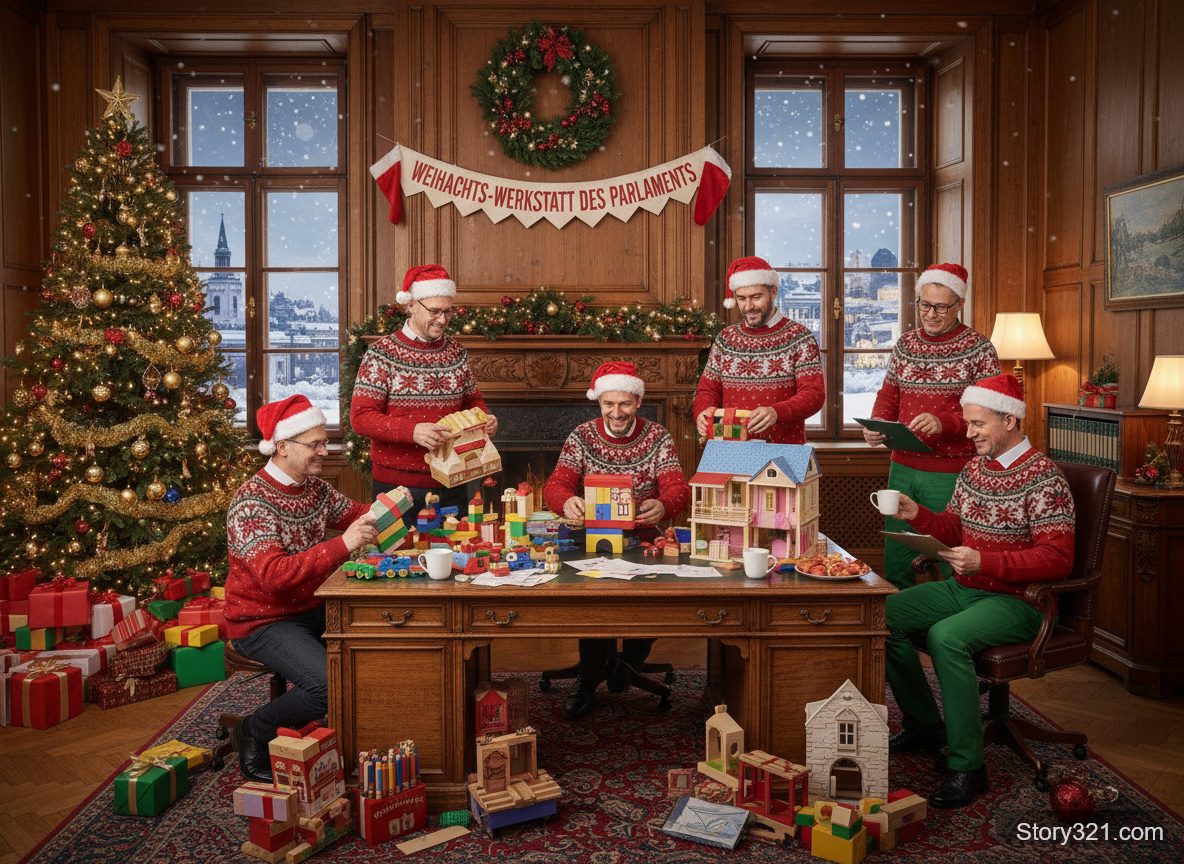
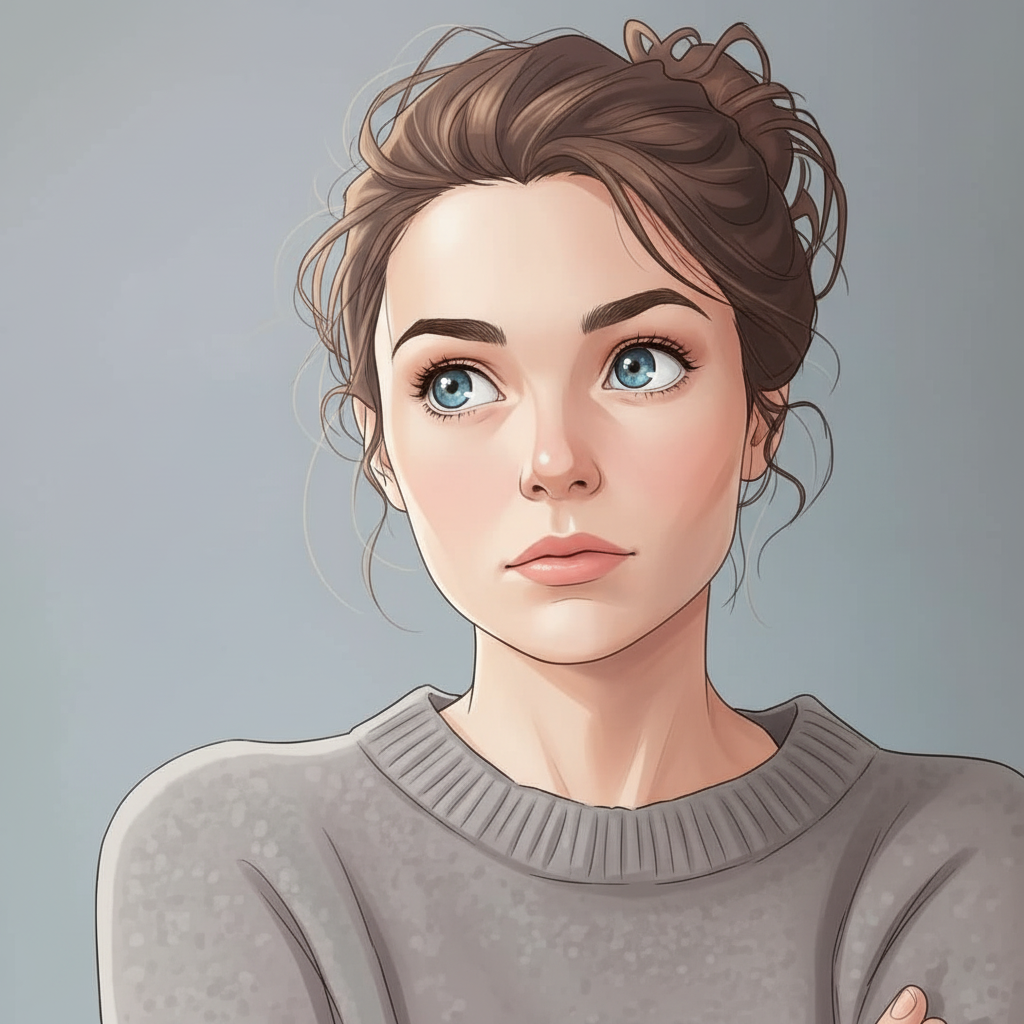
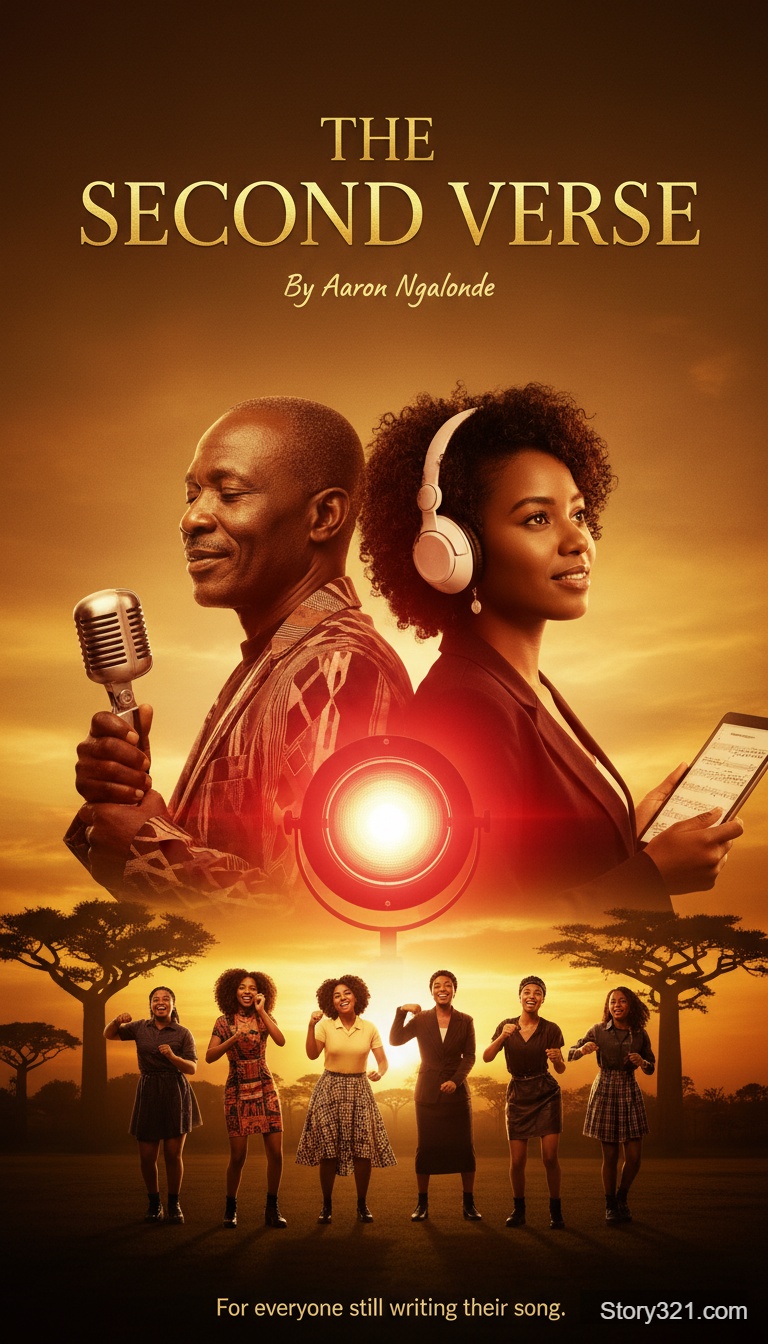
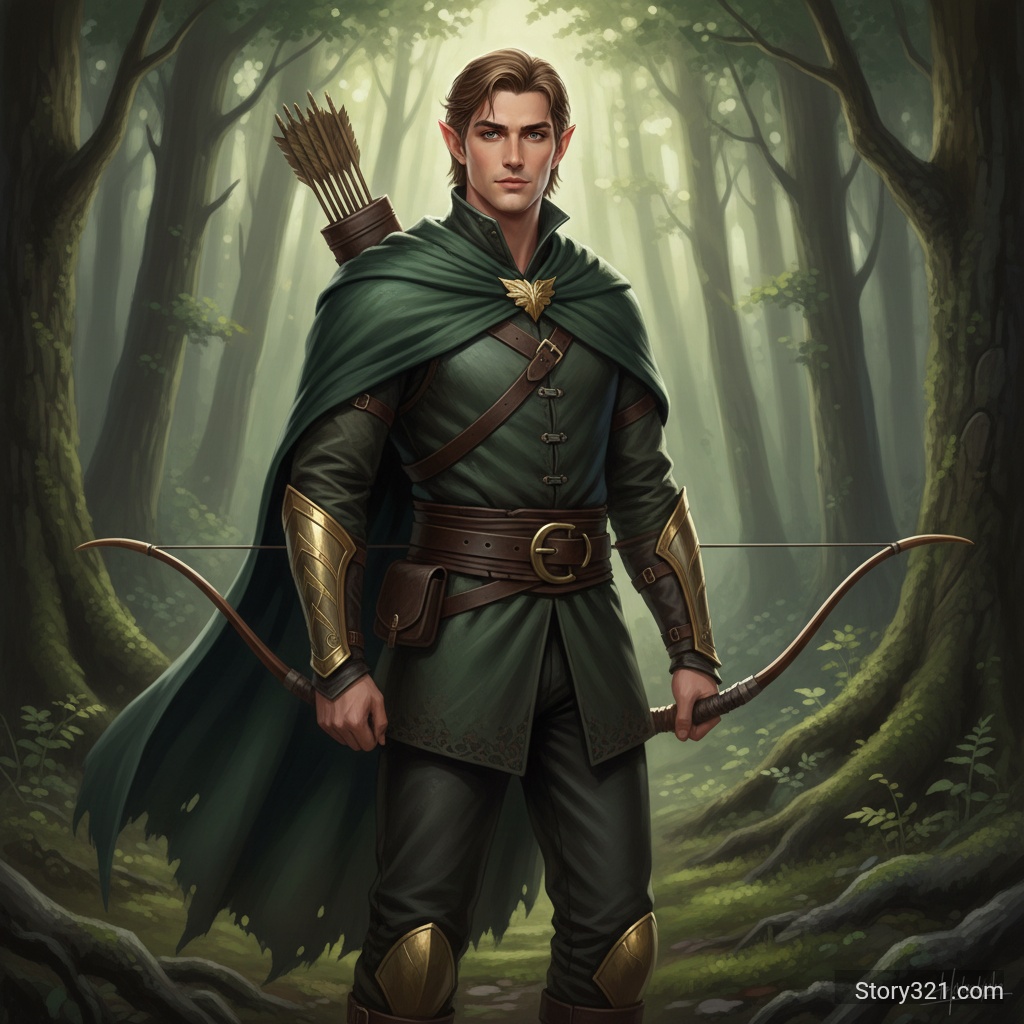
What is an AI image combiner?
An AI image combiner turns multiple uploaded reference images and a written instruction into one new composition. Use it to explore a scene, blend visual directions, or place ideas together; review each result because generative output can change details beyond your prompt.
AI image-combining controls on Story321
2–10 reference images
Add multiple source images to the Story321 form and use them together as visual references for one composition.
Prompt-led composition
Describe the subjects, placement, setting, and visual style you want the combined result to explore.
Aspect-ratio choice
Start with Auto or select a frame that better fits a square, portrait, landscape, or wide destination.
Private-mode control
Choose the privacy setting offered in the form before you generate a composition.
When multi-image fusion is useful
Scene concepts
Bring a subject, setting, and visual mood into one draft direction before creating a final asset.
Creative briefs
Use several references to communicate a visual direction that would be difficult to describe with text alone.
Marketing drafts
Explore a product, background, and styling idea together, then review the result for accuracy before use.
Style exploration
Test how colors, textures, and composition ideas work together in an original generated image.
How to combine images with AI
- 1
Add images you can use
Upload 2–10 PNG, JPG/JPEG, or WebP images that you have permission to use.
- 2
Choose the output frame
Use Auto for a reference-led composition or select an aspect ratio for the destination you have in mind.
- 3
Write one clear composition brief
State what to combine, where the important subjects should appear, and which visual details should be preserved.
- 4
Generate, inspect, and refine
Review the whole image for changed details, then adjust one part of the prompt at a time for the next attempt.
AI image combiner use cases
Product-in-scene concepts
Explore a product reference in a proposed environment before commissioning a final product image.
Mood-board synthesis
Merge several visual references into one new direction for a campaign, story, or presentation.
Character and world ideas
Combine character, wardrobe, location, and palette references into a visual storytelling draft.
Poster concepts
Test a subject, atmosphere, and layout direction for a promotional visual.
Social visual drafts
Explore a coherent composition from several references before adapting it to a social placement.
Creative remixes
Try unexpected combinations of objects, landscapes, colors, and materials in a new generated image.
Before you generate
- The 2–10 image range is the current Story321 form limit, not a claim about every provider or model limit.
- Generative composition can change faces, text, logos, proportions, lighting, and details outside the requested edit.
- Use only images you are allowed to upload and review the full output before publishing or using it in a commercial workflow.
- The live form is the source of truth for currently available controls, credits, and privacy options.
Explore related image tools
Nano Banana Image Combiner
Use Story321's current multi-image workflow powered by Nano Banana.
Open Nano BananaImage-to-Image Tools
Edit one source image with a model-specific workflow.
Compare image editorsText-to-Image Tools
Create a new image from a written prompt without uploading references.
Explore text to image
Frequently Asked Questions
How many images can I combine on Story321?
The current Story321 image-combiner form accepts 2 to 10 input images for one generation request. Confirm the live form before generating because available controls can change.
Which image files can I upload?
The form accepts PNG, JPG/JPEG, and WebP image files. The current upload limit is 10MB per image.
What should an image-combining prompt include?
Name the images or subjects you want to combine, describe the intended placement and scene, and identify important style or detail constraints. Keep the request focused, then refine one instruction at a time.
Can AI image fusion preserve every detail from my references?
No. Generative results can reinterpret or alter details, including text, faces, logos, proportions, and lighting. Inspect the complete result before use.
How much does an AI image combination cost?
Story321 currently charges 11 credits for an image-combiner generation. Confirm the amount shown in the form before generating.
AI image combiner credits
- Image combination
- 11 credits per generation
Story321 image combiner specifications
| Inputs | 2–10 uploaded reference images and a written prompt |
|---|---|
| Supported uploads | PNG, JPG/JPEG, and WebP |
| Upload limit | Up to 10MB per image |
| Framing | Auto plus selectable aspect-ratio presets |
| Current model | Nano Banana |
Official model reference
Introducing Gemini 2.5 Flash Image“blend multiple images into a single image”
Combine your images with AI
Add your references, describe the composition you want to explore, and review the generated image as a whole.
Open AI Image Combiner