Text to Image - AI Image Generation
Generate high-quality images from text prompts using advanced AI models. Create professional images with multiple AI models including Wan 2.5, Flux, Nano Banana, and more.
Save Your Creations
Login to save, manage and share all your generated images
Community Showcase
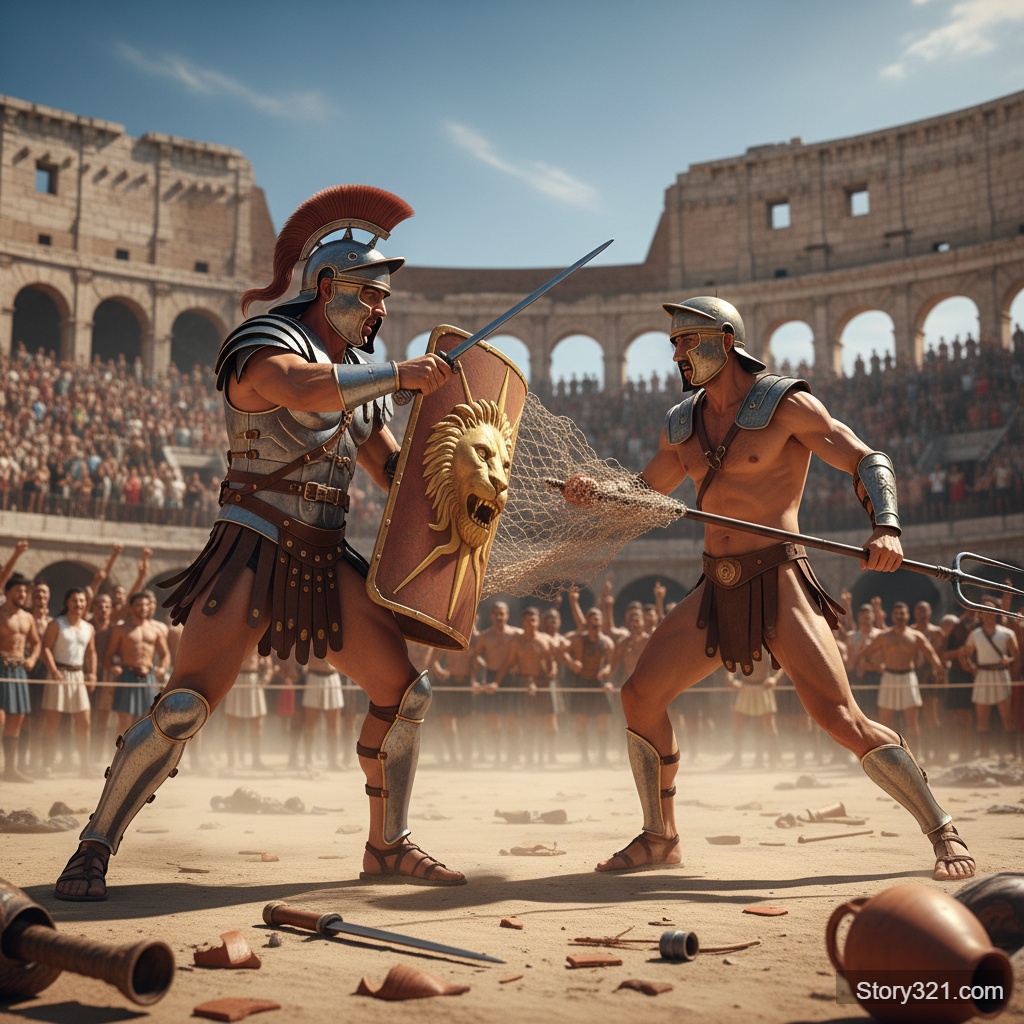
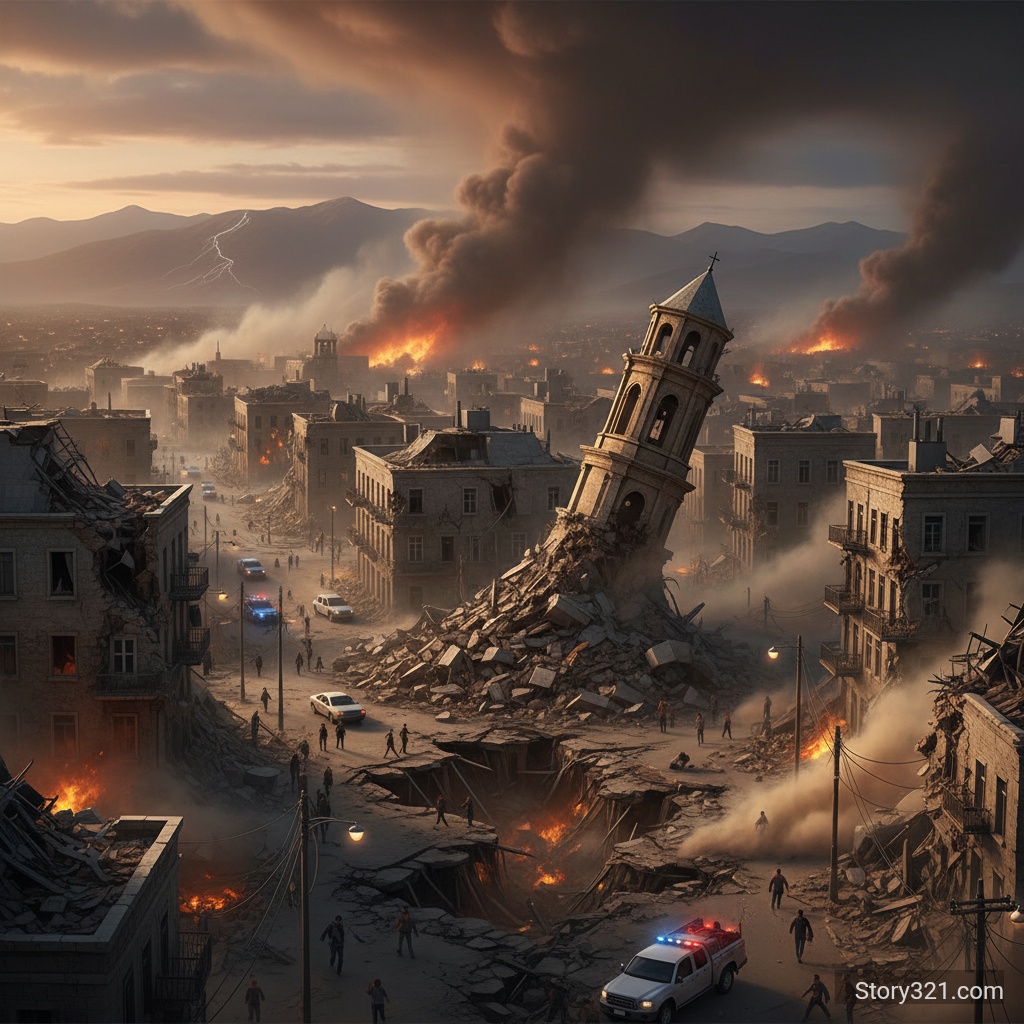
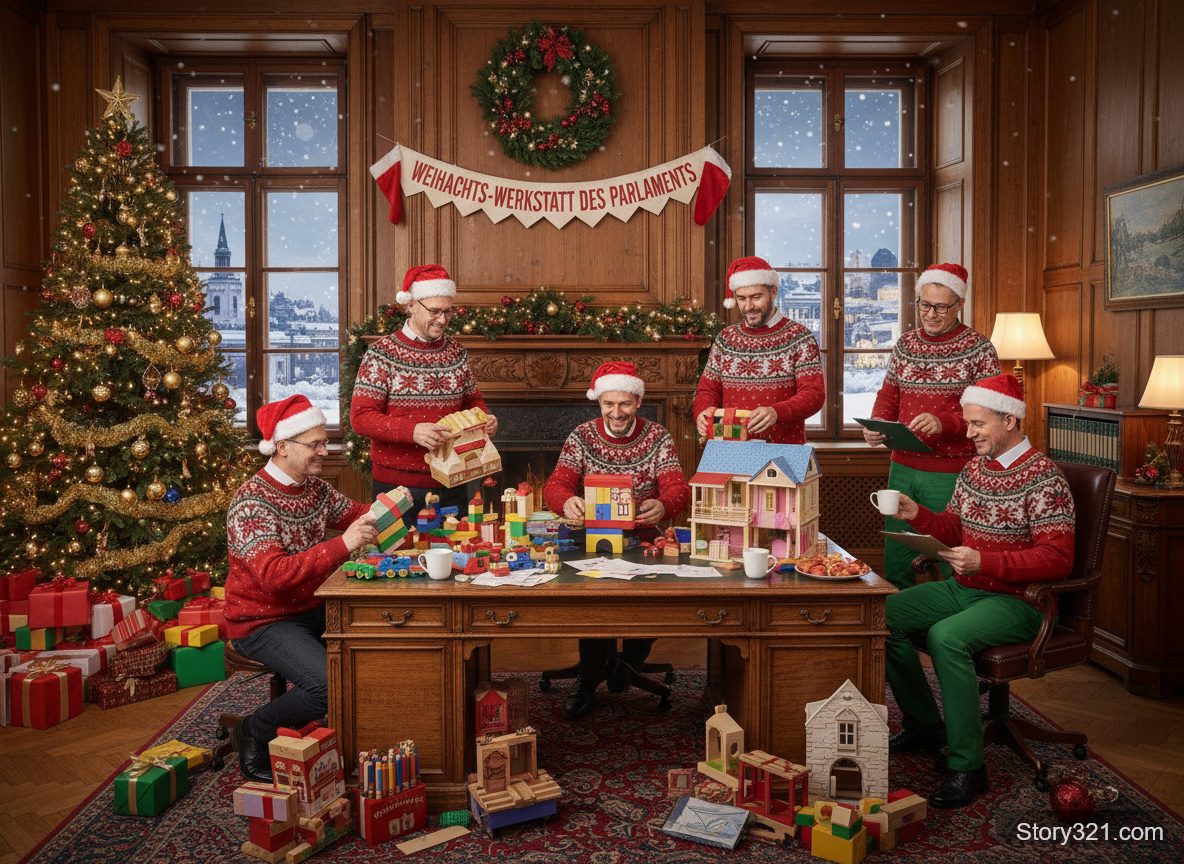
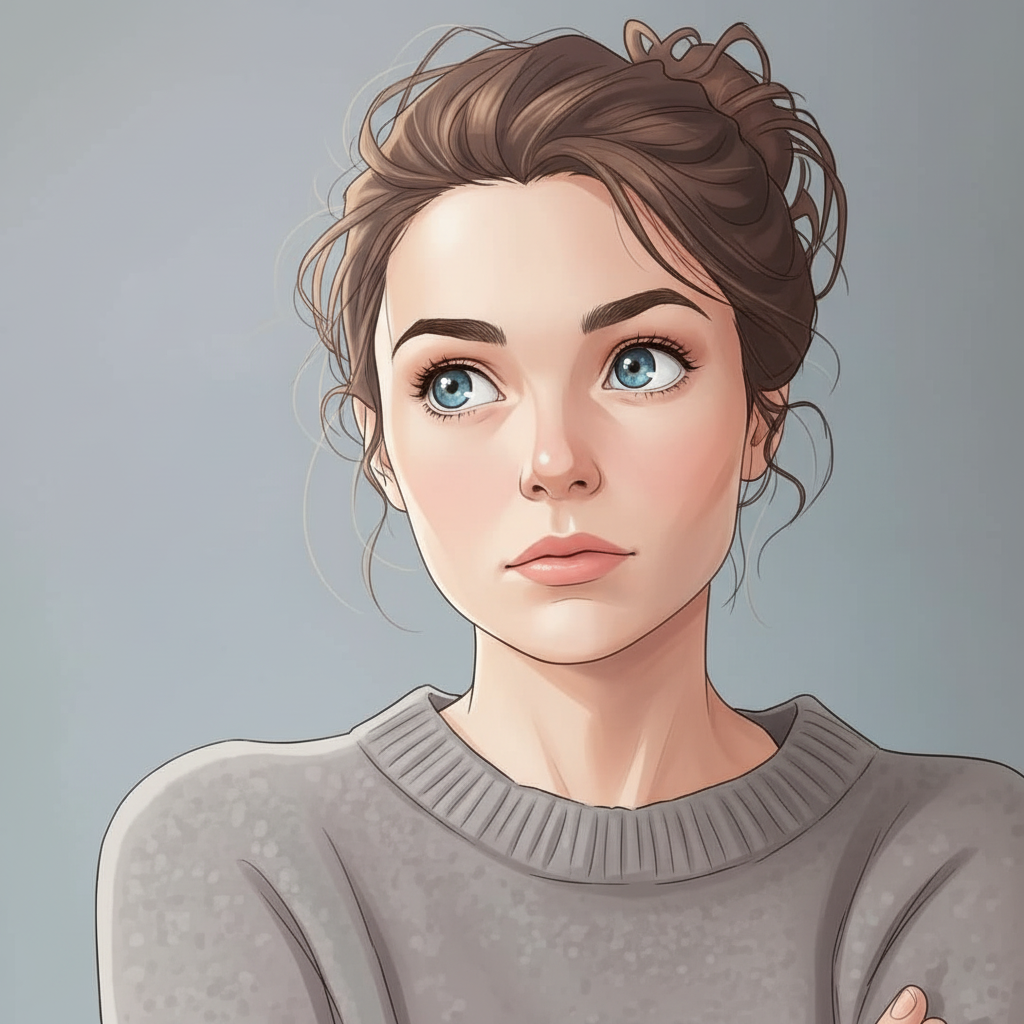
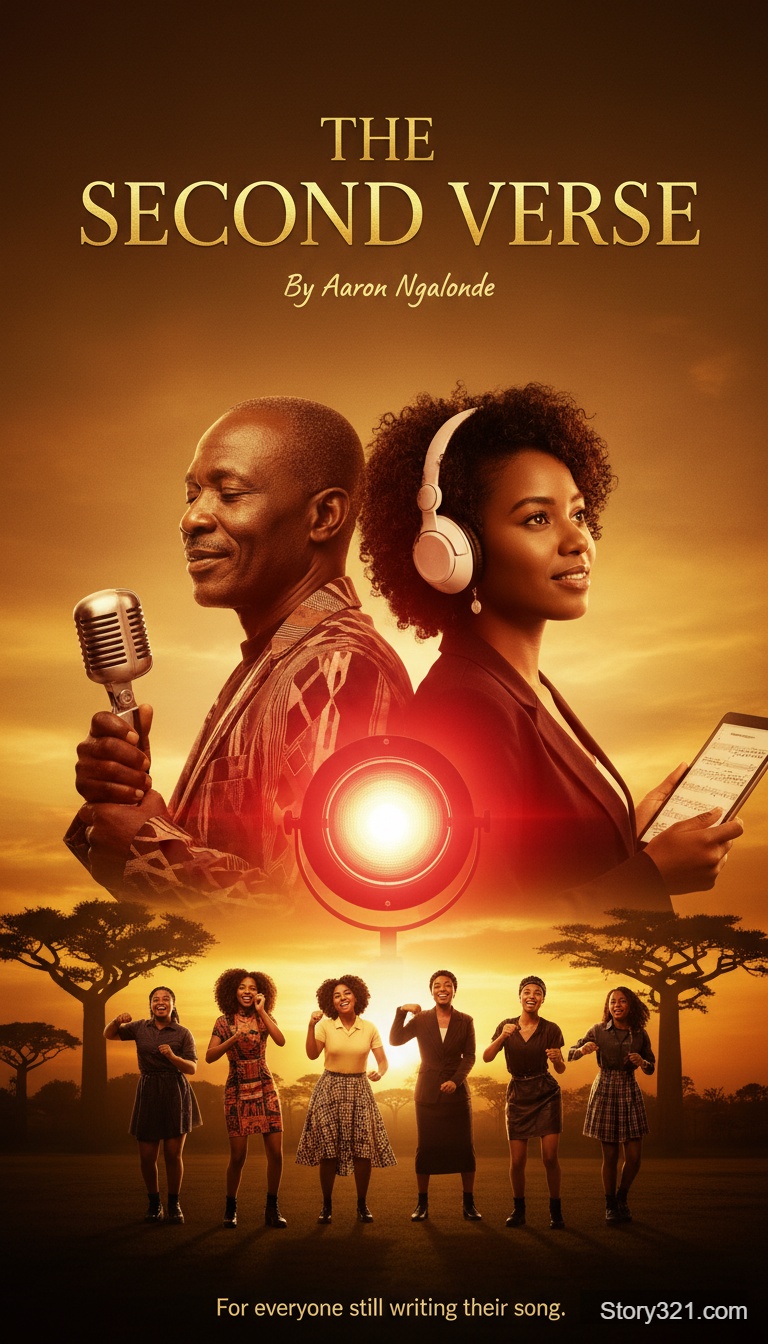
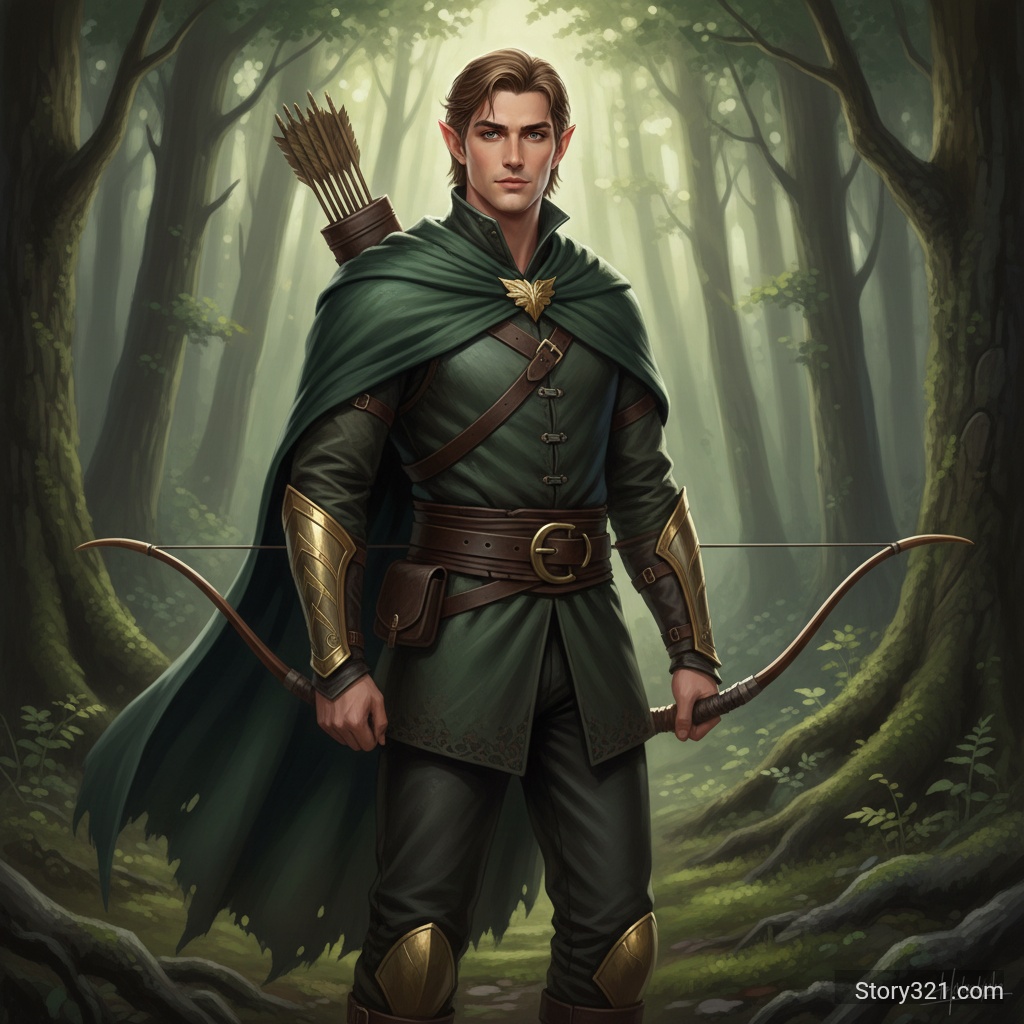
What is the best way to create an AI image from text?
Start with a concrete brief: identify the subject, intended audience, composition, lighting, and destination. Then choose a model based on the kind of draft you need, set an aspect ratio that matches the destination, and revise one instruction at a time after reviewing the output.
Choose a text-to-image model by workflow
These are practical starting points, not guarantees. Use the model pages and the live form to confirm the settings available for your request.
| Model | Useful starting point | Workflow note |
|---|---|---|
| GPT Image 2 | Detailed visual briefs and text-forward layouts | Choose quality and output format |
| Nano Banana Pro | High-resolution creative directions | Use when the destination needs a larger image |
| Krea 2 Turbo | Rapid concept variations | Generate one to four alternatives |
| Grok Imagine Image 2 | Configurable text-to-image directions | Choose ratio, 1K or 2K, quality, and one to four images |
| FLUX.2 [flex] | Prompt-led art direction | Keep the primary subject early in the brief |
| Z-Image Turbo | Efficient prompt exploration | Review text and factual details carefully |
| Wan 2.5 | Flexible scene and visual concepts | Choose a frame that suits the placement |
Powerful Image Generation Features
Multiple AI Models
Access to state-of-the-art AI models including Flux 2 Flex, Wan 2.5, Nano Banana Pro, and Z-Image Turbo, each optimized for different styles and use cases.
High Resolution Output
Generate images in various resolutions from 480p to 1080p, with some models supporting even higher quality outputs for professional use.
Flexible Aspect Ratios
Create images in multiple aspect ratios including square (1:1), portrait (9:16), landscape (16:9), and more to fit your specific needs.
Fast Generation
Get your images in seconds with optimized processing pipelines. Most generations complete in 10-30 seconds depending on complexity.
Why Choose Our Text to Image Tool?
No Design Skills Required
Create professional-quality images without any design experience. Simply describe what you want in plain language and let AI do the work.
Unlimited Creativity
Bring any concept to life, from realistic photographs to abstract art. Your imagination is the only limit.
Rapid Iteration
Generate multiple variations quickly to explore different concepts and find the perfect image for your needs.
Professional Results
Access the same AI technology used by professional artists and designers, delivering consistently high-quality outputs.
How to Generate Images from Text
- 1
Choose Your AI Model
Select from our collection of AI models. Each model has unique strengths - Flux for photorealism, Wan 2.5 for versatility, or Nano Banana for artistic styles.
- 2
Write Your Prompt
Describe the image you want to create. Be specific about subjects, style, colors, composition, lighting, and mood for best results.
- 3
Configure Settings
Choose your preferred resolution, aspect ratio, and other parameters. Enable features like prompt expansion for enhanced results.
- 4
Generate & Refine
Click Generate and watch your vision come to life. Adjust your prompt and regenerate until you achieve the perfect result.
Popular Use Cases
Marketing & Advertising
Create unique visuals for ads, social media campaigns, banners, and promotional materials without expensive photo shoots.
Content Creation
Generate custom images for blog posts, articles, videos, presentations, and other content to increase engagement.
Product Visualization
Visualize product concepts, packaging designs, or marketing materials before physical production.
Social Media Graphics
Create eye-catching posts, stories, and thumbnails for Instagram, Facebook, Twitter, YouTube, and other platforms.
Concept Art & Design
Rapidly prototype visual concepts, explore different design directions, and create mood boards for creative projects.
Book & Album Covers
Design compelling cover art for books, albums, podcasts, or other media projects with unique AI-generated imagery.
What to review before using an image
- Generated images can miss spelling, numbers, proportions, or small details. Review the result before sharing it publicly.
- Use only prompts, references, and output rights that fit your intended use. Check your organization’s policies and the applicable model terms.
- Treat a generated image as a creative draft when accuracy, accessibility, legal claims, or brand consistency matter.
Related AI tools
Image to Image
Edit an existing image with a written instruction.
Open Image to ImageAI Image Tools
Browse Story321 image workflows.
Browse image toolsPricing
Review Story321 credits before generating.
View pricing
Frequently Asked Questions
What is Text to Image generation?
Text to Image (T2I) uses AI to create images from textual descriptions. You write what you want to see, and the AI generates an image matching your description. It's like having an artist who can instantly visualize any concept you describe.
Which AI models should I choose?
Different models excel at different tasks: Flux 2 Flex for photorealistic images, Wan 2.5 for balanced versatility, Nano Banana Pro for artistic and creative styles, and Z-Image Turbo for fast generations. Try different models to find what works best for your needs.
How do I write effective prompts?
Be specific and descriptive. Include details about subject, style, composition, lighting, colors, and mood. Example: 'A sunset over a calm ocean, vibrant orange and purple sky, sailboat silhouette, photorealistic, 4k quality' is better than just 'nice sunset'.
What resolutions are available?
Resolution options vary by model but typically include 480p, 720p, and 1080p. Some models support custom resolutions or ultra-high-definition outputs. Higher resolutions take longer to generate but provide better quality.
Can I use generated images commercially?
Yes, you retain full rights to images you generate on our platform. You can use them for personal or commercial projects. However, ensure your prompts don't request copyrighted characters or trademarked content.
How long does generation take?
Most images generate in 10-30 seconds depending on the model, resolution, and server load. Lower resolutions and simpler prompts process faster, while high-resolution complex images may take up to a minute.
What if I don't like the result?
Simply adjust your prompt and regenerate. Try being more specific, changing the style keywords, or switching to a different AI model. Experimentation is part of the creative process with AI image generation.
Text to Image Credits
The selected model and settings determine the displayed credit total before you generate.
- Generation cost
- Varies by selected model and settings
Text to Image Workflow
| Input | A written image brief |
|---|---|
| Output | Image files from the selected model |
| Controls | Options vary by selected model |
Official sources
Read Story321 documentation“Story321 provides the available text-to-image settings in the generation form.”
Try Text to Image - AI Image Generation
Start with a focused brief, choose the settings that fit the output, and refine the result with one clear change at a time.
Generate an image