Nano Banana - Text to Image
Generate images from text using Google's Nano Banana AI model. Fast, efficient, and high-quality image generation with flexible aspect ratios.
Save Your Creations
Login to save, manage and share all your generated images
Community Showcase
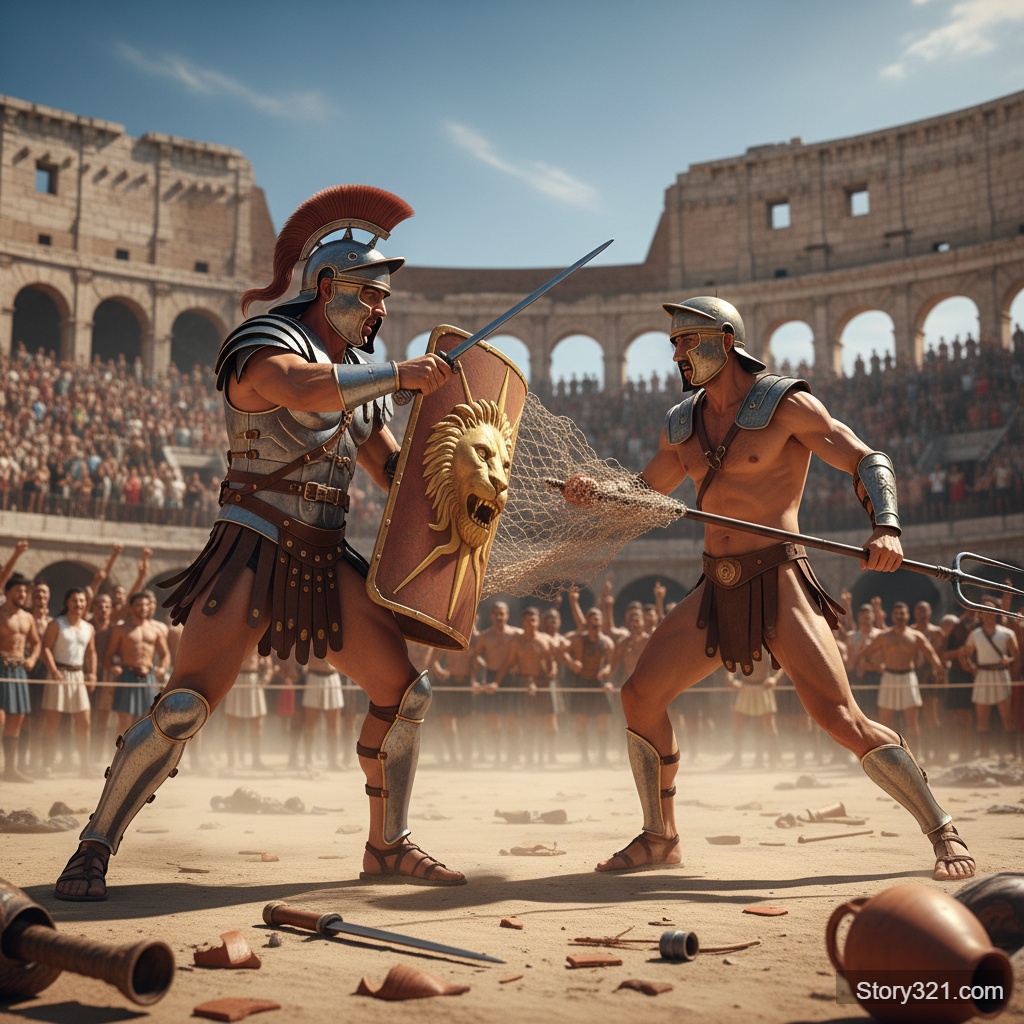
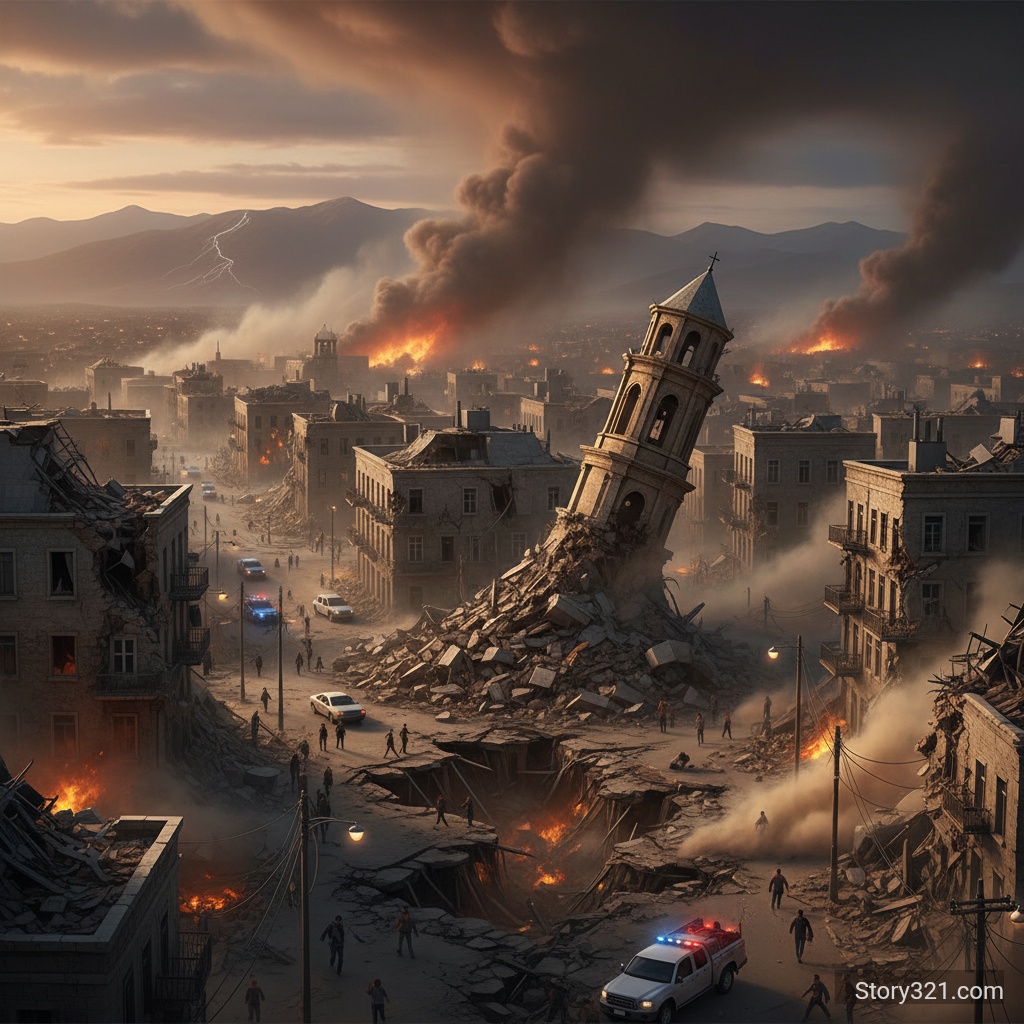
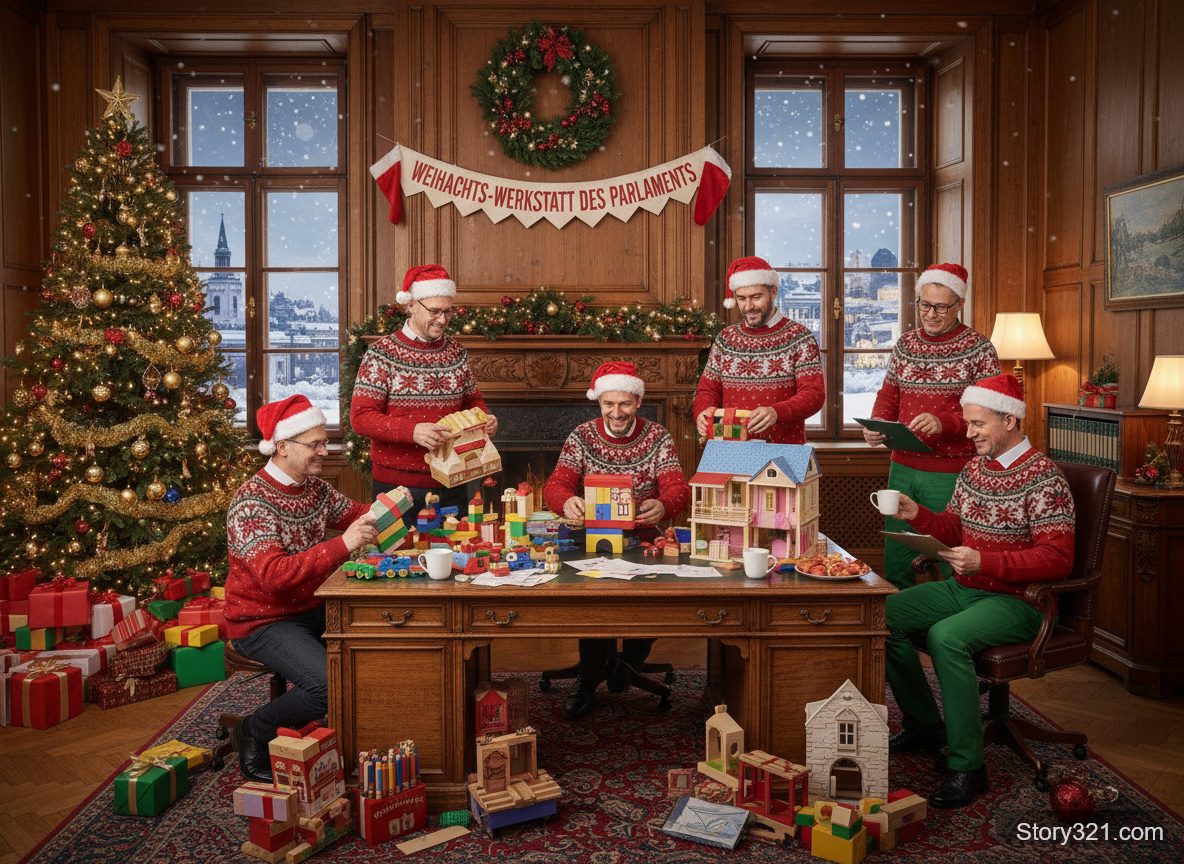

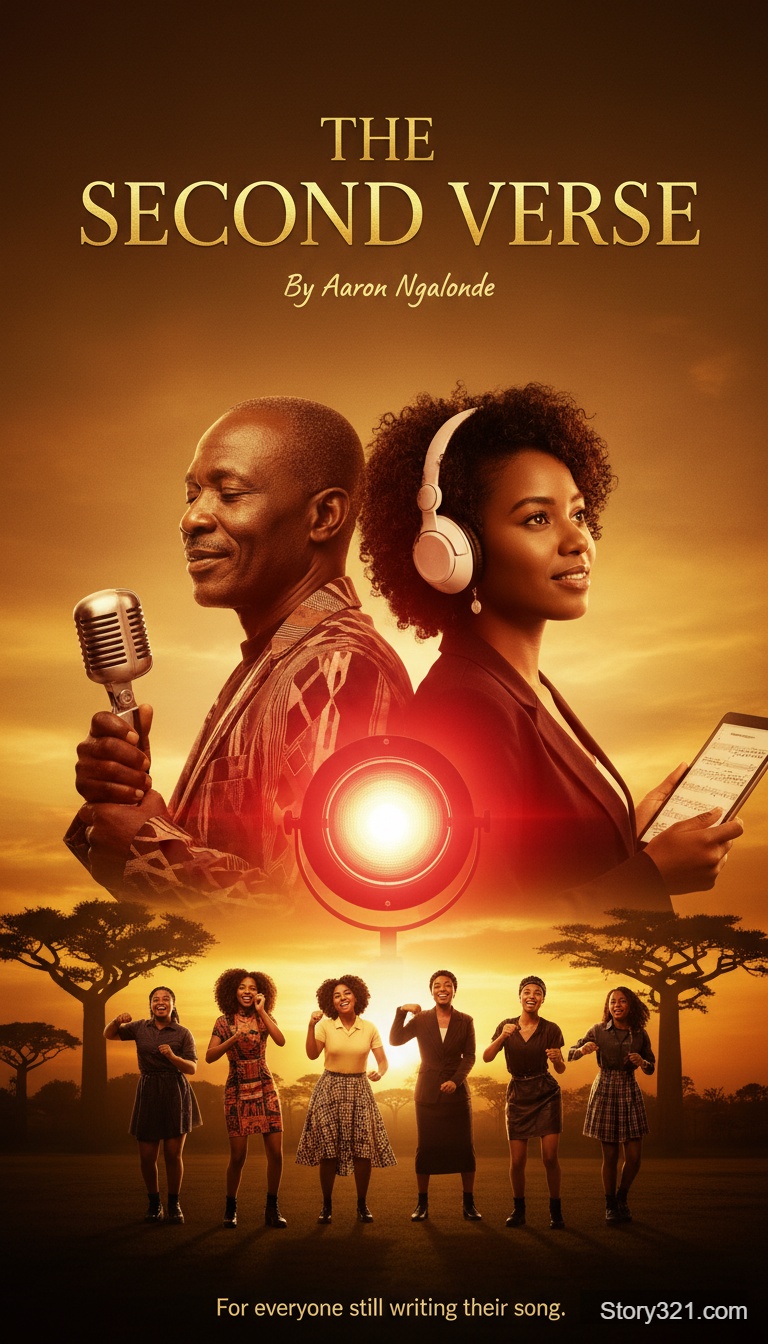
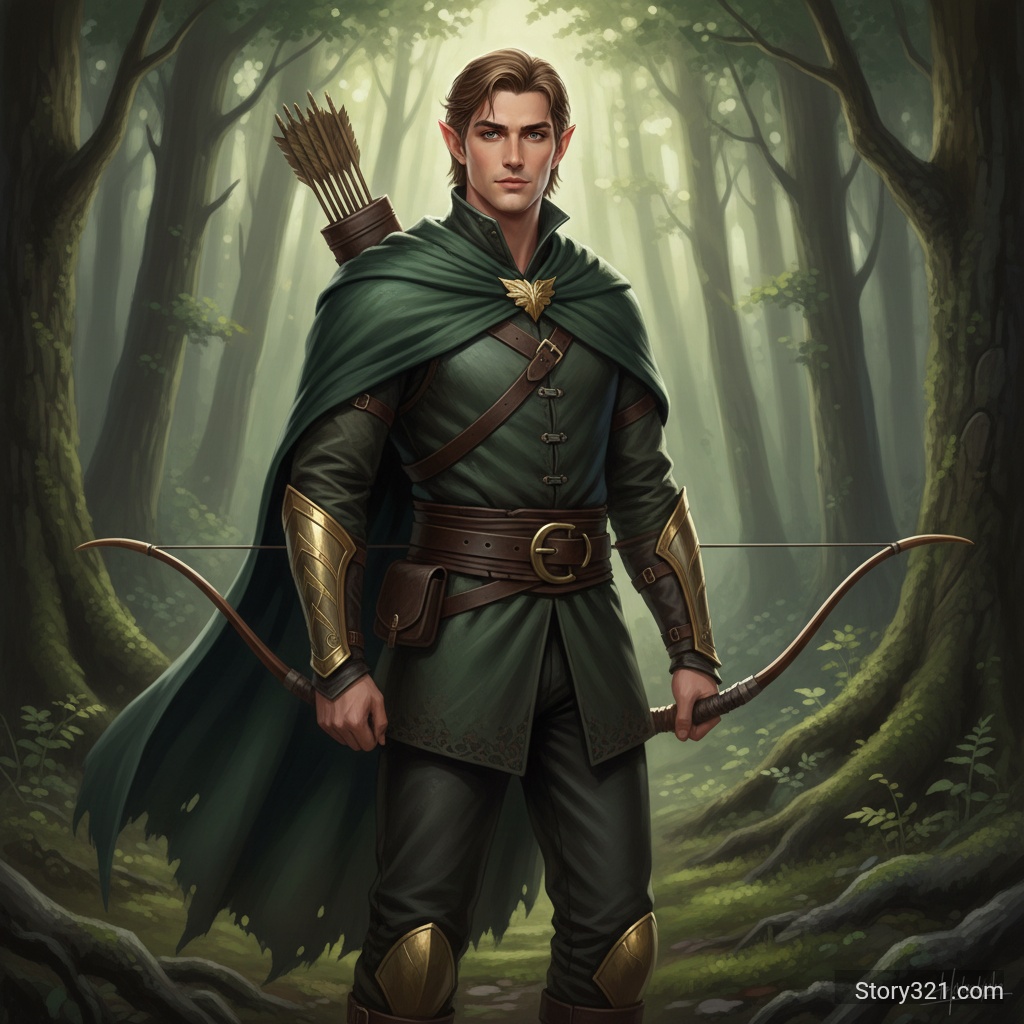
What can Nano Banana - Text to Image help you create?
Nano Banana - Text to Image turns a written brief into an image draft you can inspect and refine. State the main subject first, then add the setting, composition, visual style, lighting, and final placement. Pick only settings that support the decision you are testing, and revise one clear instruction after each result.
What Can Nano Banana Do?
Fast Generation
Google's Nano Banana model provides quick image generation while maintaining high quality output.
Flexible Aspect Ratios
Support for multiple aspect ratios including 1:1, 16:9, 9:16, 4:3, and more to fit your specific needs.
Affordable
Generate images at just 8 credits per image, one of the most cost-effective options available.
High Quality Output
PNG output format ensures crisp, high-quality images perfect for any use case.
How to get more useful Nano Banana - Text to Image results
Write for the decision you need to make
Use Nano Banana - Text to Image to make a visual decision concrete. Name the audience, focal subject, required objects, and intended destination before adding decorative style. This gives every generation a clear purpose and makes feedback easier to apply in the next prompt.
Keep iterations comparable
Change one major variable at a time: framing, light, palette, subject detail, or style. A stable prompt makes it easier to see what caused a useful result. Save the wording that worked, then build a new version from that controlled baseline.
Review important output details
AI images can introduce unexpected text, visual inconsistencies, or factual errors. Check labels, spelling, product details, accessibility needs, and brand requirements before using any output in a customer-facing asset or a published document.
How to Use Nano Banana
- 1
Write Your Prompt
Describe the image you want to create in detail.
- 2
Choose Aspect Ratio
Select your preferred aspect ratio from the available options.
- 3
Generate
Click Generate and get your image in seconds.
Practical Nano Banana - Text to Image use cases
Creative direction
Turn a campaign, editorial, presentation, or product brief into a visual reference that a team can discuss. Use the result to agree on mood, framing, and hierarchy before committing to a detailed production process.
Concept comparison
Generate controlled alternatives for a single idea: vary composition, atmosphere, setting, or color direction while keeping the subject stable. Compare the options against the channel and audience instead of choosing only by visual novelty.
Prompt-led production planning
Use a generated image as a planning aid for a shoot, illustration, design handoff, or storyboard. Treat it as a draft; validate claims, typography, licensed assets, and final brand elements in the production workflow.
What to review before using an image
- Generated images can miss spelling, numbers, proportions, or small details. Review the result before sharing it publicly.
- Use only prompts, references, and output rights that fit your intended use. Check your organization’s policies and the applicable model terms.
- Treat a generated image as a creative draft when accuracy, accessibility, legal claims, or brand consistency matter.
Related AI tools
Image to Image
Edit an existing image with a written instruction.
Open Image to ImageAI Image Tools
Browse Story321 image workflows.
Browse image toolsPricing
Review Story321 credits before generating.
View pricing
Frequently Asked Questions
What aspect ratios does Nano Banana support?
Nano Banana supports 1:1 (square), 16:9 (landscape), 9:16 (portrait), 4:3, 3:2, 2:3, and 3:4 aspect ratios.
How fast is Nano Banana?
Nano Banana typically generates images in 5-15 seconds, making it one of the fastest options available.
What output format does Nano Banana use?
Nano Banana outputs images in PNG format for optimal quality.
Pricing
Free tier available
- Text to Image
- 8 credits
Technical Specifications
| Output format | PNG |
|---|---|
| Aspect ratios | 1:1, 16:9, 9:16, 4:3, 3:2, 2:3, 3:4 |
| Processing time | 5-15 seconds |
| Cost per image | 8 credits |
Official sources
Read Google AI for Developers documentation“Google documents Gemini image generation, also known as Nano Banana.”
Try Nano Banana - Text to Image
Start with a focused brief, choose the settings that fit the output, and refine the result with one clear change at a time.
Generate an image