Krea 2 Turbo AI Image Generator
Krea 2 Turbo turns concise prompts into polished AI images for concept work, campaigns, social posts, and visual experiments. Choose a format, refine your idea, and create up to four images in one request.
Save Your Creations
Login to save, manage and share all your generated images
Community Showcase
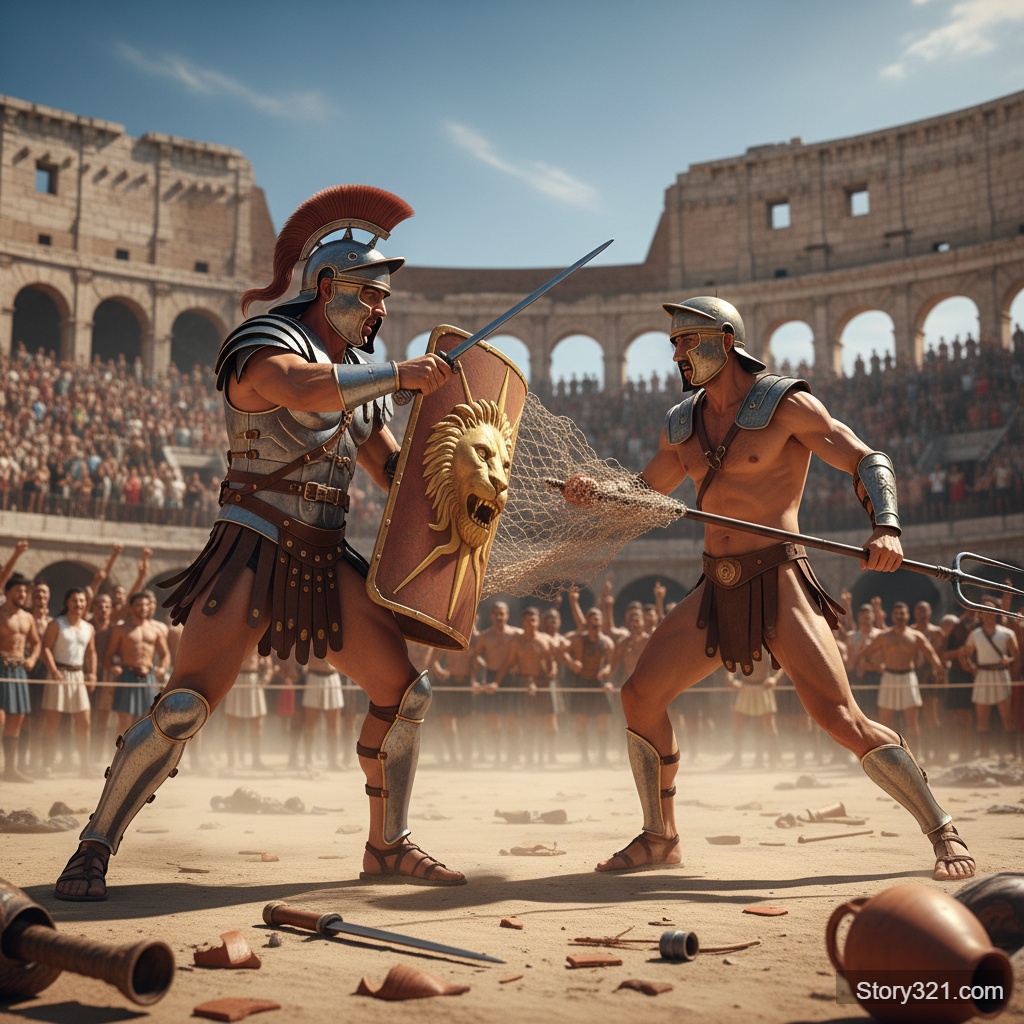
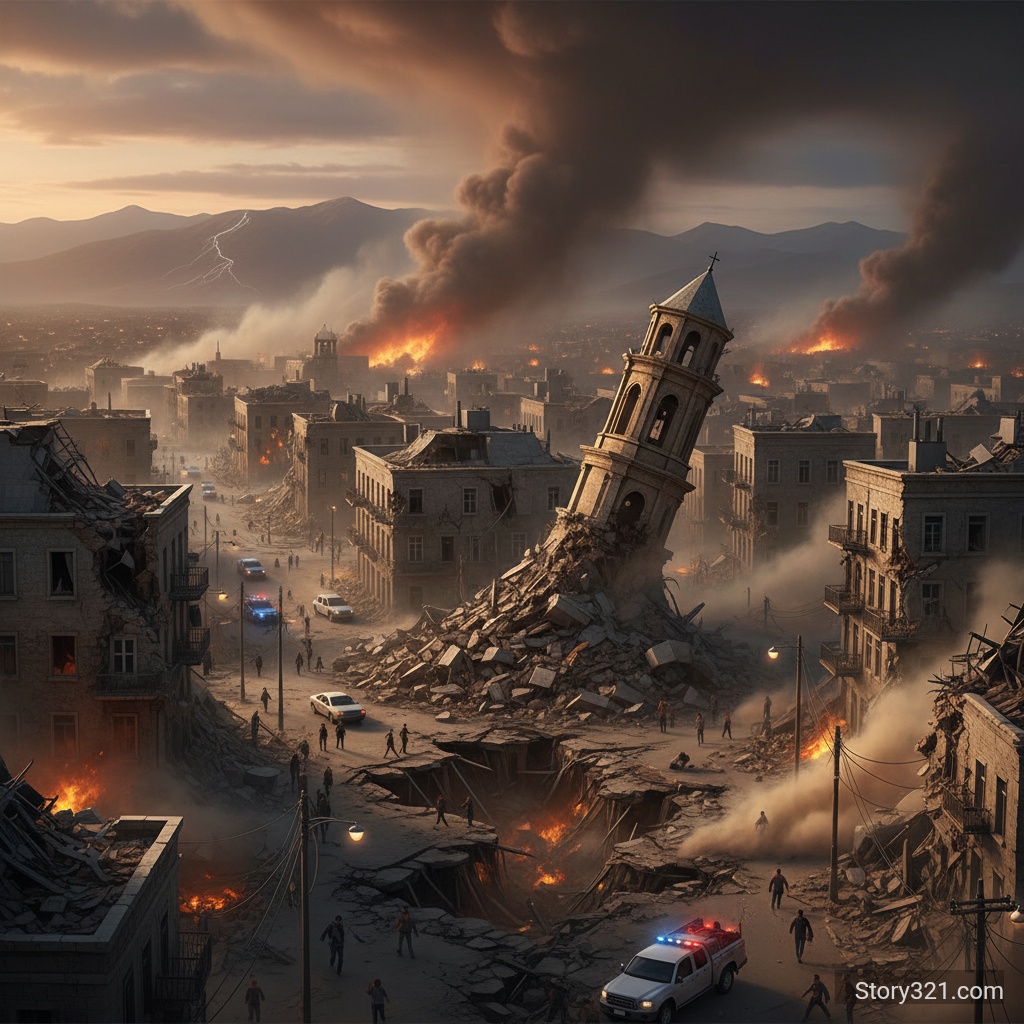
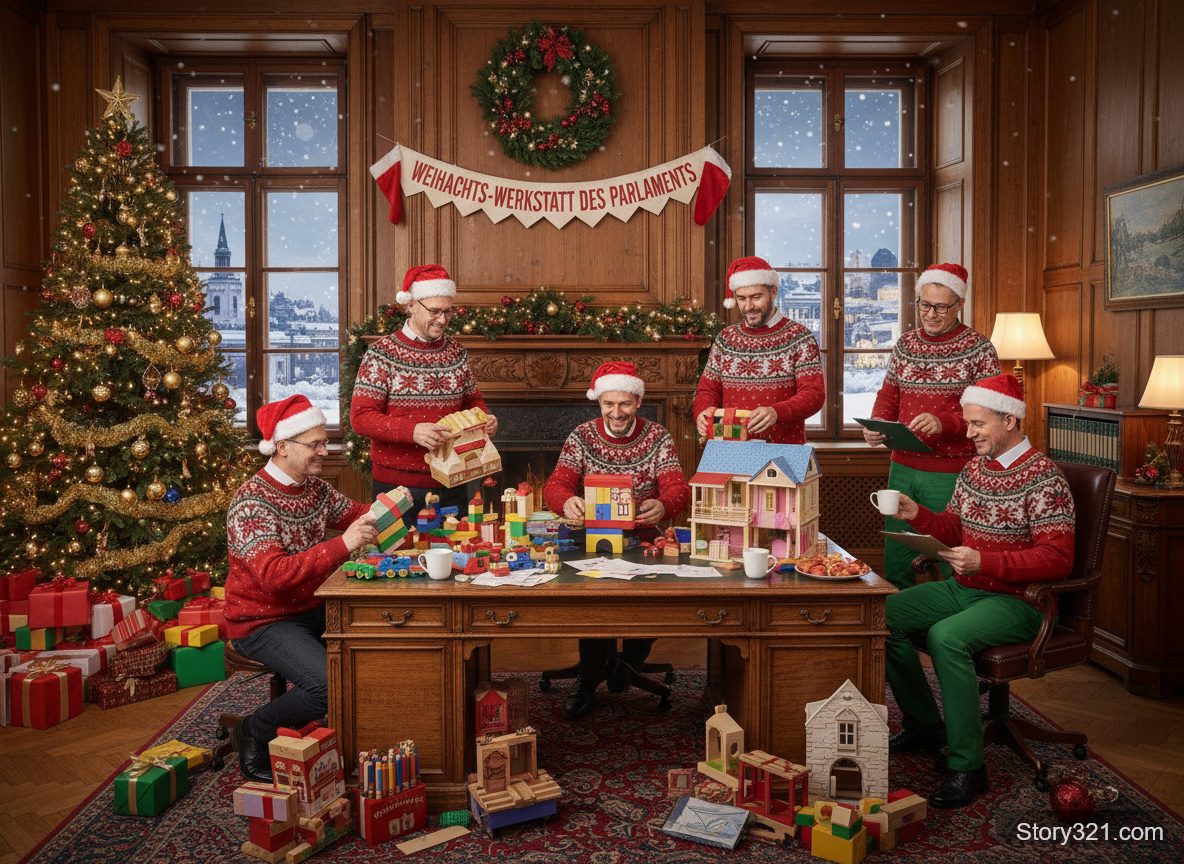
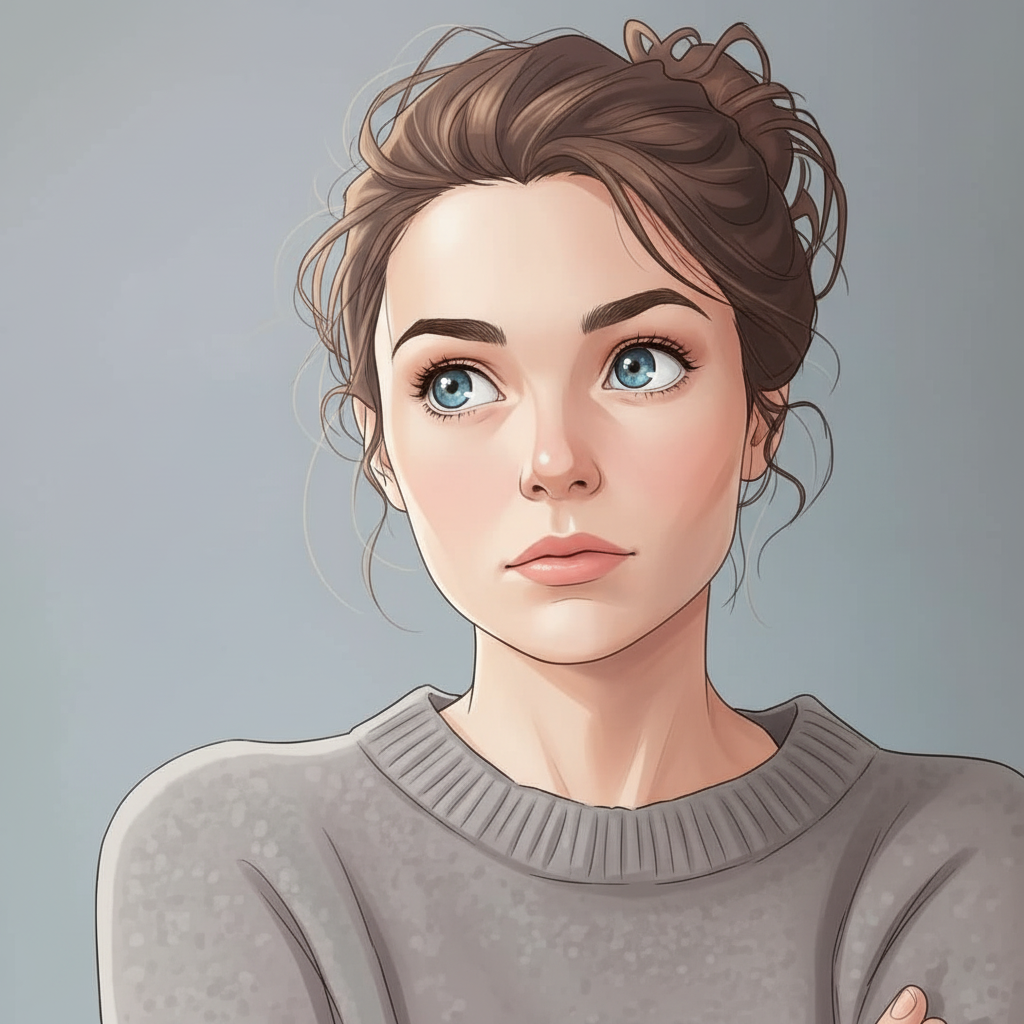
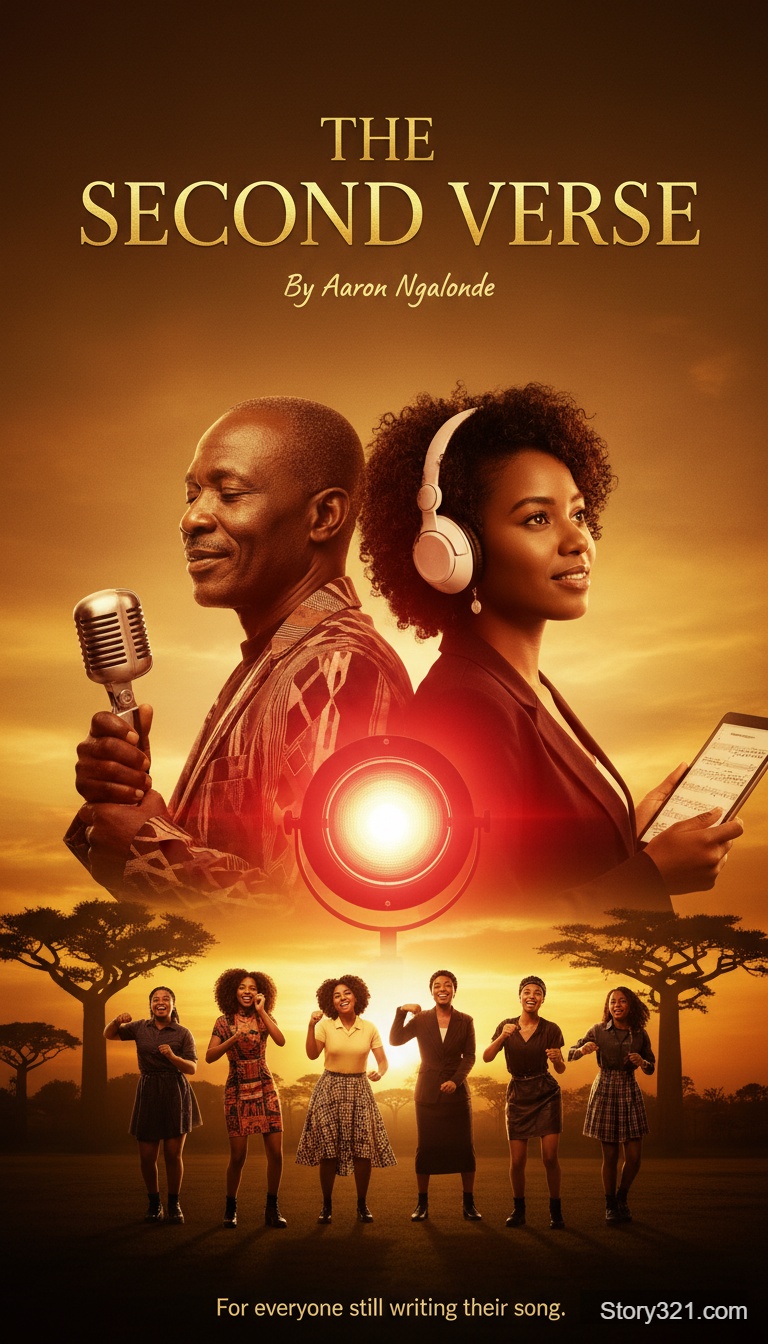
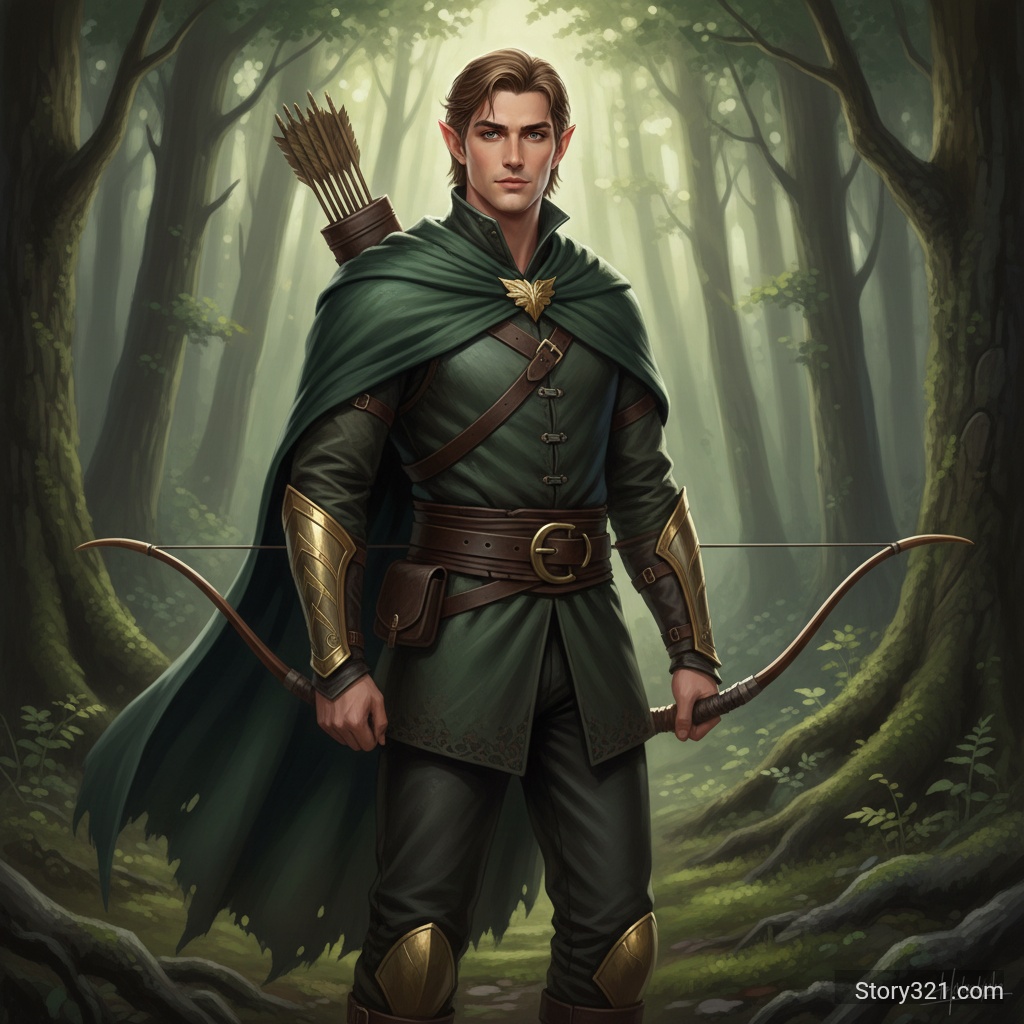
What can Krea 2 Turbo AI Image Generator help you create?
Krea 2 Turbo AI Image Generator turns a written brief into an image draft you can inspect and refine. State the main subject first, then add the setting, composition, visual style, lighting, and final placement. Pick only settings that support the decision you are testing, and revise one clear instruction after each result.
What Can Krea 2 Turbo Do?
Fast Visual Exploration
Krea 2 Turbo helps you move from a rough idea to usable visual directions without a complicated setup. Write a focused text prompt, describe the subject, mood, lighting, materials, or composition, and use the result to explore creative options before committing.
Generate One to Four Images
Use Krea 2 Turbo for a single focused output or generate up to four images from the same prompt. This is useful when you want quick variations for art direction, product concepts, thumbnails, editorial images, or campaign planning while keeping one brief.
Prompt Expansion When Detail Matters
Krea 2 Turbo includes optional prompt expansion. Turn it on when a short idea needs richer visual language, then let the model add useful descriptive context. Turn the setting off when you want the wording of your original prompt to remain the main creative instruction.
Five Practical Aspect Ratios
Krea 2 Turbo supports 1:1, 4:3, 3:4, 16:9, and 9:16 image formats. Start with the frame that suits the destination: square assets for profiles, landscape images for presentations, or portrait compositions for mobile-first posts and stories.
Why Choose This AI Image Generator?
Make Prompting More Productive
Krea 2 Turbo gives creative teams a direct text-to-image workflow for testing visual language. Instead of waiting for a long production cycle, describe an idea, review the output, improve the prompt, and quickly create another option with clearer intent.
Adapt Images to the Channel
Krea 2 Turbo makes it easier to plan for where an image will appear. Select a supported ratio before you generate, so a product mood board, ad concept, slide image, vertical story, or editorial cover begins with an appropriate composition.
Keep Creative Iteration Simple
Krea 2 Turbo is designed for prompt-based image creation, not a dense control panel. You can spend more time clarifying the subject, style, color palette, and desired atmosphere, then use prompt expansion only when extra descriptive detail will improve the result.
Create at a Clear Cost
Krea 2 Turbo costs 3 credits per generated image on Story321. The predictable per-image price helps you plan concept rounds, choose whether to make one or several variations, and keep experimentation aligned with your available credits.
How to Use Krea 2 Turbo
- 1
Describe the Image
Start Krea 2 Turbo with a clear prompt. Name the main subject first, then add the environment, style, camera viewpoint, lighting, color, or emotional tone. Specific instructions usually make it easier to evaluate whether the generated image matches your goal.
- 2
Choose Size and Quantity
Set the aspect ratio that fits your use case, then choose one to four outputs. Krea 2 Turbo works well for rapid comparison: generate several images when you need alternatives, or use one image when you already have a precise creative direction.
- 3
Expand and Generate
Enable prompt expansion if you want Krea 2 Turbo to enrich a brief prompt with more visual detail. Generate the images, review the composition and style, then adjust your wording for a new round when you want a different emphasis or mood.
AI Image Generator Use Cases
Concept Art and Mood Boards
Use Krea 2 Turbo to test environments, character directions, props, color palettes, and visual moods before you invest in detailed production. Several outputs from one prompt can reveal which composition or style best supports the larger creative brief.
Marketing and Social Concepts
Krea 2 Turbo can help marketers create visual starting points for announcements, seasonal campaigns, social content, and ad concepts. Generate in square, landscape, or portrait formats, then use the strongest result as a reference for your next design step.
Editorial and Presentation Images
Use Krea 2 Turbo when a story, pitch, presentation, or article needs a visual concept that supports the central message. A well-written prompt can establish the right subject, atmosphere, and framing for an illustration or cover direction.
What to review before using an image
- Generated images can miss spelling, numbers, proportions, or small details. Review the result before sharing it publicly.
- Use only prompts, references, and output rights that fit your intended use. Check your organization’s policies and the applicable model terms.
- Treat a generated image as a creative draft when accuracy, accessibility, legal claims, or brand consistency matter.
Related AI tools
Image to Image
Edit an existing image with a written instruction.
Open Image to ImageAI Image Tools
Browse Story321 image workflows.
Browse image toolsPricing
Review Story321 credits before generating.
View pricing
Frequently Asked Questions
What is Krea 2 Turbo?
Krea 2 Turbo is a text-to-image model for creating high-fidelity visual concepts from written prompts. On Story321, you describe the image you want, choose an aspect ratio, optionally enable prompt expansion, and generate one to four PNG images in a request.
How many images can Krea 2 Turbo generate at once?
Krea 2 Turbo supports one to four images per generation request. Choose one image for a focused result, or create several variations when you want to compare compositions, styles, subject placement, or the way a prompt is interpreted.
Which aspect ratios are available?
Krea 2 Turbo supports 1:1, 4:3, 3:4, 16:9, and 9:16. Choose the ratio before generation so the image begins in a frame that suits its intended destination, whether that is a social post, presentation, editorial layout, or vertical story.
What does prompt expansion do?
Prompt expansion lets Krea 2 Turbo add visual detail to a short request. It can be useful for broad creative ideas that need more context around style, atmosphere, composition, or materials. Disable it when you want to keep the original wording more direct.
How much does Krea 2 Turbo cost?
Krea 2 Turbo costs 3 credits per generated image on Story321. A request with multiple images is charged according to the number you choose, making it straightforward to balance exploration, variation testing, and your available image-generation credits.
Is Krea 2 Turbo suitable for final production work?
Krea 2 Turbo is useful for rapid ideation, concept development, and polished visual exploration. Review each generated image carefully before publishing or using it in a commercial workflow, especially when brand accuracy, factual details, or exact visual consistency matter.
Pricing
Generate polished visual concepts with predictable credit pricing.
- Krea 2 Turbo text-to-image
- 3 credits per image
- Batch quantity
- 1-4 images per request
Krea 2 Turbo Technical Specifications
| Input | Text prompt |
|---|---|
| Output format | PNG |
| Images per request | 1-4 |
| Aspect ratios | 1:1, 4:3, 3:4, 16:9, 9:16 |
| Prompt expansion | Optional |
| Cost | 3 credits per image |
Official sources
Read Krea documentation“Krea introduces Krea 2 Turbo as a speed-optimized text-to-image model.”
Try Krea 2 Turbo AI Image Generator
Start with a focused brief, choose the settings that fit the output, and refine the result with one clear change at a time.
Generate an image