Wan 2.5 - Text to Image
Generate high-quality images from text prompts using Alibaba Cloud Wan 2.5 AI model. Support 480p, 720p, and 1080p resolutions with advanced image generation capabilities.
Save Your Creations
Login to save, manage and share all your generated images
Community Showcase
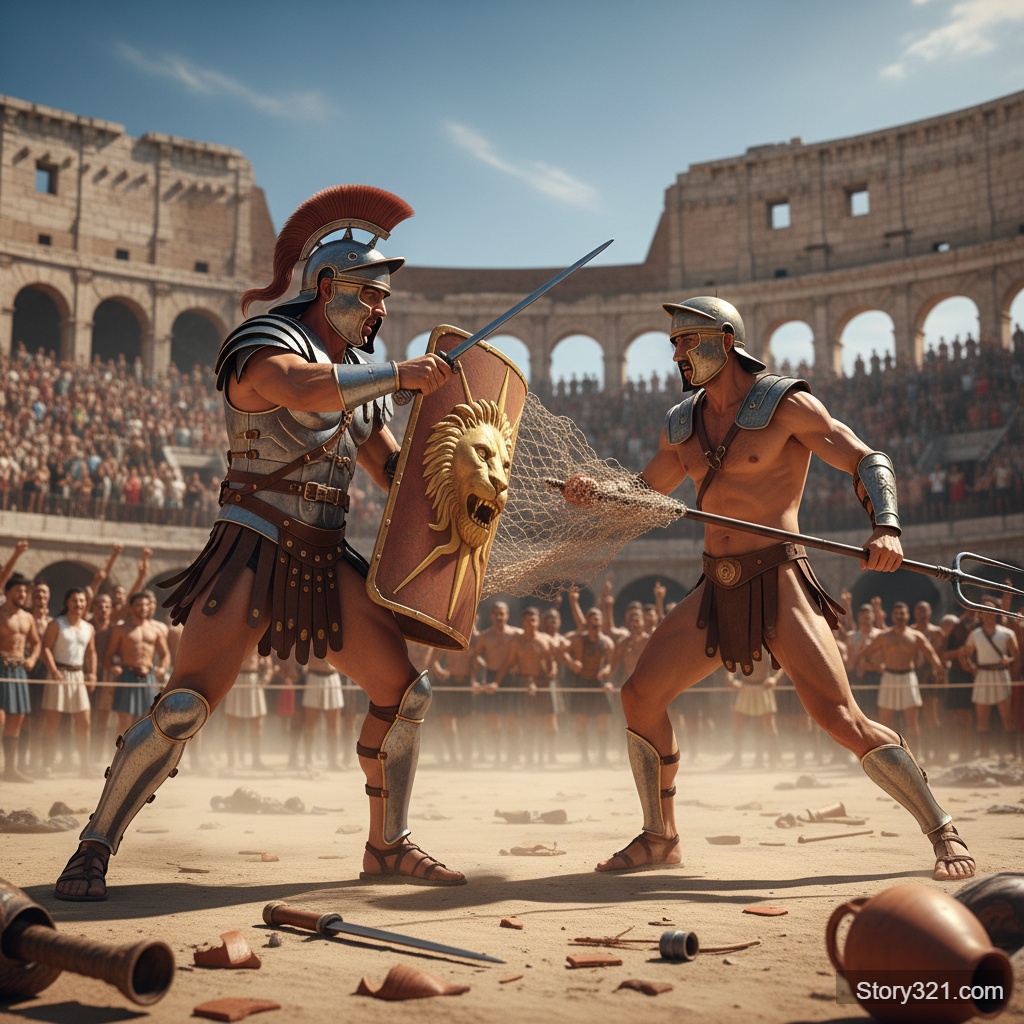
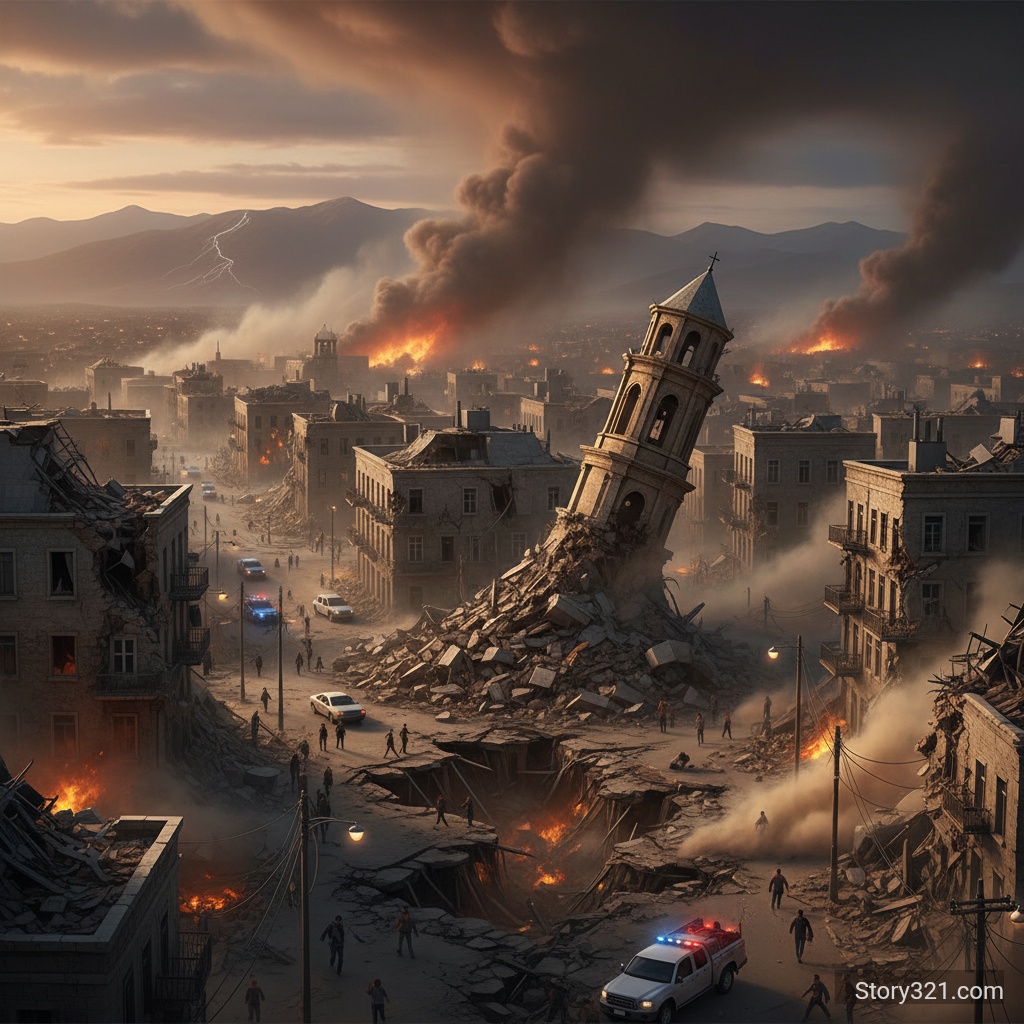
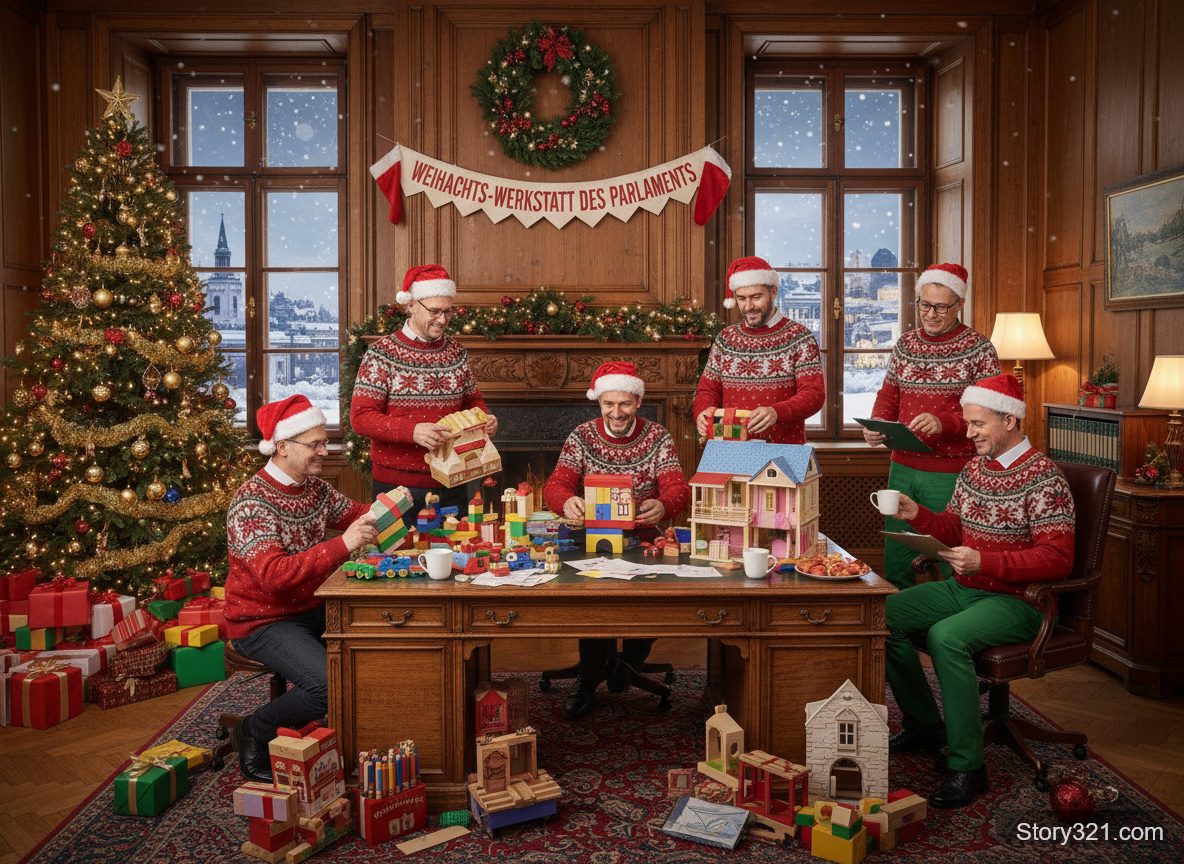
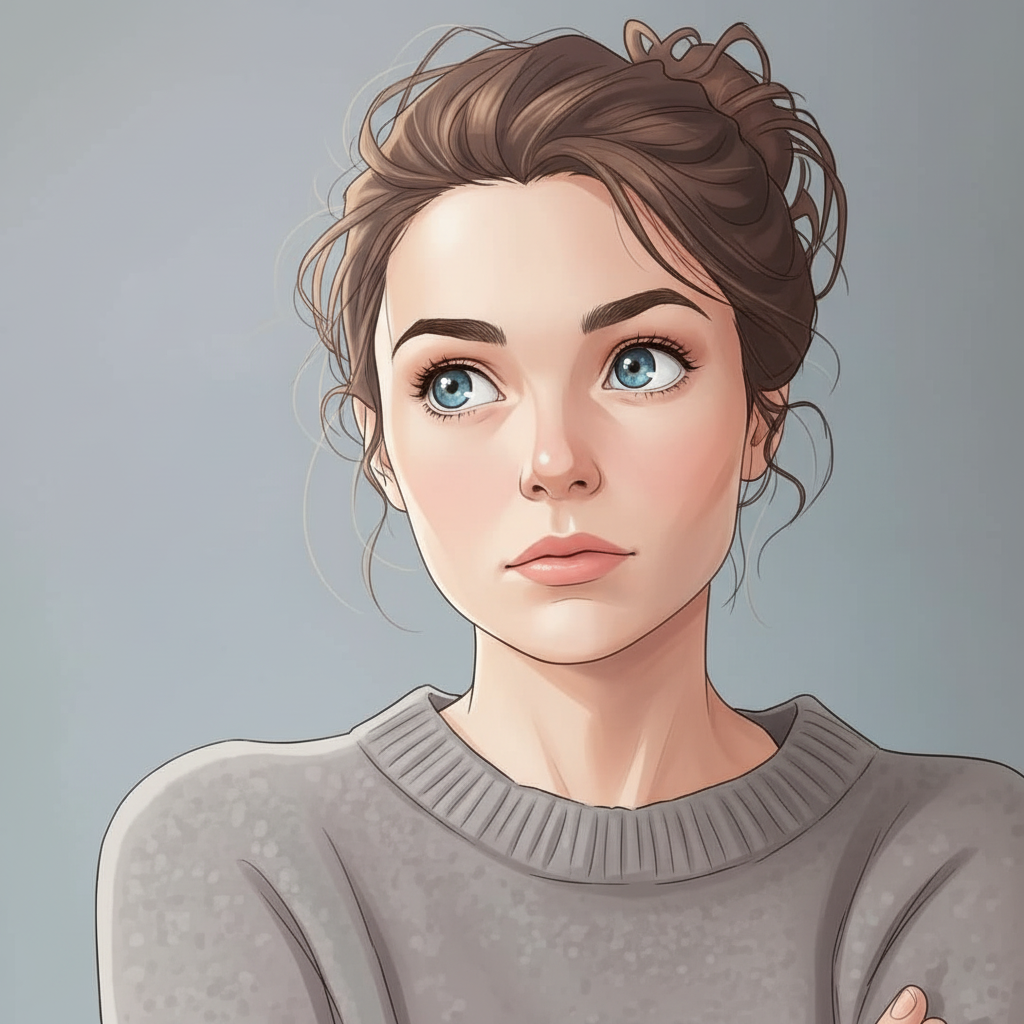
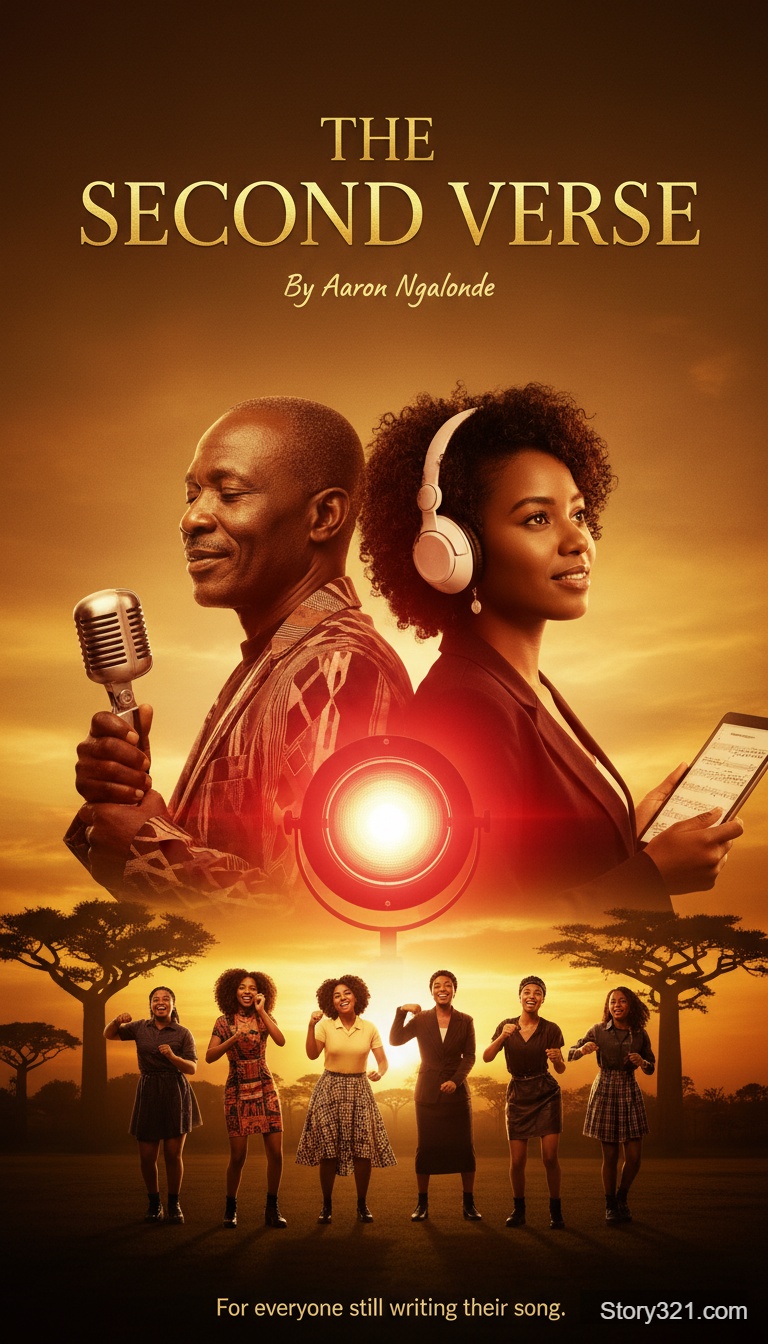
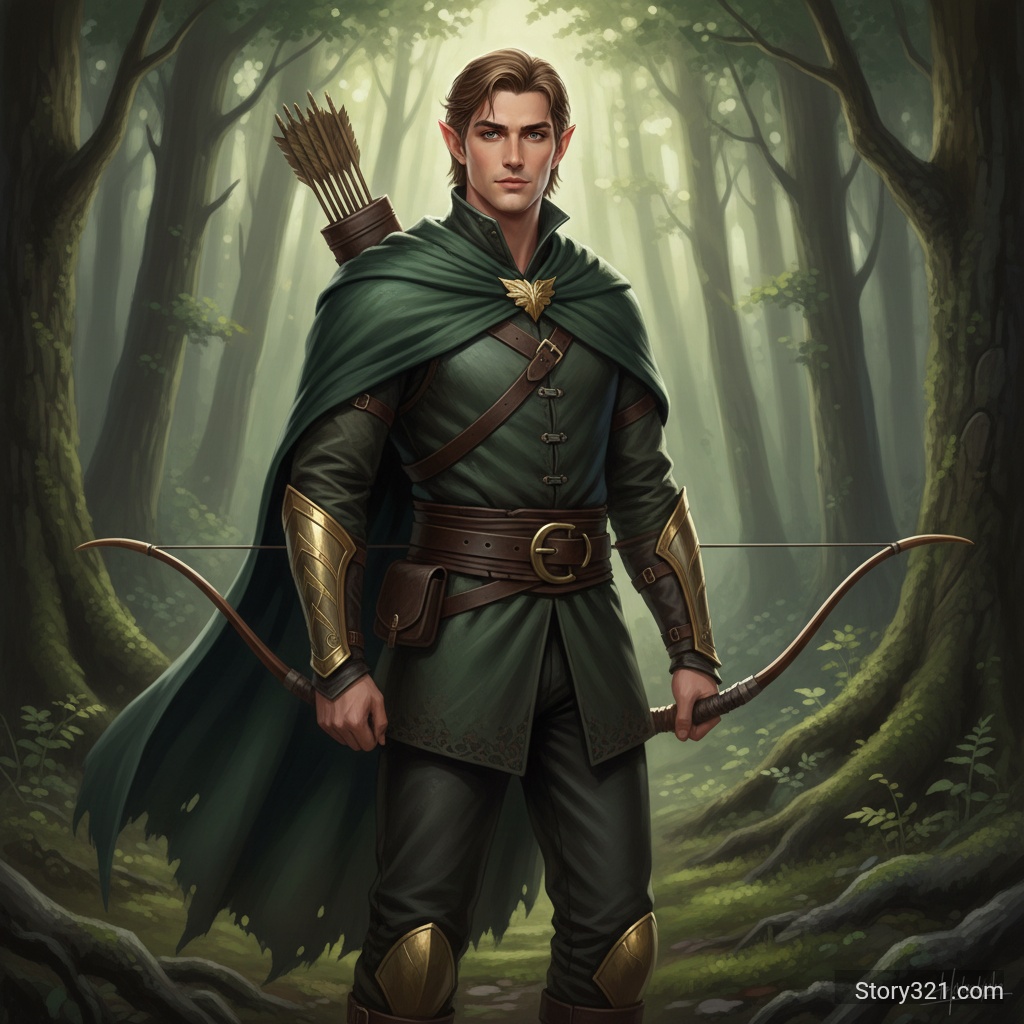
What can Wan 2.5 - Text to Image help you create?
Wan 2.5 - Text to Image turns a written brief into an image draft you can inspect and refine. State the main subject first, then add the setting, composition, visual style, lighting, and final placement. Pick only settings that support the decision you are testing, and revise one clear instruction after each result.
What Can Wan 2.5 Do?
Powerful AI Generation
Leverage Alibaba Cloud's advanced Wan 2.5 model for high-quality image generation with excellent prompt understanding and visual quality.
Multiple Resolution Options
Choose from 480p, 720p, or 1080p output resolutions to balance quality and processing speed for your needs.
Smart Prompt Expansion
Enable automatic prompt expansion to enhance your descriptions and achieve more detailed, refined results.
Flexible Aspect Ratios
Support for 16:9, 9:16, and 1:1 aspect ratios to fit various use cases from social media to professional projects.
How to get more useful Wan 2.5 - Text to Image results
Write for the decision you need to make
Use Wan 2.5 - Text to Image to make a visual decision concrete. Name the audience, focal subject, required objects, and intended destination before adding decorative style. This gives every generation a clear purpose and makes feedback easier to apply in the next prompt.
Keep iterations comparable
Change one major variable at a time: framing, light, palette, subject detail, or style. A stable prompt makes it easier to see what caused a useful result. Save the wording that worked, then build a new version from that controlled baseline.
Review important output details
AI images can introduce unexpected text, visual inconsistencies, or factual errors. Check labels, spelling, product details, accessibility needs, and brand requirements before using any output in a customer-facing asset or a published document.
How to Use Wan 2.5 Text to Image
- 1
Write Your Prompt
Describe the image you want to create. Be specific and detailed for best results.
- 2
Set Your Parameters
Choose your preferred resolution (480p/720p/1080p), aspect ratio, and whether to enable prompt expansion.
- 3
Generate
Click Generate and watch as Wan 2.5 brings your vision to life in moments.
Practical Wan 2.5 - Text to Image use cases
Creative direction
Turn a campaign, editorial, presentation, or product brief into a visual reference that a team can discuss. Use the result to agree on mood, framing, and hierarchy before committing to a detailed production process.
Concept comparison
Generate controlled alternatives for a single idea: vary composition, atmosphere, setting, or color direction while keeping the subject stable. Compare the options against the channel and audience instead of choosing only by visual novelty.
Prompt-led production planning
Use a generated image as a planning aid for a shoot, illustration, design handoff, or storyboard. Treat it as a draft; validate claims, typography, licensed assets, and final brand elements in the production workflow.
What to review before using an image
- Generated images can miss spelling, numbers, proportions, or small details. Review the result before sharing it publicly.
- Use only prompts, references, and output rights that fit your intended use. Check your organization’s policies and the applicable model terms.
- Treat a generated image as a creative draft when accuracy, accessibility, legal claims, or brand consistency matter.
Related AI tools
Image to Image
Edit an existing image with a written instruction.
Open Image to ImageAI Image Tools
Browse Story321 image workflows.
Browse image toolsPricing
Review Story321 credits before generating.
View pricing
Frequently Asked Questions
What resolutions does Wan 2.5 support?
Wan 2.5 supports three resolution options: 480p for quick previews, 720p for balanced quality, and 1080p for high-definition output.
What is prompt expansion?
Prompt expansion is a feature that automatically enhances your prompt with additional details, helping the AI better understand and execute your vision.
Which aspect ratios are available?
Wan 2.5 supports 16:9 (landscape), 9:16 (portrait), and 1:1 (square) aspect ratios.
How long does image generation take with Wan 2.5?
Processing time varies by resolution: 480p takes about 10-15 seconds, 720p about 15-25 seconds, and 1080p about 25-40 seconds.
Pricing
Free tier available
- Text to Image
- 10 credits
Technical Specifications
| Output formats | PNG, JPG |
|---|---|
| Output resolutions | 480p / 720p / 1080p |
| Aspect ratios | 16:9, 9:16, 1:1 |
| Prompt expansion | Available |
| Negative prompts | Supported |
| Processing time | 10-40 seconds |
Official sources
Read Alibaba Cloud documentation“Alibaba Cloud describes Wan 2.5 as a multimedia model family that includes image generation.”
Try Wan 2.5 - Text to Image
Start with a focused brief, choose the settings that fit the output, and refine the result with one clear change at a time.
Generate an image