Wan 2.5 - 文字生成圖片
使用阿里巴巴雲 Wan 2.5 AI 模型,從文字提示生成高品質圖片。支援 480p、720p 和 1080p 解析度,並具備先進的圖片生成功能。
Save Your Creations
Login to save, manage and share all your generated images
Community Showcase

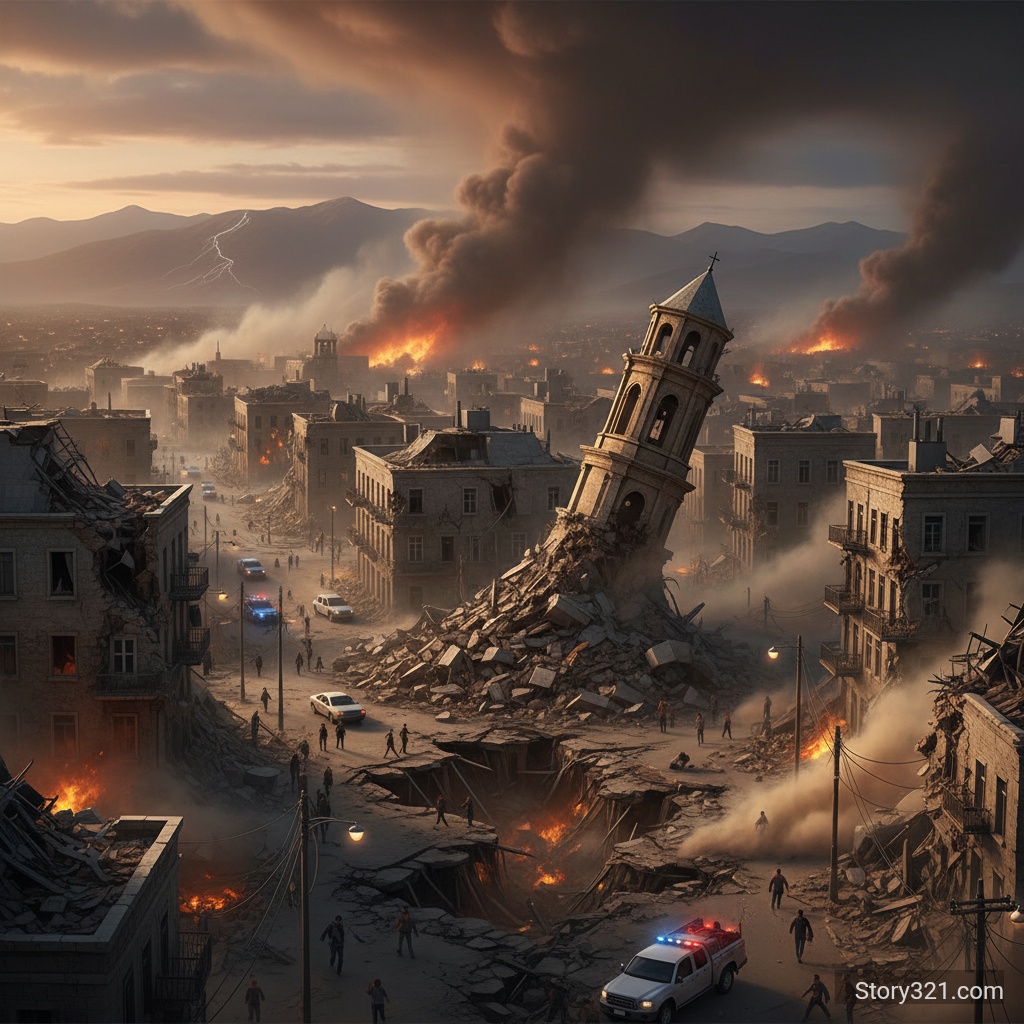
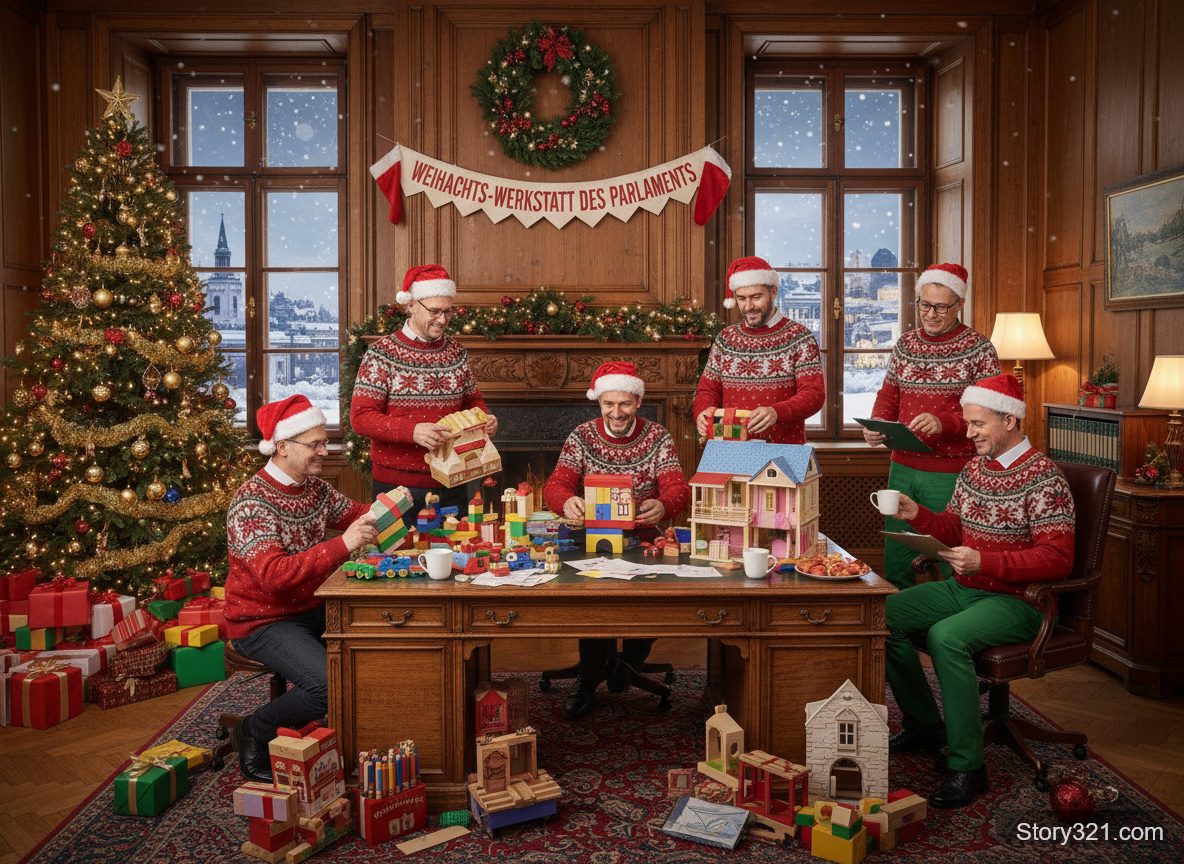

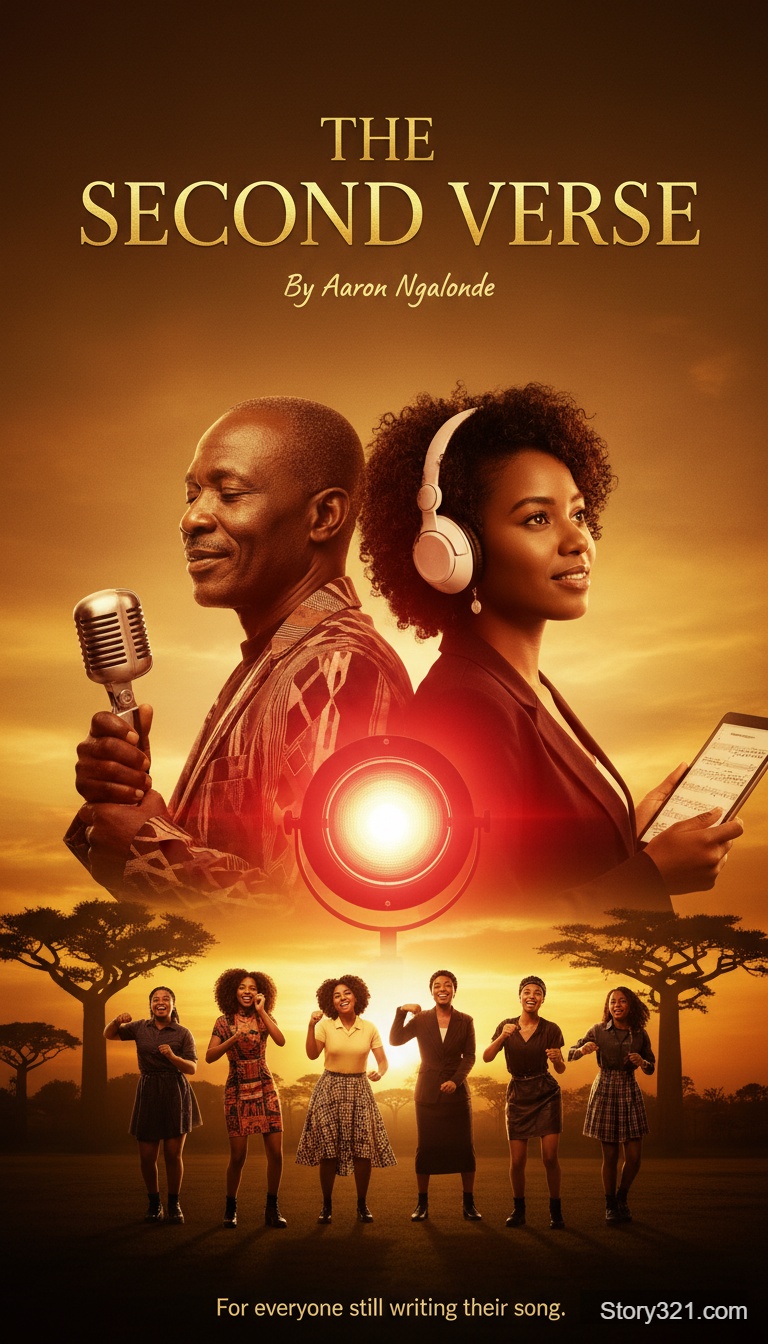

Wan 2.5 能做什麼?
強大的 AI 生成
利用阿里巴巴雲先進的 Wan 2.5 模型進行高品質圖片生成,具有出色的提示理解能力和視覺品質。
多種解析度選項
從 480p、720p 或 1080p 輸出解析度中選擇,以平衡品質和處理速度,滿足您的需求。
智慧提示擴展
啟用自動提示擴展,以增強您的描述並獲得更詳細、更精緻的結果。
靈活的長寬比
支援 16:9、9:16 和 1:1 長寬比,以適應從社群媒體到專業專案的各種使用案例。
如何使用 Wan 2.5 文字生成圖片
- 1
撰寫您的提示
描述您要創建的圖片。 盡可能具體和詳細,以獲得最佳效果。
- 2
設定您的參數
選擇您偏好的解析度 (480p/720p/1080p)、長寬比,以及是否啟用提示擴展。
- 3
生成
點擊「生成」,觀看 Wan 2.5 在瞬間將您的願景化為現實。
常見問題
Wan 2.5 支援哪些解析度?
Wan 2.5 支援三種解析度選項:480p 用於快速預覽,720p 用於平衡品質,以及 1080p 用於高清輸出。
什麼是提示擴展?
提示擴展是一項自動使用額外細節增強提示的功能,可幫助 AI 更好地理解和執行您的願景。
有哪些長寬比可用?
Wan 2.5 支援 16:9(橫向)、9:16(縱向)和 1:1(正方形)長寬比。
使用 Wan 2.5 生成圖片需要多長時間?
處理時間因解析度而異:480p 大約需要 10-15 秒,720p 大約需要 15-25 秒,而 1080p 大約需要 25-40 秒。
定價
提供免費方案
- 文字生成圖片
- 10 點數
技術規格
| 輸出格式 | PNG, JPG |
|---|---|
| 輸出解析度 | 480p / 720p / 1080p |
| 長寬比 | 16:9, 9:16, 1:1 |
| 提示擴展 | 可用 |
| 負面提示 | 支援 |
| 處理時間 | 10-40 秒 |