GPT Image 1.5 - 文字轉圖像
使用 OpenAI 的 GPT Image 1.5 模型,從文字產生高品質圖像。從多種品質等級中選擇,並建立具有透明背景的圖像。
Save Your Creations
Login to save, manage and share all your generated images
Community Showcase
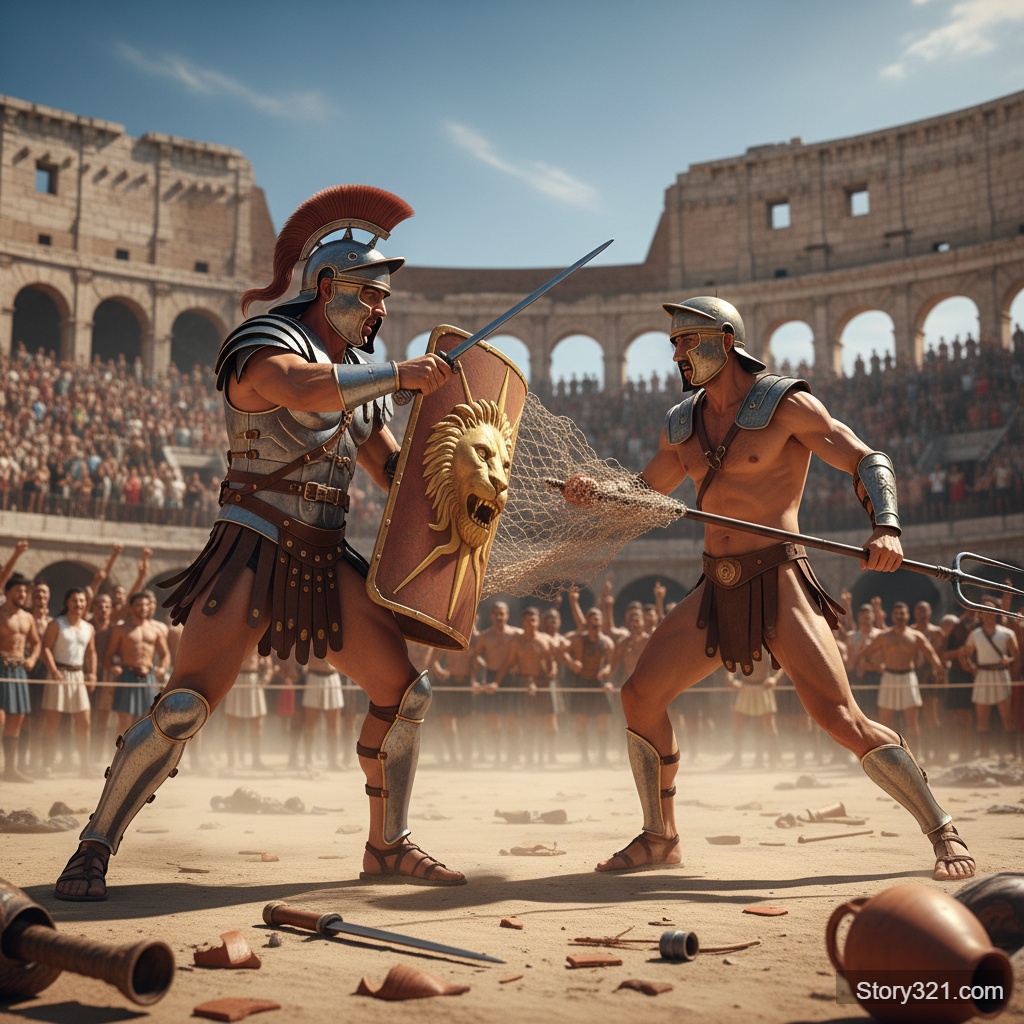
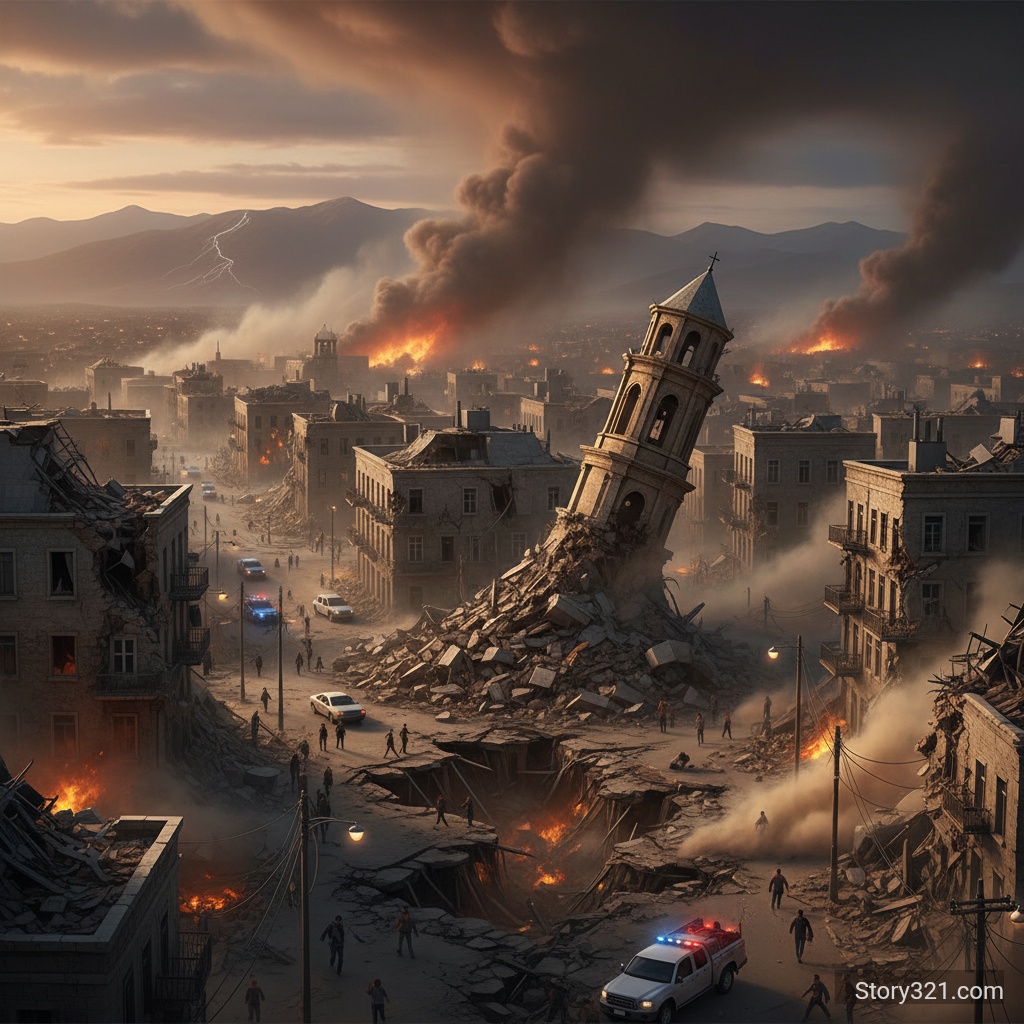
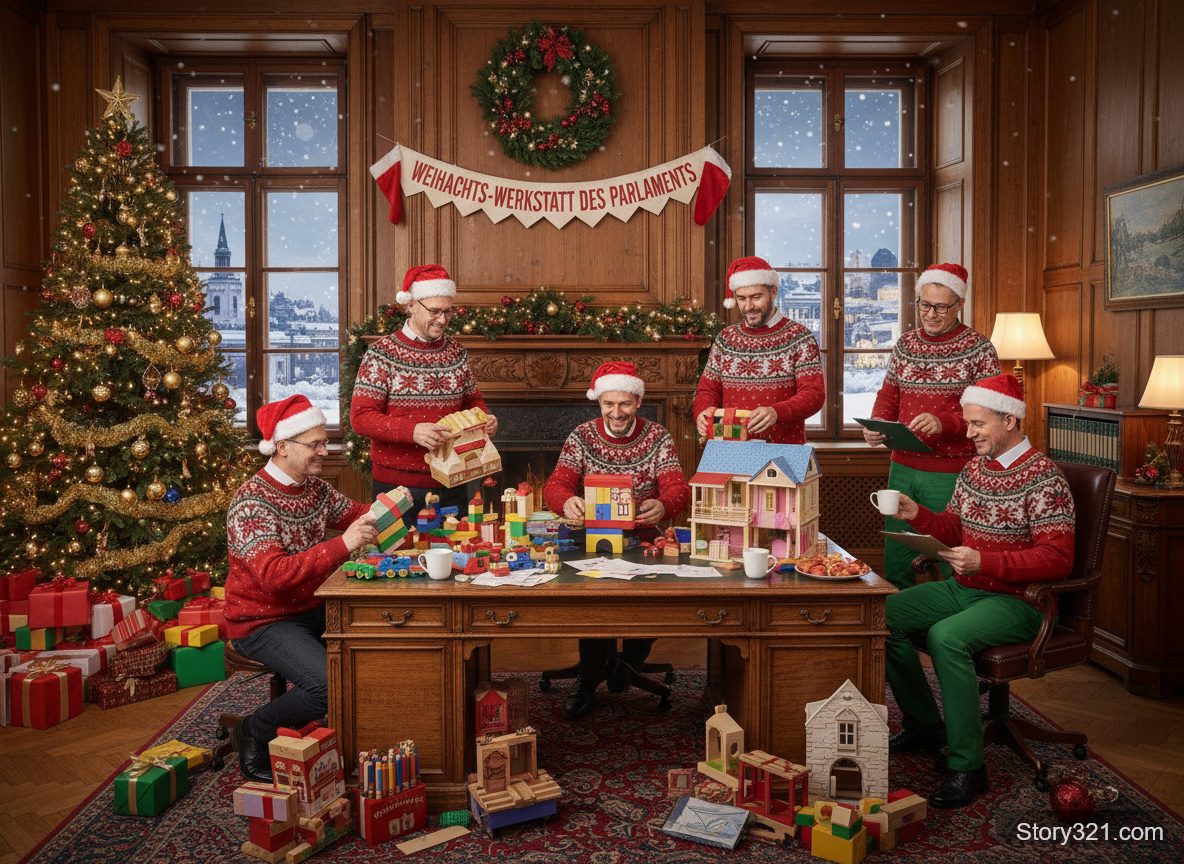

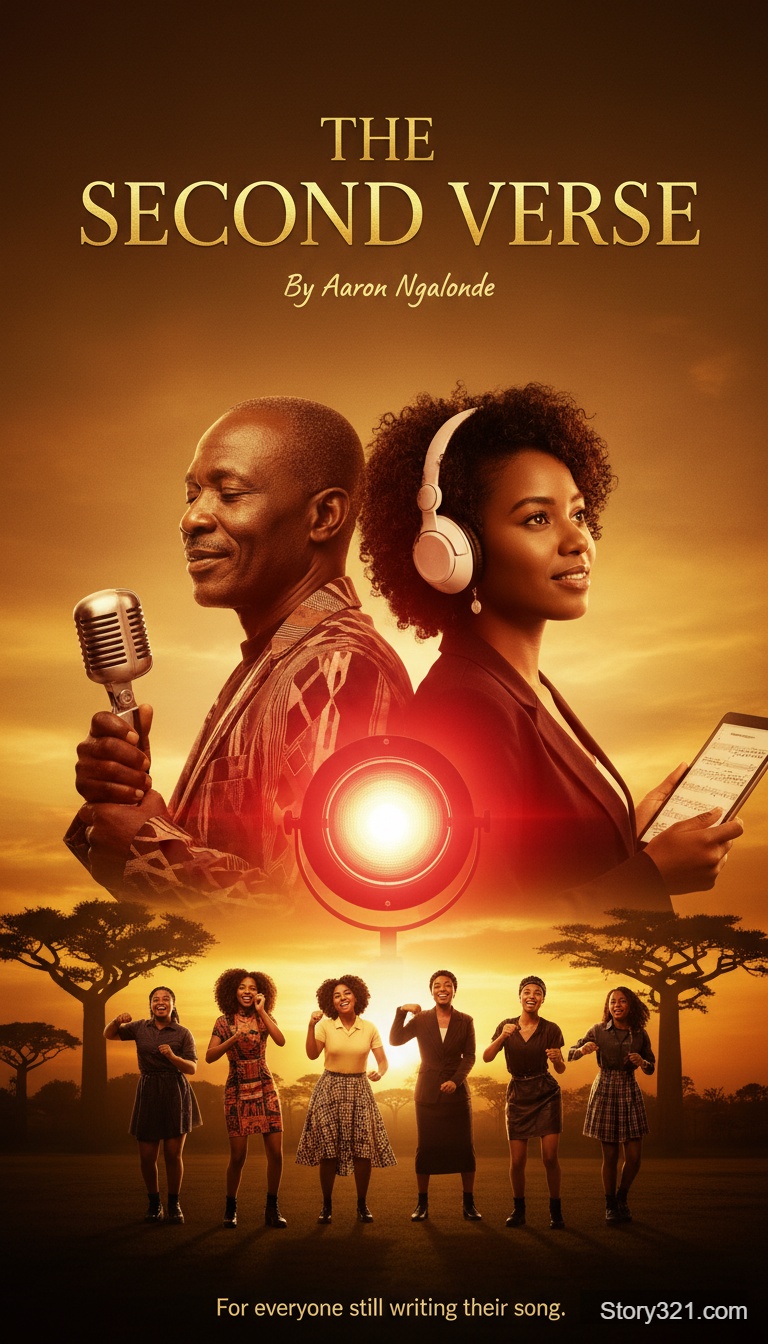
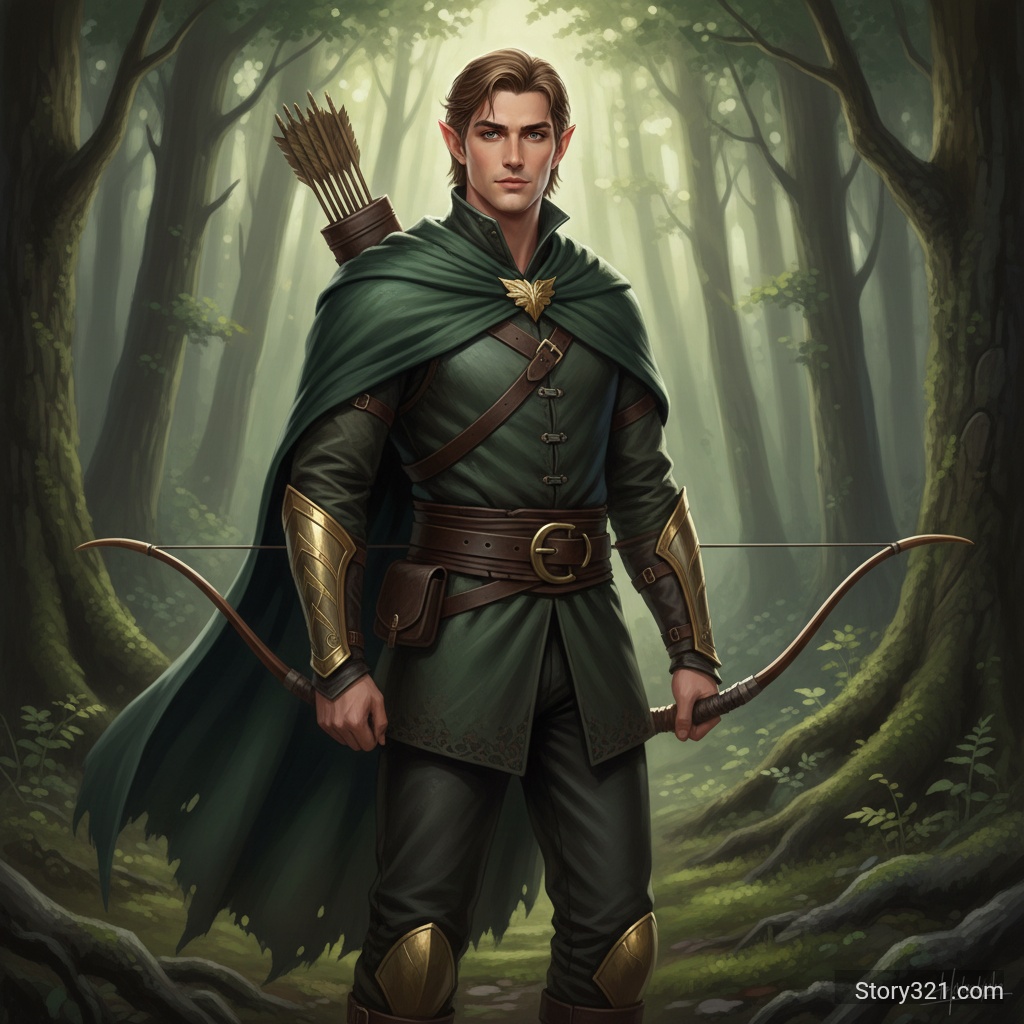
GPT Image 1.5 可以做什麼?
彈性的品質選項
從三種品質等級中選擇 - 低 (6 點數)、中 (10 點數) 或高 (40 點數) - 以平衡成本和圖像品質。
透明背景支援
產生具有透明、不透明或自動背景的圖像,非常適合用於標誌、圖示和設計元素。
多種圖像尺寸
支援正方形 (1024x1024)、橫向 (1536x1024) 和直向 (1024x1536) 方向,以滿足您的需求。
OpenAI 技術
由 OpenAI 的 GPT Image 1.5 模型提供支援,提供一致且高品質的圖像生成結果。
如何使用 GPT Image 1.5
- 1
撰寫您的提示
用詳細的指示描述您想要建立的圖像。
- 2
選擇品質與設定
選擇您偏好的品質等級、圖像尺寸和背景選項。
- 3
產生
點擊產生並接收您的圖像。較高的品質需要較長的時間,但會產生更好的結果。
常見問題
GPT Image 1.5 支援哪些圖像尺寸?
GPT Image 1.5 支援三種尺寸:1024x1024(正方形)、1536x1024(橫向)和 1024x1536(直向)。
品質選項及其成本是什麼?
有三種品質等級:低品質每張圖像花費 6 點數,中品質花費 10 點數,高品質花費 40 點數。 較高的品質會產生更詳細和精細的結果。
我可以產生具有透明背景的圖像嗎?
可以! GPT Image 1.5 支援透明背景。 您可以在自動(自動判斷)、透明(清晰背景)或不透明(實心背景)之間選擇。
我什麼時候應該使用高品質與低品質?
對於最終製作、專業項目以及細節至關重要時,請使用高品質。 對於快速迭代、測試想法或預算有限時,請使用低或中品質。
GPT Image 1.5 使用什麼輸出格式?
所有圖像皆以 PNG 格式產生,可在需要時保持品質並支援透明度。
定價
基於品質的彈性定價
- 低品質
- 6 點數
- 中品質
- 10 點數
- 高品質
- 40 點數(推薦)
技術規格
| 輸出格式 | PNG |
|---|---|
| 圖像尺寸 | 1024x1024, 1536x1024, 1024x1536 |
| 品質等級 | 低, 中, 高 |
| 背景選項 | 自動, 透明, 不透明 |
| 費用範圍 | 每張圖像 6-40 點數 |