AI Image Upscale - Enhance Image Resolution Intelligently
Upscale your images using Ideogram's state-of-the-art AI technology. Significantly enhance resolution while preserving details and improving image quality.
Save Your Creations
Login to save, manage and share all your generated images
Community Showcase
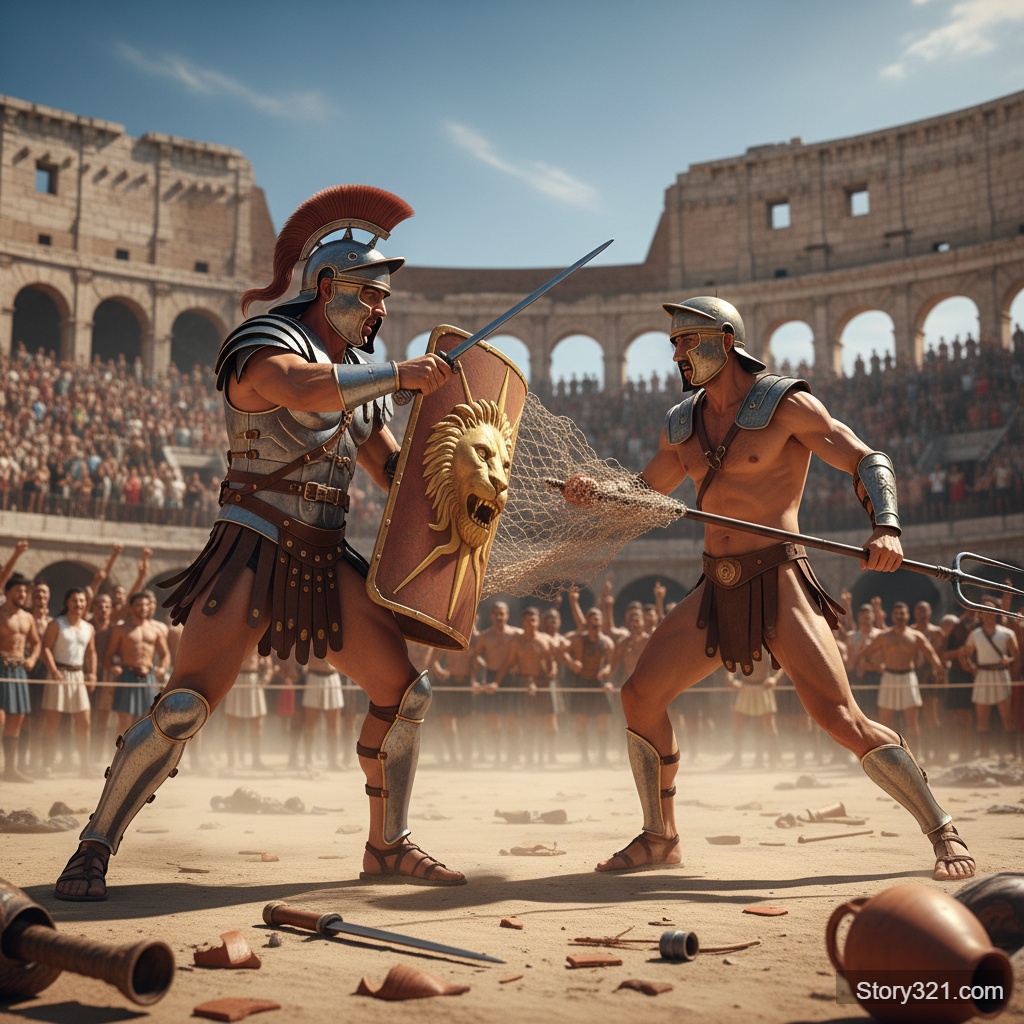
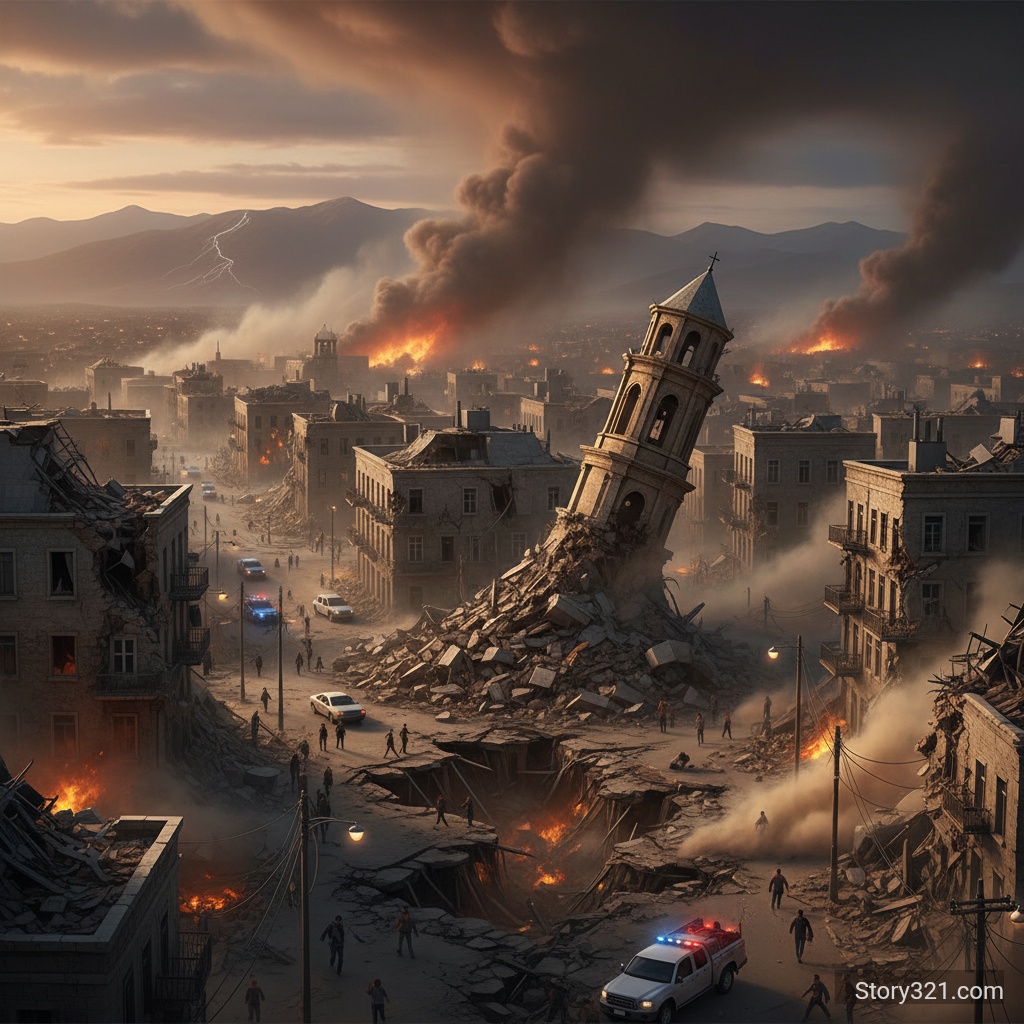
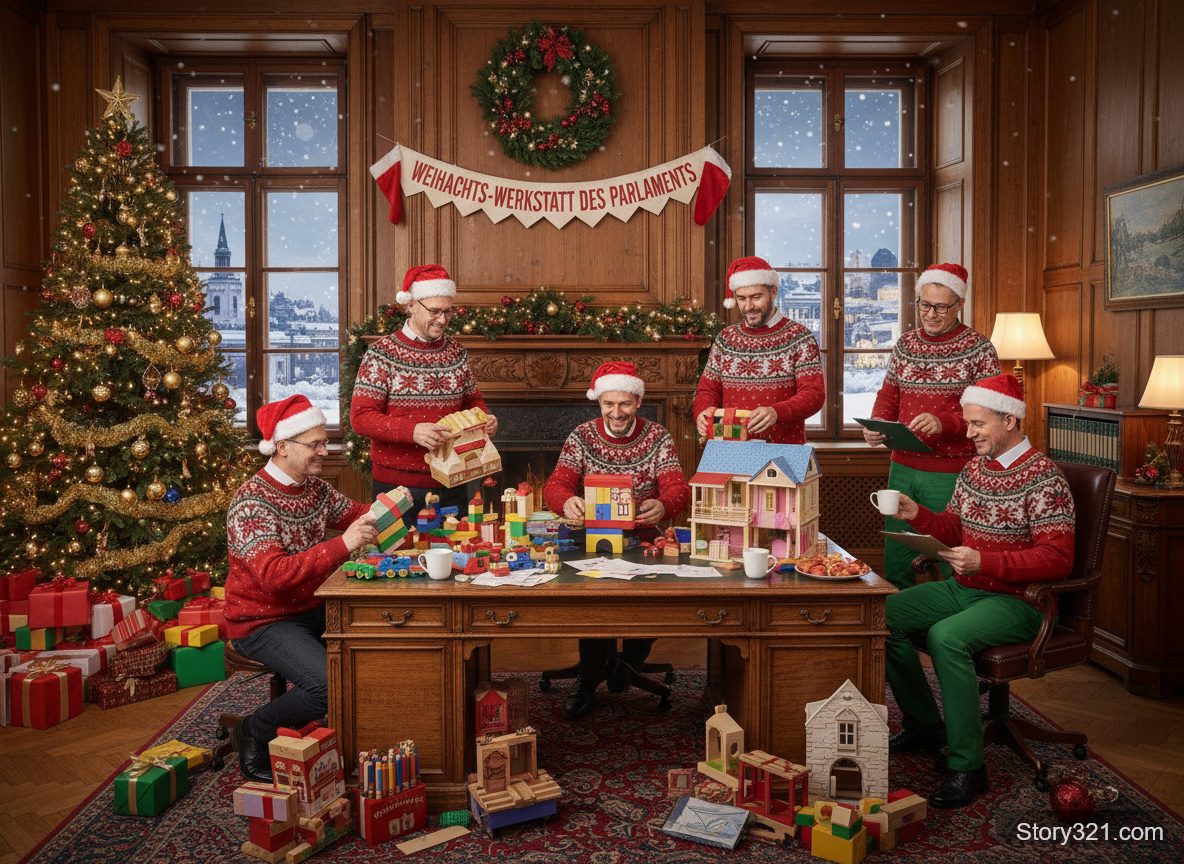
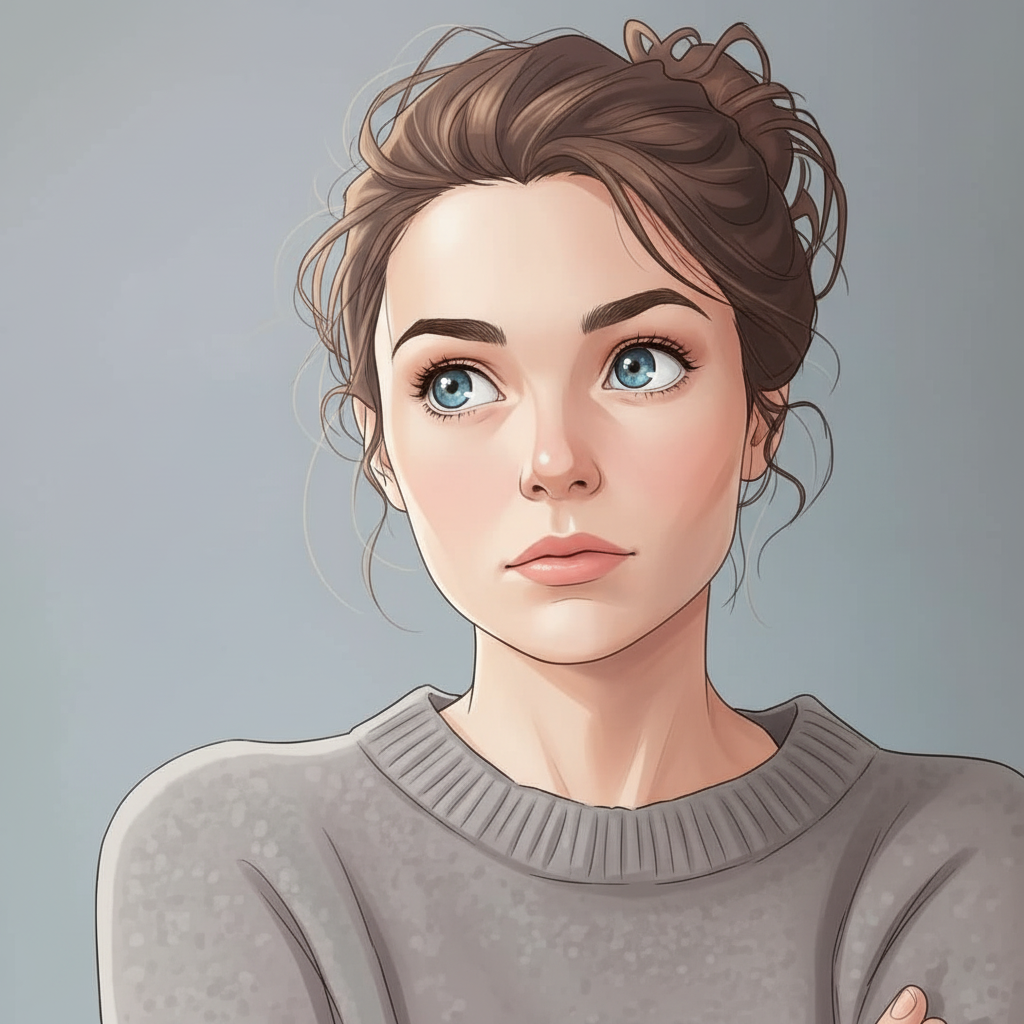
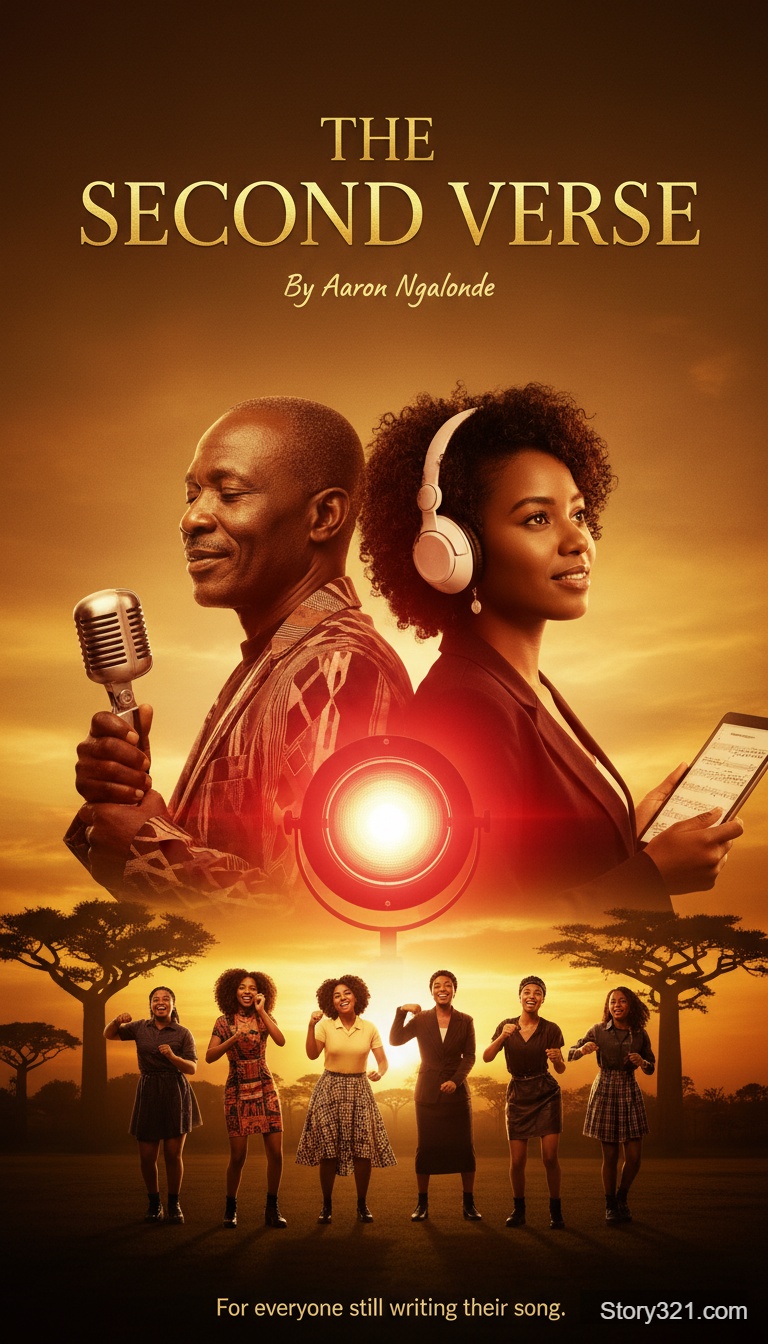

Powerful Image Upscaling Features
AI-Powered Resolution Enhancement
Significantly upscale your images beyond their original resolution. Perfect for preparing images for print or large displays.
AI-Powered Detail Enhancement
Our AI doesn't just enlarge - it intelligently adds details and sharpness to create natural-looking high-resolution images.
Adjustable Parameters
Fine-tune the upscaling process with resemblance and detail sliders to get exactly the result you want.
Optional Prompt Guidance
Optionally provide a prompt to guide the enhancement process for more controlled results.
Why Use AI Image Upscale?
Preserve Original Quality
Unlike traditional upscaling that creates blur, our AI preserves and enhances the original image quality.
Print-Ready Results
Perfect for preparing images for printing, posters, or any large-format display that requires high resolution.
Restore Old Photos
Breathe new life into old or low-resolution photos by enhancing their resolution and detail.
Professional Enhancement
Get professional-quality image enhancement without expensive software or complex editing skills.
How to Upscale Your Images
- 1
Upload Your Image
Select an image from your device. Supports PNG, JPG, and WebP formats up to 10MB.
- 2
Adjust Settings
Set the resemblance (how close to the original) and detail (enhancement level) sliders to your preference.
- 3
Optional: Add Prompt
Optionally add a text prompt to guide the enhancement process for specific improvements.
- 4
Generate & Download
Click Generate and download your AI-enhanced, high-resolution image.
Popular Use Cases
Print Preparation
Upscale images for high-quality printing on posters, canvases, or photo books.
E-commerce
Enhance product images for better display on websites and marketplaces.
Photo Restoration
Improve old or low-quality photos by adding resolution and clarity.
Digital Art
Upscale digital artwork for larger displays or higher-resolution outputs.
Social Media
Enhance images for crisp, high-quality posts on social media platforms.
Presentations
Upscale images for clear, professional-looking presentations and documents.
Frequently Asked Questions
What is AI Image Upscale?
AI Image Upscale uses Ideogram's advanced AI technology to significantly enhance the resolution of your images. Unlike traditional upscaling methods that simply interpolate pixels, our AI intelligently adds details and sharpness for natural-looking results.
How much can I upscale my images?
Our AI significantly enhances your image resolution while maintaining quality. The exact enhancement depends on the original image, but the AI will intelligently add details and improve clarity during the upscaling process.
What do the resemblance and detail sliders do?
The resemblance slider (0-100) controls how closely the upscaled image matches the original. The detail slider (0-100) controls the level of detail enhancement. Higher values mean more enhancement but may deviate more from the original.
Do I need to provide a prompt?
No, the prompt is optional. You can upscale images without any prompt. However, providing a prompt can help guide the AI to make specific improvements to your image.
What image formats are supported?
We support PNG, JPG/JPEG, and WebP formats. Images can be up to 10MB in size.
How long does the upscaling process take?
Most images are upscaled within 30-60 seconds, depending on the original image size and complexity. More complex images may take up to 2 minutes.
Pricing
Free tier available
- Image Upscale
- 15 credits
Technical Specifications
| Input formats | PNG, JPG/JPEG, WebP |
|---|---|
| Maximum file size | 10MB |
| Processing time | 30-60 seconds |
| Optional prompt | Yes (up to 500 characters) |
| Cost per upscale | 15 credits |