Nano Banana Image Combiner
Combine 2–10 Story321 image references with Nano Banana and a natural-language composition prompt.
Save Your Creations
Login to save, manage and share all your generated images
Community Showcase
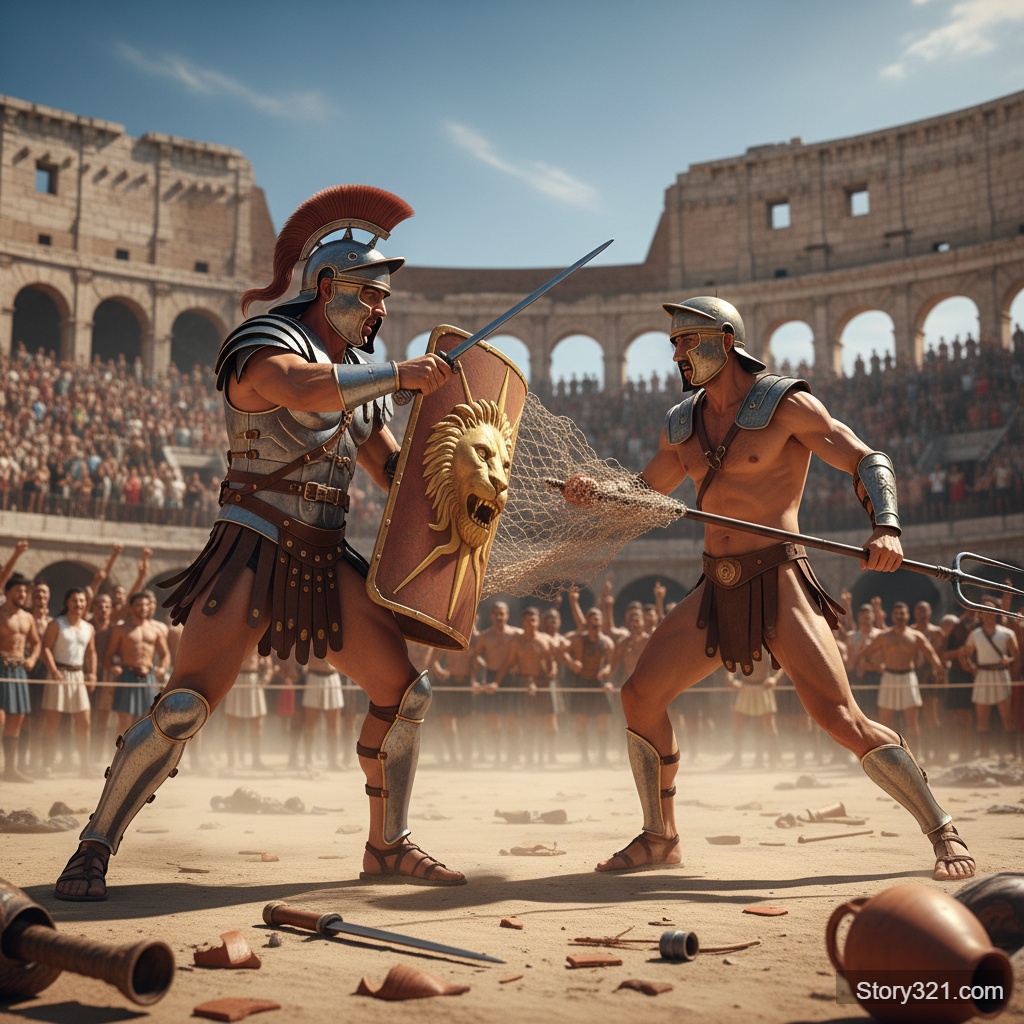
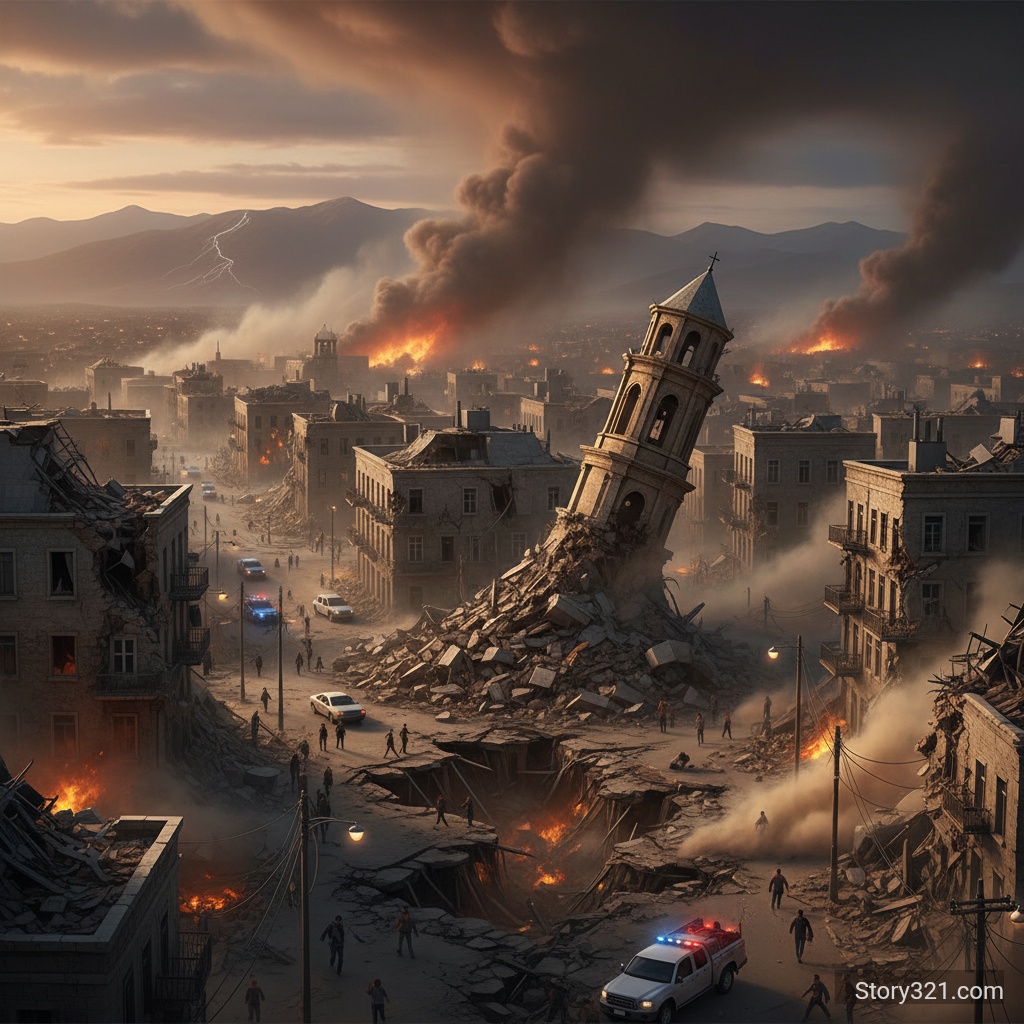
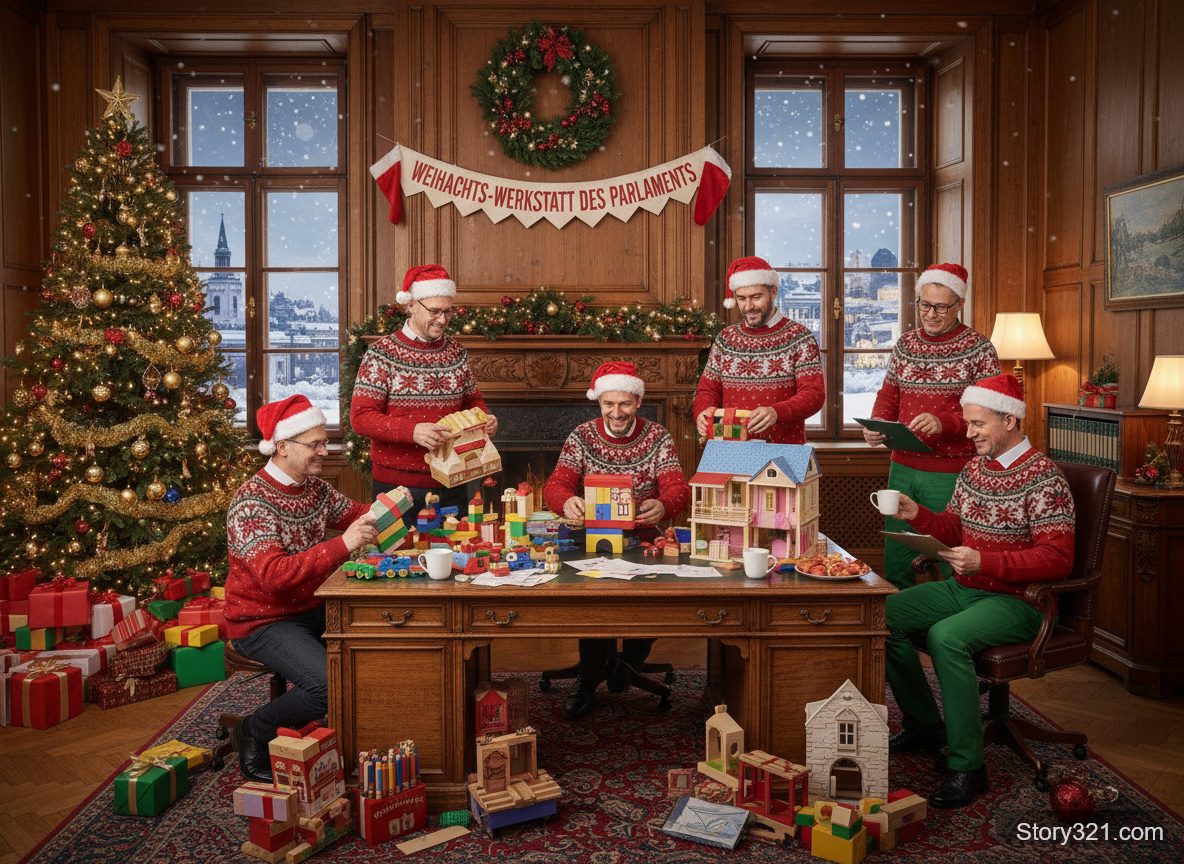

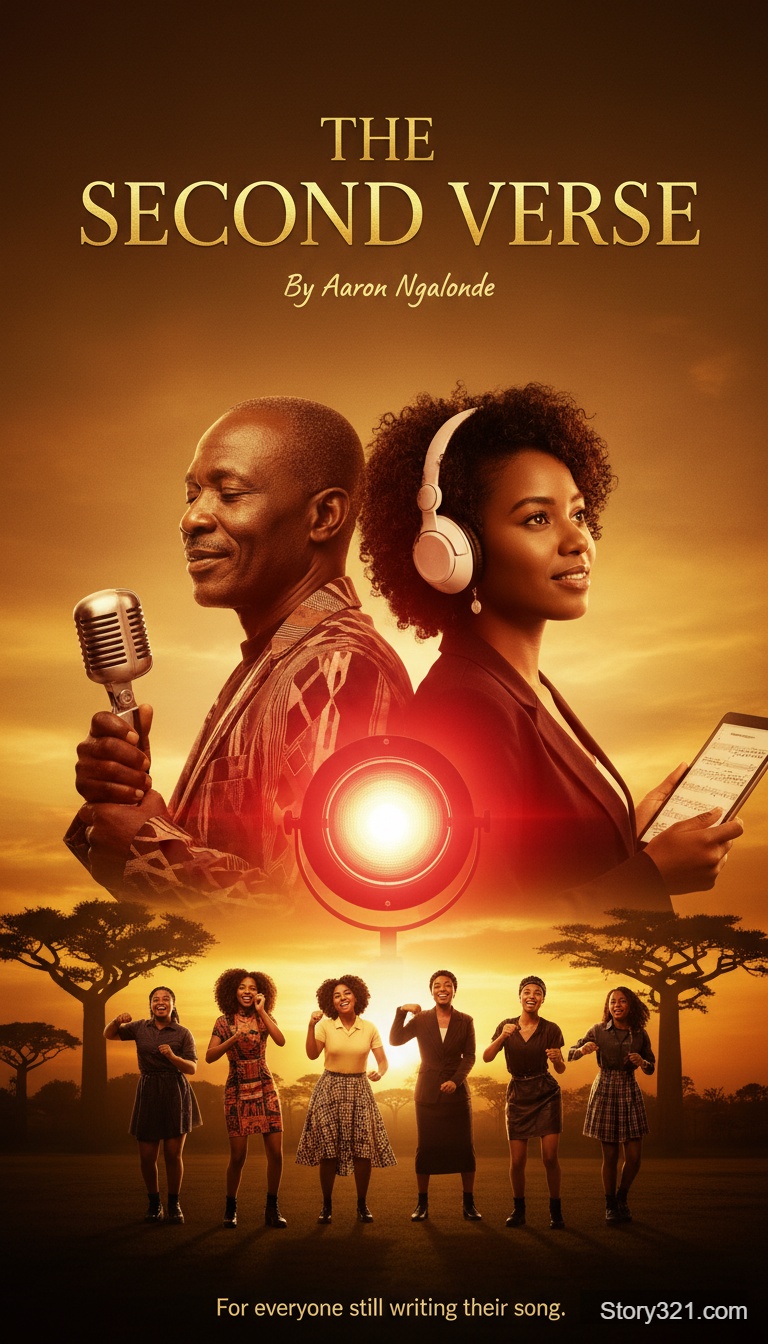
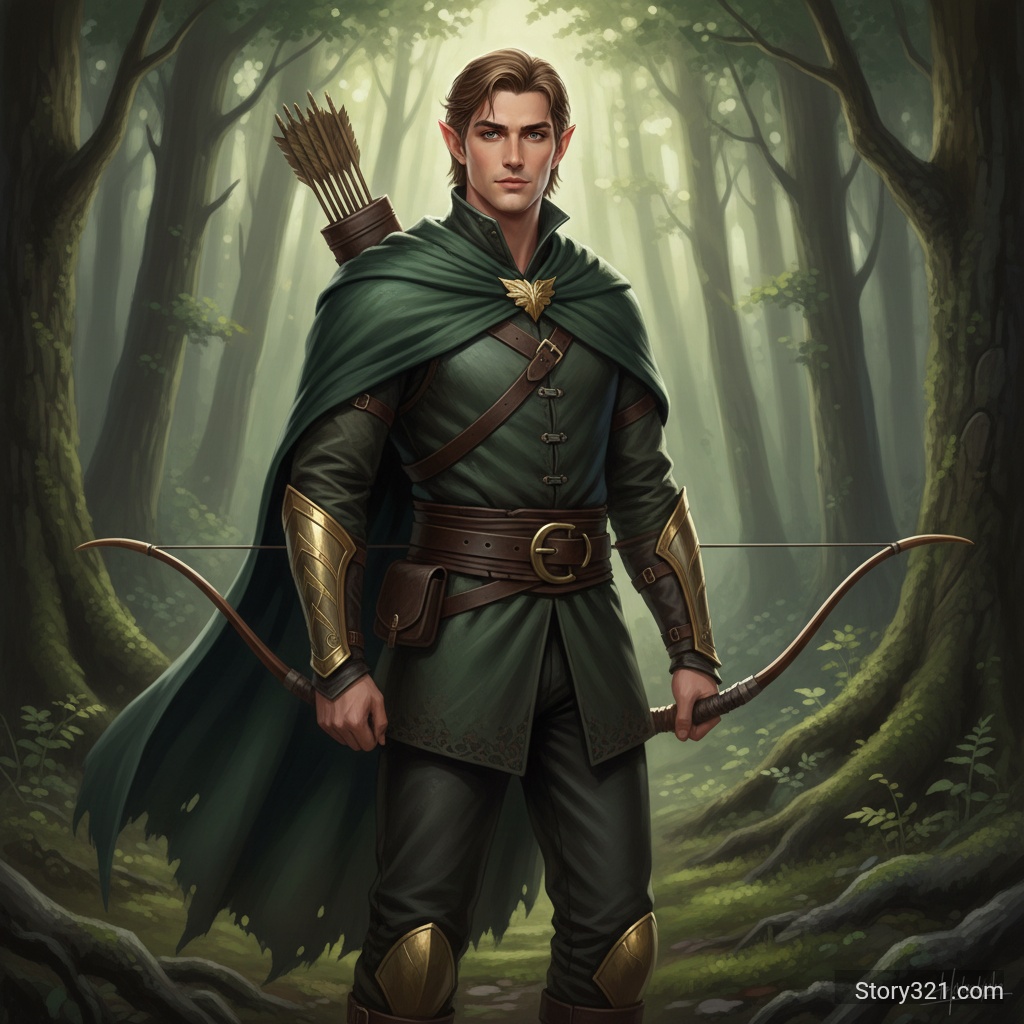
When should I use Nano Banana to combine images?
Use this workflow when several reference images need to inform one new composition: for example, a subject, environment, palette, and styling direction. Nano Banana accepts image URLs and a prompt through its editing API; Story321 currently presents a 2–10 image upload workflow with aspect-ratio controls.
Nano Banana multi-image workflow on Story321
Multiple visual references
Upload 2–10 images in the current Story321 form to guide one combined composition.
Natural-language direction
Use a written prompt to explain which subjects, placements, mood, and visual details matter most.
Composition framing
Choose Auto or an available aspect-ratio preset to steer the shape of the generated result.
Reference-aware exploration
Use several images to establish a visual direction, then inspect the complete generated image before relying on it.
How to combine images with Nano Banana
- 1
Choose your references
Upload 2–10 images you have permission to use. Give each image a distinct role in the intended composition.
- 2
Set the frame
Select Auto for a reference-led frame or choose an aspect ratio for the format you plan to test.
- 3
Describe the composition
State how the references should relate, then name the details that should remain visually important.
- 4
Review and iterate
Check the complete image for unintended changes and revise a single instruction before trying another generation.
Nano Banana image-combining use cases
Multi-reference campaign concepts
Bring a product, location, color direction, and composition reference into one exploratory visual.
Story world-building
Combine character, environment, object, and atmosphere references into a scene concept.
Style and material studies
Use separate references for color, texture, form, and environment while testing a unified direction.
Presentation drafts
Create a visual conversation starter from a collection of references before a manual design or retouching pass.
Nano Banana image-combining notes
- Story321's 2–10 image input range is a product-interface limit; it is not presented as an official Google model limit.
- The result is generative: it can alter visual details, including text, faces, logos, lighting, scale, and object relationships.
- Google states that images created or edited with Gemini 2.5 Flash Image include an invisible SynthID digital watermark.
- Use only images you have permission to upload and confirm the live form's credits and controls before generating.
Continue your image workflow
AI Image Combiner
See the general multi-image fusion workflow and its Story321 limits.
Open image combinerNano Banana Image Editor
Edit one uploaded source image with a focused natural-language instruction.
Open image editorText-to-Image Tools
Generate a new visual from text when you do not need image references.
Explore text to image
Frequently Asked Questions
Is Nano Banana the same as Gemini 2.5 Flash Image?
Google introduced Gemini 2.5 Flash Image as Nano Banana. Story321 uses the Nano Banana edit endpoint for this multi-image composition workflow.
How many images can I combine with Nano Banana on Story321?
The current Story321 form accepts 2 to 10 uploaded images for a generation. This is a Story321 interface limit, not an official statement of the model's maximum input count.
What prompt produces a clearer combined image?
Assign a role to each reference, state the intended arrangement, and name the subject, environment, style, and details to preserve. Review the output as a whole and change one instruction at a time.
What formats can I upload?
Story321 accepts PNG, JPG/JPEG, and WebP uploads up to 10MB per image in the current form.
How much does Nano Banana image combination cost on Story321?
A Nano Banana image-combiner generation currently uses 11 credits on Story321. Confirm the displayed amount in the live form before generating.
Nano Banana image-combiner credits
- Image combination
- 11 credits per generation
Nano Banana workflow specifications
| Model | Nano Banana (Gemini 2.5 Flash Image) |
|---|---|
| Story321 inputs | 2–10 reference images and a written prompt |
| Upload formats | PNG, JPG/JPEG, and WebP up to 10MB per image |
| Aspect ratio | Auto plus selectable presets |
| Output review | Inspect generated details before publishing or production use |
Official Nano Banana references
Introducing Gemini 2.5 Flash Image“blend multiple images into a single image”
Combine references with Nano Banana
Upload your images, describe how they should work together, and inspect the generated composition before the next iteration.
Open Nano Banana