Hunyuan 3D V3 - Image to 3D
Transform your photos into ultra-high-resolution 3D models in seconds using Tencent's Hunyuan 3D V3. Film-quality geometry with PBR textures, ready for games, e-commerce, and 3D printing. Support for multi-view input for enhanced accuracy.
Save Your 3D Models
Login to save, manage and share all your generated 3D models
Community 3D Models
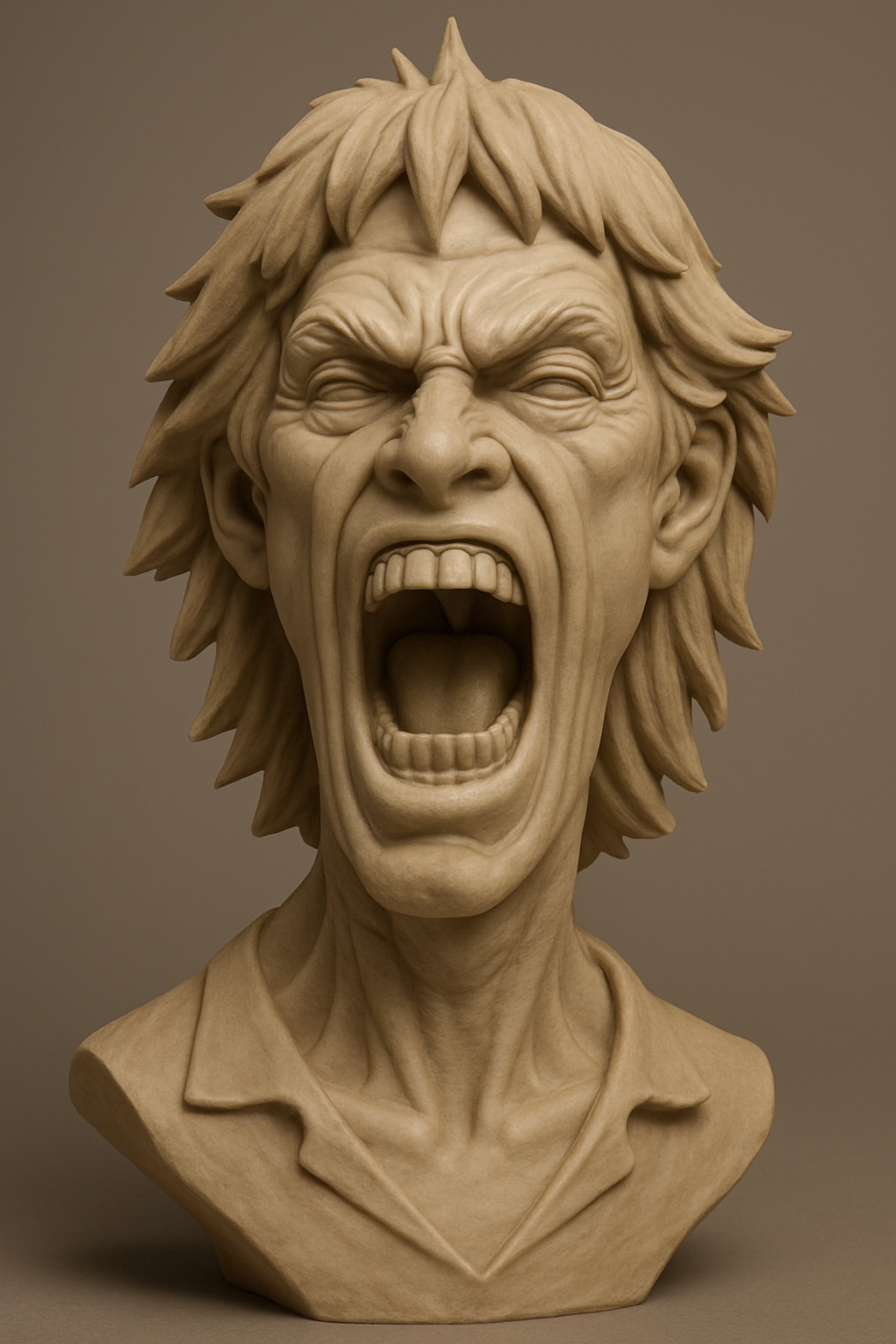
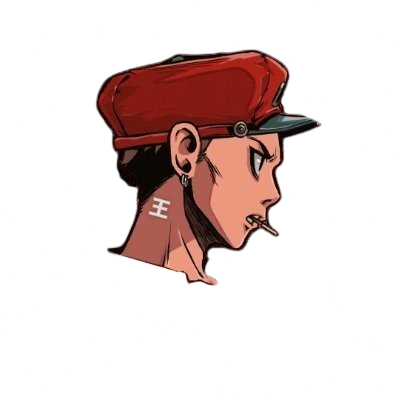
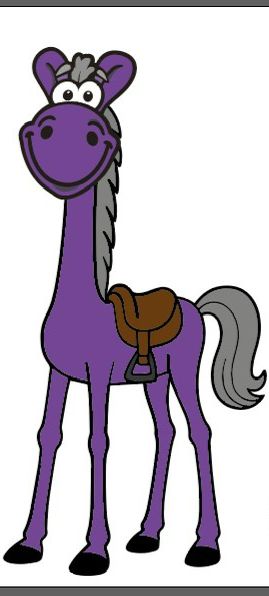
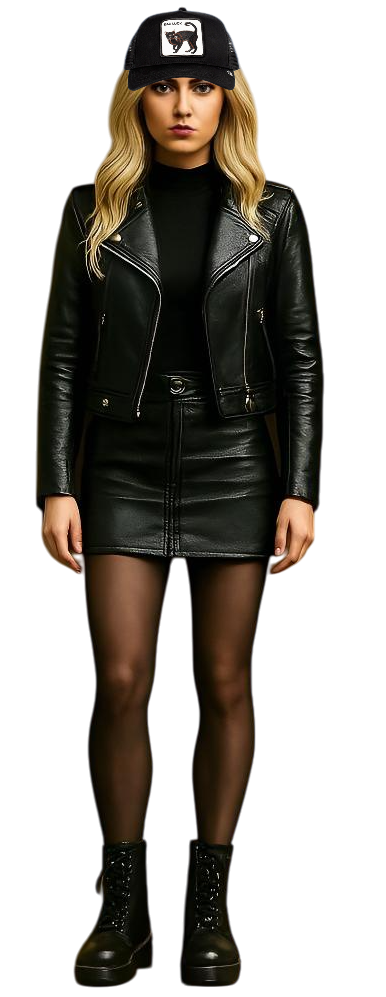
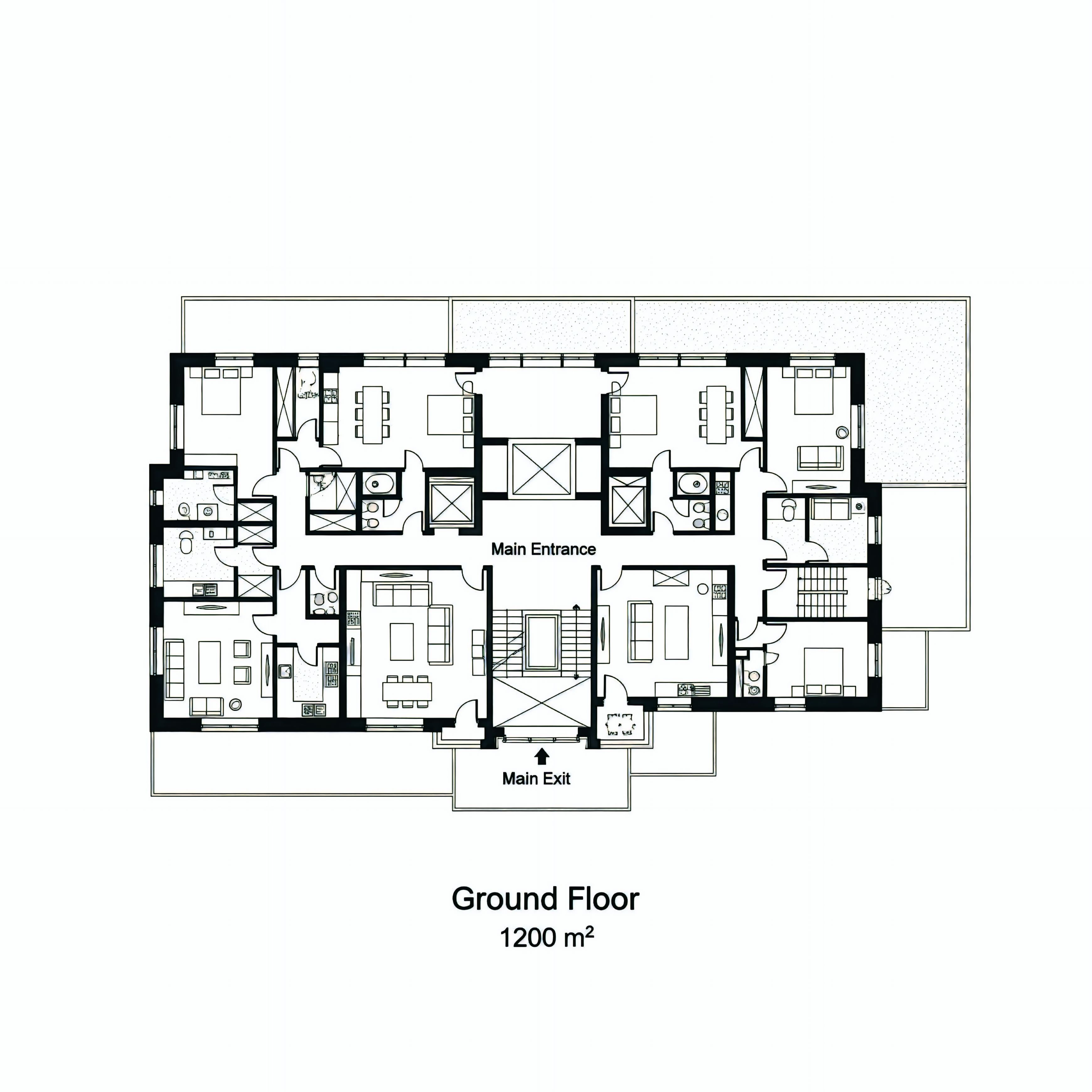
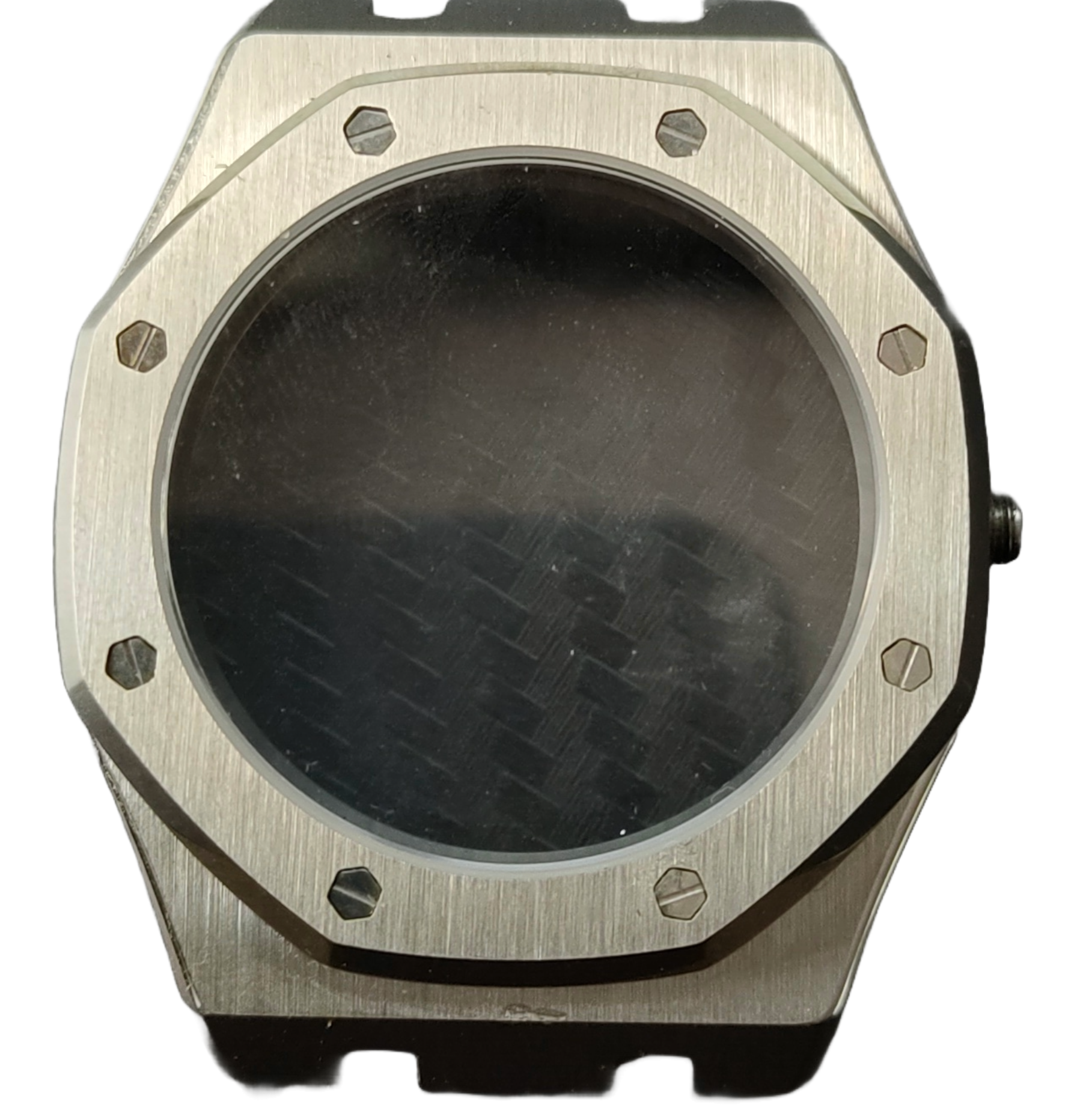
Hunyuan 3D V3 Key Features
Multi-View Image Input
Upload up to 4 images from different angles (front, back, left, right) for superior 3D reconstruction accuracy. While only the front view is required, additional views significantly improve geometry quality and detail capture, especially for complex objects.
Three Generation Modes
Hunyuan 3D V3 offers three generation modes: Normal (textured model with full materials), LowPoly (polygon-reduced for performance), or Geometry (white model without texture for custom texturing). Each mode is optimized for different use cases from game assets to 3D printing.
PBR Material Support
Enable Physically Based Rendering (PBR) materials for photorealistic textures with accurate lighting and surface properties. PBR materials ensure your 3D models look stunning in game engines, rendering software, and AR/VR applications.
OBJ Format Export
Export your 3D models in industry-standard OBJ format with universal compatibility. OBJ files include proper material mapping and UV coordinates, ensuring seamless integration with Blender, Maya, 3ds Max, and all major 3D software.
Tencent AI Technology
Powered by Tencent's advanced Hunyuan 3D V3 model, leveraging state-of-the-art diffusion transformers and neural rendering. Benefit from enterprise-grade AI technology with exceptional geometry accuracy and texture quality.
Why Choose Hunyuan 3D V3?
Superior Multi-View Reconstruction
Hunyuan 3D V3's multi-view input capability allows for significantly more accurate 3D reconstruction compared to single-image methods. By providing images from multiple angles, you get better depth understanding, cleaner geometry, and more realistic proportions.
Flexible Output Options
Three generation modes let you choose the perfect output for your workflow. Normal mode for production-ready assets, LowPoly for optimized game assets, or Geometry mode for custom texturing workflows. All modes support PBR materials for professional results.
High-Quality Output
Hunyuan 3D V3 generates detailed 3D models suitable for everything from mobile games to high-end visualization. The advanced AI ensures exceptional detail capture and realistic geometry reconstruction.
Production-Ready PBR Materials
Enable PBR materials to get photorealistic textures with proper material properties. Your models will render beautifully in Unity, Unreal Engine, Blender, and other professional 3D software, with accurate lighting and surface reflections.
Universal OBJ Format
Export in OBJ format to ensure compatibility with your entire 3D workflow. Whether you're working in game engines, 3D software, AR/VR platforms, or 3D printing, OBJ format has universal support across all platforms.
Fast Processing
Generate high-quality 3D models in seconds. Hunyuan 3D V3's optimized architecture delivers rapid results without compromising quality, making it ideal for iterative workflows and rapid prototyping.
How to Generate 3D Models with Hunyuan 3D V3
- 1
Upload Your Images
Upload at least one front-facing image (required). For best results, optionally add back, left, and right view images. Clear, well-lit photos with good contrast work best. Multi-view input dramatically improves reconstruction accuracy, especially for complex objects with intricate details.
- 2
Choose Generation Type
Select Normal for full-textured models ready for production, LowPoly for optimized game assets with reduced polygons, or Geometry for white models you'll texture yourself. Each mode serves different purposes - Normal for final assets, LowPoly for performance, Geometry for custom workflows.
- 3
Configure Advanced Settings
Enable PBR materials for photorealistic textures (adds 30 credits). The AI will automatically optimize the model quality based on your selected generation mode and settings.
- 4
AI Generates Your 3D Model
Hunyuan 3D V3 analyzes your images, understanding depth, geometry, and surface details from multiple viewpoints. The AI reconstructs a complete 3D model with high-quality textures in 30-120 seconds depending on your settings.
- 5
Download Your OBJ Model
Download your 3D model in OBJ format with proper materials and UV mapping. Import into Blender, Unity, Unreal Engine, or any 3D software for immediate use.
Hunyuan 3D V3 Use Cases
E-commerce Product Visualization
Transform product photos into interactive 3D models for online stores. Multi-view input ensures accurate representation from all angles. Enable PBR materials for photorealistic product renders that increase customer engagement and reduce returns.
Game Asset Creation
Rapidly generate 3D game assets from concept art or reference photos. Use Normal mode with PBR for final assets, or LowPoly mode for optimized game-ready models. Multi-view input creates more accurate game assets suitable for Unity, Unreal Engine, and web games.
AR/VR Content Development
Build immersive AR and VR experiences with high-quality outputs. Export as OBJ and convert to your preferred format for web-based AR, mobile AR, or VR platforms. The optimized models ensure smooth performance while maintaining visual quality.
3D Printing Preparation
Convert images into 3D-printable models. Use Geometry mode for clean models you'll texture yourself, or Normal mode with PBR for detailed prints. Export as OBJ and convert to STL for immediate printing.
Architectural Visualization
Create 3D models of furniture, fixtures, and architectural elements from photos. Multi-view input ensures accurate proportions and details. PBR materials provide realistic lighting and material properties for professional architectural renders.
Digital Art and NFT Creation
Generate unique 3D artwork from photographs for digital galleries, NFT collections, and creative projects. The high-quality output with PBR materials creates stunning visuals suitable for professional digital art and collectibles.
Pertanyaan yang Sering Diajukan
What is Hunyuan 3D V3?
Hunyuan 3D V3 is an advanced AI model developed by Tencent that specializes in converting 2D images into ultra-high-resolution 3D models. It supports multi-view input for enhanced accuracy, offers three generation modes (Normal, LowPoly, Geometry), and can generate PBR materials for photorealistic textures. The model produces high-quality OBJ files suitable for games, AR/VR, 3D printing, and visualization.
Do I need to upload multiple images?
Only the front view image is required. However, uploading additional images from back, left, and right angles significantly improves 3D reconstruction accuracy, especially for complex objects. Multi-view input helps the AI better understand depth, geometry, and surface details, resulting in more accurate and detailed 3D models.
What's the difference between Normal, LowPoly, and Geometry modes?
Normal mode generates fully textured models with materials, ideal for production-ready assets. LowPoly mode creates polygon-reduced models optimized for performance in games and real-time applications. Geometry mode produces white models without textures, perfect for custom texturing workflows. All modes support PBR materials when enabled.
What are PBR materials and should I enable them?
PBR (Physically Based Rendering) materials provide photorealistic textures with accurate lighting, reflections, and surface properties. Enable PBR if you need professional-quality renders for games, visualization, or AR/VR. PBR materials add 30 credits but significantly enhance visual quality and realism in game engines and 3D software.
What types of images work best with Hunyuan 3D V3?
Clear, well-lit photos with good contrast work best. Front-facing images of single objects, products, or characters produce optimal results. For multi-view input, ensure consistent lighting and similar image quality across all angles. Avoid complex scenes with multiple overlapping subjects, extreme angles, or poor lighting for best 3D reconstruction quality.
Can I use Hunyuan 3D V3 output for 3D printing?
Yes! Hunyuan 3D V3 generates models in OBJ format that can be imported into Blender or other 3D software and converted to STL for 3D printing. Use Geometry mode for clean models or Normal mode for detailed prints. You may need to adjust wall thickness and add supports in your slicing software depending on model complexity.
What export format is available?
OBJ format is available, offering universal compatibility with all 3D software including Blender, Maya, 3ds Max, Unity, Unreal Engine, and more. OBJ files include proper materials and UV mapping when PBR is enabled.
How much does it cost?
Pricing varies by generation type: Normal mode costs 80 credits (110 with PBR), LowPoly mode costs 90 credits (120 with PBR), and Geometry mode costs 50 credits (80 with PBR). PBR materials add 30 credits to any mode. Multi-view input doesn't affect pricing - you can upload up to 4 images at no extra cost.
Pricing
- Normal Mode
- 80 credits
- Normal Mode + PBR
- 110 credits
- LowPoly Mode
- 90 credits
- LowPoly Mode + PBR
- 120 credits
- Geometry Mode
- 50 credits
- Geometry Mode + PBR
- 80 credits
Hunyuan 3D V3 Technical Specifications
| AI Model | Hunyuan 3D V3 (Tencent) |
|---|---|
| Input Formats | JPG, PNG, WebP |
| Input Views | 1-4 images (Front required, Back/Left/Right optional) |
| Generation Modes | Normal / LowPoly / Geometry |
| PBR Materials | Optional (adds 30 credits) |
| Output Format | OBJ |
| Processing Time | 30-120 seconds (varies by settings) |
| Maximum Image Size | 10 MB per image |
| Compatible Software | Blender, Unity, Unreal Engine, Maya, 3ds Max, all OBJ viewers |
| 3D Printing Ready | Yes (export as OBJ, convert to STL) |