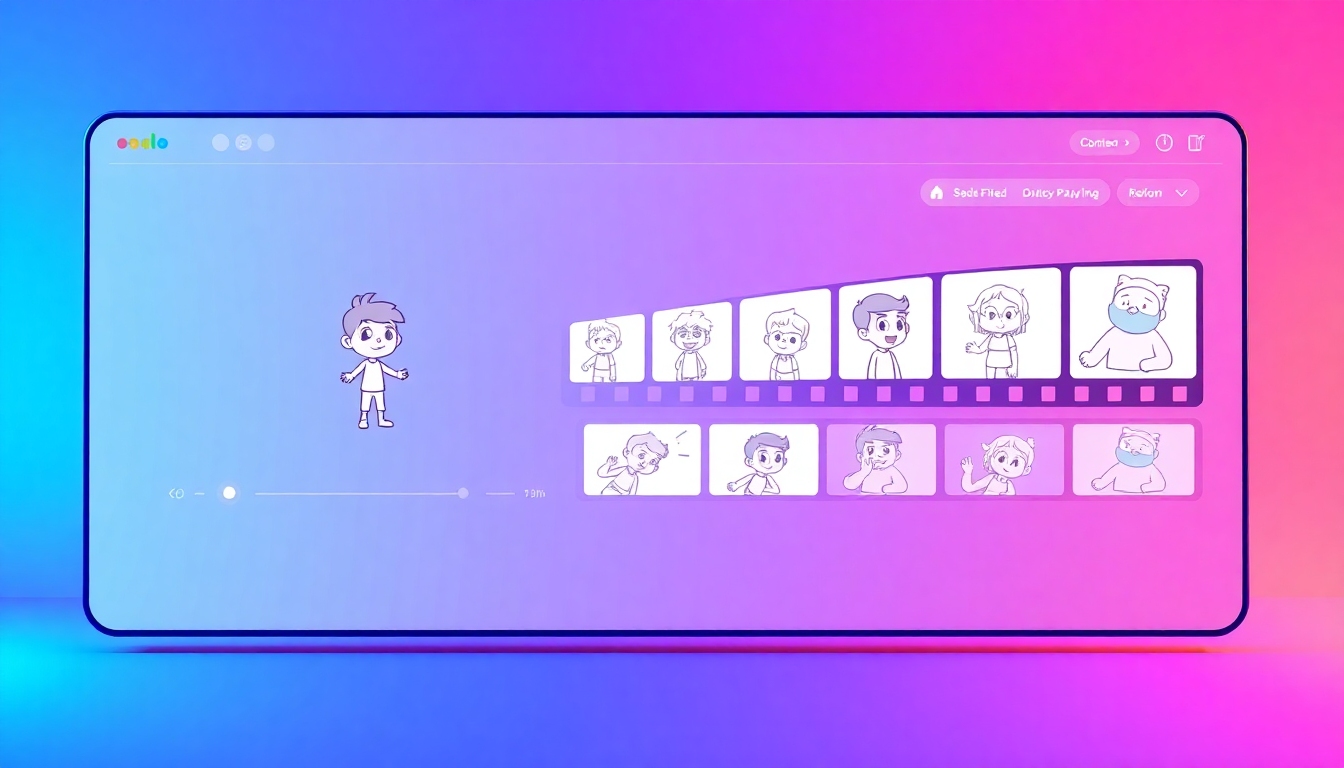
Cartoon to Video: Turn Drawings into Dynamic Stories with AI
Create animated videos from cartoons fast—no skills needed, just your ideas.
Cartoon to Video tools on story321 help you animate sketches, images, and characters into polished videos in minutes. Upload your cartoons, type a script, and let AI generate scenes, motion, voiceovers, and music. Compare the best free options, pick your workflow, and export to the formats your audience watches most.
What is a Cartoon to Video Tool?
A Cartoon to Video tool is software that converts static cartoons, drawings, or character assets into animated videos using AI. Instead of frame-by-frame work, you choose a style, add a script or voiceover, and the tool generates scenes, transitions, and timing. On story321, you can compare multiple Cartoon to Video platforms side by side by speed, quality, price, and export options.
Automates animation from static cartoons and scripts.
Generates scenes, camera moves, and transitions with AI.
Adds AI voiceovers and aligns lip-sync automatically.
Exports for YouTube, TikTok, Instagram, and more.
Key Features to Look For
Powerful automation that turns your cartoon assets into polished videos fast.
AI-Powered Animation from Static Cartoons
Cartoon to Video engines analyze your character poses, line art, and layers to create motion that matches your story. Expect auto in-betweening, camera pans, and object tracking without manual keyframing. The result is smooth movement and consistent style across scenes.
Text-to-Cartoon Video Generation
Write or paste your script and generate complete scenes with characters, backgrounds, and transitions. Cartoon to Video models map sentences to shots, then suggest timing, captions, and cutaways. You can regenerate any scene to refine pacing or style in seconds.
Character and Scene Customization
Customize character outfits, expressions, and color palettes, or import your own assets from PSD/SVG/PNG. Cartoon to Video tools let you lock brand colors, choose camera presets, and swap backgrounds to match your story world. Save reusable character rigs and scene templates for future videos.
Voiceover, Lip-Sync, and Sound Design
Generate natural AI voiceovers in multiple languages and accents, or upload your own narration. Cartoon to Video platforms auto-align lip movements to dialogue and add foley, ambience, and music beds that fit your mood. Fine-tune timing with waveform snapping and silence detection.
Smart Editing and One-Click Export
Trim, reorder, and resize scenes with a visual timeline designed for creators. Cartoon to Video editors export in 9:16, 1:1, and 16:9 up to 4K, with presets for YouTube, TikTok, Reels, and Shorts. Watermark-free exports are available on paid tiers; many tools start free so you can test.
Popular Ways Creators Use Cartoon to Video
From explainers to education, transform static cartoons into watchable stories.
Explainer Videos for Startups
Turn product doodles into clear, animated explainers that show how your service works. Cartoon to Video tools add transitions, callouts, and branded palettes so your value prop lands in under 60 seconds.
Educational Lessons and Microlearning
Convert classroom cartoons into short concept videos with step-by-step scenes. Add AI voiceovers, captions, and quizzes to make learning stick, then export lesson clips for LMS or YouTube.
Social Shorts and Memes
Animate single-panel cartoons into punchy 9:16 shorts with sound effects and kinetic text. Cartoon to Video templates help you ship trends fast while keeping your character style consistent.
Marketing Promos and Ads
Create eye-catching promos that animate mascots, offers, and calls to action. With Cartoon to Video, you can A/B test hooks, regenerate scenes, and publish platform-ready cuts in minutes.
Kids’ Stories and Webtoons
Bring children’s characters to life with simple motions, voice acting, and cozy music. Cartoon to Video keeps the look friendly and consistent while you focus on pacing and narration.
How Cartoon to Video Works on story321
Choose a tool, upload cartoons, generate scenes, then edit and export.
1) Compare and pick the best fit
Filter Cartoon to Video tools by free plan, export quality, languages, and templates. Read user reviews, check sample videos, and preview pricing to match your budget and goals.
2) Upload assets or start from a script
Import your cartoon images, layered files, or character packs—or begin with text-to-cartoon video. The tool maps characters to roles, suggests backgrounds, and sets an initial storyboard automatically.
3) Generate scenes and animate
Trigger AI animation to create motion, transitions, and camera moves. Cartoon to Video engines auto-time shots to your narration and let you regenerate specific scenes until the flow feels right.
4) Add voice, captions, and music
Record or select AI voices, then enable auto lip-sync. Add subtitles for accessibility, pick background music, and use noise reduction to polish your audio for publishing.
5) Export and publish everywhere
Choose your aspect ratio and resolution, then export to MP4, MOV, or WEBM. Cartoon to Video presets optimize bitrates for YouTube, TikTok, Instagram, and LMS platforms so your upload looks crisp.
Cartoon to Video FAQs
Clear answers to help you launch your next cartoon video quickly.
Do I need animation experience to use a Cartoon to Video tool?
No. Cartoon to Video platforms are designed for beginners and creators who don’t animate. Upload your cartoons or paste a script, choose a style, and the AI handles motion, timing, and transitions. You can still fine-tune scenes if you want more control.
Are there free Cartoon to Video options I can try first?
Yes. Many tools on story321 offer free trials or freemium plans with watermarked exports, limited minutes, or SD resolution. Use the filters to find the best free plan, then upgrade only when you need longer videos, 1080p–4K, or commercial rights.
Can I use my own cartoon characters and assets?
Absolutely. Most Cartoon to Video apps let you import PNG, SVG, PSD, or layered files to preserve lines, colors, and transparency. You can also save custom character rigs and reuse them across multiple projects for consistent branding.
Will I own the rights to my Cartoon to Video output?
Rights vary by provider and plan. Some tools grant full commercial-use rights on paid tiers, while free tiers may include restrictions or watermarks. Always review each tool’s license on story321 before publishing client or ad content.
How long does it take to create and render a video?
Simple 30–60 second Cartoon to Video projects often render in minutes, while multi-minute videos with 4K output can take longer. Speed depends on scene complexity, voice processing, and your export settings. Many platforms offer background rendering so you can keep editing.
What formats and platforms are supported for export?
Most Cartoon to Video editors export MP4 (H.264/H.265), MOV, or WEBM with presets for YouTube, TikTok, Instagram, and more. You can pick 9:16, 1:1, or 16:9, choose 24–60 fps, and set bitrates to balance quality and file size.
Start Your First Cartoon to Video in Minutes
Browse, compare, and test-drive the best free Cartoon to Video tools on story321. Pick a template, upload your cartoons, and publish a polished video today—no animation skills required.