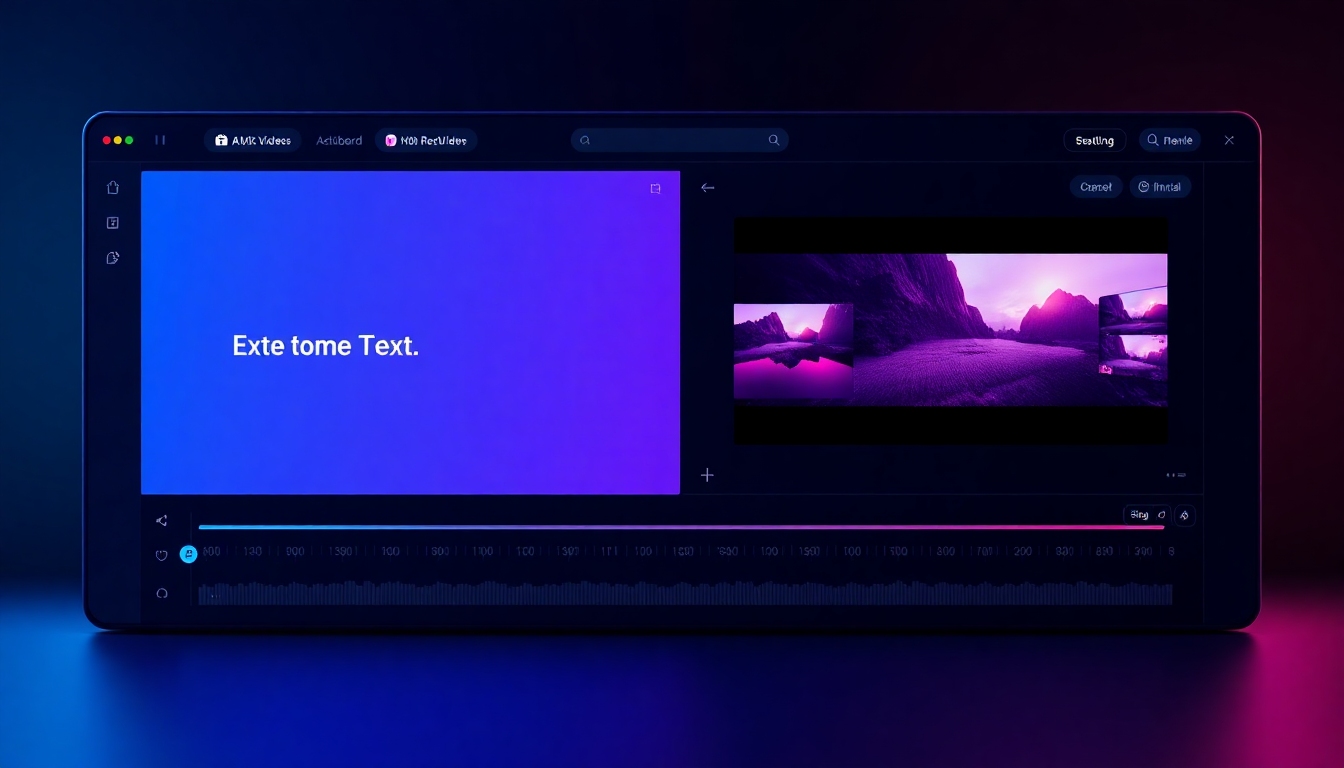
Grok Imagine: AI Video Generation from Text & Images
Create cinematic videos from prompts, photos, or storyboards in minutes.
Grok Imagine Video Generation turns your ideas into high‑quality motion with text‑to‑video and image‑to‑video workflows. Produce short clips, ads, explainers, and social posts with 4K output options, synchronized audio, and powerful customization. Start fast with a generous free tier, then scale using an API that integrates seamlessly with your pipeline.
What is Grok Imagine Video Generation?
Grok Imagine Video Generation is an AI video generator that transforms text prompts or images into polished videos. It’s built for speed, quality, and control—so you can storyboard, iterate, and export with confidence. With support for duration, aspect ratio, and resolution (including 4K), it delivers production-ready clips for marketing, education, product, and creator workflows. A freemium model with 5 free videos lets you validate results before upgrading.
Text-to-video and image-to-video in one streamlined interface
4K quality, adjustable duration, aspect ratios, and style controls
Synchronized audio generation for voice, music, and effects
Developer-friendly API for automation and bulk rendering
Freemium access with 5 free videos to test quality and workflow
Key Features That Accelerate Your Video Production
From first prompt to final render, Grok Imagine Video Generation prioritizes quality, speed, and control.
Text-to-Video That Matches Your Vision
Describe a scene in clear language and watch Grok Imagine Video Generation create smooth motion, lighting, and camera moves. Add style cues (cinematic, anime, product showcase) and specify constraints like duration, aspect ratio, and shot type to keep outputs on-brand.
Image-to-Video for Dynamic Visuals
Animate product photos, storyboards, or keyframes with image-to-video. Grok Imagine Video Generation preserves subject detail while adding motion, transitions, and depth. Ideal for product spins, logo reveals, and concept art moving shots.
4K Output and Production Controls
Render in high resolutions up to 4K for crisp detail on big screens. Fine-tune duration, fps, aspect ratio (1:1, 9:16, 16:9, 4:5), and quality modes to match platform specs without post-production headaches.
Synchronized Audio Generation
Pair visuals with AI-generated voice, music, and sound effects. Grok Imagine Video Generation aligns audio to on-screen action for more engaging outputs, and you can upload your own tracks for full control.
API for Teams and Developers
Automate batch renders, generate templated videos, or integrate directly into apps with the official API. Grok Imagine Video Generation exposes endpoints for prompt submission, progress polling, webhooks, and asset retrieval.
Practical Use Cases
Where Grok Imagine Video Generation delivers outsized value.
Marketing & Ads
Produce product launches, promos, and UGC-style spots in minutes. Test multiple hooks, visuals, and aspect ratios without reshoots, then scale winners via the API.
Social Content & Creators
Create reels, shorts, and loops tailored to each platform. Grok Imagine Video Generation keeps brand style consistent while you explore fresh trends and formats.
Education & Training
Turn lessons and scripts into engaging visuals with synchronized narration. Ideal for onboarding, microlearning, and explainer videos.
Product & UX Demos
Animate interface flows, device hero shots, and hardware close-ups. Use image-to-video to bring static screenshots or mockups to life.
Developers & Automation
Generate templated videos from data, localize content, and A/B test creative using the API. Grok Imagine Video Generation integrates with your CI/CD or content pipeline.
How Grok Imagine Video Generation Works
A frictionless flow from idea to export.
1) Enter a prompt or upload an image
Start with text, an image, or both. Use clear language and style keywords (e.g., “cinematic product macro, soft studio light, slow dolly”). For image-to-video, upload a clean source image to lock the subject and look.
2) Set duration, ratio, and quality
Choose the video length, resolution (including 4K), and aspect ratio for your destination—Reels, TikTok, YouTube, or web embeds. Grok Imagine Video Generation validates settings so you get the right output the first time.
3) Add audio or let AI score it
Upload a voiceover or soundtrack, or enable synchronized audio generation. The system times beats and effects to match motion, helping your video land with more impact.
4) Generate, review, and iterate
Kick off rendering and track progress. If a shot needs tweaks, adjust the prompt or parameters and regenerate. Grok Imagine Video Generation makes iteration fast, so you can explore options without losing momentum.
5) Export and integrate via API
Download assets in your preferred format, or trigger webhooks for automated delivery to your CMS, MAM, or social scheduler. The API fits neatly into existing pipelines.
Grok Imagine Video Generation: Frequently Asked Questions
Answers to help you evaluate, test, and deploy with confidence.
Is there a free plan for Grok Imagine Video Generation?
Yes. A freemium tier lets you create up to 5 free videos so you can assess quality, speed, and workflow before upgrading. It’s an easy way to validate fit for your use case.
Can it generate both text-to-video and image-to-video?
Absolutely. Grok Imagine Video Generation supports text-only prompts, image-to-video animations, and combined inputs for tighter control over subject and style.
What output quality and formats are available?
You can render up to 4K for crisp, detailed footage. Choose aspect ratios like 1:1, 9:16, 16:9, or 4:5, and export standard delivery formats suitable for social, web, and broadcast workflows.
Does it support synchronized audio?
Yes. You can enable AI-generated voice, music, and effects synchronized to motion, or upload your own audio. Grok Imagine Video Generation aligns timing to keep visuals and sound in step.
Is there a developer API?
Yes. An official API offers endpoints for submitting jobs, tracking status, and retrieving assets. It supports parameters for duration, resolution, aspect ratio, and quality, plus webhooks for hands‑off delivery.
How does it compare to other AI video generators?
Grok Imagine Video Generation stands out for combined text-to-video and image-to-video, 4K options, synchronized audio, and an accessible API. If you need deep automation or fast creative iteration at scale, it’s a strong choice.
What are the main limitations to consider?
Video length and scene complexity may be constrained by plan and computation time. Highly complex multi-character scenes can require more iterations. Start with shorter clips, then scale once you’ve dialed in your prompts.
Is it beginner-friendly?
Yes. Clear presets, prompt tips, and validation make it approachable. Power users can override defaults for precise control. Grok Imagine Video Generation balances simplicity with configurability.
Start Creating with Grok Imagine Video Generation Today
Spin up your first 5 free videos, test text-to-video and image-to-video, and export in the formats you need. When you’re ready to scale, plug in the API to automate production across your workflow. Explore more AI video tools on story321.com to round out your stack.