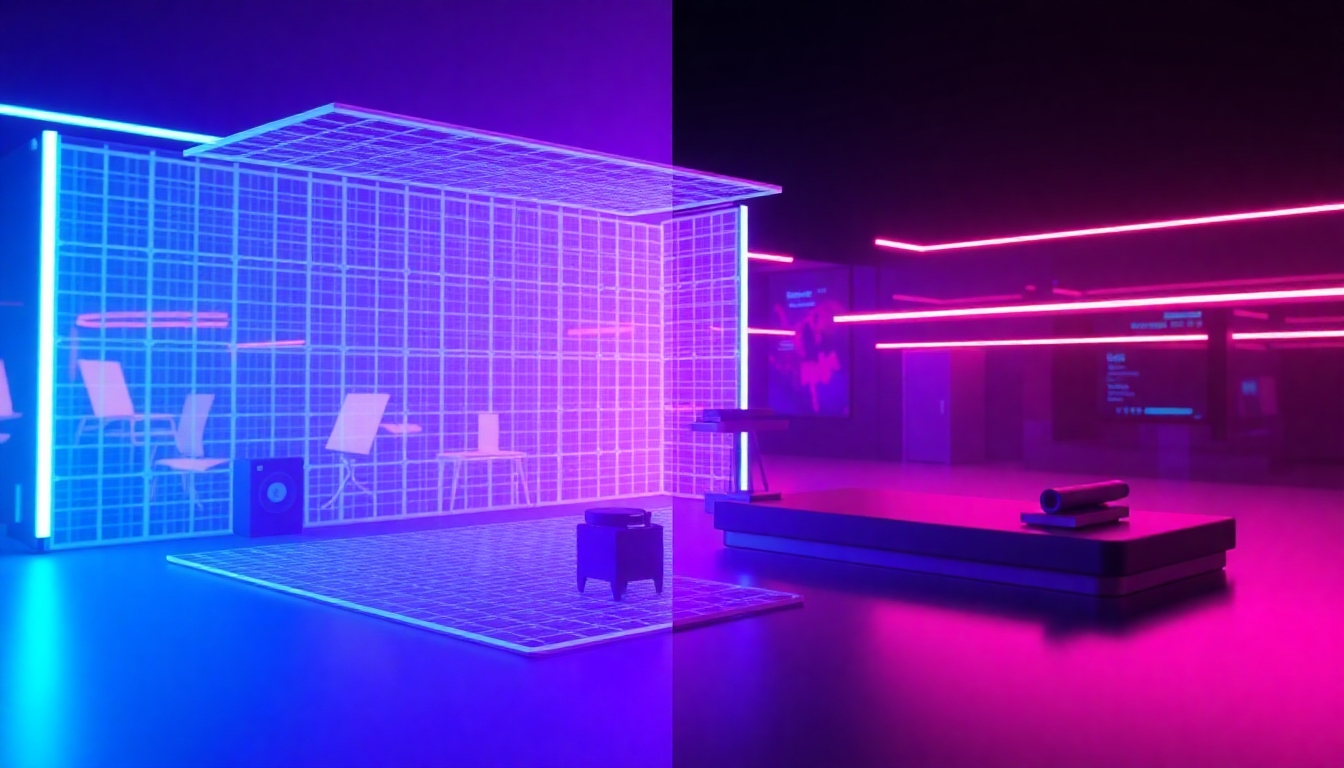
Image to 3D Animation
The best free way to turn images into stunning, controllable 3D animations
Bring static photos to life with AI. Image to 3D Animation turns a single image into a depth-aware, fully animated 3D sequence in minutes—no modeling skills required. Design camera moves, control motion layers, and render crisp videos ready for editors. With Image to 3D Animation on story321.com, you get pro results, fast.
What is Image to 3D Animation?
Image to 3D Animation is an AI-powered workflow that converts a flat image into a layered 3D scene with depth, parallax, and cinematic camera motion. It analyzes your photo, builds an intelligent depth map and mesh, and lets you animate with precision. Use Image to 3D Animation to create dynamic content for marketing, social, product demos, and storytelling—without a steep learning curve.
AI builds depth and mesh for true parallax in Image to 3D Animation.
Beginner-friendly controls for quick Image to 3D Animation results.
Pro-level camera paths and easing for cinematic Image to 3D Animation.
Style transfer and lighting tweaks elevate Image to 3D Animation realism.
Fast cloud rendering delivers Image to 3D Animation in minutes.
Export options fit any Image to 3D Animation workflow or editor.
Powerful Features for Real Results
Every step of Image to 3D Animation is optimized for speed and quality. From AI depth extraction to camera choreography, you control the look and feel while the heavy lifting happens automatically. Image to 3D Animation blends ease of use with professional outputs.
AI Depth & Mesh Builder
Automatically generate depth maps and lightweight 3D geometry from any photo. Image to 3D Animation transforms flat pixels into layered space for realistic parallax and occlusion, creating a solid base for believable motion.
Camera Path Designer
Draw arcs, dolly shots, and orbit paths with bezier easing. Image to 3D Animation lets you preview in real time, adjust speed curves, and lock focus for cinematic, film-like movement with minimal effort.
One-Click Parallax
Apply natural parallax and depth-aware motion instantly. Image to 3D Animation calculates optimal offsets and z-ordering to avoid warping and stretching, delivering smooth, stable animations.
Style Transfer & Lighting
Change the mood with neural style presets and virtual relighting. Image to 3D Animation supports soft light, rim light, and color grading so your scene matches your brand or narrative.
Face & Body Refinement
Adjust expressions, posture, and micro-movements for portraits. Image to 3D Animation includes subtle face and body modulation tools to add life without uncanny artifacts.
Object Add/Remove
Insert logos, props, or text in 3D space, or remove distractions with smart inpainting. Image to 3D Animation keeps additions anchored in depth for consistent perspective and shadow.
Background Control
Swap, blur, or remove backgrounds with precision masks. Image to 3D Animation keeps your subject clean while enabling creative environments—from studio gradients to cinematic vistas.
Prompt-Guided Motion
Describe the motion you want: “slow orbit,” “push-in on subject,” or “looping sway.” Image to 3D Animation interprets prompts into camera and layer keyframes you can fine-tune.
Fast Cloud Rendering
Preview in seconds and export in minutes. Image to 3D Animation uses optimized cloud rendering for 1080p–4K outputs with clean edges, minimal flicker, and smooth motion.
Formats & Integrations
Import JPG, PNG, WEBP; export MP4, MOV, GIF, WEBM, and image sequences. Image to 3D Animation fits your stack with easy handoff to Filmora, Premiere Pro, After Effects, and Blender.
What You Can Create with Image to 3D Animation
From quick social loops to polished brand stories, Image to 3D Animation adapts to your goals and skill level. Use it as a creative spark or a full production step.
Marketing & Ads
Turn static product shots into dynamic promos. Image to 3D Animation adds depth, motion, and visual impact that increases click-through and brand recall.
Social Media Content
Create scroll-stopping reels and stories with subtle camera moves. Image to 3D Animation makes daily content production fast and consistent.
E-commerce & Catalogs
Show texture and scale with gentle orbits and push-ins. Image to 3D Animation boosts perceived quality without costly 3D modeling.
Education & Explainers
Animate diagrams and illustrations to teach concepts clearly. Image to 3D Animation adds clarity with controlled motion and layered depth.
Music & Visualizers
Sync motion to beats, add stylized lighting and depth. Image to 3D Animation turns album art and posters into mesmerizing loops.
Product Demos & Pitch Decks
Create hero shots and transitions for presentations. Image to 3D Animation delivers polished visuals that make features stand out.
How to Use Image to 3D Animation
Start creating in minutes—even if you’ve never touched 3D. Image to 3D Animation guides you from upload to export with smart defaults you can refine anytime.
Upload Your Image
Drag and drop a JPG or PNG. Image to 3D Animation analyzes the scene and prepares a depth map and clean subject mask automatically.
Refine Depth & Layers
Adjust the depth slider or brush areas for precision. Image to 3D Animation updates parallax instantly so you see results as you work.
Set Camera Motion
Choose a preset or design your own path with ease-in/out. Image to 3D Animation previews movement in real time for confident choices.
Style & Effects
Apply relighting, color grading, and style transfer. Image to 3D Animation helps match brand palettes and storytelling moods.
Render & Export
Pick resolution and format, then render in the cloud. Image to 3D Animation exports clean videos for Filmora, Premiere Pro, and more.
Pro Tips for Better Results
- •Use high-resolution images for sharper Image to 3D Animation depth and edges.
- •Keep camera moves subtle; Image to 3D Animation looks most realistic with gentle motion.
- •Add foreground elements for layered parallax in Image to 3D Animation.
- •Use virtual rim light to separate subjects in Image to 3D Animation scenes.
- •Balance motion blur and shutter angle for smooth Image to 3D Animation playback.
- •Export alpha backgrounds when compositing Image to 3D Animation in editors.
- •Save reusable presets to speed up future Image to 3D Animation projects.
For best results, center key subjects, avoid extreme wide angles, and keep textures detailed—Image to 3D Animation thrives on clear edges and contrast.
Image to 3D Animation — Frequently Asked Questions
Everything you need to know to start creating with confidence using Image to 3D Animation.
Do I need 3D experience to use this?
No. Image to 3D Animation is designed for beginners and pros alike, with presets that work out of the box and advanced controls when you want them.
How long does rendering take?
Most Image to 3D Animation projects preview in seconds and render in minutes, depending on resolution, effects, and scene complexity.
What formats can I export?
Image to 3D Animation supports MP4, MOV, GIF, WEBM, and PNG sequences, plus alpha exports for compositing.
Can I control the camera and movement?
Yes. Image to 3D Animation provides path tools, easing curves, focus controls, and loop options.
Is there a free plan?
Yes. Image to 3D Animation includes a free plan to test workflows, with paid tiers for higher resolutions and faster renders.
How realistic are the results?
With accurate depth, occlusion, and relighting, Image to 3D Animation achieves convincing realism for portraits, products, and environments.
Can I edit backgrounds and add objects?
Absolutely. Image to 3D Animation includes background swap, blur, and removal, plus object insert with depth-anchoring.
Does it work with Filmora and other editors?
Yes. Export from Image to 3D Animation and finish in Filmora, Premiere Pro, After Effects, or Blender with standard formats.
Can I prompt actions with text?
Yes. Prompt-guided motion in Image to 3D Animation converts natural language into camera and layer keyframes you can tweak.
What about privacy and file safety?
Image to 3D Animation processes images securely and lets you delete projects anytime. Only you control your exports.
Create Your First Image to 3D Animation in Minutes
Upload a photo, pick a motion style, and render a stunning clip—free. Experience the speed, quality, and control of Image to 3D Animation on story321.com.
No credit card required. Keep your Image to 3D Animation projects forever on the free plan.