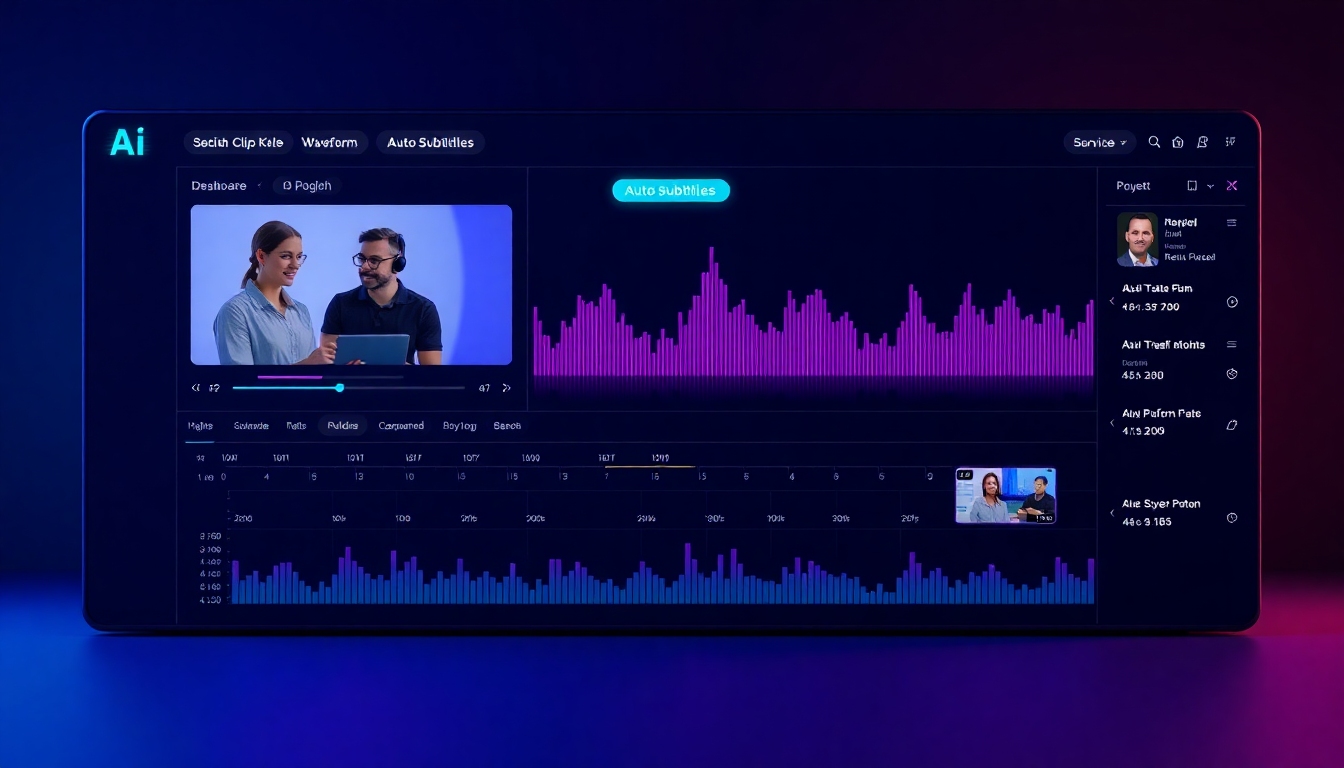
AI Podcast Clip Maker
Create viral shorts from long-form episodes with AI speed and studio polish.
Turn hour-long episodes into viral-ready shorts in minutes. Story321’s AI Podcast Clip Maker auto-detects highlights, removes silence and filler words, adds accurate subtitles, and formats clips for every social platform—so you can publish faster and grow bigger.
What is the AI Podcast Clip Maker?
The AI Podcast Clip Maker from Story321 is a smart editing assistant that listens to your full episode, finds the most engaging moments, and builds platform-ready clips for TikTok, Instagram, YouTube Shorts, LinkedIn, and more. It delivers fast, polished outputs—complete with subtitles, branding, and the perfect aspect ratio—so creators, teams, and agencies can repurpose content at scale. If you’ve struggled with slow manual editing, inconsistent results, or the grind of subtitling, the AI Podcast Clip Maker removes the friction and gives you back hours each week.
AI-powered highlight detection that surfaces quotable, high-retention moments.
Auto subtitles with speaker labels, emojis, and dynamic word-highlighting.
One-click aspect ratios for Shorts, Reels, TikTok, Stories, and widescreen feeds.
Brand templates: logos, colors, fonts, overlays, and animated lower-thirds.
Silence trimming, filler-word removal, and audio leveling for crisp sound.
Features that make clips hit harder
Designed for speed without sacrificing quality, the AI Podcast Clip Maker brings together automation, creative control, and platform-ready outputs. From highlight discovery to brand-safe exports, every feature is built to amplify your message and your reach.
AI Highlight Detection
Our AI Podcast Clip Maker analyzes speech patterns, topic shifts, and audience hooks to automatically surface the strongest moments. Rank clips by predicted engagement and retention, then export with a click.
Automated Clip Generation
Generate multiple clips at once: 15s teasers, 30–60s scroll-stoppers, or 2–3 minute deep-dive nuggets. The AI Podcast Clip Maker builds timelines, transitions, and captions automatically.
Accurate Auto Subtitles
Get studio-grade subtitles in 100+ languages with punctuation, casing, and names. Customize fonts, colors, outlines, and add emojis. The AI Podcast Clip Maker keeps captions in sync—even after trims.
Speaker Focus + Auto Reframe
Switches framing to the active speaker and keeps faces centered in vertical, square, and horizontal formats. Perfect for remote interviews and video podcasts.
Brand Templates
Save brand kits with logos, palettes, fonts, and animated overlays. Apply a consistent look across every clip with one click using the AI Podcast Clip Maker.
Silence & Filler Removal
Cut awkward pauses, ums, and uhs automatically. Smooth jump cuts with micro-transitions and audio crossfades for polished flow.
Multilingual Translate & Dub
Translate subtitles or auto-dub into multiple languages to reach new audiences. The AI Podcast Clip Maker keeps timing and emotion aligned.
Audiograms & Waveforms
Turn audio-only moments into eye-catching audiograms with animated waveforms, progress bars, and backgrounds that match your brand.
Cloud Imports & Exports
Pull from Apple Podcasts, Spotify, YouTube, Google Drive, Dropbox, or direct upload. Export to MP4, MOV, or ProRes. The AI Podcast Clip Maker fits your workflow.
Post Scheduling
Queue clips for TikTok, Instagram, YouTube Shorts, and LinkedIn. Plan a week of content in one session with the AI Podcast Clip Maker.
Who benefits from the AI Podcast Clip Maker?
Whether you’re a solo creator or part of a media team, the AI Podcast Clip Maker accelerates repurposing and helps you win attention where your audience is already scrolling.
Solo Podcasters
Spend your time recording, not editing. The AI Podcast Clip Maker finds highlights, captions them, and formats for every platform—so you post daily with ease.
Interview & Panel Shows
Auto-detect best soundbites, switch focus between speakers, and add names with lower-thirds. The AI Podcast Clip Maker makes complex edits simple.
Brands & Marketing Teams
Turn webinars and episodes into a month of short content. The AI Podcast Clip Maker enforces brand templates and scheduling for consistent publishing.
Video Podcasts & Studios
Batch-generate vertical, square, and 16:9 cuts from one timeline. Keep faces centered and audio clean with the AI Podcast Clip Maker.
Agencies & Editors
Deliver more client clips in less time. The AI Podcast Clip Maker handles the repetitive tasks so you can focus on creative polish.
Educators & Thought Leaders
Share insights as snackable clips with subtitles that boost retention. The AI Podcast Clip Maker makes knowledge go further.
How to use the AI Podcast Clip Maker
Go from full episode to finished clips in minutes. The AI Podcast Clip Maker streamlines every step so you can publish consistently without the editing grind.
Import your episode
Paste a link from Apple Podcasts, Spotify, or YouTube—or upload audio/video files (MP3, WAV, MP4, MOV, MKV). The AI Podcast Clip Maker fetches transcripts automatically.
Let AI find highlights
Auto-detect top moments based on hooks, sentiment, and topic shifts. Review suggested clips and select your favorites within the AI Podcast Clip Maker.
Refine the timeline
Trim edges, remove silences, and clean filler words. The AI Podcast Clip Maker keeps captions and speaker focus synced as you tweak.
Style with your brand
Apply templates with logos, fonts, color bars, and animated overlays. The AI Podcast Clip Maker ensures every clip looks on-brand.
Choose platforms & sizes
Export vertical 9:16 for TikTok/Reels/Shorts, square 1:1 for feed posts, or 16:9 for YouTube. The AI Podcast Clip Maker reframes speakers automatically.
Export or schedule
Download MP4/MOV, push to Drive, or schedule posts directly. The AI Podcast Clip Maker keeps your pipeline flowing.
Pro tips for viral clips
- •Lead with a hook in the first 2–3 seconds to earn the scroll.
- •Keep most clips 20–45 seconds; save deeper takes for 60–120 seconds.
- •Use captions with contrast and word-highlighting for viewers on mute.
- •Add a progress bar and subtle zoom cuts to boost retention.
- •Brand the top/bottom area with logo and episode title for recognition.
- •Test multiple openings; the AI Podcast Clip Maker can generate variants.
- •Translate key clips for new regions and communities.
- •Batch a month of content in one session to maintain cadence.
Respect ownership and usage rights. Only clip content you own or are authorized to repurpose. The AI Podcast Clip Maker streamlines production but does not grant permissions.
AI Podcast Clip Maker FAQs
Everything you need to know to turn episodes into scroll-stopping clips with the AI Podcast Clip Maker.
How much time can the AI Podcast Clip Maker save?
Creators report cutting editing time by 70–90%. The AI Podcast Clip Maker auto-detects highlights, builds captions, and exports platform sizes—so a one-hour episode can become 10–20 polished clips in under an hour.
Is there a free plan?
Yes. Start with the free plan to test the AI Podcast Clip Maker, generate clips without watermarks on limited exports, and upgrade when you need higher volume or advanced features.
How accurate are the auto-generated subtitles?
The AI Podcast Clip Maker delivers high-accuracy captions with punctuation and casing. You can edit any line, add emojis, choose fonts and outlines, and the tool stays in sync after trims.
Can I customize branding and layout?
Absolutely. Store logos, fonts, color palettes, and overlays as templates. The AI Podcast Clip Maker applies them with one click across every clip for a cohesive look.
Which file formats are supported?
Upload MP3, WAV, M4A for audio; MP4, MOV, MKV for video. The AI Podcast Clip Maker exports MP4/MOV and supports ProRes for high-end workflows.
Will it work with Apple Podcasts, Spotify, and YouTube?
Yes. Paste public episode links or import from connected cloud sources. The AI Podcast Clip Maker fetches audio/transcripts and prepares clips fast.
Can I legally clip podcasts that aren’t mine?
Only if you have rights or permission. The AI Podcast Clip Maker is a production tool; you’re responsible for ensuring you’re authorized to use the source content.
Does it remove silence and filler words?
Yes. The AI Podcast Clip Maker detects long pauses and common filler words and removes them automatically, with controls for aggressiveness.
Can it translate or dub my clips?
Yes. Translate captions into 100+ languages or auto-dub. The AI Podcast Clip Maker keeps timing aligned for natural results.
Will my clips actually perform better?
While results vary, the AI Podcast Clip Maker is optimized for hook discovery, pacing, and readability. Consistent posting with branded captions typically improves watch time and engagement.
Clip your next episode in minutes
Join creators and teams growing faster with Story321’s AI Podcast Clip Maker. Start free, publish more, and turn conversations into consistent, scroll-stopping content.
No credit card required. Keep full ownership of your content.