Image to 3D - AI 3D Model Generator
Transform your 2D images into stunning 3D models with our AI-powered image to 3D converter. Generate high-quality 3D assets from photos in seconds - perfect for 3D printing, games, AR/VR, and product visualization.
Save Your 3D Models
Login to save, manage and share all your generated 3D models
Community 3D Models
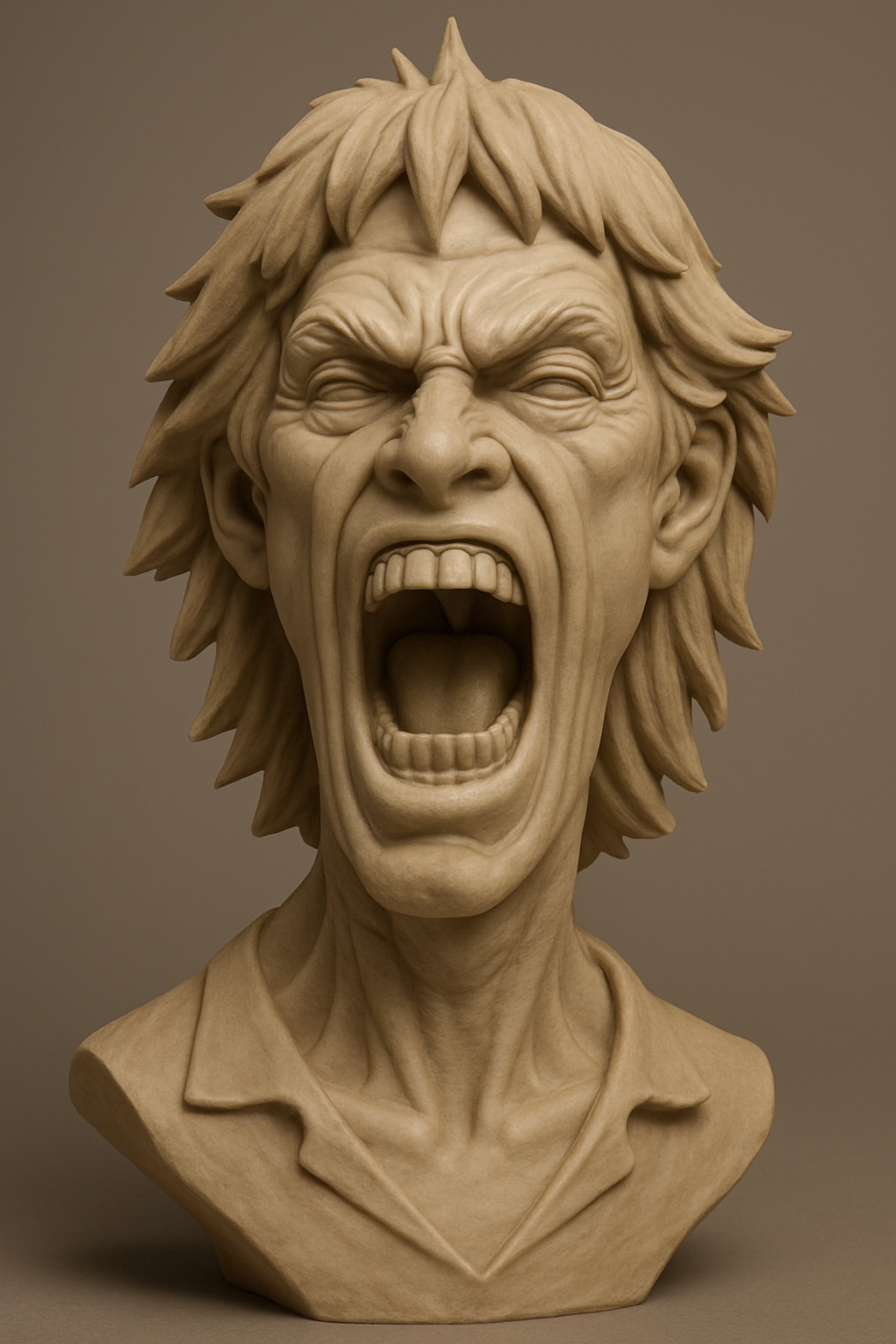
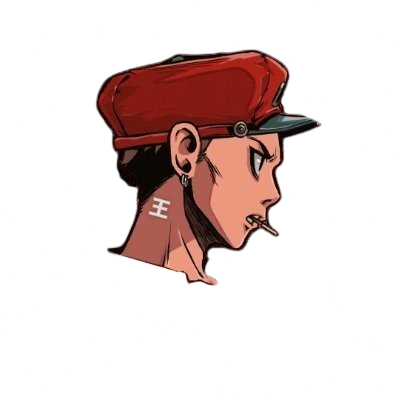
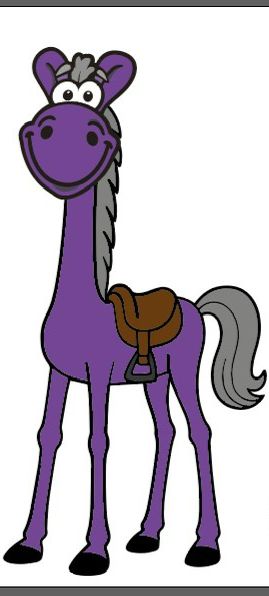
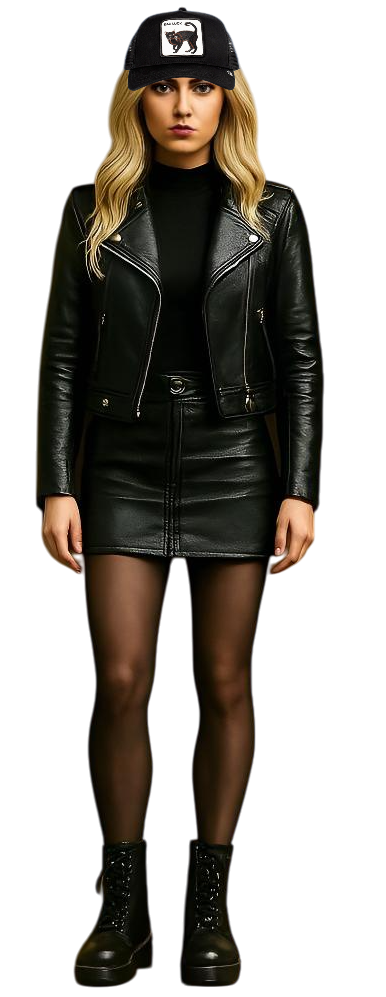
What is image to 3D generation?
Image to 3D generation turns a 2D picture into a three-dimensional model with AI. You upload a photo of an object, product, character, or scene, and the AI estimates depth, geometry, and surface details to build a GLB 3D model you can preview, download, and use in games, 3D printing, AR/VR, and product visualization. Story321 offers Trellis 2, Hunyuan 3D V3, and Meshy 7, with the credit cost shown before you generate.
Powerful Image to 3D Conversion Features
AI-Powered 3D Generation
Our advanced image to 3D AI analyzes your picture and generates detailed, accurate 3D models from single 2D images. The image to 3D models understand depth, geometry, and surface details automatically.
Three AI Models to Choose From
Pick the image to 3D model that fits your workflow: Trellis 2 for fast single-image conversion, Hunyuan 3D V3 for multi-view and PBR material generation, or Meshy 7 for production-quality topology control. Each image to 3D model shows its credit cost before submission.
PBR Materials and Detailed Textures
Enable PBR (Physically Based Rendering) materials on Hunyuan 3D V3 or Meshy 7 image to 3D conversions for realistic light interaction, accurate roughness, and metallic properties - ideal for product visualization, game assets, and high-end rendering.
Multiple Output Formats
Export your image to 3D model conversions in GLB format, compatible with 3D printing software, game engines like Unity and Unreal, web applications, and AR/VR platforms. Easy integration into any 3D workflow.
Fast Online Processing
Convert image to 3D model online without installing software. Our cloud-based image to 3D generator processes your photos in 30-60 seconds, delivering ready-to-use 3D assets quickly.
GLB Format for Maximum Compatibility
Download image to 3D results as universal GLB files that open in Blender, Unity, Unreal Engine, Three.js, and major 3D software. Convert to STL for 3D printing or use the GLB directly in web viewers and AR/VR platforms.
Why Use Our Image to 3D Converter?
No 3D Modeling Skills Required
Traditional 3D modeling takes hours or days to learn. Our image to 3D tool eliminates the steep learning curve - simply upload a picture and get a 3D model. Perfect for beginners and professionals alike.
Save Time and Money
Skip expensive 3D scanning equipment or hiring 3D artists. Convert image to 3D model in seconds instead of hours. Ideal for rapid prototyping, concept visualization, and quick asset creation.
Perfect for 3D Printing
Transform photos into 3D models suitable for printing. Our image to 3D converter generates clean geometry in GLB format that can be converted to STL for 3D printing. Create custom figurines, prototypes, and decorative objects from images.
High-Quality AI Output
Powered by state-of-the-art AI models, our image to 3D model generator produces high-quality results suitable for various applications. Detailed textures and accurate depth reconstruction deliver impressive 3D assets.
How to Convert Image to 3D Model
- 1
Upload Your Image
Select any JPG, PNG, or WebP photo you want to convert. Our image to 3D converter works best with clear, well-lit images showing the subject from a frontal angle. Product photos, portraits, and objects work excellently.
- 2
Choose a Model and Configure Settings
Pick Trellis 2, Hunyuan 3D V3, or Meshy 7 for the image to 3D conversion, then adjust resolution, texture size, or PBR materials. Higher settings produce more detailed 3D models but use more credits.
- 3
AI Generates Your 3D Model
Our advanced image to 3D AI analyzes your picture, estimating depth, geometry, and surface details. The model reconstructs your 2D image into a complete 3D structure with textures in 30-60 seconds.
- 4
Download and Use
Download your image to 3D model as a GLB file. Import it directly into Blender, Unity, Three.js, or any 3D software. Convert to STL for 3D printing, or use in AR/VR experiences. Edit, texture, and customize as needed.
Image to 3D Use Cases
Product Visualization
Convert product images to 3D models for interactive e-commerce displays. Allow customers to view products from every angle, increasing engagement and sales. Perfect for furniture, electronics, fashion, and consumer goods.
3D Printing & Manufacturing
Transform image to 3D model for rapid prototyping and 3D printing. Create custom figurines from photos, replicate objects for manufacturing, or generate decorative items. GLB output can be converted to STL format for printing.
Game Asset Creation
Generate 3D game assets from concept art or photos. Use our image to 3D converter to create characters, props, environments, and objects for Unity, Unreal Engine, or web-based games. Accelerate your game development pipeline.
AR/VR Content
Build immersive AR and VR experiences using image to 3D conversion. Turn product photos into virtual showroom items, create 3D avatars from portraits, or generate environmental assets from location photos.
Architecture & Real Estate
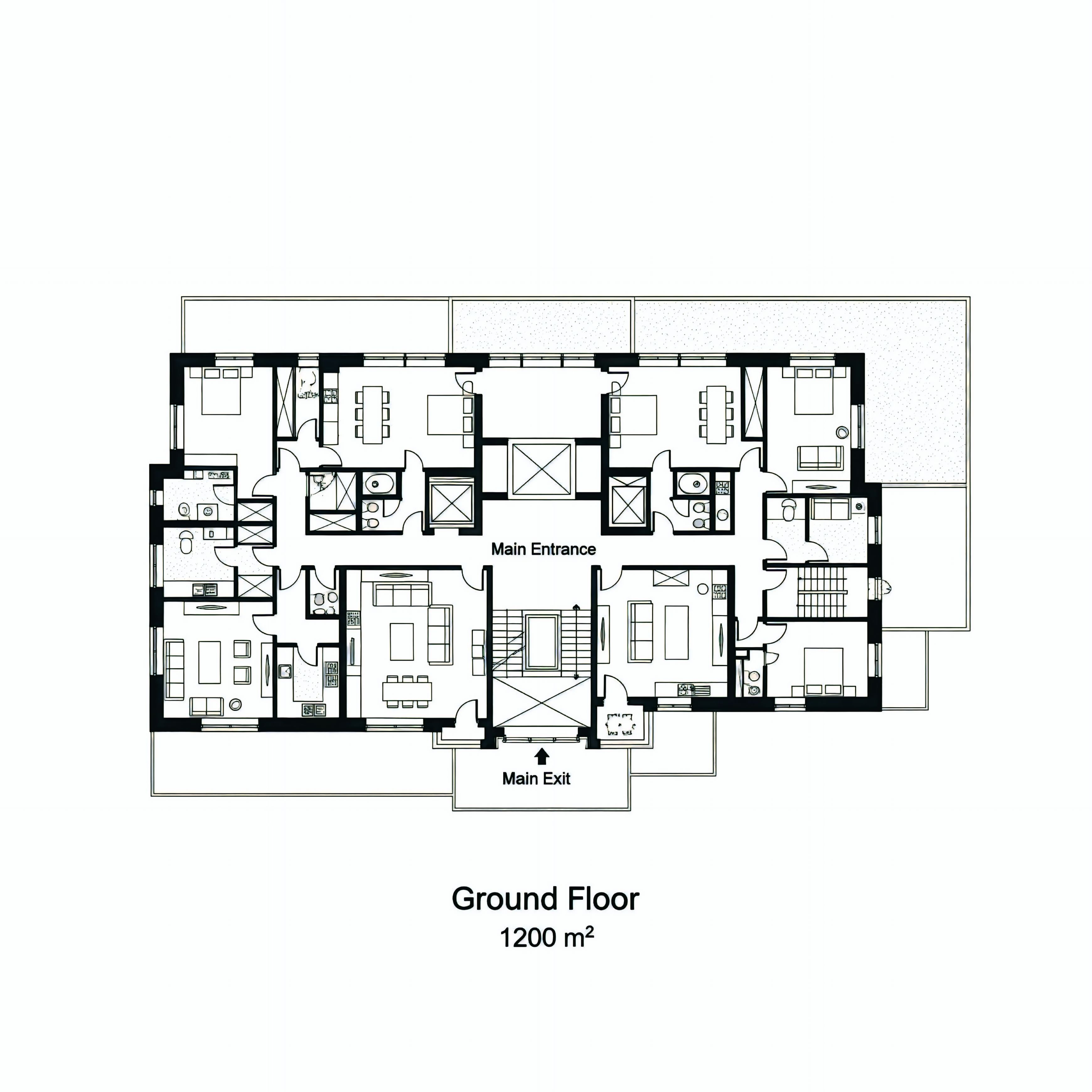
Convert architectural sketches or building photos to 3D models for presentations. Create virtual property tours, visualize renovation concepts, or generate 3D floor plans from 2D drawings.
Education & Training
Create 3D educational content from images. Convert historical artifacts to 3D for virtual museums, transform anatomical diagrams into interactive 3D models, or generate scientific visualizations from 2D data.
Image to 3D limitations
- Inspect generated geometry, texture placement, and scale before production use.
- The selected model form is the source of truth for current inputs, settings, and credits.
Continue Your 3D Workflow
AI 3D Studio
Explore Story321's 3D workspace with image, text, and sketch to 3D tools.
Open AI 3D StudioSketch to 3D
Turn a hand-drawn or digital sketch into a 3D model.
Open Sketch to 3DText to 3D
Generate a 3D model from a written description.
Open Text to 3DMulti Image to 3D
Generate a 3D model from multiple reference images.
Open Multi Image to 3DPricing
Review Story321 credits and plans before generating.
View Pricing
Frequently Asked Questions
What is image to 3D conversion?
Image to 3D conversion is an AI-powered process that transforms 2D images into three-dimensional models. Our tool analyzes your photo to estimate depth, shape, and surface details, then generates a complete 3D model file (GLB format) that can be viewed, edited, and used in various applications including 3D printing, games, and AR/VR.
Can I convert a photo to a 3D model?
Yes. Upload a JPG, PNG, or WebP photo of an object, product, character, or building, and our image to 3D converter turns it into a GLB 3D model in 30-60 seconds. Clear, well-lit photos with a single subject and a plain background convert most reliably. Product photos, portraits, figurines, and architectural references all work well.
Which image formats work best for image to 3D conversion?
Our image to 3D converter supports JPG, PNG, and WebP formats. For best results, use high-resolution images with good lighting and clear subject visibility. Front-facing photos work better than angled shots. Images with plain backgrounds help the AI focus on the main subject during the image to 3D model generation process.
Can I use the 3D models for 3D printing?
Yes! Models generated by our image to 3D converter are output as GLB files, which can be imported into 3D software like Blender and converted to STL format for 3D printing. The AI generates clean geometry suitable for printing. However, you may need to adjust wall thickness and add supports in your slicing software depending on the complexity of your model.
How long does image to 3D generation take?
Our image to 3D model generator typically processes conversions in 30-60 seconds depending on your chosen model, resolution settings, and current server load. Standard quality conversions are faster (30-40 seconds), while high-quality image to 3D conversions with PBR materials or maximum detail may take up to 90 seconds.
What 3D model format do I get?
Our image to 3D tool outputs GLB (GL Transmission Format Binary) files, which are widely compatible with most 3D software, game engines, web viewers, and AR platforms. GLB files can be easily imported into Blender, Unity, Three.js, and converted to other formats like OBJ, FBX, or STL as needed.
How much does the image to 3D converter cost?
Image to 3D credit costs depend on the model you choose: Trellis 2 costs 50-70 credits by resolution, Hunyuan 3D V3 costs 50-120 credits by generation mode and PBR, and Meshy 7 costs 160-280 credits by material option. The form shows the exact cost before submission, and new users get 10 free credits to try.
What AI models power the image to 3D conversion?
Story321 offers three image to 3D models. Trellis 2 is a fast, Microsoft-developed model for single-image conversion. Hunyuan 3D V3 is Tencent's model with multi-view image input and PBR materials. Meshy 7 is optimized for production-quality topology, polygon control, and material options. You can switch models in the form and compare costs before generating.
What types of images work best for 3D conversion?
Our image to 3D AI works best with clear photos of single objects, products, characters, or buildings. Images with defined shapes and good lighting convert more reliably than complex scenes with multiple subjects. Abstract patterns or highly textured surfaces may produce varying results. For optimal outcomes, use front-facing photos with plain backgrounds.
Can I use image to 3D models for commercial projects?
Yes. 3D models generated with our image to 3D tool can be used for commercial purposes including product visualization, game development, e-commerce, client work, and manufacturing. The GLB files are ready for integration into professional workflows. Simply make sure you have the rights to the original image you convert.
How does image to 3D compare to sketch to 3D?
Image to 3D converts photos or rendered images into 3D models, preserving the realistic appearance of an existing object. Sketch to 3D converts hand-drawn or digital line drawings into 3D models, ideal for concept art and early design ideas. If you have a photo of a real object, use image to 3D. If you have a drawing of something that does not exist yet, use our sketch to 3D converter.
Can I generate a 3D model from a picture of a person or character?
Yes. You can convert a portrait or character illustration to a 3D model with our image to 3D tool. Hunyuan 3D V3 supports multi-view reference images for more accurate character reconstruction, while Trellis 2 and Meshy 7 work from a single image. Results are stylized 3D assets rather than photorealistic scans, and are suitable for games, avatars, and figurines.
Image to 3D Pricing
New users get 10 free credits to try image to 3D. The exact credit cost is shown in the form before submission.
- Trellis 2
- 50-70 credits per model by resolution
- Hunyuan 3D V3
- 50-120 credits per model by mode and PBR
- Meshy 7
- 160-280 credits per model by material
Technical Specifications
| AI Models | Trellis 2, Hunyuan 3D V3, Meshy 7 |
|---|---|
| Input Formats | JPG, PNG, WebP |
| Output Format | GLB (Binary glTF) |
| Processing Time | 30-90 seconds |
| Maximum Image Size | 10 MB |
| Material Options | Standard or PBR (Hunyuan 3D V3, Meshy 7) |
| Compatible Software | Blender, Unity, Unreal, Three.js |
| 3D Printing Ready | Yes (GLB to STL conversion needed) |
Official Image to 3D Sources
Read the Microsoft TRELLIS project page“Structured 3D Latents for Scalable and Versatile 3D Generation”
Read the Tencent Hunyuan 3D Engine announcement“bringing next-generation AI-powered 3D modeling tools to worldwide creators”
Create Your Image to 3D Model
Upload a photo, choose Trellis 2, Hunyuan 3D V3, or Meshy 7, review the credit cost, and generate a GLB 3D model you can preview, download, and share.
Generate a 3D Model