Text to 3D - AI 3D Model Generator
Turn text descriptions into downloadable 3D models with our text to 3D converter. Generate GLB assets from prompts with Hunyuan 3D V3 or Meshy 6 - for 3D printing, games, AR/VR, and product visualization.
Save Your 3D Models
Login to save, manage and share all your generated 3D models
Community 3D Models
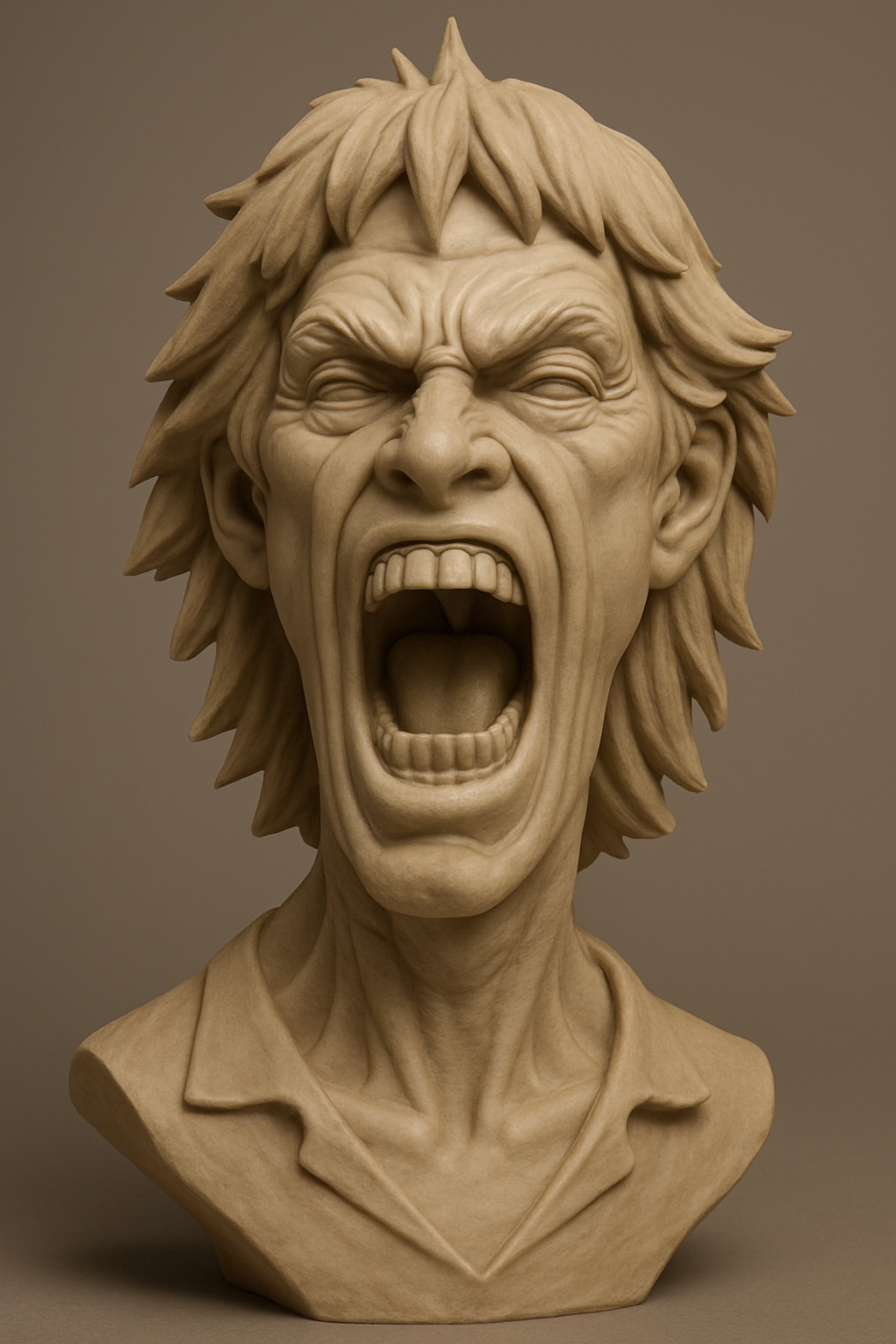
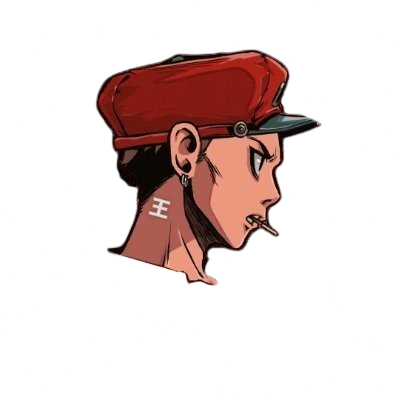
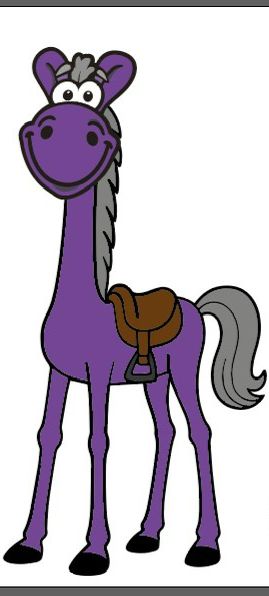
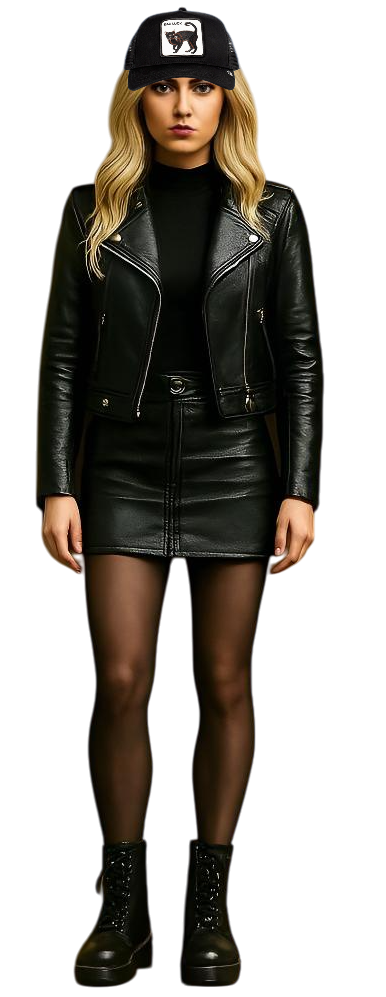
What is text to 3D generation?
Text to 3D generation converts a written description into a three-dimensional model. You describe shape, style, and materials, and the AI builds a GLB file you can preview, download, and use in games, 3D printing, AR/VR, and product visualization. Story321 offers two text to 3D models - Hunyuan 3D V3 and Meshy 6 - with transparent credit costs shown before you generate.
Text to 3D Generation Features
Two AI Models in One Workflow
Generate from text with Tencent's Hunyuan 3D V3 for detailed textured models, or Meshy 6 for production-ready GLB output with preview and full modes. Compare both on the same prompt.
GLB Output for Any Pipeline
Every text to 3D job exports a GLB (binary glTF) file, compatible with Blender, Unity, Unreal Engine, Three.js, and standard web viewers.
In-Browser 3D Preview
Rotate, zoom, and auto-rotate completed models in the built-in 3D viewer before you download, so you can verify geometry and textures first.
Durable Generation History
Signed-in text to 3D jobs are saved to your 3D history with status, model name, date, and credit cost, so you can return and download later.
Why Use Our Text to 3D Generator?
No 3D Modeling Skills Required
Traditional 3D modeling has a steep learning curve. With text to 3D, you describe what you want and the AI builds the model - no CAD or sculpting experience needed.
Rapid Concept Iteration
Generate a starting model in 30-90 seconds, review it in the viewer, adjust your prompt, and regenerate. Explore multiple directions without blocking an artist's time.
Transparent Credit Costs
The form shows the credit cost of your selected model and options before submission, and each saved record lists the credits used.
Versatile Applications
Use generated GLB assets for game prototyping, 3D printing, AR/VR scenes, product visualization, and marketing material.
How to Generate 3D Models from Text
- 1
Describe your model
Write a detailed prompt covering shape, proportions, style, materials, and colors. Hunyuan 3D V3 accepts up to 1024 characters; Meshy 6 accepts up to 600.
- 2
Choose a model and settings
Pick Hunyuan 3D V3 or Meshy 6, then set generation type, polygon detail, and PBR materials according to your target use. The form shows the credit cost before submission.
- 3
AI generates your 3D model
The selected model analyzes your description and builds a 3D asset with geometry and optional textures. Generation typically takes 30-90 seconds.
- 4
Preview, download, and use
Inspect the result in the browser viewer, then download the GLB file. Import it into Blender, Unity, Three.js, or convert it to STL for 3D printing.
Text to 3D Use Cases
Game Development
Generate characters, props, weapons, and environment objects from concept descriptions for Unity, Unreal Engine, or web-based games.
3D Printing
Describe custom figurines, decorative items, or functional prototypes and export a GLB you can convert for your 3D printer.
AR/VR Content
Create virtual objects and interactive elements for augmented and virtual reality experiences from text descriptions.
Product Visualization
Visualize product concepts before detailed modeling. Generate multiple design variations from text for client presentations and internal reviews.
Education
Build 3D teaching aids by describing objects, scientific models, or historical artifacts to make learning more interactive.
Text to 3D Limitations
- Output is GLB only; convert to OBJ, FBX, or STL in your own 3D software when you need other formats.
- Result quality depends on prompt detail - vague prompts produce less accurate geometry.
- Models are static assets; rigging and animation are not generated.
- Generation takes 30-90 seconds and may be longer with high polygon counts or PBR materials.
- Prompt length is limited to 1024 characters on Hunyuan 3D V3 and 600 characters on Meshy 6.
Continue Your 3D Workflow
AI 3D Studio
Explore Story321's 3D workspace with image, text, and sketch to 3D tools.
Open AI 3D StudioImage to 3D
Generate 3D models from a reference image with Hunyuan 3D V3, Meshy, or Trellis 2.
Open Image to 3DSketch to 3D
Turn a hand-drawn or digital sketch into a 3D model.
Open Sketch to 3DPricing
Review Story321 credits and plans before generating.
View Pricing
Frequently Asked Questions
What is text to 3D generation?
Text to 3D generation is an AI process that converts a written description into a three-dimensional model. You describe shape, style, and materials, and the AI produces a GLB file with geometry and optional textures that you can preview, download, and use in games, 3D printing, AR/VR, and visualization.
Which models does the text to 3D tool offer?
Story321's text to 3D tool offers Hunyuan 3D V3 by Tencent and Meshy 6. Hunyuan 3D V3 provides Normal, LowPoly, and Geometry generation types with adjustable polygon counts, while Meshy 6 adds preview and full modes with topology and polygon controls.
How detailed should my text prompt be?
Include shape, proportions, style, materials, colors, and any specific features. Instead of 'a chair', try 'a modern minimalist wooden chair with curved armrests and a leather cushion seat'. Hunyuan 3D V3 accepts up to 1024 characters and Meshy 6 up to 600.
What 3D file format do I get?
The tool outputs GLB (binary glTF) files, compatible with Blender, Unity, Unreal Engine, Three.js, and standard web viewers. Convert GLB to OBJ, FBX, or STL in your own 3D software when needed.
Can I use generated 3D models for commercial projects?
Yes. 3D models generated through the text to 3D tool can be used in games, products, marketing materials, and other commercial applications.
How long does text to 3D generation take?
Generation typically takes 30-90 seconds depending on the model, description complexity, polygon count, and whether PBR materials are enabled.
How much does text to 3D cost on Story321?
Hunyuan 3D V3 costs 50-120 credits per model depending on generation type and PBR. Meshy 6 costs 160-280 credits depending on preview or full mode and PBR. The form shows the exact cost before submission, and new users get 10 free credits.
Can I leave the page while my model is generating?
Yes. After a signed-in text to 3D job is accepted, Story321 keeps a durable 3D record. Return to 3D history to follow pending, processing, completed, or failed status.
Text to 3D Pricing
New users get 10 free credits to try. Credit costs are shown in the form before submission.
- Hunyuan 3D V3
- From 50 credits per model (50-120 by mode and PBR)
- Meshy 6
- From 160 credits per model (160-280 by mode and PBR)
Text to 3D Specifications
| AI models | Hunyuan 3D V3 (Tencent), Meshy 6 |
|---|---|
| Input | Text prompt (1024 characters on Hunyuan 3D V3, 600 on Meshy 6) |
| Generation types | Normal, LowPoly, Geometry (Hunyuan 3D V3); Preview, Full (Meshy 6) |
| PBR materials | Optional, per model |
| Output format | GLB (binary glTF) |
| Processing time | 30-90 seconds |
| Preview | In-browser rotate, zoom, and auto-rotate viewer |
| History | Durable records with status and credit cost for signed-in users |
| Compatible software | Blender, Unity, Unreal Engine, Three.js, GLB viewers |
| Not included | Rigging and animation |
Official Text to 3D Sources
Read the Tencent Hunyuan 3D Engine announcement“bringing next-generation AI-powered 3D modeling tools to worldwide creators”
Read the Meshy Text to 3D web app guide“Describe the object you want in a prompt and Meshy generates a 3D model you can download.”
Create Your Text to 3D Model
Write a prompt, choose Hunyuan 3D V3 or Meshy 6, review the credit cost, and generate a GLB 3D model you can preview and download.
Generate a 3D Model