Hunyuan 3D V3 - Text to 3D
Generate 3D models from text descriptions using Tencent's Hunyuan 3D V3 model. Create GLB models with Normal, LowPoly, or Geometry generation types and optional PBR materials.
Save Your 3D Models
Login to save, manage and share all your generated 3D models
Community 3D Models
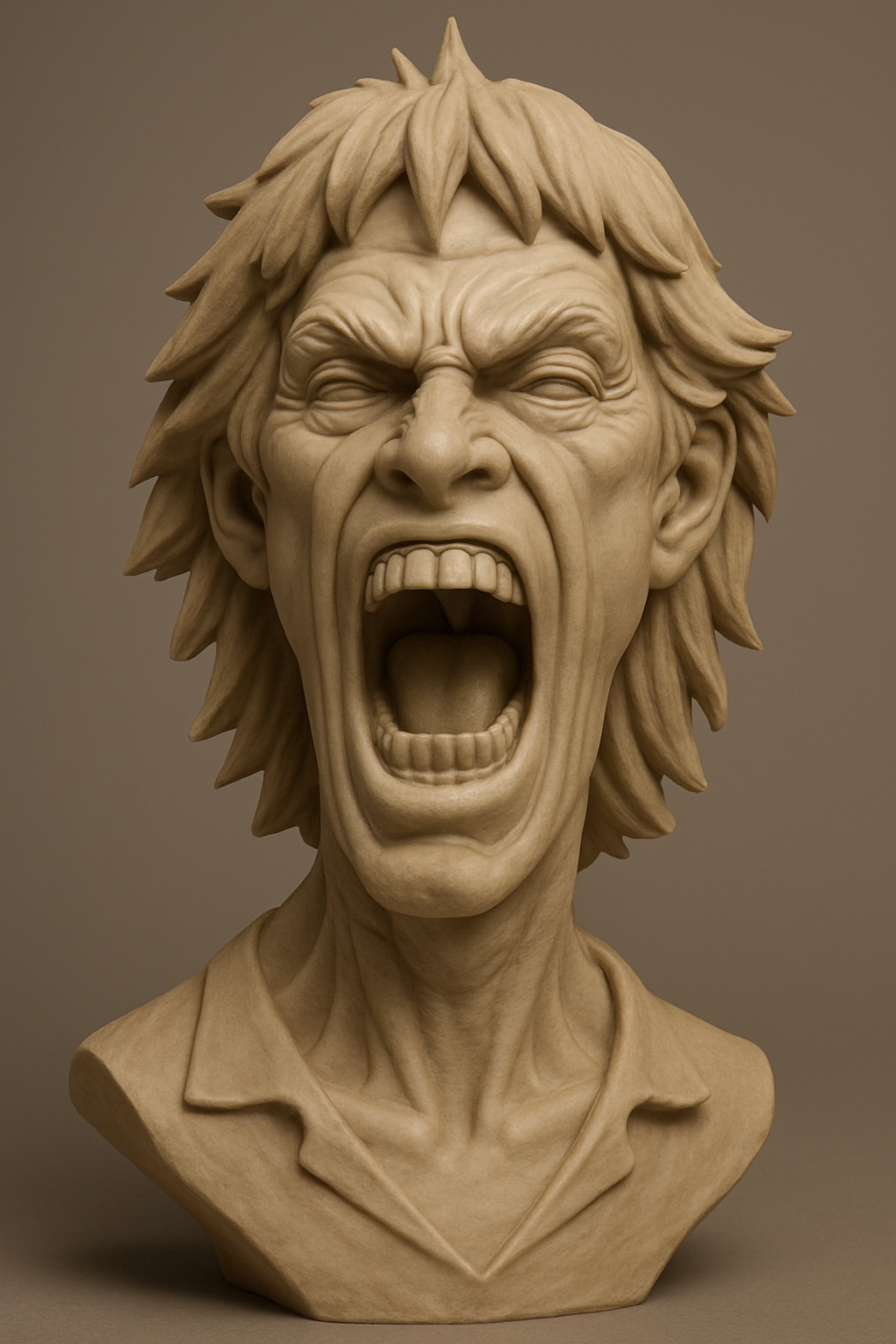
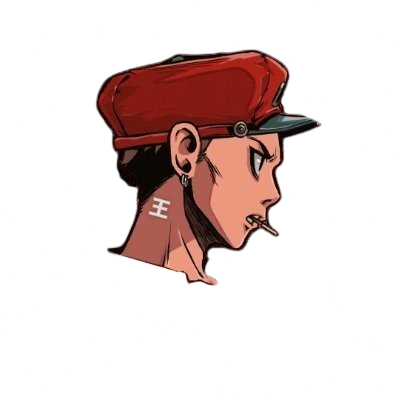
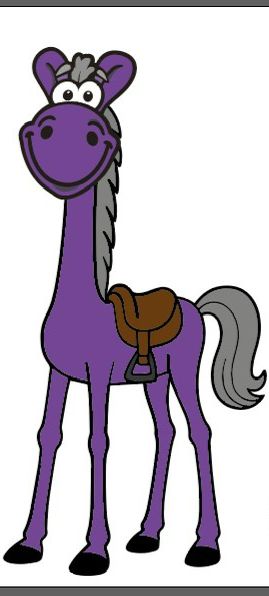
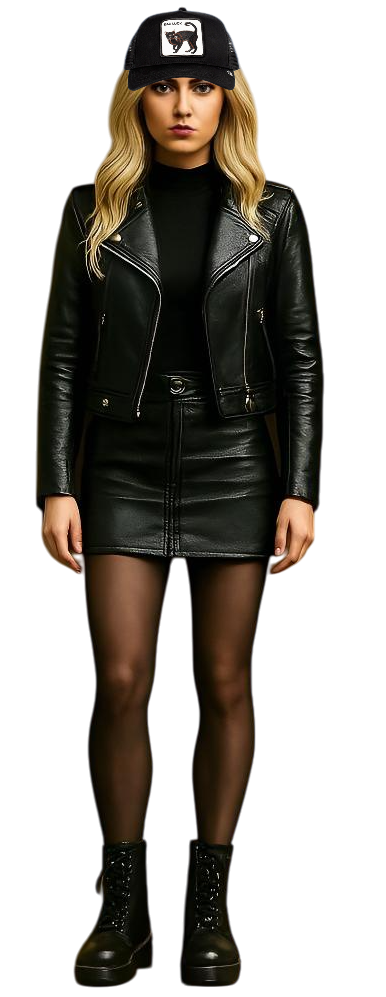
What is Hunyuan 3D V3 text to 3D?
Hunyuan 3D V3 text to 3D is Tencent's AI model for converting text descriptions into 3D models on Story321. You describe your model, choose Normal, LowPoly, or Geometry generation, set the polygon detail, and download a GLB file with optional PBR materials.
Hunyuan 3D V3 Key Features
Three Generation Types
Choose Normal for fully textured output, LowPoly for an optimized mesh, or Geometry for an untextured white model, depending on your project.
Adjustable Polygon Count
Fine-tune model complexity with face counts from 40,000 to 1,500,000 to balance detail, file size, and performance.
Optional PBR Materials
Enable Physically Based Rendering materials for realistic lighting and surface properties in game engines and visualization workflows.
GLB Workflow with Preview
Review the result in an in-browser 3D viewer, then download a GLB file compatible with Blender, Unity, Unreal Engine, and Three.js.
Why Use Hunyuan 3D V3 on Story321?
Detailed Geometry from Prompts
Hunyuan 3D V3 reads shape, style, material, and proportion details from your prompt and builds matching geometry with textures.
Flexible Output for Any Target
Use Normal for production assets, LowPoly for mobile and web, or Geometry for 3D printing and custom material workflows.
Transparent Credit Costs
Normal costs 80 credits, LowPoly 90, Geometry 50, and PBR adds 30. The form shows the total before submission.
Saved Durable History
Signed-in jobs are recorded in 3D history with status, model name, date, and credit cost, ready to preview and download later.
How to Generate 3D Models with Hunyuan 3D V3
- 1
Write your description
Describe the model you want, including shape, style, materials, and features. Hunyuan 3D V3 accepts prompts up to 1024 characters.
- 2
Choose generation type and detail
Select Normal, LowPoly, or Geometry, set the face count within 40,000-1,500,000, and enable PBR materials if needed.
- 3
AI generates your model
Hunyuan 3D V3 builds the 3D model with geometry and optional textures. Generation typically takes 30-90 seconds.
- 4
Preview and download the GLB
Rotate and zoom the result in the viewer, then download the GLB file. Import it into Blender, Unity, Three.js, or convert it to STL for 3D printing.
Hunyuan 3D V3 Use Cases
Game Asset Creation
Generate props, weapons, and environment objects from descriptions. Use LowPoly for mobile games, Normal for PC and console, and enable PBR for modern rendering pipelines.
Concept Visualization
Turn written ideas into starting models for pitches, mood boards, and reviews, and generate variations quickly.
3D Printing Projects
Use Geometry mode for clean, untextured meshes, then convert the GLB output to a printable format after checking scale.
AR and VR Content
Create objects and environments from descriptions for virtual showrooms, training simulations, and interactive experiences.
Hunyuan 3D V3 Limitations
- Output is GLB only; convert to OBJ, FBX, or STL in your own software when needed.
- Prompts are limited to 1024 characters.
- Higher face counts increase file size and generation time.
- Rigging and animation are not generated.
- Generation takes 30-90 seconds depending on detail settings.
Continue Your 3D Workflow
Text to 3D
Compare Hunyuan 3D V3 with Meshy 6 in the same text to 3D workflow.
Open Text to 3DImage to 3D with Hunyuan 3D V3
Generate a 3D model from a reference image with the same model.
Open Image to 3DAI 3D Studio
Explore Story321's 3D creation workspace and its image, text, and sketch tools.
Open AI 3D StudioPricing
Review Story321 credits before generating.
View Pricing
Frequently Asked Questions
What is Hunyuan 3D V3?
Hunyuan 3D V3 is Tencent's AI model for generating 3D models from text descriptions. On Story321 it converts your prompt into a GLB file with geometry and optional textures.
What generation type should I choose?
Normal generates fully textured production assets. LowPoly produces optimized meshes for mobile apps, web viewers, or performance-sensitive projects. Geometry creates untextured white models ideal for 3D printing or applying custom materials later.
What face count should I select?
Hunyuan 3D V3 supports face counts from 40,000 to 1,500,000. Lower counts suit simple objects and mobile or web targets; higher counts add detail but increase file size and generation time.
When should I enable PBR materials?
Enable PBR when using the model in game engines such as Unity or Unreal, or in professional rendering software. PBR adds realistic metallic, roughness, and reflection properties. Skip it for 3D printing or simple uses.
How do I write effective prompts for Hunyuan 3D V3?
Be specific about shape, style, materials, colors, and features. Instead of 'a sword', try 'a medieval longsword with an ornate golden crossguard, leather-wrapped grip, and a slightly curved blade with engraved runes'.
Can I edit the generated 3D models?
Yes. The GLB output can be imported into any 3D modeling software such as Blender for further editing, retexturing, rigging, or optimization.
How much does Hunyuan 3D V3 cost on Story321?
Normal mode costs 80 credits, LowPoly 90, and Geometry 50. Enabling PBR materials adds 30 credits. The form shows the total before submission.
Hunyuan 3D V3 Pricing
- Normal Mode
- 80 credits
- LowPoly Mode
- 90 credits
- Geometry Mode
- 50 credits
- PBR Materials (optional)
- +30 credits
Hunyuan 3D V3 Technical Specifications
| AI Model | Hunyuan 3D V3 (Tencent) |
|---|---|
| Input | Text (up to 1024 characters) |
| Generation Types | Normal, LowPoly, Geometry |
| Face Count | 40,000 - 1,500,000 (default: 500,000) |
| PBR Materials | Optional |
| Output Format | GLB (Binary glTF) |
| Processing Time | 30-90 seconds |
| Compatible Software | Blender, Unity, Unreal Engine, Three.js, GLB viewers |
| 3D Printing Ready | Yes (convert GLB to STL) |
Official Hunyuan 3D Sources
Read the Tencent Hunyuan 3D Engine announcement“bringing next-generation AI-powered 3D modeling tools to worldwide creators”
Create Your Hunyuan 3D V3 Model
Write a prompt, choose Normal, LowPoly, or Geometry, set the polygon detail, and download a GLB 3D model with optional PBR materials.
Generate a 3D Model