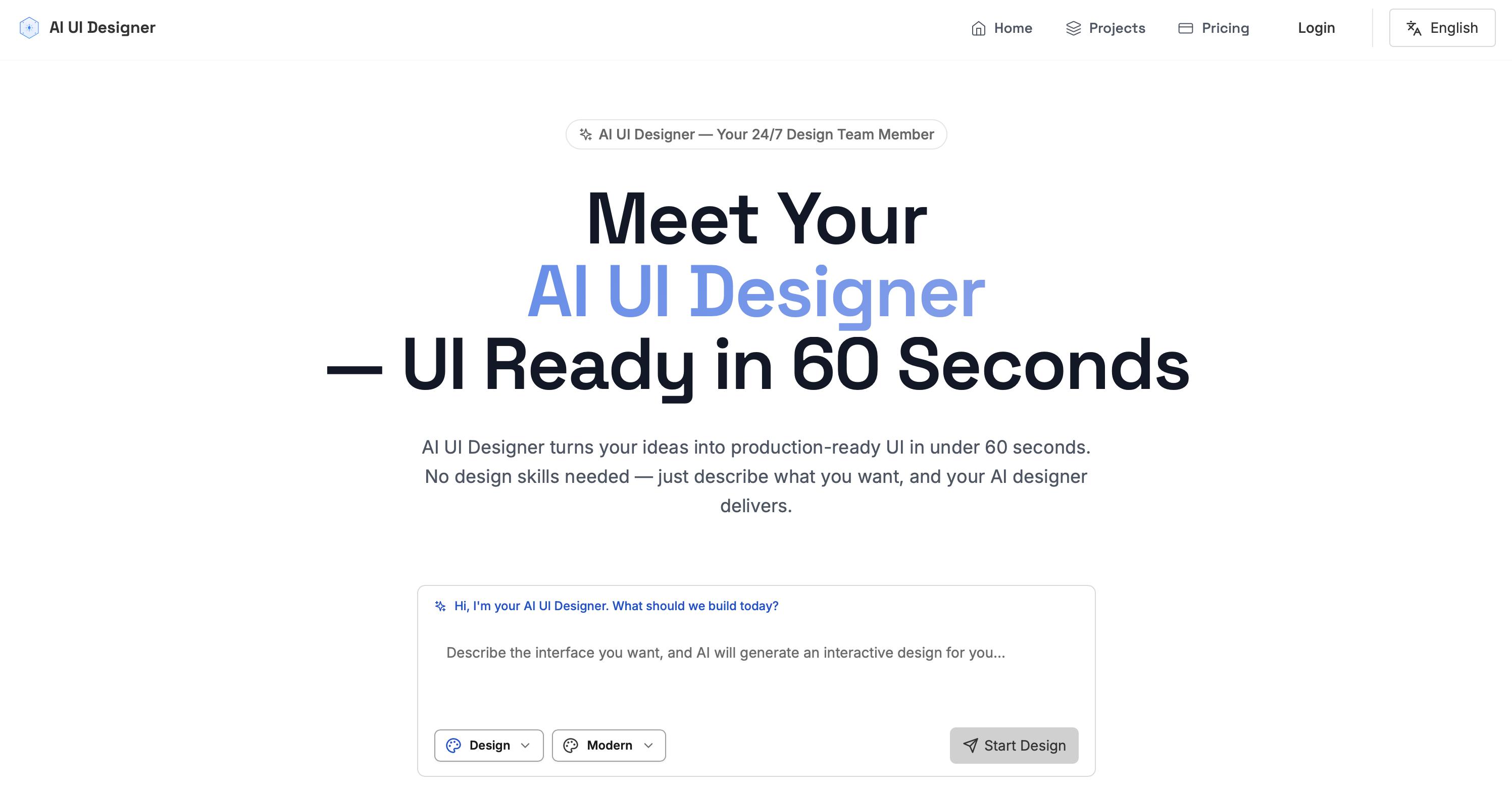
A One-Month Real-World Test: Can AI UI Designer Replace Traditional Designers? Comparing generation speed, code quality, and cost-effectiveness to help you make an informed choice.
Honestly, the worst part of product design is waiting for design drafts.
Submit a requirement, wait two days. Review the draft, give feedback, wait another three days. Go back and forth 3-5 times, and half a month is gone. Plus, designers cost at least $6,000 per month, not including overtime pay.
Last month, I tried AI UI Designer after seeing many people recommend it, claiming it can deliver production-ready UI in 60 seconds.
So I used it for a month, and honestly, it was quite surprising.
60-Second Delivery, No Exaggeration#
The first time I used it, I just typed one sentence: "Create an e-commerce product page for a specialty coffee brand."
60 seconds, literally just 60 seconds.
A complete high-fidelity UI appeared. Well-organized layout, professional color scheme, clear interaction logic—better than many junior designers I've seen.
Compared to traditional designers, the speed difference is incredible.
What used to take 5 hours now takes 5 minutes.
Plus, AI UI Designer doesn't just offer one solution. You can have it change styles, adjust color palettes, modify layouts, iterate infinitely until you're satisfied.
This is really great—unlike human designers who get impatient after too many revisions.
Code Quality, Unexpectedly Good#
Honestly, my biggest concern at first was code quality.
After all, AI-generated code often has many issues.
But AI UI Designer's code is truly professional.
One-click export to Tailwind or HTML+CSS, with clean code and good semantics that can be deployed directly to production.
This is so important for development teams.
Previously, going from Figma to code required repeated communication between designers and developers. Now you can directly export usable code—saves so much trouble.
Zhang, a frontend lead at a major tech company, told me: "AI UI Designer increased our prototyping speed by 300%. From requirements to code in just minutes!"
Cost-Effectiveness, Truly High#
Let's do the math.
Traditional designers cost $6,000-$10,000 per month, not including overtime and benefits.
AI UI Designer Pro version is $29.9/month for 598 design deliveries.
That's equivalent to a senior designer working 24 hours a day, on-call anytime, never tired, all for the price of a cup of coffee.
This cost-effectiveness is unmatched.
Plus, AI UI Designer can also do UX reviews, usability scoring, and provide improvement suggestions.
This isn't just a design tool—it's your product consultant.
Of Course, There Are Drawbacks#
Honestly, AI UI Designer isn't perfect either.
For particularly complex customization needs, AI still struggles a bit. For example, when you need a very unique design language or extremely specific interaction logic.
Also, the free version only has 10 deliveries, which really isn't enough for high-frequency users.
But these drawbacks can all be solved with the Pro version.
My Recommendation#
If you're a product manager, entrepreneur, or independent developer, AI UI Designer is definitely worth trying.
Especially when you need to quickly validate ideas or have a limited budget.
From idea to demo to launch, it can be done in just a few days.
This speed is impossible for traditional design processes to match.
Conclusion#
Overall, after using it for a month, I feel AI UI Designer really does solve many pain points in product design.
Fast speed, good quality, high cost-effectiveness, and on-call 24/7.
If you're also troubled by long design cycles and high costs, give AI UI Designer a try.


