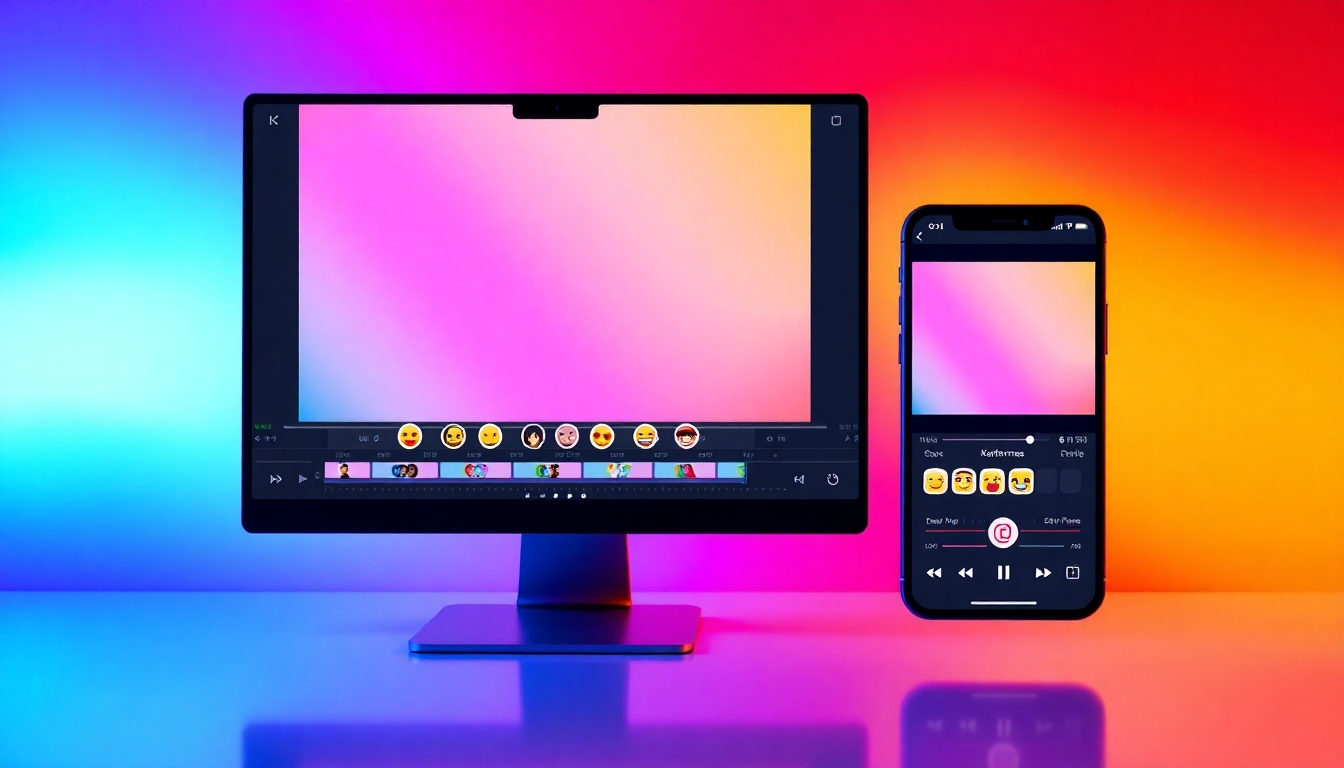
Add Emoji to Video
The best free way to add emojis, stickers, and AI flair to videos
Add Emoji to Video with Story321 and turn any clip into a scroll-stopping post. Drag emojis onto your timeline, auto-suggest placements with AI, and export in HD without watermarks. Whether you’re posting to TikTok, Instagram, or YouTube, Add Emoji to Video in seconds.
What is Add Emoji to Video?
Add Emoji to Video is a fast, intuitive way to sprinkle personality and meaning across your footage. With Story321, you can Add Emoji to Video on any device, position and time each sticker with frame-level precision, and even let AI suggest expressive reactions based on faces, scenes, and sentiment. Creators, marketers, educators, and casual editors can Add Emoji to Video to highlight moments, guide attention, and boost engagement—without learning complex software. From subtle accents to animated bursts, Add Emoji to Video helps your story land with clarity and fun.
Drag-and-drop editor to Add Emoji to Video instantly on web and mobile
AI smart suggestions to Add Emoji to Video automatically where it fits
Timeline precision: size, position, rotation, opacity, and keyframe control
Custom uploads so you can Add Emoji to Video using your own stickers
High-quality export to Add Emoji to Video projects in HD and 4K
Powerful features to Add Emoji to Video with impact
Build expressive, on-brand videos with features designed for speed and quality. Every control is optimized so you can Add Emoji to Video with ease and keep your workflow smooth.
Drag-and-Drop Emoji Canvas
Add Emoji to Video by dragging from a rich library of classic, animated, and trending emojis. Snap-to-guides keep placement crisp on any aspect ratio.
AI Emoji Suggestions
Let Story321 analyze your clip and automatically Add Emoji to Video at key moments—smiles, applause, fails, or reveals—so you post faster.
Timeline & Keyframes
Precisely Add Emoji to Video with timing controls. Animate position, scale, rotation, and opacity using keyframes for smooth motion.
Custom Emoji & Stickers
Upload PNGs, GIFs, or brand stickers to Add Emoji to Video that matches your style. Keep transparency and animate with ease.
Smart Presets & Styles
Save styles to quickly Add Emoji to Video with consistent shadows, glows, and color accents that fit your brand guidelines.
Captions with Emojis
Transcribe, edit, and Add Emoji to Video within captions. Drop in reactions mid-sentence to emphasize tone and punchlines.
AI Sticker Generator
Type a prompt to generate unique stickers and Add Emoji to Video with custom, on-brand visuals—no design skills needed.
HD/4K Export, No Watermark
Publish confidently. Add Emoji to Video and export crisp HD or 4K without watermarks so your content looks professional everywhere.
Cross-Platform Editing
Start on desktop, finish on mobile. Add Emoji to Video from any browser or device with cloud autosave and synced projects.
One-Click Social Sizes
Instantly resize to 9:16, 1:1, 16:9, and more, then Add Emoji to Video layouts that fit TikTok, Reels, Shorts, and Feed.
Precision Snapping & Guides
Keep design clean. When you Add Emoji to Video, alignment guides and snapping help you place elements perfectly.
Royalty-Free Emoji Library
Choose from thousands of emojis, stickers, GIFs, and shapes to Add Emoji to Video legally and creatively.
Use cases where Add Emoji to Video shines
From quick socials to polished promos, Add Emoji to Video enhances clarity, humor, and retention across formats.
TikTok & Reels Reactions
Add Emoji to Video to amplify punchlines, drop 🔥 on reveals, and 📈 boost watch time with animated accents.
YouTube Tutorials
Add Emoji to Video to highlight steps, warnings, or tips. Guide eyes to key actions without distracting overlays.
Brand Announcements
Add Emoji to Video with on-brand stickers that steer attention to offers, CTAs, and feature highlights.
Gaming Highlights
Add Emoji to Video at clutch moments—GGs, fails, and wins—with animated bursts synced to the timeline.
Education & E‑Learning
Add Emoji to Video to mark definitions, checkpoints, and quizzes so learners stay engaged and oriented.
Event Recaps
Add Emoji to Video to label speakers, times, and vibes while keeping edits fast and share-ready.
Customer Support Clips
Add Emoji to Video to flag buttons, errors, and confirmations for clearer, friendlier guidance.
UGC & Reviews
Add Emoji to Video to spotlight ratings, emotions, and product benefits with authentic flair.
How to Add Emoji to Video in minutes
Follow these simple steps to Add Emoji to Video with precision and speed. Whether you start from a phone recording or a pro camera file, the workflow stays smooth.
Upload your clip
Drag in your footage or paste a link. Choose your aspect ratio so you can Add Emoji to Video sized for TikTok, Reels, Shorts, or YouTube.
Scan with AI (optional)
Run auto-detect to Add Emoji to Video suggestions for smiles, applause, suspense, or fails. Accept or tweak placements in one click.
Drag emojis onto the canvas
Search the library or upload your own. Add Emoji to Video by dropping stickers directly where you want attention.
Refine with timeline controls
Trim, set in/out points, and keyframe motion to Add Emoji to Video that lands at the exact frame you intend.
Style and animate
Apply glows, shadows, and bounce. Add Emoji to Video with subtle easing so accents feel polished, not noisy.
Add captions with emojis
Auto-transcribe, edit text, and Add Emoji to Video inside subtitles to reinforce tone and meaning.
Export and share
Choose HD or 4K, watermark-free. Instantly post or schedule. Your Add Emoji to Video project is ready to publish.
Pro tips to Add Emoji to Video like a creator
- •Use fewer, stronger moments. Add Emoji to Video where it clarifies emotion or directs the eye.
- •Match emoji tone to your brand voice. Add Emoji to Video with consistent colors and styles.
- •Time emojis to audio cues. Add Emoji to Video on beats, laughs, or reveals.
- •Keyframe subtle motion. Add Emoji to Video with small bounces and fades for a premium feel.
- •Group elements with guides. Add Emoji to Video so stickers align with captions and graphics.
- •Mix static and animated assets. Add Emoji to Video with contrast to avoid visual fatigue.
- •Test exports. Add Emoji to Video in 9:16 for mobile-first audiences.
All editing happens in your browser—no installs needed. You can Add Emoji to Video on desktop, tablet, or phone with synced cloud projects.
Add Emoji to Video: frequently asked questions
Answers to common questions so you can confidently Add Emoji to Video and publish with polish.
Can I Add Emoji to Video for free?
Yes. You can Add Emoji to Video with core features on the free plan. Upgrade for advanced AI, longer exports, and 4K.
Will adding emojis reduce video quality?
No. You can Add Emoji to Video and export in HD or 4K. Rendering preserves your original frame rate and bitrate settings.
Can I upload my own stickers to Add Emoji to Video?
Absolutely. Upload PNGs, GIFs, or SVGs and Add Emoji to Video with branded assets that keep transparency intact.
Is there an AI that can Add Emoji to Video automatically?
Yes. The AI can scan faces, scenes, and audio to suggest and Add Emoji to Video automatically. You stay in control and edit any placement.
How do I control timing when I Add Emoji to Video?
Use the timeline to set in/out points, drag edges, or keyframe parameters. This lets you Add Emoji to Video at the exact frame.
Can I Add Emoji to Video inside captions?
Yes. Edit subtitles and Add Emoji to Video within text so reactions appear inline with speech or music.
Are there watermarks when I Add Emoji to Video?
Free exports may include a small mark, but premium plans let you Add Emoji to Video and export without watermarks.
Does it work on phones and computers?
Yes. Add Emoji to Video on web from Windows, Mac, iOS, or Android. Projects sync so you can switch devices anytime.
Can I schedule posts after I Add Emoji to Video?
You can export directly and share to TikTok, Instagram, YouTube, or download for later. Scheduling tools integrate via share options.
What file types are supported to Add Emoji to Video?
MP4, MOV, and WEBM are supported for video, with PNG, GIF, and SVG for stickers. This makes it easy to Add Emoji to Video across workflows.
Ready to Add Emoji to Video now?
Start free, drag on a few reactions, and publish in minutes. With AI suggestions, keyframes, and crisp exports, you’ll Add Emoji to Video that captivates—without complicated software.
No downloads. No learning curve. Just open and Add Emoji to Video.