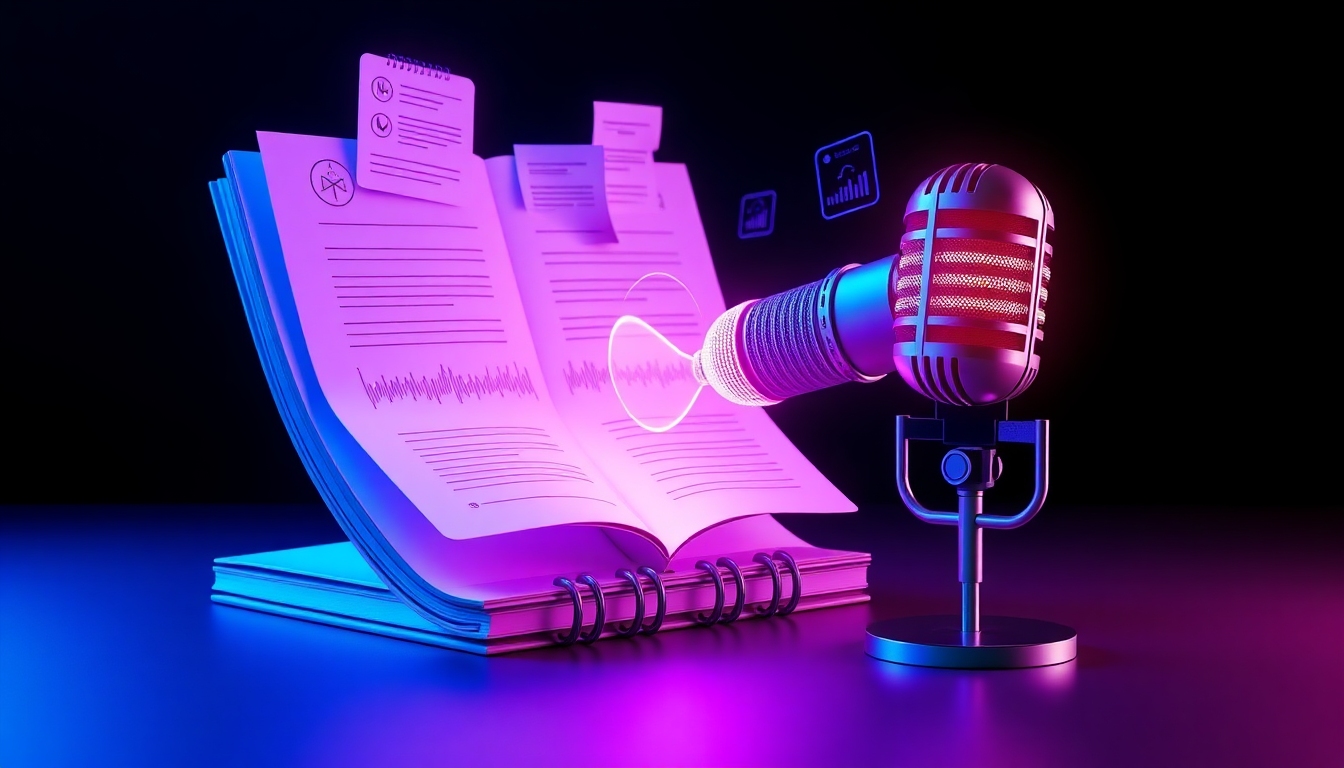
AI Notes Podcast Generator
From notes to a polished podcast—fast, natural, and customizable.
Turn written notes into engaging, human-sounding episodes in minutes. The AI Notes Podcast Generator lets you upload text, PDFs, or docs, pick a voice and style, and export studio-quality audio. Choose interview, solo, or educational formats, edit the script, fine‑tune pace and pitch, and publish anywhere. Whether you’re a student, creator, or team lead, the AI Notes Podcast Generator saves hours of recording, mixing, and distribution.
What is AI Notes Podcast Generator?
AI Notes Podcast Generator is an end‑to‑end tool that transforms written content into a complete podcast. Upload your notes, generate natural voices, choose a podcast style, and export instantly. The AI Notes Podcast Generator supports text, PDF, DOCX, and URLs; it can even structure your content into chapters, add light background music, and output MP3/WAV for easy sharing. With multilingual voices, dialog templates, and precise audio controls, the AI Notes Podcast Generator streamlines production while preserving your tone and intent.
Text, PDF, DOCX, and URL import with smart formatting
Lifelike voices, accents, and tones with multi‑speaker options
Interview, solo, and educational templates with chaptering
Script editor, speed/pitch/volume control, and music beds
MP3/WAV export and one‑click distribution options
Features that shortcut production
Everything you need to go from raw notes to a ready‑to‑publish show. The AI Notes Podcast Generator combines powerful AI with a beginner‑friendly interface so you can focus on ideas, not audio engineering.
Flexible Note Import
Paste text, upload PDF/DOCX, or fetch content from a URL. The AI Notes Podcast Generator cleans formatting, detects headings, and preserves structure for smooth narration.
Natural, Customizable Voices
Choose from expressive voices with adjustable speed, pitch, and warmth. The AI Notes Podcast Generator supports accents and tones to match your brand.
Podcast Styles & Dialog
Switch between solo, interview, debate, or lesson modes. The AI Notes Podcast Generator creates realistic multi‑speaker dialogue with distinct voices.
Smart Script Editor
Refine outlines, add transitions, and insert call‑outs. The AI Notes Podcast Generator updates audio instantly after you edit the script.
Audio Controls & Music Beds
Dial in pacing, emphasis, and volume. Layer subtle background tracks. The AI Notes Podcast Generator helps you sound polished without a DAW.
Chapters, Show Notes, and Titles
Auto‑generate chapters, summaries, and SEO‑ready titles. The AI Notes Podcast Generator makes your episodes easier to navigate and promote.
Export & Distribution
Download MP3/WAV or push to popular platforms. The AI Notes Podcast Generator streamlines publishing with standard formats and clear loudness targets.
Multilingual & Jargon‑Ready
Narrate in many languages and handle technical terms. The AI Notes Podcast Generator respects domain‑specific vocabulary for clarity and trust.
Use cases that fit your workflow
From coursework to company updates, the AI Notes Podcast Generator adapts to your content and audience.
Study on the Go
Students upload lecture notes and turn them into episodes for revisiting before exams. The AI Notes Podcast Generator creates paced, chaptered audio that sticks.
Course Creators & Educators
Transform lesson plans into serialized educational podcasts. The AI Notes Podcast Generator supports clear explanations and multi‑language delivery.
Founders & Team Leads
Convert meeting notes into concise update podcasts for distributed teams. The AI Notes Podcast Generator keeps everyone aligned asynchronously.
Marketing & Thought Leadership
Turn blogs, briefs, and research into branded shows. The AI Notes Podcast Generator helps you ship consistent episodes without a studio.
Creators & Writers
Repurpose newsletters and drafts into engaging series. The AI Notes Podcast Generator adds voice variety, pacing, and music for a signature sound.
Internal Training
Convert SOPs and how‑tos into a private training feed. The AI Notes Podcast Generator increases retention and saves onboarding time.
How to use it
Create your first episode in minutes—no recording required. The AI Notes Podcast Generator guides you from import to publish with a simple, friendly flow.
Import your notes
Paste text or upload PDF/DOCX, or paste a URL. The AI Notes Podcast Generator cleans formatting and detects sections.
Pick a style and voices
Choose solo, interview, or lesson. Assign voices for each speaker. The AI Notes Podcast Generator previews samples instantly.
Edit and refine
Use the script editor to tighten wording, add transitions, and insert cues. The AI Notes Podcast Generator regenerates audio on the fly.
Adjust audio
Set speed, pitch, volume, and optional background music. The AI Notes Podcast Generator targets consistent loudness.
Export and share
Download MP3/WAV or publish to your feed. The AI Notes Podcast Generator provides chapters, show notes, and titles.
Pro tips
- •Start with clear headings so the AI Notes Podcast Generator builds natural chapter breaks.
- •Use interview mode for Q&A; assign distinct voices for contrast and clarity.
- •Keep sentences concise before synthesis; it improves pacing and comprehension.
- •Apply light background music for intro/outro and keep the body clean for focus.
- •Preview in 1.0x and 1.25x speed to test intelligibility across listening habits.
- •Save your favorite voice and style presets in the AI Notes Podcast Generator for consistency.
The free plan lets you test full workflow with reasonable limits on minutes and characters. Upgrade for longer episodes, premium voices, and faster processing in the AI Notes Podcast Generator.
Frequently asked questions
Everything you need to know about getting from notes to a finished show with the AI Notes Podcast Generator.
Which file types can I import?
You can paste text or upload PDF and DOCX, and you can fetch content from a URL. The AI Notes Podcast Generator preserves structure and headings for clean narration.
How natural are the voices?
Voices are expressive and customizable. You can adjust speed, pitch, warmth, and emphasis. The AI Notes Podcast Generator offers multiple accents and tones to fit your brand.
Can it create multi‑speaker podcasts?
Yes. Choose interview or debate templates, assign unique voices to each role, and generate realistic dialogue. The AI Notes Podcast Generator keeps timing and crosstalk natural.
Can I edit the script before generating audio?
Absolutely. Edit the script, add transitions, and insert call‑outs. The AI Notes Podcast Generator updates audio instantly after changes.
What export formats are supported?
Export MP3 for distribution and WAV for archival or mastering. The AI Notes Podcast Generator conforms to standard loudness targets for podcasts.
How do I publish to Spotify or Apple Podcasts?
Download MP3 and upload to your host, or use integrated publishing options. The AI Notes Podcast Generator prepares chapters, titles, and show notes to speed up submission.
Is there a free plan?
Yes. Test the workflow with usage limits on minutes and characters. The AI Notes Podcast Generator offers paid tiers for longer shows, premium voices, and priority rendering.
Does it support multiple languages?
Yes. Choose languages and accents for global reach. The AI Notes Podcast Generator handles technical terms and domain‑specific vocabulary.
How much time can I save?
Most users go from notes to publish in minutes, not hours. The AI Notes Podcast Generator removes recording, editing, and mixing overhead.
What about privacy and security?
Your files are processed securely and can be deleted from your account. The AI Notes Podcast Generator follows best practices for data handling and access control.
Can I add background music?
Yes, add subtle beds and adjust levels for intro, outro, and transitions. The AI Notes Podcast Generator helps maintain intelligibility while adding polish.
Will it handle technical or academic content?
Yes. Provide clean terms and acronyms; the AI Notes Podcast Generator respects jargon and offers pronunciation controls for accuracy.
Can teams collaborate?
Teams can share projects, presets, and templates. The AI Notes Podcast Generator ensures consistent voices and styles across episodes.
Can I customize pacing for study sessions?
You can set speed per section and insert pauses for spaced repetition. The AI Notes Podcast Generator is ideal for exam prep and learning on the go.
What if my notes are messy?
Use the cleanup assistant to fix formatting, headings, and bullet points. The AI Notes Podcast Generator restructures content for clarity before narration.
Create your first episode today
Upload your notes, pick a voice, and publish—no mic, no studio, no hassle. Try the AI Notes Podcast Generator free and hear your ideas come alive in minutes.
No credit card required. Upgrade anytime for longer episodes and premium voices.