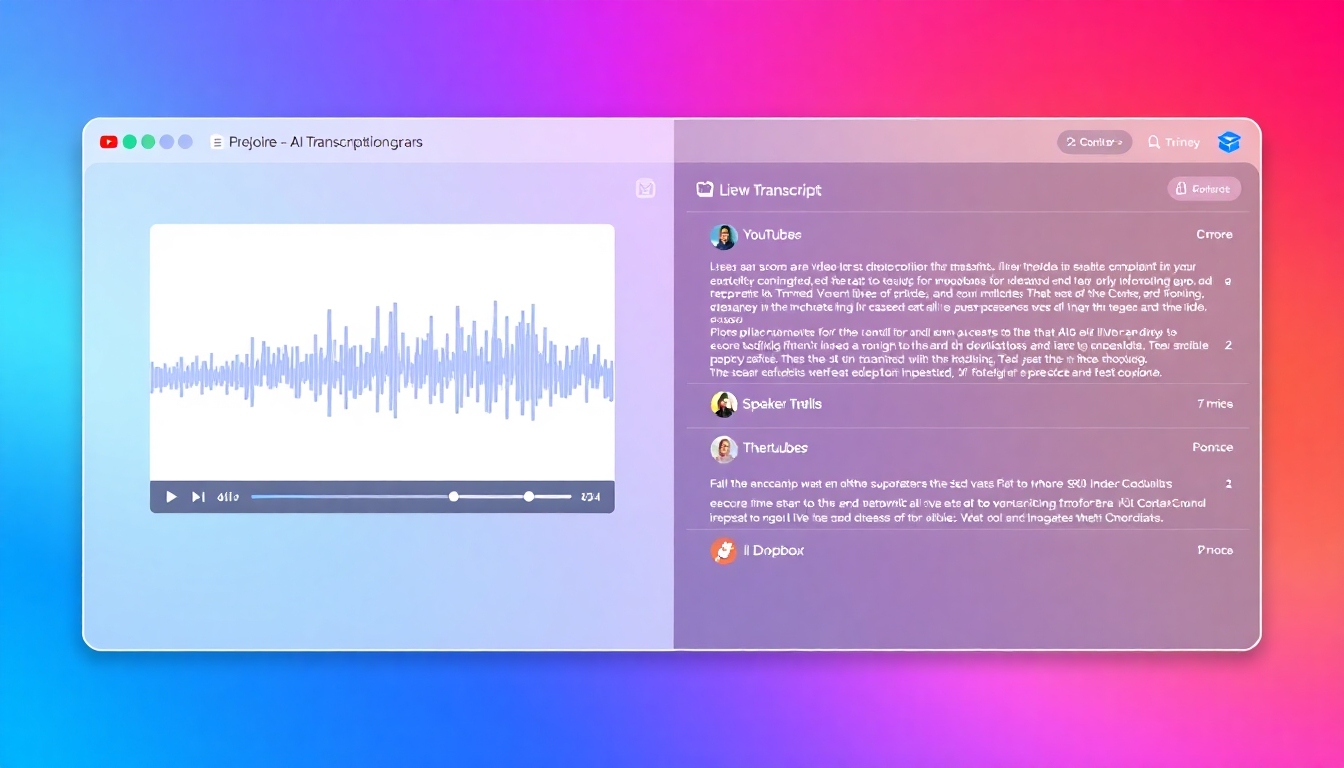
AI Video to Transcript Converter
Turn videos into accurate, searchable text with AI in minutes
Transform long videos into polished text you can search, edit, and share. The AI Video to Transcript Converter delivers fast, high‑accuracy transcription with speaker labels, timestamps, and subtitles in one simple workflow. Upload or import links, edit directly in the browser, and export in the formats your team needs. Start free on story321.com and convert your first video in minutes.
What is an AI Video to Transcript Converter?
An AI Video to Transcript Converter automatically turns spoken content from your video files into clean, editable text. It uses advanced speech recognition to capture words, identify speakers, and align timestamps so you can navigate every moment. Unlike manual typing, it works at scale, supports many languages, and creates exportable captions and subtitles. Use it to save time, boost accessibility, and unlock insights hidden in your video library.
Accurate AI transcription with optional human review for near‑perfect results
Speaker diarization and precise timestamps for fast navigation and quoting
One‑click subtitles in SRT or VTT plus text exports in TXT and DOCX
Direct imports from YouTube, Vimeo, Google Drive, and Dropbox
Secure by design with encryption in transit and at rest
Powerful Features for Faster, Better Transcripts
Everything you need to convert video to text, edit it, and ship on time
High Accuracy AI + Human Review
Get reliable results out of the box with advanced speech recognition tuned for real‑world audio. Typical accuracy on clear audio reaches 90–95%, and a human review add‑on is available for near‑perfect transcripts. The AI Video to Transcript Converter keeps punctuation and casing natural so your text reads like it was written, not extracted.
Speed at Scale
Transcribe a 60‑minute video in roughly 5–10 minutes with cloud acceleration, even while you keep working. Batch multiple files and process them in parallel to meet tight deadlines. The AI Video to Transcript Converter handles long recordings without breaking them into pieces.
Speaker Labels and Timestamps
Automatically label who said what, and jump to any moment with clickable timestamps. Clean up names during editing and apply updates across the full transcript instantly. The AI Video to Transcript Converter preserves timing for easy subtitle generation and precise quoting.
Built‑in Editor and Subtitle Maker
Fix words, merge paragraphs, and format the text in a distraction‑free editor that syncs with your video preview. Generate subtitles with line breaks and reading speeds that meet accessibility guidelines, then export SRT or VTT. Create a shareable transcript link or download TXT, DOCX, or CSV on demand.
Integrations and Multilingual Support
Import from YouTube, Vimeo, Google Drive, Dropbox, or upload MP4, MOV, MKV, AVI, WebM, and M4V. Transcribe in 100+ languages and dialects, detect language automatically, and output translations when you need them. The AI Video to Transcript Converter fits your stack without heavy setup.
Practical Use Cases for Any Team
Turn every video into searchable, shareable knowledge with AI
Content Creators and YouTubers
Publish faster by turning recordings into ready‑to‑edit blog posts, show notes, and captions. The AI Video to Transcript Converter generates subtitles that boost watch time and SEO while making your channel accessible to global audiences.
Podcasts and Webinars
Transcribe video podcasts and webinars to create summaries, pull quotes, and chapter markers. With speaker labels and timestamps, the AI Video to Transcript Converter makes it easy to repurpose clips and publish accurate episode notes.
Education and Research
Convert lectures, interviews, and field recordings into text to speed up note‑taking and literature review. The AI Video to Transcript Converter supports multiple languages, helping international teams collaborate and cite with confidence.
Customer Support and Sales
Turn demo calls, discovery sessions, and feedback videos into searchable transcripts your team can reference. Use timestamps to jump to objections and highlights, and export summaries for your CRM or knowledge base.
Legal and Compliance
Create consistent records of depositions, hearings, and training videos with diarized speakers and time‑aligned text. The AI Video to Transcript Converter keeps data private with encryption and project‑level retention controls.
How the AI Video to Transcript Converter Works
From upload to export, your transcript is only a few clicks away
1) Upload or Import
Drag and drop your video or paste a link from YouTube, Vimeo, Google Drive, or Dropbox. The AI Video to Transcript Converter validates your file, detects the language automatically, and prepares the audio for best‑in‑class recognition.
2) Auto‑Transcribe
Start the automatic transcription and watch progress in real time. Speaker diarization and timestamps are applied as the AI extracts clean text. You can begin skimming early segments while the rest completes.
3) Review and Edit
Open the built‑in editor to correct names, acronyms, or industry terms, and see edits synced to the timeline. Add paragraph breaks, highlight quotes, and approve speaker labels. Need perfection? Request optional human review.
4) Export and Share
Export TXT, DOCX, SRT, or VTT, or copy a share link for teammates. Push captions to your video platform or download subtitle files that meet accessibility standards. Save your project for future updates without reprocessing.
Frequently Asked Questions
Everything you need to know before you transcribe your first video
How accurate is the AI Video to Transcript Converter?
On clear audio, typical accuracy ranges from 90–95% without manual cleanup. Accents, cross‑talk, and background noise can reduce accuracy, but the built‑in editor and custom vocabulary help recover precision. For critical projects, an optional human review can deliver near‑perfect transcripts.
How fast is it compared to manual transcription?
Most videos finish 6–12x faster than real time. A one‑hour video often completes in about 5–10 minutes, depending on file quality and queue load. You can start reviewing early segments while the rest processes.
Which languages and file formats are supported?
Transcribe 100+ languages and dialects with automatic detection. Upload MP4, MOV, MKV, AVI, WebM, and M4V, or import links from YouTube, Vimeo, Google Drive, and Dropbox. Export TXT, DOCX, SRT, VTT, and CSV to fit your workflow.
Does it support speaker identification and timestamps?
Yes. Automatic speaker diarization separates voices and adds labels you can rename during editing. Timestamps appear at natural intervals and align to the video timeline, enabling quick navigation and accurate subtitle exports.
Is my data secure and private?
All files are encrypted in transit with TLS and at rest with strong AES‑256 encryption. Choose retention settings including auto‑deletion to control how long data is stored. Access is role‑based and project scoped to protect your content.
Is there a free plan or trial?
Yes. You can start free and transcribe a limited number of minutes to evaluate quality and speed. Upgrade to pay‑as‑you‑go or team plans for higher limits, collaboration features, and priority processing.
Convert Your First Video to Text Free
Try the AI Video to Transcript Converter on story321.com and see accurate transcripts in minutes. Upload a file, review the text, and export subtitles with one click. Start free, upgrade anytime when you need more minutes or collaboration.