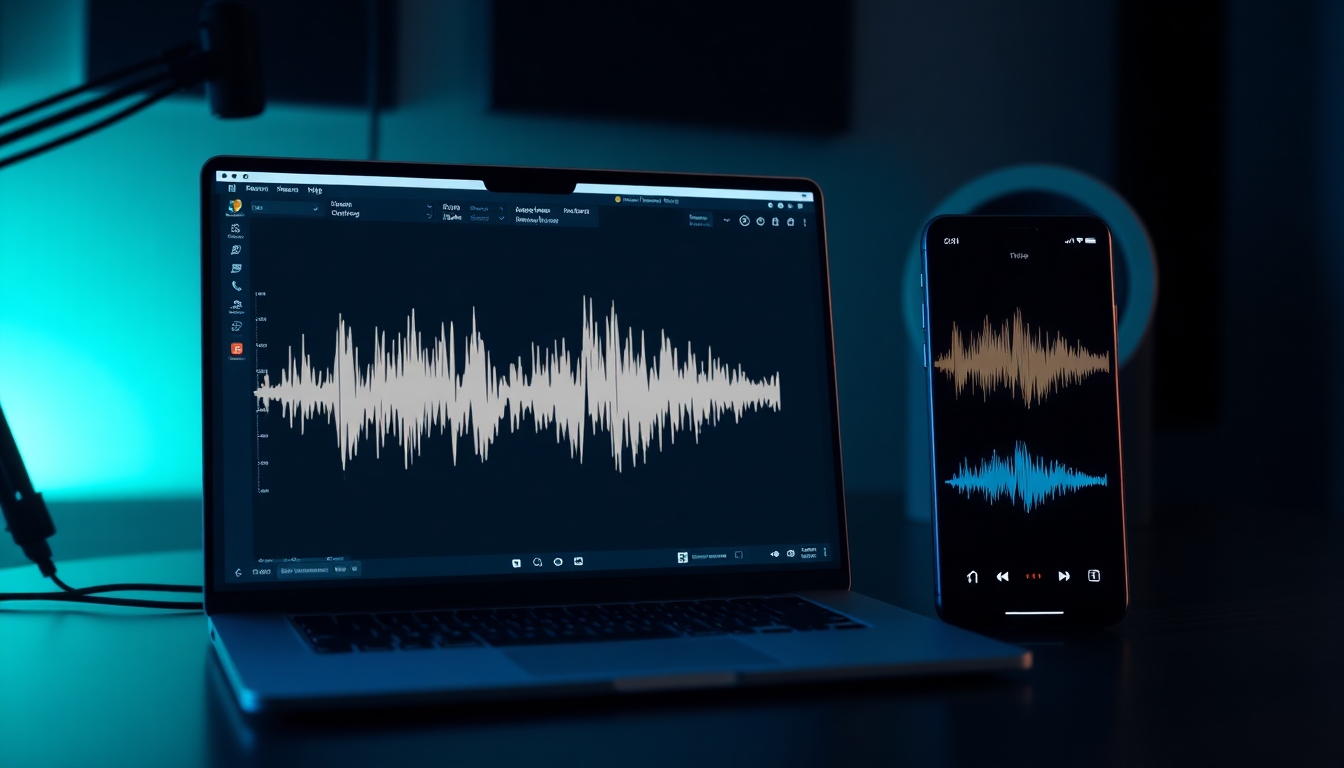
Remove Background Noise from Audio
One-click clarity for podcasts, calls, and videos—built for speed
Meet Story321, your AI-powered studio that lets you Remove Background Noise from Audio in seconds. Upload, click Clean, and hear your voice cut through without hiss, hum, wind, or traffic. Whether you’re a podcaster, creator, or team on the go, you can Remove Background Noise from Audio on web and mobile with zero learning curve. Start free, finish fast, and keep pro fidelity while you Remove Background Noise from Audio across any device.
What it Means to Remove Background Noise from Audio
When you need to Remove Background Noise from Audio, you want more than a filter—you want intelligent cleanup that preserves tone and nuance. Story321 uses adaptive AI to detect consistent noise (air-conditioning, hum, hiss) and unpredictable noise (traffic, clicks, crowd) and selectively suppresses them while protecting the voice you care about. With our approach, you can Remove Background Noise from Audio for narration, interviews, screen recordings, reels, and voiceovers without artifacts. It’s fast, forgiving, and designed so anyone can Remove Background Noise from Audio with broadcast-ready results, even on a phone.
AI models trained to Remove Background Noise from Audio while preserving vocals
One-click presets to Remove Background Noise from Audio for different scenes
Real-time preview as you Remove Background Noise from Audio
Batch process projects to quickly Remove Background Noise from Audio at scale
Export controls to Remove Background Noise from Audio without quality loss
Features that Help You Remove Background Noise from Audio
Story321 brings studio-grade cleanup to your browser, making it easy to Remove Background Noise from Audio without mastering complex plugins. Our smart profiles lock onto voice, measure the noise floor, and adapt in real time so you can Remove Background Noise from Audio in a single pass or fine-tune like a pro. From instant presets to detailed controls and lightning exports, everything is built to help you Remove Background Noise from Audio fast and keep it natural.
One-Click Voice Cleaner
Choose a preset and instantly Remove Background Noise from Audio for podcasts, voiceovers, meetings, and reels—no audio engineering required.
Adaptive AI Denoise
Our model listens and learns as it processes, so you can Remove Background Noise from Audio even when conditions shift mid-recording.
Real-Time Preview
Hear results live as you Remove Background Noise from Audio—toggle on/off to compare before and after without re-rendering.
Noise Type Targeting
Isolate hum, hiss, wind, crowd, keyboard clicks, or traffic and Remove Background Noise from Audio with focused controls.
Quality Preservation
Keep vocal warmth and sibilance intact while you Remove Background Noise from Audio; no metallic artifacts or hollow sound.
Batch & Automations
Upload folders, apply presets, and Remove Background Noise from Audio across dozens of files with automated workflows.
Cross-Platform Everywhere
Use the same project to Remove Background Noise from Audio on Windows, macOS, iOS, and Android—all synced via cloud.
Export & Integrations
Export WAV, MP3, or AAC and Remove Background Noise from Audio directly inside your favorite DAWs using Story321 connect.
Where You’ll Use It to Remove Background Noise from Audio
From creator studios to remote teams, it’s easy to Remove Background Noise from Audio and deliver clean, confident sound. Use Story321 to Remove Background Noise from Audio in content, calls, and live streams—anytime clarity matters.
Podcasts & Interviews
Record anywhere and still Remove Background Noise from Audio so voices stay intimate and intelligible, even in noisy cafes.
YouTube & Reels
Cut through ambient sound, then Remove Background Noise from Audio to make short-form content punchy and professional.
Online Meetings
Sound clear on Zoom, Meet, and Teams when you Remove Background Noise from Audio during recordings and post-edits.
Course Creation
Lectures and tutorials are easier to follow when you Remove Background Noise from Audio and keep consistent tone.
Voiceovers & Ads
Nail the take anywhere; later Remove Background Noise from Audio and preserve brand polish and presence.
Field Recording
Capture the moment, then Remove Background Noise from Audio from wind, rustle, and traffic while keeping character.
Gaming & Streaming
Mute keyboard and room hum, then Remove Background Noise from Audio so your commentary sits front and center.
Customer Support
Clarify call recordings, Remove Background Noise from Audio, and speed QA reviews with searchable, clean transcripts.
How to Remove Background Noise from Audio with Story321
You can Remove Background Noise from Audio in minutes—no mixing desk needed. Follow the quick steps below to upload, preview, and Remove Background Noise from Audio with confidence.
Upload Your Audio
Drag in WAV, MP3, M4A, or a video file. Our engine analyzes the noise floor so you can Remove Background Noise from Audio accurately.
Pick a Preset
Choose Podcast, Voiceover, Meeting, or Field. These presets are tuned to Remove Background Noise from Audio without over-suppression.
Fine-Tune If Needed
Adjust Strength, Voice Focus, and Hum/Hiss filters to Remove Background Noise from Audio while keeping vocal warmth.
Preview in Real Time
Toggle Before/After to confirm you Remove Background Noise from Audio cleanly, then lock settings.
Export or Continue Editing
Export WAV/MP3 or open in Story321 editor to Remove Background Noise from Audio across multiple clips and scenes.
Batch for Scale
Drop in a folder and apply the same preset to Remove Background Noise from Audio across dozens of files at once.
Pro Tips to Remove Background Noise from Audio Like a Creator
- •Record close to the mic, then Remove Background Noise from Audio with a lighter touch for the most natural tone.
- •Use a pop filter and shock mount; you’ll Remove Background Noise from Audio with less processing.
- •Start with moderate Strength to Remove Background Noise from Audio, then increase slowly.
- •If low hum persists, enable 50/60Hz notch to Remove Background Noise from Audio caused by power lines.
- •Cut rumble below 80–100Hz before you Remove Background Noise from Audio to avoid pumping.
- •Leave 3–6 dB headroom; you’ll Remove Background Noise from Audio and still have room to master.
- •For outdoor shoots, windscreen first; then Remove Background Noise from Audio for final polish.
- •Stack gentle passes rather than one extreme pass to Remove Background Noise from Audio transparently.
Story321 works online and on mobile so you can Remove Background Noise from Audio wherever you are. Your originals stay safe—cleanup is non-destructive, and you can always undo, compare, and Remove Background Noise from Audio again with new settings.
Frequently Asked Questions
Everything you need to know before you Remove Background Noise from Audio with Story321.
Does Story321 really work with just one click?
Yes. Pick a preset and Remove Background Noise from Audio instantly. You can accept the result or fine-tune Strength, Voice Focus, and targeted filters.
Will it degrade my audio quality?
Our model is tuned to preserve timbre and sibilance while you Remove Background Noise from Audio, avoiding metallic or watery artifacts.
What types of noise can it handle?
You can Remove Background Noise from Audio like hiss, hum, wind, HVAC, traffic, room tone, crowd murmur, and keyboard clicks with targeted controls.
Is there a free plan?
Yes. Start free and Remove Background Noise from Audio with generous limits. Upgrade for higher durations, batch, and priority exports.
Can I use it on my phone?
Absolutely. Install our iOS or Android app and Remove Background Noise from Audio on the go with the same presets and real-time preview.
Does it work in real time for calls?
Use the live preview to monitor and Remove Background Noise from Audio during recordings, then export or sync to your editor.
Which formats do you support?
Upload WAV, MP3, M4A, and common video containers, then Remove Background Noise from Audio and export WAV, MP3, or AAC.
Can I batch process multiple files?
Yes. Queue a folder and Remove Background Noise from Audio across all files using templates and automations.
Does it integrate with my DAW?
You can export cleaned stems or use Story321 connect to Remove Background Noise from Audio and send directly to Premiere Pro, Audition, or your DAW.
Is my data secure?
All projects are encrypted at rest and in transit while you Remove Background Noise from Audio, with granular sharing and deletion controls.
Start Free and Remove Background Noise from Audio Now
Open your browser, drop a file, and Remove Background Noise from Audio in seconds. No installs, no learning curve—just clean, confident sound.
Join thousands of creators who Remove Background Noise from Audio every day with Story321’s fast, friendly AI.