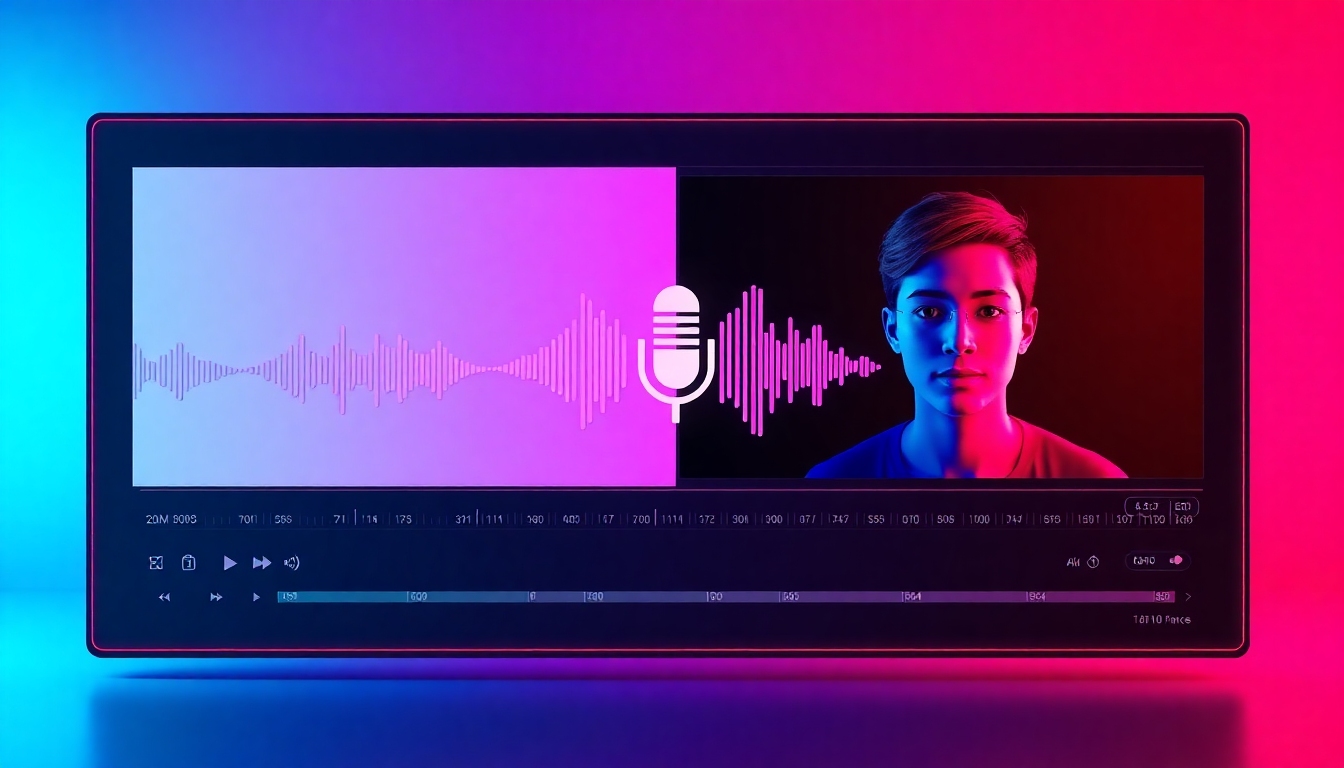
Change Any Voice in Any Video—Fast, Realistic, and Free to Try
The best free way to change any video voice—realistic, fast, easy
Meet the Video Voice Changer on story321.com: an intuitive, browser-based studio that transforms voices in existing videos with lifelike quality. Upload a clip, pick a preset or clone a voice, and preview results instantly. From pitch shifting to AI cloning, text-to-speech, real-time mode, noise cleanup, and lip-sync—our Video Voice Changer gives creators, gamers, teachers, and marketers professional results without the learning curve.
What is a Video Voice Changer?
A Video Voice Changer is a tool that modifies the voice in a video after you’ve recorded it—or even while you’re live. Our Video Voice Changer analyzes speech, isolates vocals from background audio, and resynthesizes the performance with your chosen style, gender, tone, or cloned voice. Because it’s web-based, you get pro-grade results without downloading heavy software or owning audio gear. Use the Video Voice Changer to enhance privacy, localize content, craft characters, fix tone, or give your footage a fresh identity. With intelligent lip-sync and timing preservation, dialogue stays believable while you control pitch, timbre, speed, and emotion.
Swap any voice in an existing video with realistic AI voices
Preserve timing and emotion with automatic phoneme alignment
Edit pitch, tone, speed, and reverb with precise controls
Choose presets (male, female, kid, robot) or create a cloned voice
Use text-to-speech to rewrite lines directly in your timeline
Real-time mode for live calls, streams, and recordings
Noise reduction and vocal isolation for clean results
Seamless lip-sync for talking heads and avatars
Powerful Features Built for Creators
Every control in the Video Voice Changer is designed to make your workflow faster and your audio sound more believable. Whether you’re fixing a line, protecting identity, dubbing a clip, or building a character, the Video Voice Changer delivers clarity, control, and creative flexibility.
Studio-Realistic Voice Models
Choose from carefully tuned voices that make the Video Voice Changer sound convincing, not robotic. Models capture breath, pacing, and inflection for cinematic results.
Voice Cloning (Ethical & Consent-Based)
Clone an approved voice with a short sample, then apply it to your video. The Video Voice Changer preserves timing, emotion, and mouth movements for natural delivery.
Text-to-Speech in Timeline
Rewrite a line or add narration with text-to-speech directly inside your project. The Video Voice Changer blends TTS with your mix for seamless storytelling.
Precision Controls
Dial in pitch, formant, tone, speed, EQ, and reverb. The Video Voice Changer gives you surgical control to match mood, age, and space—fast.
Noise Reduction & Vocal Isolation
Extract dialogue from music and effects, then clean it up. The Video Voice Changer reduces hiss, hum, and room noise while keeping voice detail.
Real-time Voice Changing
Switch your voice live on Discord, Zoom, or while streaming. The Video Voice Changer supports low-latency pipelines for on-the-fly transformation.
Auto Lip-Sync
The Video Voice Changer syncs phonemes to mouth shapes for avatars and talking heads, so the voice and lips match without manual keyframing.
Smart Presets & Profiles
Start with curated profiles—female-to-male, narrator, podcaster, stealth gamer, or character voices. The Video Voice Changer gives repeatable, consistent results.
Broad Compatibility
Import MP4, MOV, and MKV. Export to standard codecs or alpha overlays. The Video Voice Changer integrates with Adobe Premiere, Final Cut, DaVinci Resolve, OBS, and more.
Privacy & Safety Controls
Consent-first cloning, watermarking options, and audit trails. The Video Voice Changer provides transparent, responsible creative tools.
What You Can Do with the Video Voice Changer
From quick fixes to full-on character design, the Video Voice Changer unlocks creative and practical possibilities. Explore how different roles turn videos into polished, purpose-fit content.
Content Creators & YouTubers
Re-record awkward lines with text-to-speech, localize intros, or craft characters. The Video Voice Changer keeps your cadence while improving tone.
Gamers & Streamers
Protect identity on streams or match an in-game persona. The Video Voice Changer works in real-time with Discord, Twitch, and OBS.
Educators & Trainers
Refresh e-learning modules with clear narration or different accents. The Video Voice Changer helps you scale lessons without reshoots.
Marketers & Brands
Test multiple voice styles for ads and product demos. The Video Voice Changer lets you A/B voiceover tone to match campaign goals.
Filmmakers & Editors
Fix ADR fast, replace temp voices, or anonymize interview subjects. The Video Voice Changer speeds up post while keeping performances natural.
Podcasters & Voice Actors
Design characters or age a voice for storytelling. The Video Voice Changer merges creative presets with precise control.
Corporate & Compliance
Anonymize testimonials and sensitive briefings. The Video Voice Changer ensures confidentiality without sacrificing clarity.
Social & Short-Form
Make TikToks or Reels pop with dramatic voice flips. The Video Voice Changer produces punchy, scroll-stopping sound fast.
How to Use the Video Voice Changer
Get professional results in minutes with an intuitive workflow. The Video Voice Changer guides you from upload to export with smart defaults and instant previews.
Upload Your Video
Drag and drop MP4, MOV, or MKV. The Video Voice Changer analyzes speech and separates voice from background audio automatically.
Pick a Preset or Clone
Choose a curated preset or create a consented clone. The Video Voice Changer fits voice character to your scene and keeps timing intact.
Fine-Tune the Sound
Adjust pitch, formant, EQ, reverb, and speed. The Video Voice Changer shows spectrum and waveform views so you can dial in nuance.
Use Text-to-Speech if Needed
Rewrite lines or add narration. The Video Voice Changer places TTS in your timeline and matches loudness across scenes.
Preview and Compare
Toggle A/B before-and-after. The Video Voice Changer lets you compare takes, then commit the best pass with one click.
Export and Share
Render in 720p–4K with your chosen codec. The Video Voice Changer preserves sync and delivers broadcast-safe loudness.
Pro Tips for Better Results
- •Record the cleanest source you can; the Video Voice Changer performs best when dialogue is clear.
- •Use noise reduction lightly; the Video Voice Changer already preserves detail.
- •Match reverb to the scene so the Video Voice Changer output feels grounded in place.
- •Start with a preset close to your target; then tweak with precision controls in the Video Voice Changer.
- •For avatars, enable auto lip-sync in the Video Voice Changer to align mouth shapes.
- •Batch process similar clips; the Video Voice Changer supports presets you can reuse.
- •When cloning, follow consent best practices; the Video Voice Changer includes verification steps.
- •Test exports at multiple bitrates to find the sweet spot the Video Voice Changer can deliver quickly.
Ethical use matters. Only clone or transform voices you’re authorized to use. The Video Voice Changer includes consent and watermark tools to support responsible creativity.
Frequently Asked Questions
Answers to common questions about the Video Voice Changer so you can start fast and create with confidence.
Can the Video Voice Changer edit voices in an existing video?
Yes. Upload your clip and the Video Voice Changer isolates dialogue, applies your chosen voice or effect, and preserves timing and sync.
Is there a free plan?
Yes. The Video Voice Changer includes a free tier with watermarked exports and time-limited projects so you can test quality before upgrading.
How realistic are the results?
Our neural models capture breath, tone, and pacing. With clean input, the Video Voice Changer produces lifelike voices suitable for content, ads, and training.
Does the Video Voice Changer work in real time?
Yes. Enable real-time mode to route audio to Discord, Zoom, or OBS. The Video Voice Changer provides low-latency processing for live streams and calls.
Can I clone a voice?
Yes, with consent. Provide a sample and verification, then the Video Voice Changer creates a private clone you can apply in projects.
What devices and formats are supported?
The Video Voice Changer runs in modern browsers on Windows, macOS, and Linux. Import MP4, MOV, MKV; export industry-standard codecs.
Does it support lip-sync for avatars?
Yes. The Video Voice Changer automatically aligns phonemes to mouth shapes, so talking heads and avatars look and sound in sync.
Can I use text-to-speech?
Absolutely. Type lines, pick a voice, and the Video Voice Changer places TTS directly on your timeline with matched loudness.
Is my data private?
Projects stay encrypted at rest and in transit. The Video Voice Changer offers optional watermarking and consent logs for compliance.
How fast is processing?
Most clips preview in seconds. The Video Voice Changer uses GPU acceleration and smart caching, so iteration is fast and exports are reliable.
Start Changing Voices in Minutes
Try the Video Voice Changer free today. Upload a clip, pick a preset or clone, and hear studio-quality results—right in your browser.
No credit card required. Ethical, consent-first voice cloning supported.