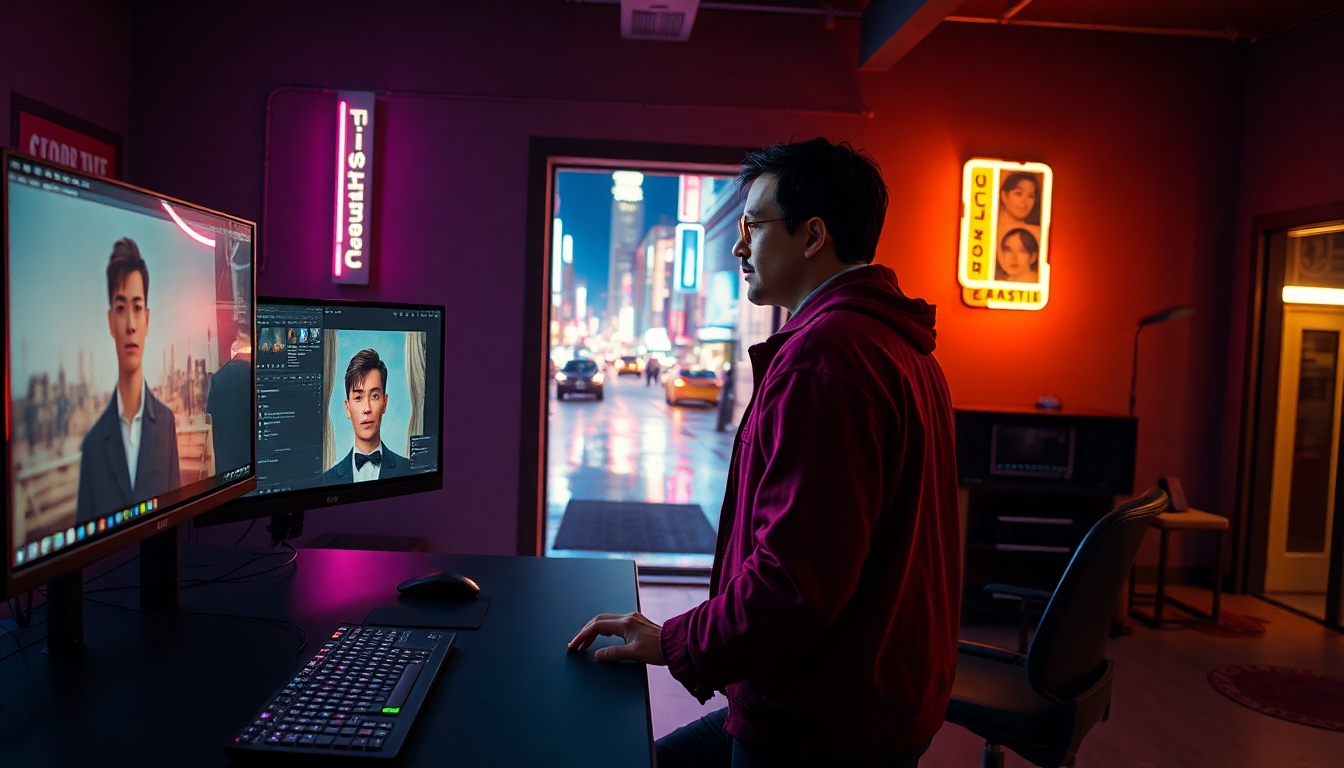
Why Ray3 Modify Matters for Every Creator#
Ray3 Modify is the rare AI breakthrough that respects the soul of your footage. Instead of replacing actors with synthetic approximations, Ray3 Modify reimagines your visuals while preserving the original motion, timing, eye lines, and emotional delivery. For filmmakers, editors, designers, marketers, and creators across disciplines, that means you can finally bring AI into your workflow without sacrificing the performance you worked so hard to capture.
Ray3 Modify takes a hybrid-AI approach: human performance remains the backbone, while the model handles high-fidelity style, wardrobe, environment, and lighting changes with scene awareness and narrative coherence. Available within Luma AI’s Dream Machine, Ray3 Modify bridges the gap between generative AI and traditional editing—offering control, predictability, and cinema-grade consistency.
What Is Ray3 Modify?#
Ray3 Modify is an AI video editing model that transforms existing footage while preserving real performances. Unlike earlier systems that drifted off-character or broke continuity, Ray3 Modify adheres to the physical logic of a scene, honors blocking and timing, and carries identity cues across frames. Whether you’re swapping a costume, changing a room into a neon alley, relighting a moody close-up, or placing a virtual product in the scene, Ray3 Modify keeps the performance intact.
Ray3 Modify lives inside Dream Machine and integrates three pillars of control:
- Modify Video for scene-aware transformation.
- Start and End Frames for transition guidance and spatial continuity.
- Character Reference for locking likeness, costume, and identity.
The Hybrid-AI Advantage#
Ray3 Modify prioritizes the actor’s performance as the anchor. In practice, that means Ray3 Modify lets you iterate creatively—altering elements that used to require reshoots—without losing the emotional truth of the moment. For content creators, this unlocks a workflow where you can prototype visual ideas quickly, maintain continuity for character-led stories, and trust that your edits won’t derail the narrative.
Ray3 Modify also delivers predictability. By controlling specific frames and giving the model precise references, you guide its behavior rather than rolling the dice on a full generative output. The result: faster approvals, tighter revisions, and fewer creative compromises.
Core Features That Change the Game#
Modify Video: Scene-Aware, Physics-Respecting Edits#
Ray3 Modify improves the “Modify Video” pipeline with better scene understanding. Ray3 Modify respects the character’s path through space, maintains contact with props, and retains the subtleties that sell a shot—eye darts, micro-gestures, and emotional continuity. For you, that means wardrobe swaps don’t warp body mechanics, environment changes don’t break spatial logic, and relighting feels like it came from set—not from a filter.
Start and End Frames: Keyframes for Transitions and Continuity#
Ray3 Modify introduces Start and End Frame control that lets you define where a transformation begins and lands. With Ray3 Modify, you can:
- Create a precise transition between two looks (e.g., casual to cyberpunk) while preserving motion continuity.
- Maintain spatial consistency across a doorway pass, a whip pan, or a dramatic push-in.
- Shape a “magic” transformation that still aligns to performance timing.
Tip: Ray3 Modify performs best when the element you’re modifying is clearly visible in the Start or End Frame. If your subject turns away, use an End Frame where the subject returns to camera or remains identifiable.
Character Reference: Lock Likeness and Identity#
Ray3 Modify lets you apply a Character Reference so the model tracks likeness, costume, and identity across a performance. With Ray3 Modify, you can set a hero look—uniform, makeup, hair, accessories—and carry it through the shot without losing who your actor is.
Use this for actor-led projects, campaign continuity, and episodic content where character identity must remain consistent across edits and environments.
Performance Preservation: The Non-Negotiable#
Ray3 Modify protects the nuances directors and actors care about: timing, eyeline, emotion. Where older AI tools often drift in facial structure, posture, or expression, Ray3 Modify treats performance as the ground truth. That’s the differentiator when you’re editing reality, not generating from scratch.
How to Use Ray3 Modify: A Step-by-Step Workflow#
Ray3 Modify is designed for clarity and control. Here’s a fast, repeatable workflow to get professional results:
- Prepare your clip
- Trim your footage to the exact beat you want to modify.
- Aim for shots where the subject and modification target are visible early or late—Ray3 Modify favors clear Start/End anchors.
- Upload and set your baseline
- Bring the clip into Dream Machine’s Ray3 Modify interface.
- Choose Modify Video as your base mode to retain performance fidelity.
- Choose your control strategy
- Start/End Frames: Mark the frames where the transformation should begin and end. Ray3 Modify uses these as keyframes for spatial and narrative continuity.
- Character Reference (optional): Upload a reference image or clip for the identity/costume you want to apply. Ray3 Modify will maintain likeness and attire as the actor moves.
- Write a focused prompt
- Be specific about the visual change you want (e.g., “formal black blazer with satin lapels,” “golden-hour rim light,” “weathered concrete alley with neon signage”).
- Keep performance notes out of the prompt—Ray3 Modify already preserves the motion and emotion.
- Tune Modify Strength
- Start with a moderate Modify Strength. Ray3 Modify tends to deliver natural results at mid-levels.
- Increase strength for bolder transformations (full environment swap); decrease for subtle relighting or wardrobe tweaks.
- Preview, iterate, lock
- Review for identity continuity, prop alignment, and lighting coherence.
- If identity drifts, reinforce with Character Reference and adjust strength.
- If a transformation pops too soon or late, adjust Start or End Frame.
- Export, version, and combine
- Export the modified pass.
- For complex sequences, run multiple Ray3 Modify passes—one for relighting, one for wardrobe, one for set dressing—and composite as needed.
Pro Tips for Better Results#
Ray3 Modify rewards thoughtful inputs. These techniques help you push quality higher:
- Anchor your target: Ray3 Modify needs your modification target present in the Start or End Frame. If you’re swapping a jacket, ensure the jacket is visible when the transformation begins or ends.
- Choose clean references: For Character Reference, use a well-lit, front-facing image of the desired identity or costume. Ray3 Modify tracks consistency better with uncluttered references.
- Match lighting intent: If you want dramatic relighting, mention light direction and quality (e.g., “soft top light,” “neon side kick,” “warm backlight”). Ray3 Modify thrives on precise cues.
- Control complexity: For heavy environment changes, isolate one creative goal per pass. Ray3 Modify delivers cleaner results by handling wardrobe first, then relight, then set.
- Use action beats: Place Start/End Frames at natural beats—a head turn, a step, a doorway cross. Ray3 Modify leverages temporal cues to hide transitions elegantly.
- Stabilize handheld: If your shot is very shaky, pre-stabilize. Ray3 Modify respects motion, but stabilization can help the transformation read as intentional.
- Keep faces visible: When using Character Reference, keep the face on camera during keyframes. Ray3 Modify maintains likeness more reliably with clear facial data.
High-Impact Use Cases Across Creative Fields#
Ray3 Modify streamlines production while expanding your palette:
- Wardrobe swap: Replace a casual jacket with a brand-specific outfit across a performance without reshooting. Ray3 Modify keeps pose, gait, and gesture intact.
- Environment swap: Turn a living room into a neon arcade or a city street into a foggy forest—Ray3 Modify preserves blocking and spatial continuity.
- Relighting: Add golden-hour glow, moody noir shadows, or a concert-grade light wash. Ray3 Modify follows the contours of the face and body for realistic light behavior.
- Virtual product placement: Insert a beverage can, phone, or wearable into the scene. Ray3 Modify respects hand pose and eye line so the interaction feels real.
- Magic transitions: Create a mid-shot wardrobe morph or set shift timed to a spin, jump cut, or whip pan—Ray3 Modify handles the spatial logic.
- Virtual crowd: Multiply extras while preserving the lead actor’s performance. Ray3 Modify can populate scenes while keeping the hero consistent.
- Editing reality: Clean up signage, change weather mood, or remove modern elements for period drama. Ray3 Modify does it without breaking continuity.
- Doorway threshold: Use Start/End Frames to switch worlds as your subject crosses a threshold—office to fantasy realm—while the movement remains authentic.
- Mythical creatures and human characters: Apply creature-like stylization or maintain human identity with Character Reference. Ray3 Modify gives you control over how far to push.
Creative Recipes You Can Steal#
These quick recipes demonstrate how Ray3 Modify can be used in everyday creator workflows:
- Campaign wardrobe continuity
- Goal: Swap a local jersey for a global team kit across a TVC shot.
- Setup: Use Character Reference with the official kit image.
- Steps: Set Start/End Frames at the first full-body moment and the end of a hand gesture; set Modify Strength to moderate; prompt for “authentic fabric texture, stitched logos, clean athletic fit.”
- Why it works: Ray3 Modify keeps your athlete’s motion and eye line untouched while upgrading wardrobe.
- Music video city-to-night transition
- Goal: Transform a daylight alley into neon night during a spin move.
- Setup: Place Start Frame at the beginning of the spin and End Frame as the performer stops.
- Steps: Prompt for “rain-slick neon alley, reflected highlights, magenta/cyan signage,” use medium-high Modify Strength; no Character Reference needed unless locking a specific outfit.
- Why it works: Ray3 Modify uses the spin as a natural transition beat while preserving dance timing.
- Product-in-hand shot
- Goal: Insert a beverage can with precise brand colors.
- Setup: Keep hand pose visible at Start/End Frames; use a reference image for the can.
- Steps: Lower Modify Strength to avoid over-stylization; prompt for “matte aluminum, condensation droplets, accurate label wrap.”
- Why it works: Ray3 Modify respects hand articulation and gaze, so the product feels legitimately handled.
- Hero relight for thumbnails
- Goal: Generate dramatic, consistent thumbnail frames from a vlog.
- Setup: No Character Reference; focus on lighting.
- Steps: Use subtle Modify Strength, prompt “soft key, warm rim, gentle vignette, cinematic skin tonality”; set End Frame exactly on the hero expression.
- Why it works: Ray3 Modify enhances mood without mangling facial micro-expressions.
Limitations and How to Work Around Them#
Ray3 Modify is powerful but not magic. Keep these constraints in mind:
- Modification target presence: Ray3 Modify works best when the element to change is visible in either the Start or End Frame. If it’s obscured, move your keyframes.
- Strength tuning required: Ray3 Modify’s Modify Strength is not one-size-fits-all. Expect a few iterations to balance fidelity with boldness.
- Occlusion complexity: If the subject is heavily occluded by fast-moving objects, consider running multiple passes or simplifying the shot’s motion.
- Ultra-fine text/logos: While Ray3 Modify can handle product placement, tiny legal text may need cleanup in post.
- Long takes: For extended shots, you may achieve better results by processing in sections and stitching, especially when the goal changes over time.
Ray3 Modify vs. Other AI Video Tools#
Ray3 Modify differentiates itself by starting from reality, not replacing it. Many generative systems create striking imagery but struggle to preserve human performance. Ray3 Modify inverts that: it locks performance and edits the world around it. Compared to alternatives, Ray3 Modify offers:
- Stronger identity continuity via Character Reference.
- Temporal stability through Start/End Frame control.
- Scene-aware transformations that preserve physical logic.
If you’ve tried tools that drift off-model, rubberize limbs, or reset facial structure frame to frame, Ray3 Modify will feel refreshingly solid. That stability changes client conversations: fewer “close, but uncanny” notes—more “this is the shot” approvals.
Ethical Use and the Human-in-the-Loop#
Ray3 Modify highlights a healthy creative balance: people direct, perform, and approve; AI amplifies and transforms. To keep that balance:
- Obtain consent from on-camera talent whenever identity or wardrobe is altered.
- Credit performers and note AI-assisted modifications in deliverables when appropriate.
- Use Character Reference responsibly—keep it project-specific and agreed upon.
By treating Ray3 Modify as a performance-preserving assistant, you protect trust on set while unlocking new possibilities in post.
Frequently Asked Questions#
-
Does Ray3 Modify change acting choices? No. Ray3 Modify preserves performance—motion, timing, gaze, and emotional delivery—while changing visuals like wardrobe, scene, and lighting.
-
Do I need Character Reference for every shot? Not always. Use Character Reference in Ray3 Modify when you need strict identity or costume consistency. For relighting or environment changes, it’s optional.
-
How many keyframes should I set? One Start Frame and one End Frame are often enough. Ray3 Modify uses them to guide transitions. Choose beats where the subject is clearly visible.
-
What if my subject turns away? Ensure your End Frame includes a readable pose or face if identity matters. Ray3 Modify performs best when the target is present in a keyframe.
-
Can I stack changes? Yes. Many creators run sequential passes in Ray3 Modify—wardrobe, then relight, then environment—and composite selectively for precision.
-
Will it work on handheld footage? Yes, but pre-stabilization can improve results. Ray3 Modify respects motion; a cleaner plate can lead to cleaner transformations.
Getting Started and Next Steps#
Ray3 Modify is part of Dream Machine, ready for real projects—from pitch previews to final spots. Upload the footage you already have, set Start and End Frames, optionally add Character Reference, and dial Modify Strength to taste. Ray3 Modify delivers the hybrid-AI control you’ve been waiting for: minimal reshoots, maximum creative latitude, and performances that still feel human.
If you’re building for film, advertising, social, or game cinematics, slot Ray3 Modify into your pipeline today. Use it to ideate faster, win pitches with elevated looks, and finish with the confidence that your actors’ performances remain the heart of the story.
Quick Checklist for Your First Session#
- Define your creative goal in one sentence.
- Pick a clip where the modification target is visible on a keyframe.
- Set Start/End Frames on natural performance beats.
- Add Character Reference if identity/costume must lock.
- Write a precise, visual prompt; leave performance to the footage.
- Start with moderate Modify Strength; iterate up or down.
- Review for continuity, then export and version.
Ray3 Modify isn’t just another AI model; it’s a new standard for respectful, controllable video transformation. By centering the human element and giving creators granular tools, Ray3 Modify turns ambitious ideas into production-ready results—without breaking the performance that makes your work worth watching.


