Introduction#
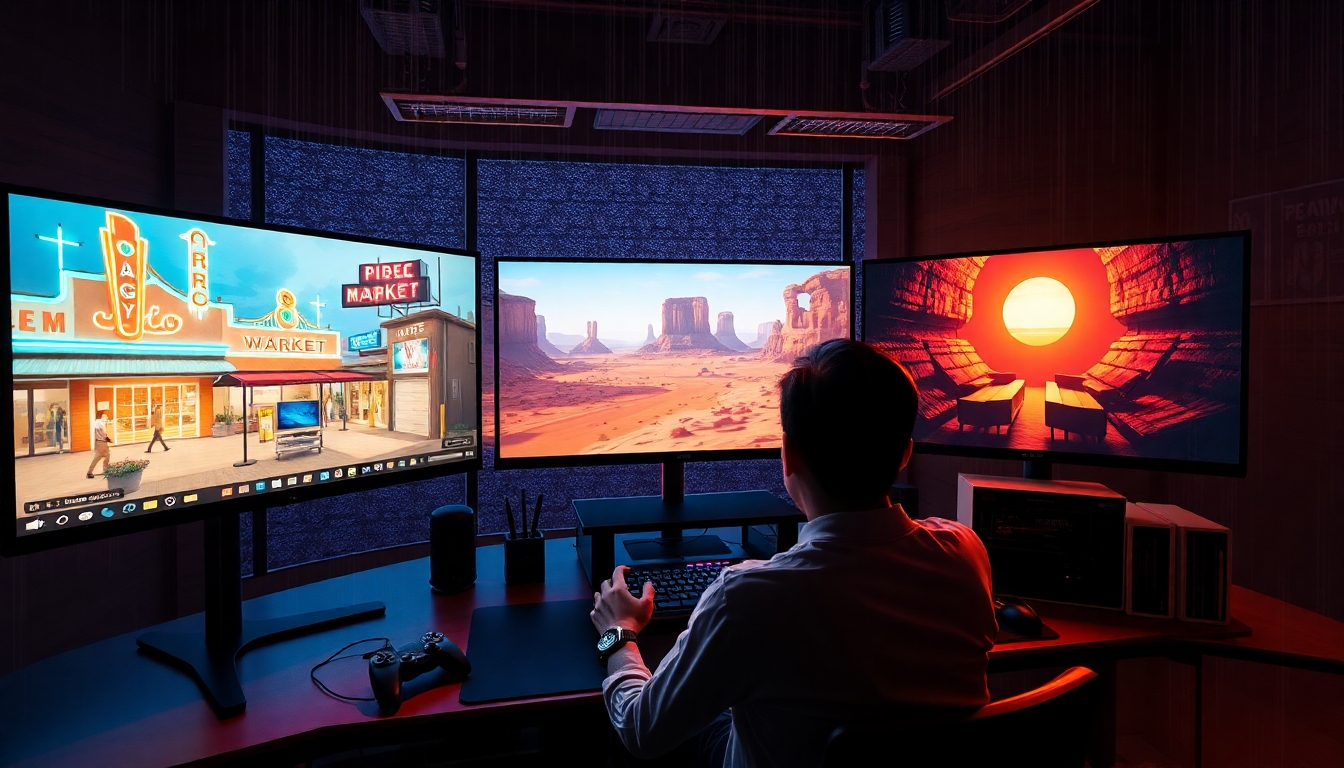
Project Genie is a breakthrough line of “world models” from Google DeepMind that generates interactive, playable environments from everyday media like text prompts, single images, and unlabelled videos. For content creators, Project Genie promises a new kind of creative canvas: instead of rendering a non-interactive clip, you can steer, explore, and iterate inside a living scene. Whether you’re a filmmaker planning a sequence, a game designer prototyping a mechanic, a designer exploring spaces, or a writer visualizing a world, Project Genie can compress days of previsualization into minutes. Put simply, Project Genie turns imagination into motion—and motion you can actually control.
Project Genie evolves across three generations: Genie (the original model), Genie 2 (image-to-3D-world generation with action control), and Genie 3 (text-to-world generation with real-time navigation). Each step brings you closer to worlds that look consistent, behave plausibly, and respond to your inputs at 24 frames per second. While these models originated in research, Project Genie is already reshaping creative workflows by offering a fast, flexible way to prototype interactive experiences and capture footage you can use across your pipeline.
What is Project Genie?#
Project Genie began as Genie, a foundation world model trained in an unsupervised manner on unlabelled Internet videos. Instead of relying on manual labels, Genie learned directly from the visual and physical patterns in the world, reaching a scale of around 11B parameters. The result: Project Genie could synthesize interactive environments on a frame-by-frame basis and let users act within them.
From there, Project Genie advanced into Genie 2, which generates a rich diversity of action-controllable, playable 3D worlds from a single prompt image. For creators, that means you can turn an image concept into an exploratory space where you can move around, test interactions, and rapidly iterate on look and feel. Project Genie in its Genie 2 form became a powerful tool for training and evaluating embodied agents as well—simulated actors that learn by doing in these playable worlds.
With Genie 3, Project Genie reached a new frontier: generating interactive environments directly from text prompts and running them in real time at about 24 frames per second with 720p resolution, maintaining temporal consistency for a few minutes. This real-time control is what makes Project Genie especially compelling for creative work—you can iterate live, direct a shot, or explore a space and record the result instantly.
Why Project Genie matters for content creators#
Project Genie is more than a research milestone; it’s a practical accelerator for creative workflows:
- Rapid previsualization: Project Genie lets you rough in scenes, camera moves, and interactions quickly, replacing static storyboards with playable worlds.
- Iterative worldbuilding: With Project Genie, you can test different art directions, lighting moods, or spatial layouts in minutes and capture b-roll or reference footage on demand.
- Early gameplay prototyping: Game designers can try mechanics and pacing inside Project Genie without building a full engine build.
- Agent-driven ideation: Project Genie worlds are suitable for training and evaluating embodied agents, enabling smarter NPC behavior tests or autonomous camera paths.
- Cross-discipline collaboration: Project Genie helps writers, voice actors, designers, and directors align on tone, staging, and pacing by exploring scenes interactively.
In short, Project Genie reduces friction between idea and on-screen result, shrinking feedback cycles and enabling more experimentation.
How Project Genie works (Genie, Genie 2, Genie 3)#
At a high level, Project Genie learns world dynamics from video. Genie’s key insight was that unlabeled video contains rich structure—objects, physics, motion, and cause/effect—that a sufficiently capable model can internalize and then simulate. Project Genie transforms that understanding into interactive frames you can step through while taking actions.
- Genie: Project Genie’s first iteration learned from unlabelled Internet videos and exposed frame-by-frame interactivity. It proved world models could be playable and useful from raw video alone.
- Genie 2: Project Genie evolved to create playable 3D worlds from a single image prompt. It can model diverse styles and physical properties, making it ideal for embodied agent training and creative prototyping.
- Genie 3: Project Genie now generates worlds from text prompts and sustains real-time navigation at 24 fps, with consistency for minutes at 720p. For creators, this means you can describe a scene, step into it, move around, and record.
This progression positions Project Genie as a foundation model for interactive media—a counterpart to text-to-image and text-to-video tools, but with control built in.
How to use Project Genie: a step-by-step guide#
Access to Project Genie may vary by release (research previews, demos, or partner programs), but the workflow below maps to how content creators can practically work with it when available.
- Define your creative intent
- Clarify the story beat, aesthetic, and interaction you want to test. Project Genie thrives when given purposeful direction.
- For text prompts (Genie 3), write a concise scene description. For image seeds (Genie 2), choose a reference image that captures layout, style, or palette you want Project Genie to explore.
- Choose your entry point
- Text-to-world (Genie 3): Use Project Genie to create a playable environment from a prompt like “A retro-futuristic neon market at night, light rain, puddles, narrow alleys, reflective surfaces.”
- Image-to-world (Genie 2): Feed a concept art image to Project Genie to generate a navigable scene that matches the mood and composition.
- Video-derived setups (Genie/Genie 2): If supported, use reference footage to guide how Project Genie interprets motion and layout.
- Craft effective prompts
- Style cues: Provide visual anchors (lighting, textures, time of day, lens feel). Project Genie responds to specific, cinematic language.
- Interaction cues: Indicate the actions you care about—walking, jumping, driving, looking around, or simple object interactions.
- Constraints: Include scope boundaries (e.g., “tight alley, no crowds,” “wide open desert with sparse props”) to help Project Genie focus.
- Generate and enter the world
- Launch the generation and wait for Project Genie to produce an environment. With Genie 3, expect real-time navigation at about 24 fps and 720p resolution for a few minutes of consistent playtime.
- Use keyboard, mouse, or a gamepad (if supported) to explore. Project Genie’s controls typically include movement, camera look, and sometimes context actions.
- Direct and capture
- Treat Project Genie like a previsualization stage. Block shots, test camera moves, and explore vantage points.
- Record screen capture or in-tool output. Project Genie’s playable outputs can serve as animatics, reference plates, or concept reels to communicate intent.
- Iterate quickly
- Adjust prompts to refine mood, density, or scale. Project Genie favors short iteration loops—tweak text parameters or swap the seed image to explore variations.
- Save promising worlds and branch iterations. Project Genie can be used like a versioned scene lab where you test creative paths side by side.
- Export and integrate
- Depending on access level, export recordings for editing in Premiere, Resolve, or Final Cut, or feed clips into generative video tools for polish.
- If tooling is provided, export metadata (camera path, rough layout) to bring Project Genie references into engines like Unreal or Unity as guides for later production.
- Optional: train or test agents
- For AI-heavy workflows, use Project Genie worlds to train embodied agents or autonomous cameras. This lets you evaluate behavior, pacing, or cinematography strategies in controllable environments before production.
Creative workflows powered by Project Genie#
- Film previsualization: Use Project Genie to stage complex action beats, experiment with blocking, and test coverage. Replace static animatics with exploratory playspace captures.
- Game concepting: Prototype traversal, platforming, or exploration loops. Project Genie gives you fast, controllable spaces to validate fun early.
- Motion design and VFX: Generate stylized environments to audition motion graphics or lighting schemes. Project Genie offers quick look-dev before high-fidelity rendering.
- Design and architecture mood boards: Use Project Genie to walk through mood-driven spaces, verifying composition and light before committing to CAD-heavy processes.
- Narrative ideation: Writers and voice actors can pair a Project Genie scene with scripted lines or voice tests to pin down tone, pace, and emotional beats.
- Educational and demo content: Teachers and creators can use Project Genie to produce interactive examples that show cause-and-effect, physics intuition, or spatial reasoning.
Best practices for prompting and iteration with Project Genie#
- Be specific, then broaden: Start with precise prompts (style, time of day, palette), then widen to explore. Project Genie responds best to anchored direction.
- Leverage image seeds: When you have a strong visual reference, Genie 2 lets Project Genie translate it into movement and space you can test.
- Iterate in small steps: Change one variable at a time—lighting, density, camera behavior—to understand how Project Genie interprets your intent.
- Capture early and often: Use short play sessions to gather references. Project Genie excels at rapid ideation; don’t wait for “perfect.”
- Respect consistency windows: Genie 3 sustains scene coherence for a few minutes at 720p. Plan takes and shots to fit that window, then reset or regenerate as needed.
- Combine tools: Use Project Genie for exploration, then refine in post or game engines. It’s a force multiplier, not a replacement for your final pipeline.
How Project Genie compares to Sora and Runway Gen-3#
- Focus: Project Genie specializes in generating interactive, controllable environments; Sora and Runway Gen-3 emphasize high-fidelity video generation and editing with strong temporal control but without player-like interactivity.
- Input/Output: Project Genie accepts text or image inputs to yield playable worlds; Sora typically takes text to produce photorealistic video clips (up to around 60 seconds at 1080p in demos); Runway Gen-3 provides robust text/video-to-video tools for creators.
- Use cases: Project Genie fits rapid prototyping, previsualization, and agent training. Sora and Runway Gen-3 shine for polished cinematic sequences, post-production, and motion design. Many teams pair Project Genie for interactive ideation with Sora/Runway for final-grade clips.
Together, these tools can anchor a new creative stack—Project Genie for interactive exploration, Sora/Runway for cinematic finish.
Limitations, ethics, and safety in Project Genie#
- Consistency windows: Genie 3 maintains coherence for minutes at 720p; longer or higher-res sessions may drift. Plan takes accordingly when using Project Genie.
- Physical realism: While impressive, Project Genie’s physics can be stylized or approximate. Validate critical shots before committing.
- Asset fidelity: Project Genie optimizes for interactivity and diversity, not photoreal asset fidelity. Treat outputs as concept and previs unless refined downstream.
- Availability and licensing: Access to Project Genie may be limited to research previews or selected partners. Review terms for footage use, derivative rights, and commercial policies.
- Source and attribution: If you showcase results from Project Genie, follow platform guidelines and attribute research as appropriate.
- Responsible content: Avoid harmful, unsafe, or disallowed content when prompting Project Genie. Follow platform safety policies and community standards.
What’s next for Project Genie—and how to prepare#
Project Genie points toward a future where creators sketch worlds at the speed of thought and step inside instantly. Expect better control handles (camera rigs, physics toggles), longer coherent sessions, higher resolution, and improved export to engines. As Project Genie matures, workflows will likely include:
- Scene graphs and layout editing: Tweak geometry and props inside Project Genie or export to DCC tools.
- Camera and lighting rigs: Save, share, and re-run “performances” for reproducible shots with Project Genie.
- Agent choreography: Direct swarms of embodied agents to simulate crowds, NPCs, or camera drones.
- Cross-tool bridges: Send Project Genie animatics to Sora or Runway for upscale, relight, or style match.
To prepare, teams can standardize prompt libraries, create reference packs (images and style guides), and define capture protocols so Project Genie outputs drop neatly into the editorial or engine pipeline.
Quick FAQ for creators using Project Genie#
- Can I control characters or just the camera? Depending on the setup, Project Genie supports navigation and simple actions; some demos emphasize camera and locomotion, others add object interactions.
- How long can I record in one take? Genie 3 typically maintains consistency for a few minutes at 720p and ~24 fps. For longer sequences, plan multiple takes.
- Is it suitable for client work today? Treat Project Genie as a previs and prototyping tool unless you have explicit rights and quality guarantees for final delivery.
- Does it replace a game engine? No. Project Genie accelerates ideation and testing. Engines still handle gameplay systems, polish, performance, and deployment.
Conclusion: bringing your ideas to life with Project Genie#
Project Genie bridges the gap between concept and interaction. By learning from the patterns in video and translating text or images into playable worlds, Project Genie empowers creators to explore, iterate, and communicate ideas with unprecedented speed. Use Project Genie for what it does best—rapid, controllable previsualization—and integrate its outputs into your existing tools to finish with confidence. As the technology advances, Project Genie will keep expanding what’s possible, turning your next big idea into a world you can step into, direct, and share.


