Story AI, der Forvandler Dine Ideer til Verdener
Skab historier, byg karakterer, og forvandl dem til tegneserier, videoer eller spil – alt sammen med AI.
Start med en simpel idé og forvandl den til en historie, en verden eller noget endnu større. Med story321 bliver story ai mere end blot output – det bliver en måde at skabe, udvide og bygge på.
Du Bruger Ikke Story AI. Du Skaber Med story321.
De fleste mennesker kæmper ikke med ideer. De kæmper med at forvandle ideer til noget virkeligt. Story321 ændrer det. Med story ai indbygget i sin kerne hjælper story321 dig med at:
Forvandle tanker til strukturerede historier
Forme og forfine din fortælling
Bygge noget, der vokser over tid
Fra Ide til Univers Med story321
Sådan ser skabelse ud, når story ai fungerer på den rigtige måde.
En Ide Bliver til en Historie
Start med en gnist, et koncept eller en grov præmis. story321 hjælper dig med at forvandle den til en struktureret historie, du rent faktisk kan bygge videre på.
En Historie Bliver til en Serie
Når den første version eksisterer, kan du blive ved. Fortsæt buer, tilføj kapitler og lad én historie vokse til noget serieliseret og vedvarende.
En Serie Bliver til en Verden
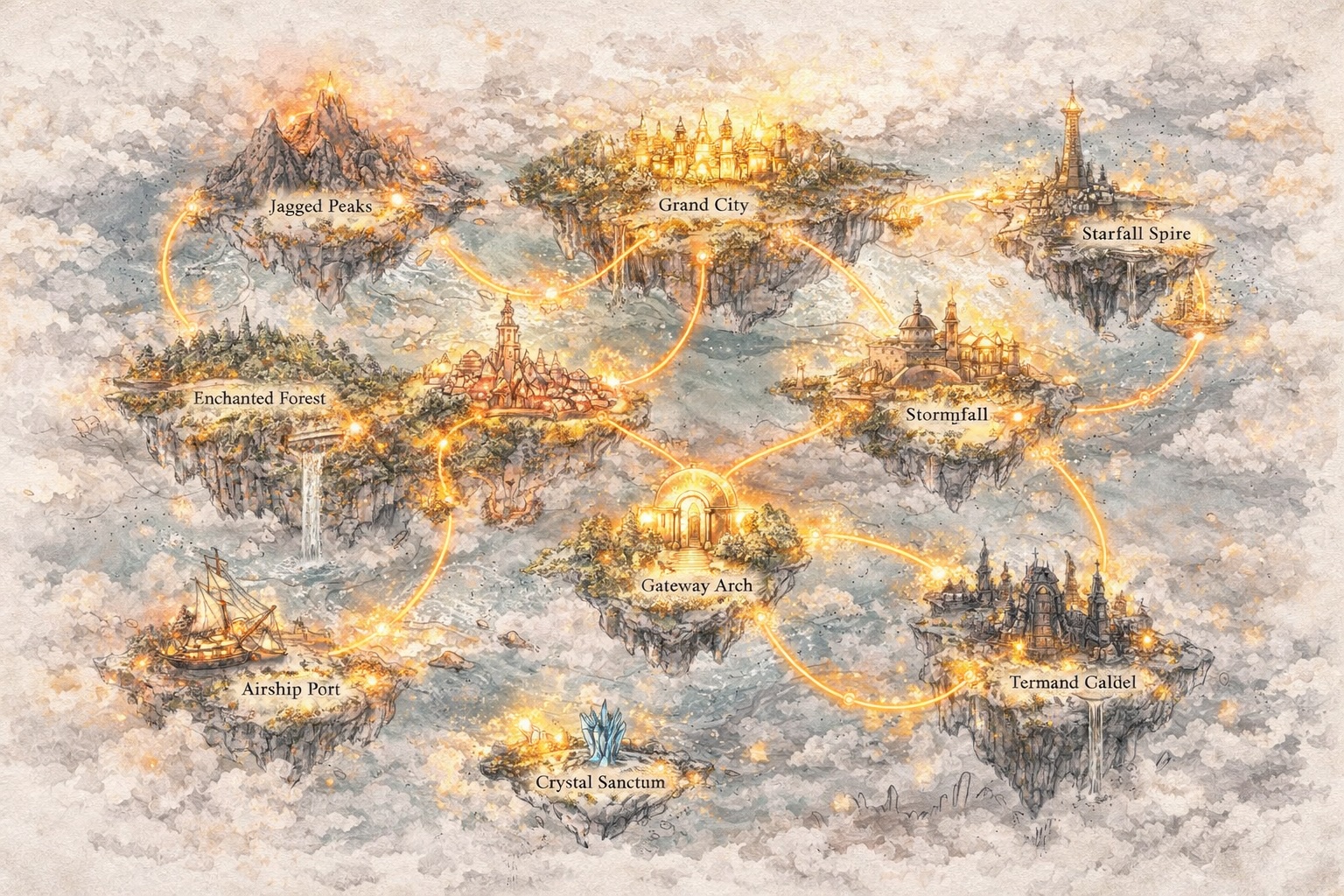
Når historier forbindes, uddybes karakterer og miljøer udvides. Det, der begyndte som en fortælling, bliver til en verden med sin egen logik, hukommelse og momentum.
En Verden Bliver Visuel og Interaktiv
Story321 lader dig forvandle den verden til tegneserier, videoer og interaktive oplevelser, så skabelsen bevæger sig ud over tekst til noget, folk kan se og udforske.
Story321 forbinder hvert trin. Du genererer ikke bare indhold. Du bygger noget, der vokser.
En Ny Måde at Skabe Med Story AI
Story321 forandrer, hvordan story ai fungerer – fra simpel generering til kontinuerlig skabelse.
Skab Historier, der Udvikler Sig
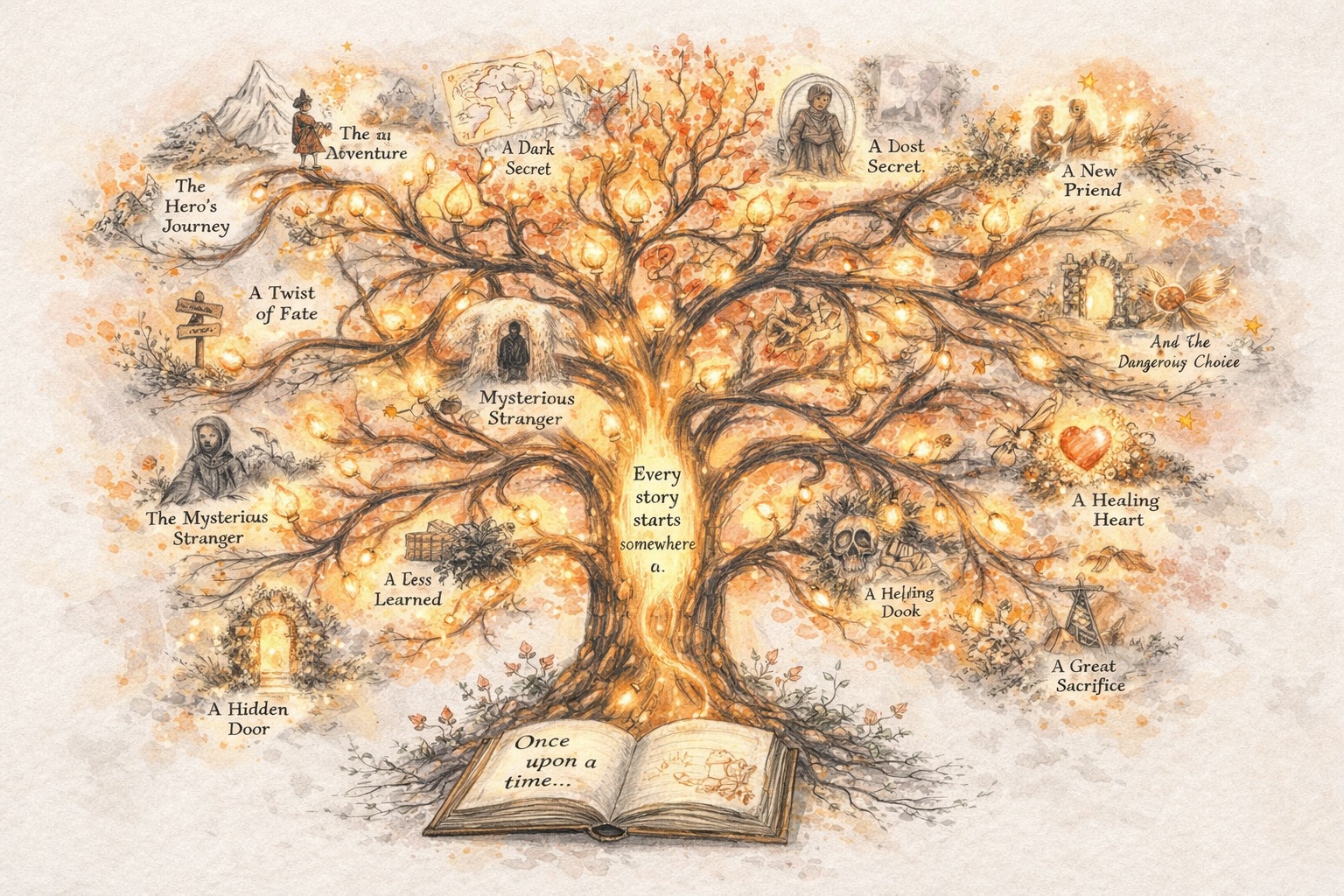
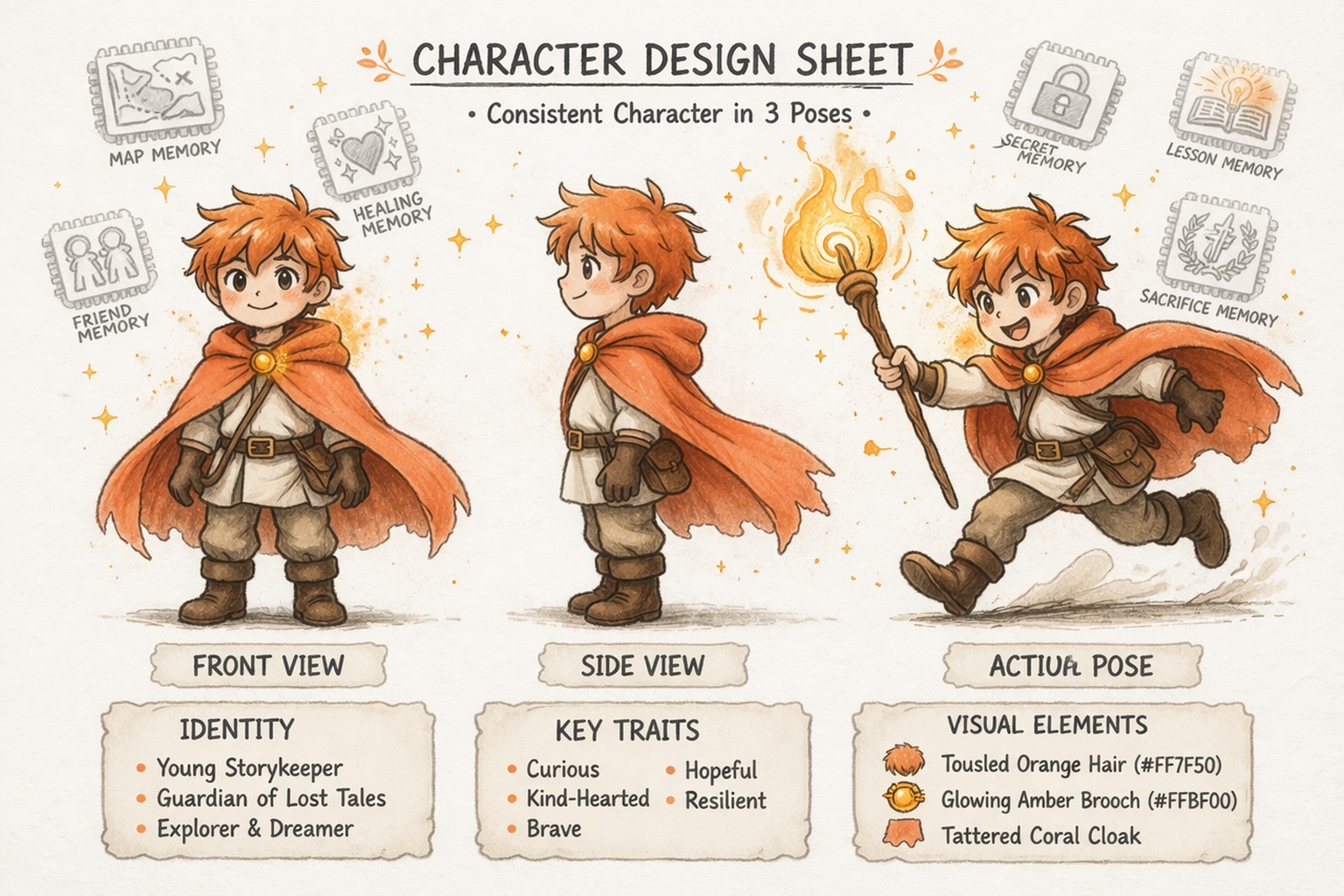
Byg Karakterer, der Forbliver Konsistente
Udvikle Verdener, Ikke Kun Prompts
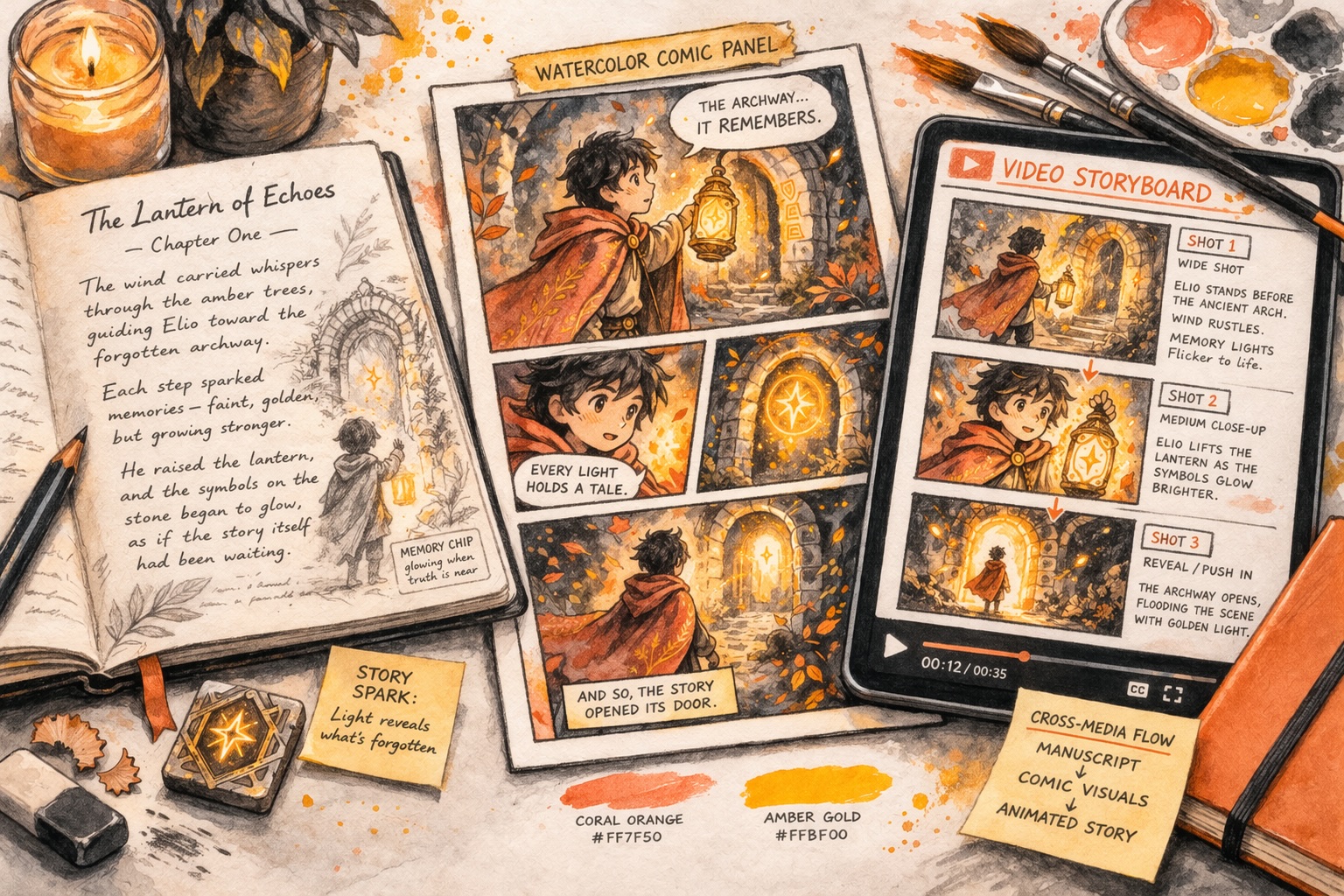
Gå Ud Over Tekst
Story AI Burde Ikke Stoppe Efter Ét Output
Traditionelle story ai-værktøjer genererer én gang og stopper der. Story321 er bygget anderledes. Det forvandler story ai til en kontinuerlig kreativ proces, hvor hvert trin bygger videre på det forrige.
Start Med en Historie
Begynd med en enkelt idé og form den til en historie med retning, struktur og nok substans til at fortsætte udviklingen.
Fortsæt Uden at Nulstille
I stedet for at starte forfra hver gang, fortsæt med at bygge videre på det, der allerede findes. Fortsæt din historie mens du bevarer kontekst og momentum.
Uvid Det, der Virker
Tag en lovende historie og lad den vokse udad. Tilføj buer, lag, karakterer og verdensdetaljer uden at miste kernen af, hvad der fik den til at fungere.
Transformer til Nye Formater
Gå fra historie til tegneserie, video eller interaktiv oplevelse. Med story321 udvikler skabelsen sig i stedet for at ende med et enkelt tekst-output.
Bygget til Forskellige Typer Skabere
Uanset dit udgangspunkt hjælper story321 dig med at vokse.
Nye Skabere
Start uden pres. story321 gør story ai tilgængeligt, så du kan skabe uden at bekymre dig om struktur eller erfaring.
Indholdsskabere
Bevæg dig hurtigere og producer historiedrevet indhold i stor skala. story321 forvandler story ai til en pålidelig kreativ motor.
Verdensbyggere
Design karakterer, fortællinger og systemer, der udvikler sig. story321 hjælper dig med at bruge story ai til langsigtede kreative projekter.
Hvorfor story321 Ændrer Story AI
Story ai bliver mere kraftfuld, når det er en del af et system. Det system er story321.
| Features | De fleste story ai-værktøjer | story321 |
|---|---|---|
Kreativ Flow | Generer én gang | Bygger kontinuerligt |
Narrativ Hukommelse | Mist kontekst | Opretholder narrativ konsistens |
Formatudvidelse | Stop der | Udvider på tværs af formater |
Ofte Stillede Spørgsmål om story ai
Hvad er story ai, og hvordan bruger Story321 det?
story ai er brugen af AI til at hjælpe dig med at skabe historier, karakterer og verdener fra en indledende idé. Story321 bruger story ai som et kreativt system, så du kan gå fra løse koncepter til strukturerede historier og fortsætte med at bygge i stedet for at starte forfra hver gang.
Hvordan hjælper story ai mig med at skrive historier hurtigere?
story ai hjælper dig forbi den blanke side ved at forvandle løse ideer til historieretninger, scenedrafte og karaktergrundlag. Med Story321 kan du fortsætte med at forfine og udvide det, der allerede virker, hvilket fremskynder skriveprocessen uden at miste din kreative kontrol.
Kan story ai holde karakterer og verdener konsistente?
Ja, men kun hvis platformen er bygget til kontinuitet. Story321 hjælper story ai med at forblive konsistent på tværs af karakterer, historielinjer og verdensdetaljer, så du kan udvikle et projekt over tid i stedet for at generere usammenhængende output.
Hvorfor vælge Story321 frem for et generisk story ai-værktøj?
De fleste story ai-værktøjer genererer ét svar og stopper der. Story321 er bygget til kontinuerlig skabelse og hjælper dig med at udvide en historie til tegneserier, videoer og interaktive oplevelser, mens den bevarer den samme kreative retning, karakterer og verdenslogik.
Start Din Første Historie Med story321
Du behøver ikke erfaring. Du behøver ikke en perfekt idé. Du skal bare komme i gang. Story ai vil give dig begyndelsen. story321 vil hjælpe dig med at bygge alt det, der kommer efter.