당신의 아이디어를 세계로 만드는 Story AI
AI를 통해 스토리 창작, 캐릭터 구축, 그리고 그것들을 만화, 영상, 게임으로 변환하세요.
간단한 아이디어로 시작하여 스토리, 세계, 또는 더 큰 무엇으로 발전시키세요. Story321을 통해 스토리 AI는 단순한 결과물을 넘어, 창작, 확장, 구축의 방식이 됩니다.
당신은 Story AI를 사용하는 것이 아닙니다. Story321과 함께 창작하는 것입니다.
대부분의 사람들은 아이디어가 아니라, 아이디어를 현실로 만드는 데 어려움을 겪습니다. Story321이 이를 바꿉니다. 핵심에 내재된 스토리 AI를 통해 Story321은 다음과 같은 도움을 줍니다:
생각을 구조화된 스토리로 변환
당신의 이야기를 형성하고 정제
시간이 지나면서 발전하는 것을 구축
Story321과 함께 아이디어에서 세계로
스토리 AI가 올바른 방식으로 작동할 때 창작은 이렇게 이루어집니다.
아이디어가 스토리로
영감, 개념, 또는 대략적인 전제로 시작하세요. Story321은 이를 실제로 구축할 수 있는 구조화된 스토리로 변환하는 데 도움을 줍니다.
스토리가 시리즈로
첫 번째 버전이 존재하면 계속할 수 있습니다. 스토리 라인을 이어가고, 챕터를 추가하며, 하나의 스토리를 시리즈화되고 지속되는 무엇으로 발전시키세요.
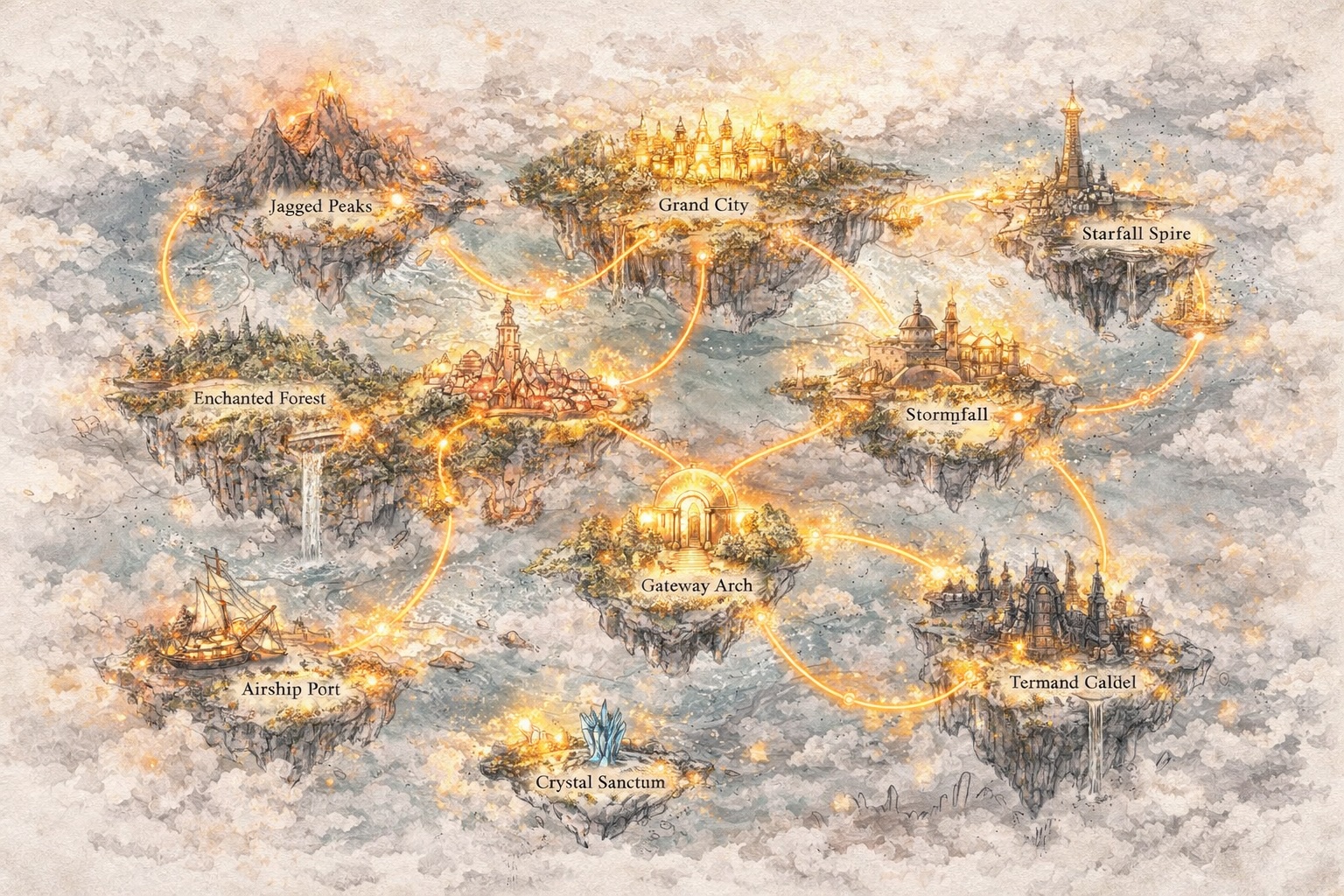
시리즈가 세계로
스토리가 연결되면서 캐릭터는 깊어지고 설정은 확장됩니다. 이야기로 시작한 것이 자신만의 논리, 기억, 그리고 추진력을 갖춘 세계가 됩니다.
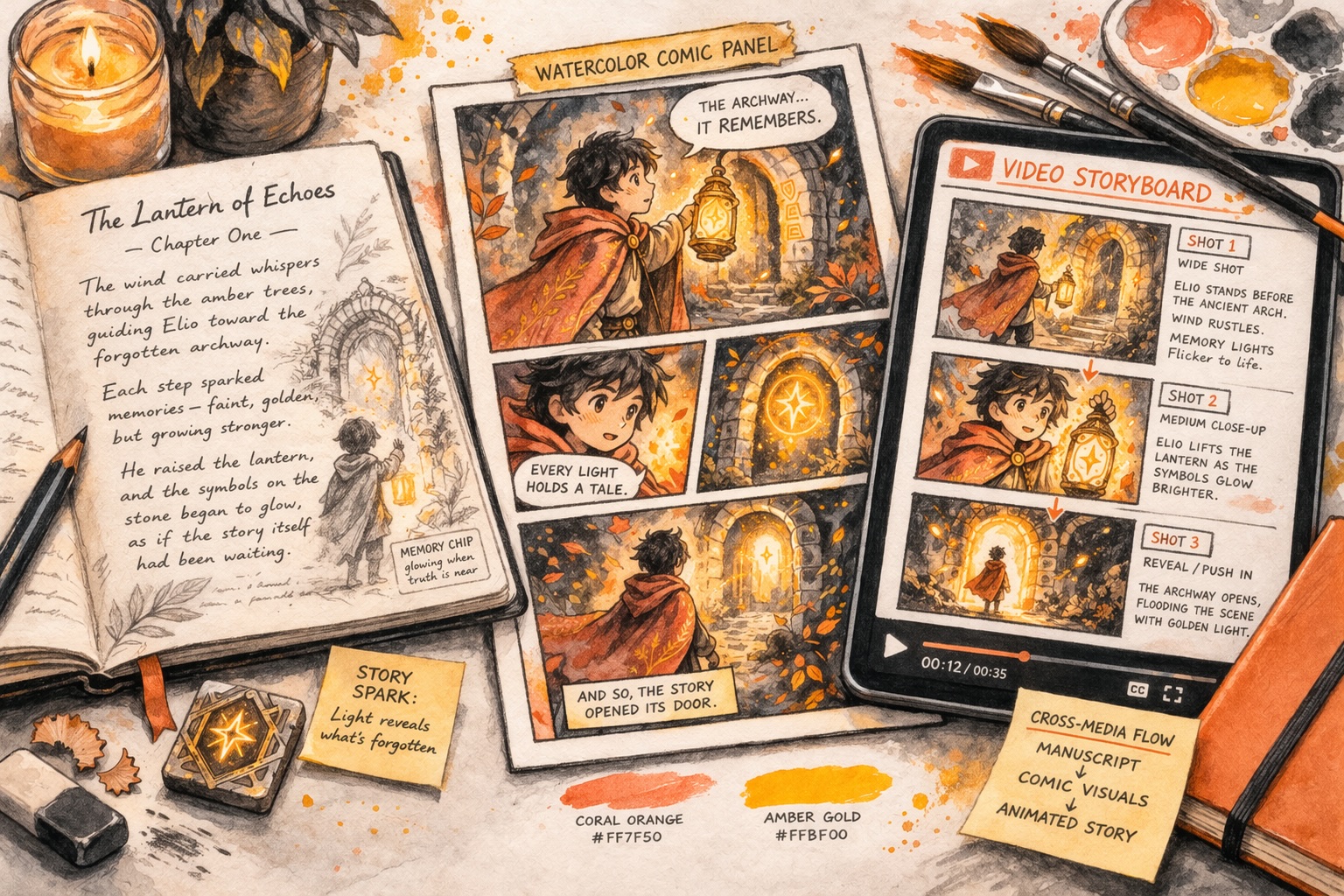
세계가 시각적이고 인터랙티브로
Story321은 당신이 그 세계를 만화, 영상, 그리고 인터랙티브 경험으로 변환하게 하여, 창작이 텍스트를 넘어 사람들이 보고 탐험할 수 있는 무엇으로 이동하게 합니다.
Story321은 모든 단계를 연결합니다. 당신은 단순히 콘텐츠를 생성하는 것이 아닙니다. 발전하는 무엇을 구축하는 것입니다.
Story AI를 통해 창작하는 새로운 방식
Story321은 스토리 AI의 작동 방식을 변환합니다—단순한 생성에서 지속적인 창작으로 이동합니다.
발전하는 스토리 창작
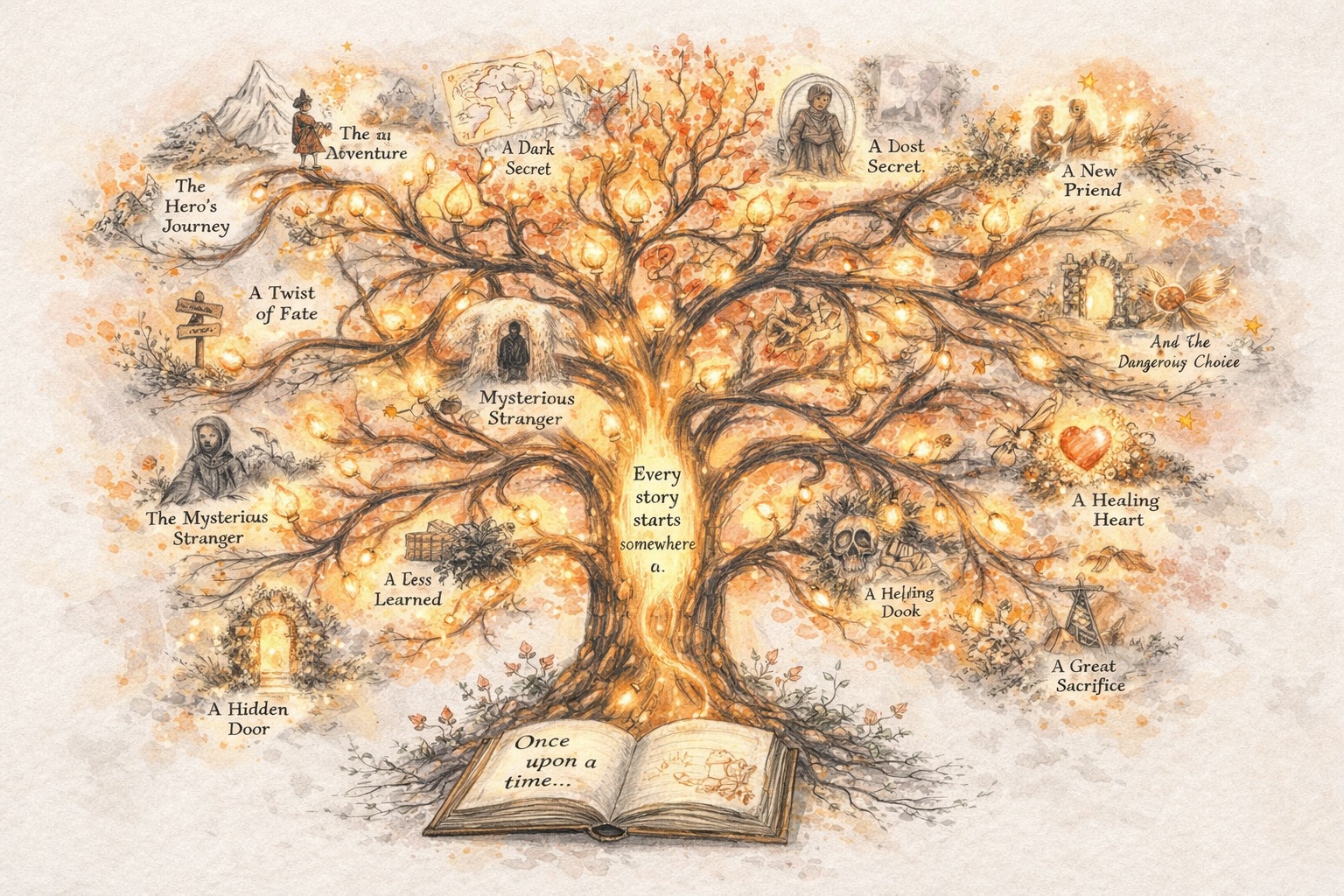
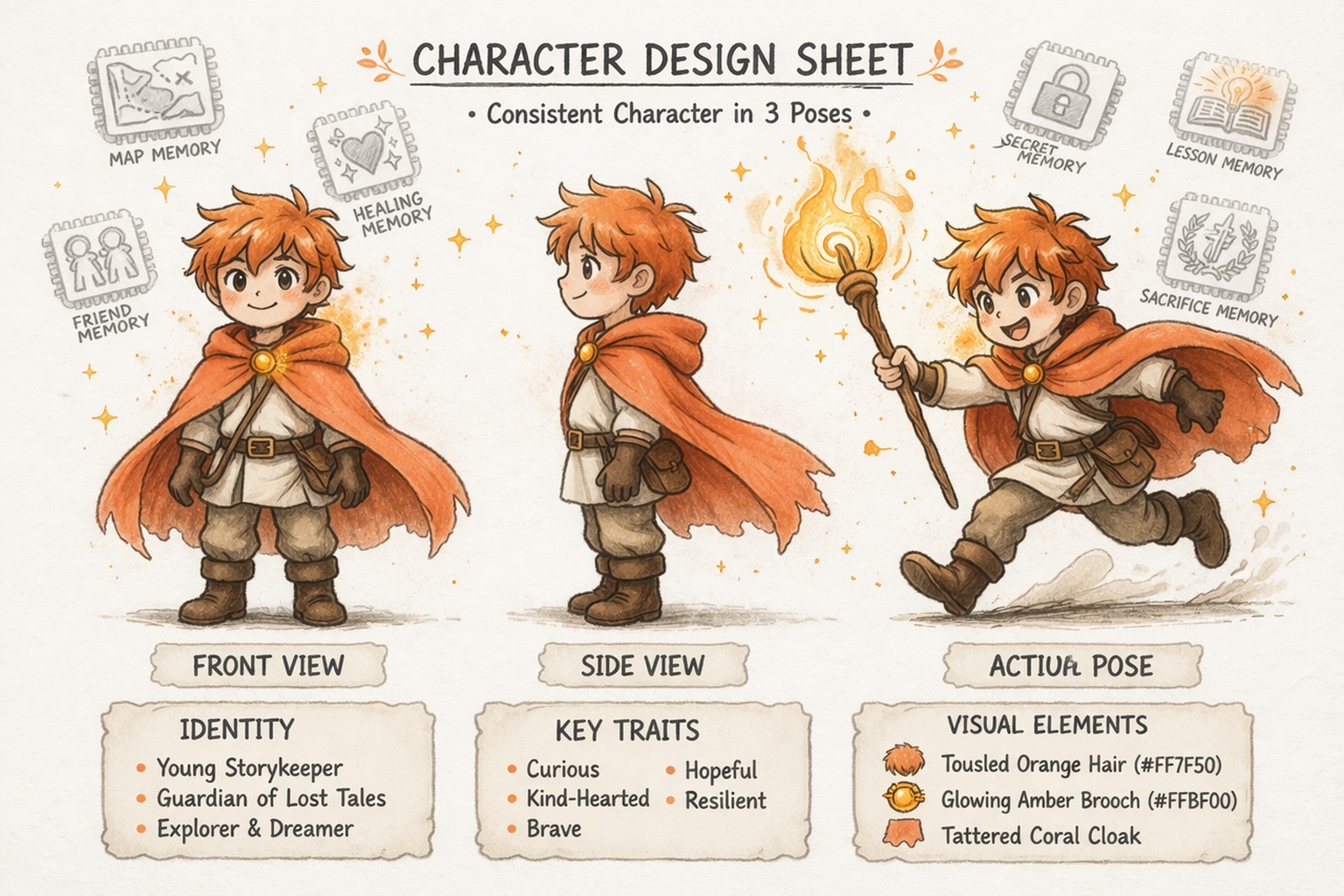
일관된 캐릭터 구축
단순한 프롬프트를 넘어 세계 개발
텍스트를 넘어
Story AI는 한 번의 결과물 이후 멈추지 않아야 합니다
전통적인 스토리 AI 도구는 한 번 생성하고 멈춥니다. Story321은 다르게 설계되었습니다. 스토리 AI를 지속적인 창작 과정으로 변환하여 각 단계가 앞선 단계를 발전시키게 합니다.
스토리로 시작
단일 아이디어로 시작하여 방향, 구조, 그리고 계속 발전할 만큼의 내용을 갖춘 스토리로 형성하세요.
재설정 없이 계속
매번 새로 시작하는 대신, 이미 존재하는 것을 기반으로 계속 구축하세요. 컨텍스트와 추진력을 유지하면서 당신의 스토리를 이어가세요.
잘 작동하는 것을 확장
잘 작동하는 스토리를 외부로 확장하세요. 스토리 라인, 층위, 캐릭터, 세계 디테일을 추가하면서 그것이 잘 작동하게 만든 핵심을 잃지 않으세요.
새로운 형식으로 변환
스토리에서 만화, 영상, 또는 인터랙티브 경험으로 이동하세요. Story321을 통해 창작은 단일 텍스트 결과물로 끝나는 대신 계속 발전합니다.
다양한 종류의 창작자를 위해 설계됨
당신의 시작점이 무엇이든, Story321은 당신이 발전하는 데 도움을 줍니다.
신규 창작자
부담 없이 시작하세요. Story321은 스토리 AI를 접근 가능하게 만들어, 구조나 경험에 대해 걱정하지 않고 창작할 수 있습니다.
콘텐츠 창작자
더 빠르게 이동하고 스토리 중심의 콘텐츠를 대규모로 생산하세요. Story321은 스토리 AI를 믿음직한 창작 엔진으로 변합니다.
세계 구축자
발전하는 캐릭터, 이야기, 시스템을 설계하세요. Story321은 당신이 장기 창작 프로젝트에 스토리 AI를 활용하는 데 도움을 줍니다.
Story321이 Story AI를 어떻게 변화시키는 이유
Story ai는 시스템의 일부일 때 더욱 강력해집니다. 그 시스템은 Story321입니다.
| Features | 대부분의 story ai 도구 | story321 |
|---|---|---|
창작 흐름 | 한 번 생성 | 지속적으로 구축 |
이야기 기억 | 컨텍스트를 잃음 | 이야기 일관성 유지 |
형식 확장 | 그곳에서 멈춤 | 형식을 가로질러 확장 |
story ai에 관한 자주 묻는 질문
story ai란 무엇이며, Story321은 어떻게 그것을 사용합니까?
story ai는 초기 아이디어로부터 스토리, 캐릭터, 세계를 창작하는 데 AI를 활용하는 것입니다. Story321은 story ai를 창작 시스템으로 사용하여, 대략적인 개념부터 구조화된 스토리로 이동하고 매번 다시 시작하는 대신 계속 구축할 수 있게 합니다.
story ai는 어떻게 내 스토리 작성 속도를 높여줍니까?
story ai는 빈 페이지를 넘어 느슨한 아이디어를 스토리 방향, 장면 초안, 캐릭터 기반으로 변환하여 도움을 줍니다. Story321을 통해 이미 잘 작동하는 것을 계속 정제하고 확장할 수 있으며, 이는 당신의 창작 통제력을 잃지 않고 글쓰기 과정을 빠르게 만듭니다.
story ai는 캐릭터와 세계를 일관되게 유지할 수 있습니까?
네, 하지만 플랫폼이 지속성을 위해 설계된 경우만 가능합니다. Story321은 story ai가 캐릭터, 스토리 라인, 세계 디테일을 가로질러 일관성을 유지하게 도와, 단절된 결과물을 생성하는 대신 시간이 지나면서 프로젝트를 발전시키게 합니다.
일반적인 story ai 도구 대신 Story321을 선택해야 하는 이유는 무엇입니까?
대부분의 story ai 도구는 한 번 응답을 생성하고 멈춥니다. Story321은 지속적인 창작을 위해 설계되었으며, 동일한 창작 방향, 캐릭터, 세계 논리를 유지하면서 스토리를 만화, 영상, 인터랙티브 경험으로 확장하는 데 도움을 줍니다.
Story321로 첫 번째 스토리 시작하기
당신은 경험이 필요하지 않습니다. 당신은 완벽한 아이디어가 필요하지 않습니다. 당신은 단지 시작해야 합니다. story ai가 당신에게 시작을 제공할 것입니다. story321은 이후에 이어지는 모든 것을 구축하는 데 도움을 줄 것입니다.